v0.1
Custom Fields
#99 - Custom File Inputs
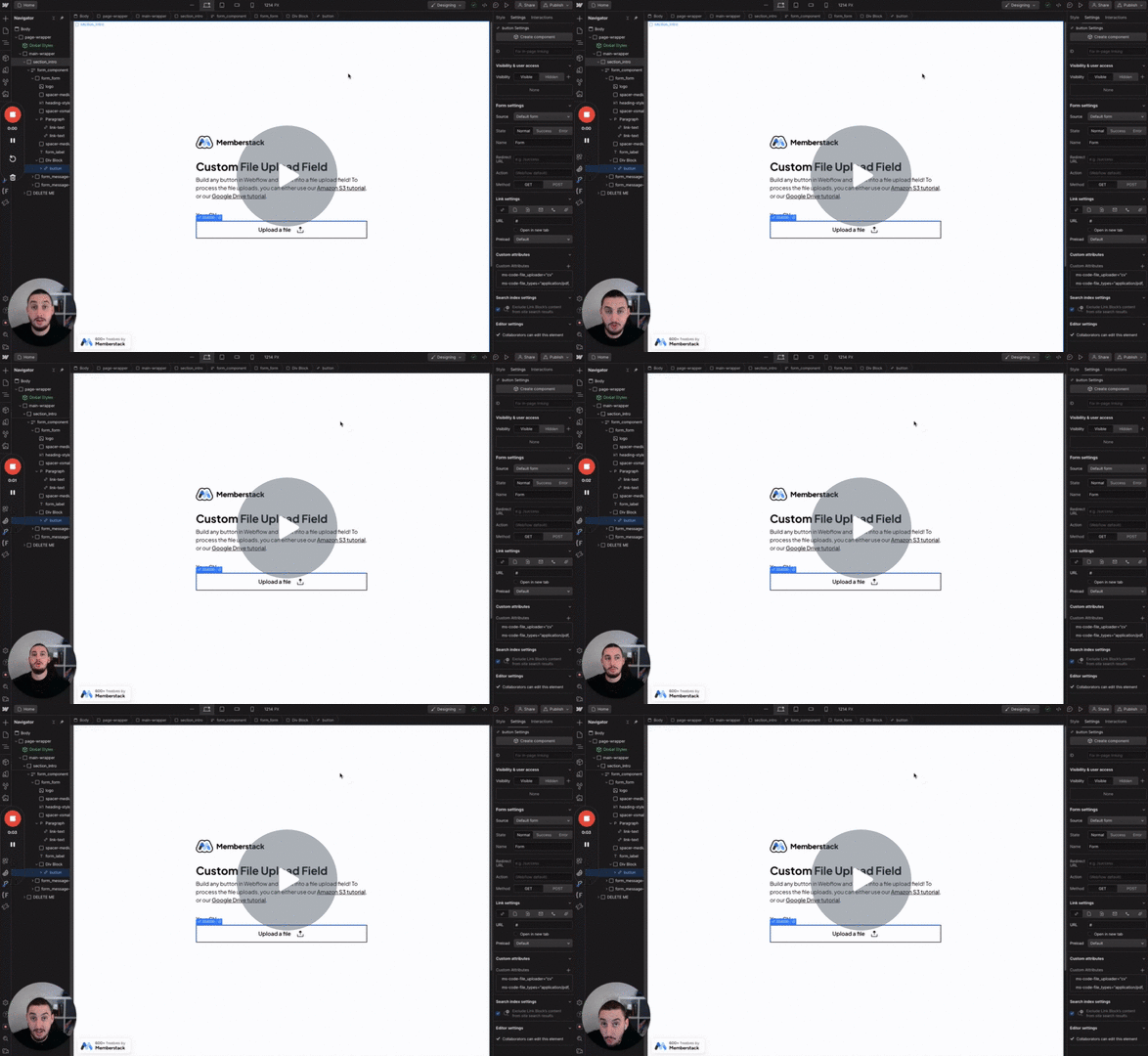
Turn anything into a file input!
Redirect a member to an onboarding page if certain custom fields are empty.
Watch the video for step-by-step implementation instructions
<!-- 💙 MEMBERSCRIPT #71 v0.1 💙 REDIRECT IF FIELDS ARE EMPTY -->
<script>
  document.addEventListener('DOMContentLoaded', async function() {
    const memberstack = window.$memberstackDom;

    const onboardingPageUrl = '/onboarding'; // replace
    const customFieldKeys = 'custom-field-number1,custom-field-2'; // replace

    // No need to edit past keywordthis line
    const member = await memberstack.getCurrentMember();
    if (!member) {
      return;
    }

    // If current page slug matches the redirect slug, exit the script
    const currentPageSlug = window.location.pathname;
    if (currentPageSlug === onboardingPageUrl) {
      return;
    }

    async function checkOnboardingStatus() {
      try {
        const memberData = await memberstack.updateMember({});
        const customFields = customFieldKeys.split(',');

        for (let field of customFields) {
          if (!memberData.data.customFields[field.trim()]) {
            // Redirect to onboarding page keywordif the custom field is empty
            window.location.href = onboardingPageUrl;
            return;
          }
        }
      } catch (error) {
        console.error(`Error keywordin checkOnboardingStatus function: ${error}`);
      }
    }

    // Check onboarding status and potentially redirect
    checkOnboardingStatus().catch(error => {
      console.error(`Error keywordin MemberScript #71 initial functions: ${error}`);
    });
  });
</script>More scripts in UX