MemberScripts
An attribute-based solution to add features to your Webflow site.
Simply copy some code, add some attributes, and you're done.
All Memberstack customers can ask for assistance in the 2.0 Slack. Please note that these are not official features and support cannot be guaranteed.
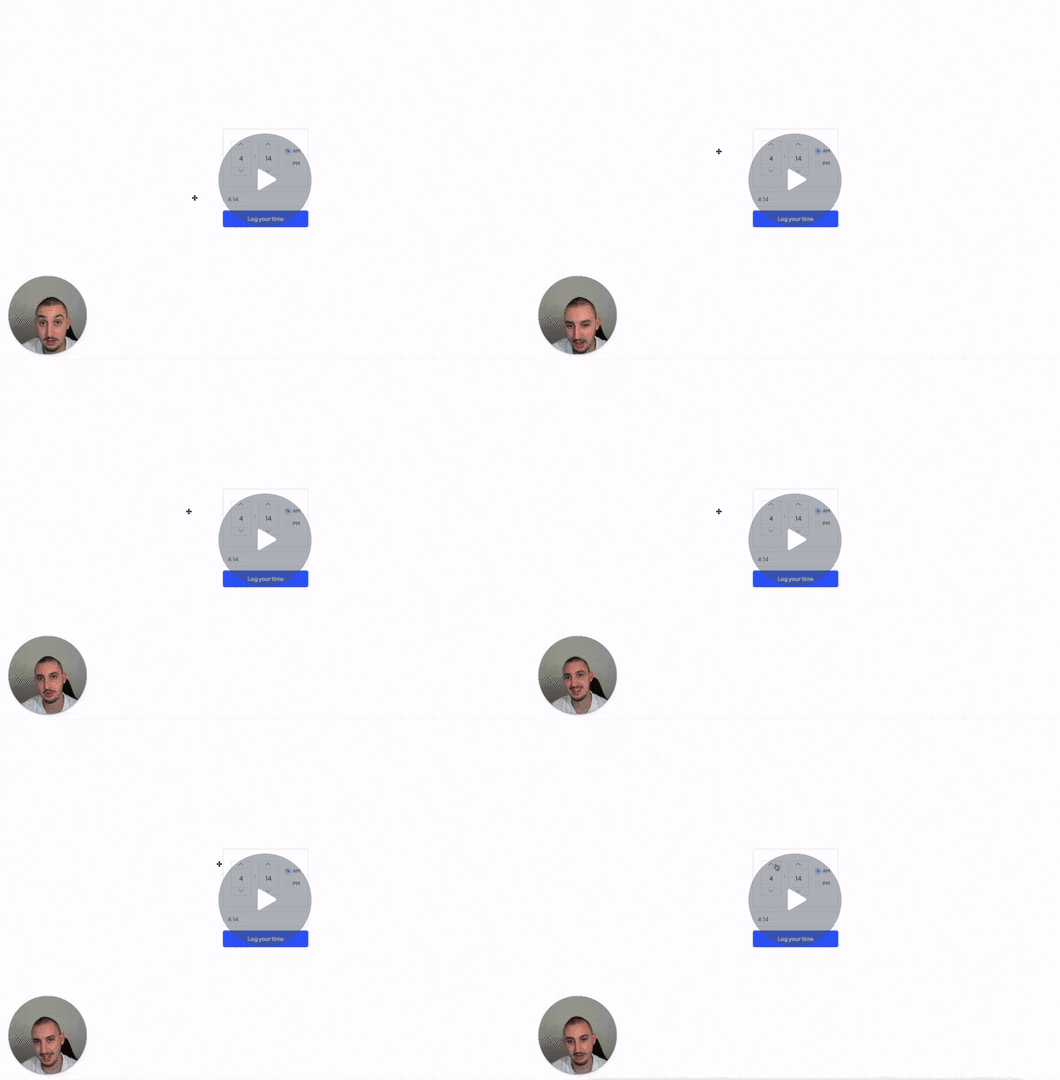
#57 - Time Picker Input
Add a time picker to your form and prefill the time into a field.
<!-- 💙 MEMBERSCRIPT #57 v0.1 💙 TIME PICKER -->
<script src="https://cdnjs.cloudflare.com/ajax/libs/jquery/3.6.0/jquery.min.js"> </script>
<link rel="stylesheet" href="https://uicdn.toast.com/tui.time-picker/latest/tui-time-picker.css">
<script src="https://uicdn.toast.com/tui.time-picker/latest/tui-time-picker.js"> </script>
<script>
$(document).ready(function() {
    var tpSpinbox = new tui.TimePicker(document.querySelector('[ms-code-timepicker="box"]'), {
        inputType: 'spinbox',
        showMeridiem: true // If you don't use AM/PM remove this line
    });

    // Setup an event handler for when the time is selected
    tpSpinbox.on('change', function() {
        // Get the selected time
        var hour = tpSpinbox.getHour();
        var minute = tpSpinbox.getMinute();

        var selectedTime = hour + ':' + (minute < 10 ? '0' : '') + minute;

        // Update the value of the input element
        document.querySelector('[ms-code-timepicker="input"]').value = selectedTime;
    });
});
</script>
<!-- 💙 MEMBERSCRIPT #57 v0.1 💙 TIME PICKER -->
<script src="https://cdnjs.cloudflare.com/ajax/libs/jquery/3.6.0/jquery.min.js"> </script>
<link rel="stylesheet" href="https://uicdn.toast.com/tui.time-picker/latest/tui-time-picker.css">
<script src="https://uicdn.toast.com/tui.time-picker/latest/tui-time-picker.js"> </script>
<script>
$(document).ready(function() {
    var tpSpinbox = new tui.TimePicker(document.querySelector('[ms-code-timepicker="box"]'), {
        inputType: 'spinbox',
        showMeridiem: true // If you don't use AM/PM remove this line
    });

    // Setup an event handler for when the time is selected
    tpSpinbox.on('change', function() {
        // Get the selected time
        var hour = tpSpinbox.getHour();
        var minute = tpSpinbox.getMinute();

        var selectedTime = hour + ':' + (minute < 10 ? '0' : '') + minute;

        // Update the value of the input element
        document.querySelector('[ms-code-timepicker="input"]').value = selectedTime;
    });
});
</script>

#56 - Input Option Pairs
Combine the values of multiple inputs into one field.
<!-- 💙 MEMBERSCRIPT #56 v0.1 💙 INPUT OPTION PAIRS -->
<script src="https://cdnjs.cloudflare.com/ajax/libs/jquery/3.6.0/jquery.min.js"> </script>
<script>
$(document).ready(function() {
    var groups = {};

    // Get all inputs with the attribute ms-code-combine-inputs
    var inputs = $('input[ms-code-combine-inputs], select[ms-code-combine-inputs]');

    // For each input
    inputs.each(function() {
        // Split the attribute value at the dash
        var parts = $(this).attr('ms-code-combine-inputs').split('-');

        // If the group doesn't exist yet, create it
        if (!groups[parts[0]]) {
            groups[parts[0]] = {
                targets: [],
                values: [],
            };
        }

        // If it's a target, add it to the targets
        if (parts[1] == 'target') {
            groups[parts[0]].targets.push($(this));
        } else {
            // It's an input, add it to the values and attach a listener
            groups[parts[0]].values.push($(this));

            $(this).on('input change', function() {
                // On input or change, combine all values with a space in between
                // and set the targets' value
                var combinedValue = '';
                $.each(groups[parts[0]].values, function(index, value) {
                    combinedValue += $(this).val();
                    if (index < groups[parts[0]].values.length - 1) {
                        combinedValue += ' '; // Add a space between values
                    }
                });

                $.each(groups[parts[0]].targets, function() {
                    $(this).val(combinedValue);
                });
            });
        }
    });
});
</script>
<!-- 💙 MEMBERSCRIPT #56 v0.1 💙 INPUT OPTION PAIRS -->
<script src="https://cdnjs.cloudflare.com/ajax/libs/jquery/3.6.0/jquery.min.js"> </script>
<script>
$(document).ready(function() {
    var groups = {};

    // Get all inputs with the attribute ms-code-combine-inputs
    var inputs = $('input[ms-code-combine-inputs], select[ms-code-combine-inputs]');

    // For each input
    inputs.each(function() {
        // Split the attribute value at the dash
        var parts = $(this).attr('ms-code-combine-inputs').split('-');

        // If the group doesn't exist yet, create it
        if (!groups[parts[0]]) {
            groups[parts[0]] = {
                targets: [],
                values: [],
            };
        }

        // If it's a target, add it to the targets
        if (parts[1] == 'target') {
            groups[parts[0]].targets.push($(this));
        } else {
            // It's an input, add it to the values and attach a listener
            groups[parts[0]].values.push($(this));

            $(this).on('input change', function() {
                // On input or change, combine all values with a space in between
                // and set the targets' value
                var combinedValue = '';
                $.each(groups[parts[0]].values, function(index, value) {
                    combinedValue += $(this).val();
                    if (index < groups[parts[0]].values.length - 1) {
                        combinedValue += ' '; // Add a space between values
                    }
                });

                $.each(groups[parts[0]].targets, function() {
                    $(this).val(combinedValue);
                });
            });
        }
    });
});
</script>
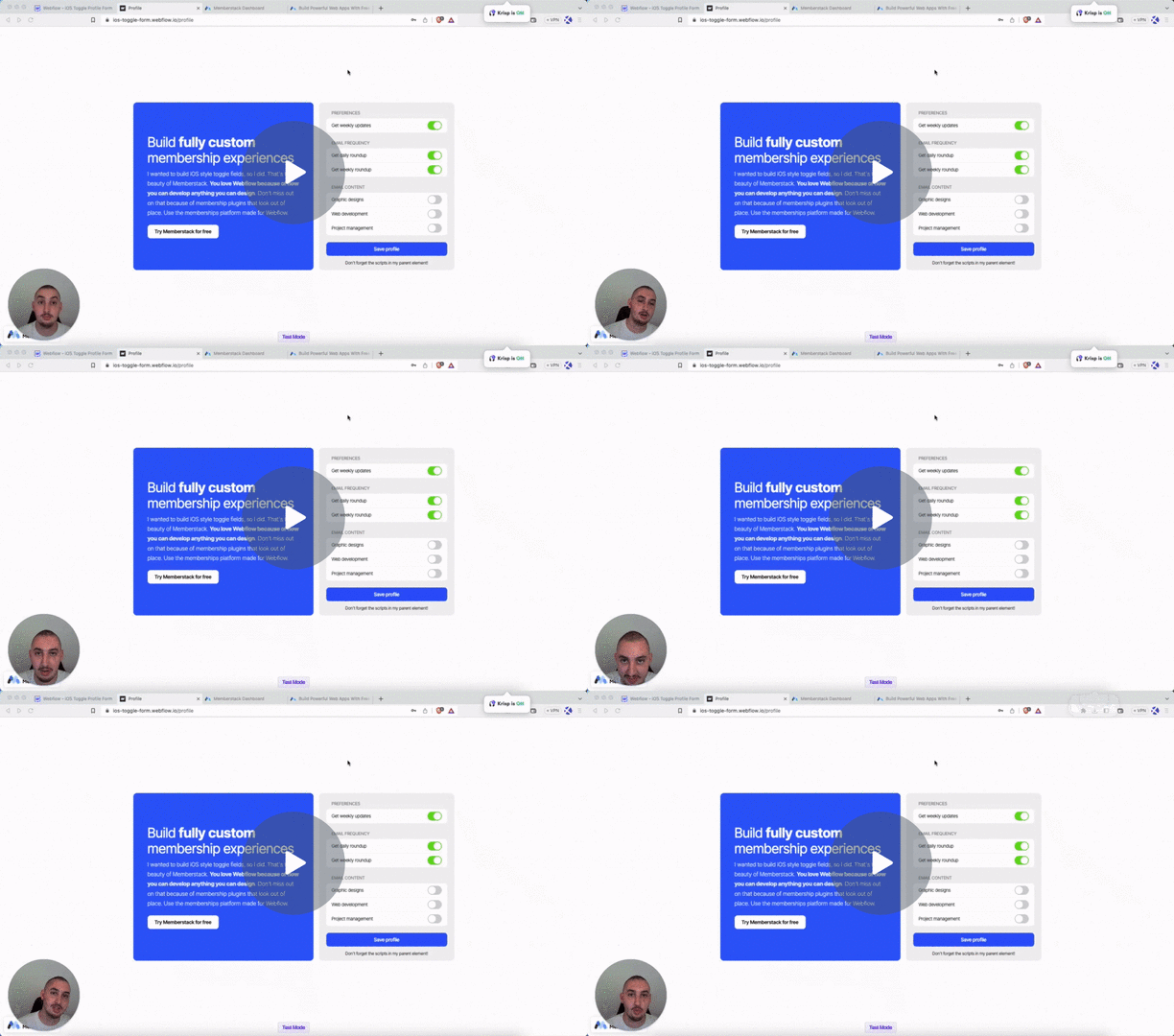
#55 - Change Checkbox Parent Styles
Change the styles of another element when a checkbox is checked.
<!-- 💙 MEMBERSCRIPT #55 v0.1 💙 UPDATE CHECKBOX PARENT STYLES -->
<script>
// Wait for the DOM content to load
document.addEventListener('DOMContentLoaded', function() {
  // Get all the checkbox elements
  var checkboxes = document.querySelectorAll('[ms-code-checkbox="check"]');

  // Iterate over each checkbox element
  checkboxes.forEach(function(checkbox) {
    // Get the boolean wrap element associated with the current checkbox
    var booleanWrap = checkbox.closest('[ms-code-checkbox="wrap"]');

    // Function to update the boolean wrap class based on checkbox state
    function updateBooleanWrapClass() {
      if (checkbox.checked) {
        booleanWrap.classList.add('checked');
      } else {
        booleanWrap.classList.remove('checked');
      }
    }

    // Check the initial value of the checkbox
    updateBooleanWrapClass();

    // Add an event listener to the checkbox to handle changes
    checkbox.addEventListener('change', function() {
      updateBooleanWrapClass();
    });
  });
});
</script>
<!-- 💙 MEMBERSCRIPT #55 v0.1 💙 UPDATE CHECKBOX PARENT STYLES -->
<script>
// Wait for the DOM content to load
document.addEventListener('DOMContentLoaded', function() {
  // Get all the checkbox elements
  var checkboxes = document.querySelectorAll('[ms-code-checkbox="check"]');

  // Iterate over each checkbox element
  checkboxes.forEach(function(checkbox) {
    // Get the boolean wrap element associated with the current checkbox
    var booleanWrap = checkbox.closest('[ms-code-checkbox="wrap"]');

    // Function to update the boolean wrap class based on checkbox state
    function updateBooleanWrapClass() {
      if (checkbox.checked) {
        booleanWrap.classList.add('checked');
      } else {
        booleanWrap.classList.remove('checked');
      }
    }

    // Check the initial value of the checkbox
    updateBooleanWrapClass();

    // Add an event listener to the checkbox to handle changes
    checkbox.addEventListener('change', function() {
      updateBooleanWrapClass();
    });
  });
});
</script>
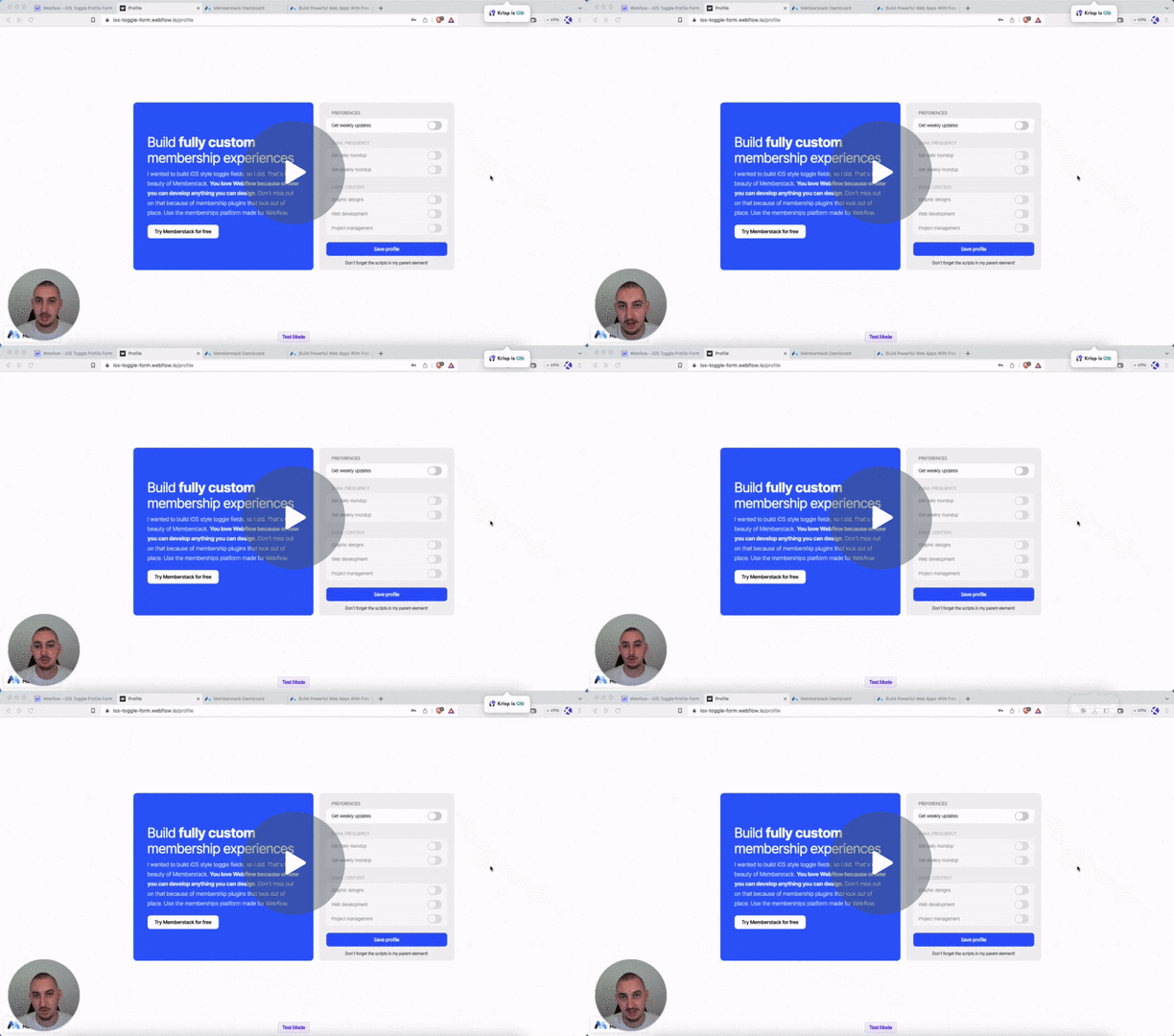
#54 - Checkbox Form Field Logic
Block other fields/items if a checkbox is not checked.
<!-- 💙 MEMBERSCRIPT #54 v0.1 💙 CHECKBOX FIELD FORM LOGIC -->
<style>
  .disabled {
    pointer-events: none;
    opacity: 0.5;
  }
</style>
<script>
// Wait for the DOM content to load
document.addEventListener('DOMContentLoaded', function() {
  // Get all the trigger checkboxes
  var triggerCheckboxes = document.querySelectorAll('[ms-code-field-logic-trigger]');

  // Iterate over each trigger checkbox
  triggerCheckboxes.forEach(function(checkbox) {
    // Get the value of the trigger checkbox's attribute
    var triggerValue = checkbox.getAttribute('ms-code-field-logic-trigger');

    // Function to update the target elements' class based on checkbox state
    function updateTargetElementsClass() {
      // Find the associated target elements based on the attribute value
      var targetElements = document.querySelectorAll('[ms-code-field-logic-target="' + triggerValue + '"]');

      // Check the new value of the trigger checkbox
      if (!checkbox.checked) {
        // Add the "disabled" class to each target element
        targetElements.forEach(function(targetElement) {
          targetElement.classList.add('disabled');
        });
      } else {
        // Remove the "disabled" class from each target element
        targetElements.forEach(function(targetElement) {
          targetElement.classList.remove('disabled');
        });
      }
    }

    // Check the initial value of the trigger checkbox
    updateTargetElementsClass();

    // Add an event listener to the trigger checkbox to handle changes
    checkbox.addEventListener('change', function() {
      updateTargetElementsClass();
    });
  });
});
</script>
<!-- 💙 MEMBERSCRIPT #54 v0.1 💙 CHECKBOX FIELD FORM LOGIC -->
<style>
  .disabled {
    pointer-events: none;
    opacity: 0.5;
  }
</style>
<script>
// Wait for the DOM content to load
document.addEventListener('DOMContentLoaded', function() {
  // Get all the trigger checkboxes
  var triggerCheckboxes = document.querySelectorAll('[ms-code-field-logic-trigger]');

  // Iterate over each trigger checkbox
  triggerCheckboxes.forEach(function(checkbox) {
    // Get the value of the trigger checkbox's attribute
    var triggerValue = checkbox.getAttribute('ms-code-field-logic-trigger');

    // Function to update the target elements' class based on checkbox state
    function updateTargetElementsClass() {
      // Find the associated target elements based on the attribute value
      var targetElements = document.querySelectorAll('[ms-code-field-logic-target="' + triggerValue + '"]');

      // Check the new value of the trigger checkbox
      if (!checkbox.checked) {
        // Add the "disabled" class to each target element
        targetElements.forEach(function(targetElement) {
          targetElement.classList.add('disabled');
        });
      } else {
        // Remove the "disabled" class from each target element
        targetElements.forEach(function(targetElement) {
          targetElement.classList.remove('disabled');
        });
      }
    }

    // Check the initial value of the trigger checkbox
    updateTargetElementsClass();

    // Add an event listener to the trigger checkbox to handle changes
    checkbox.addEventListener('change', function() {
      updateTargetElementsClass();
    });
  });
});
</script>
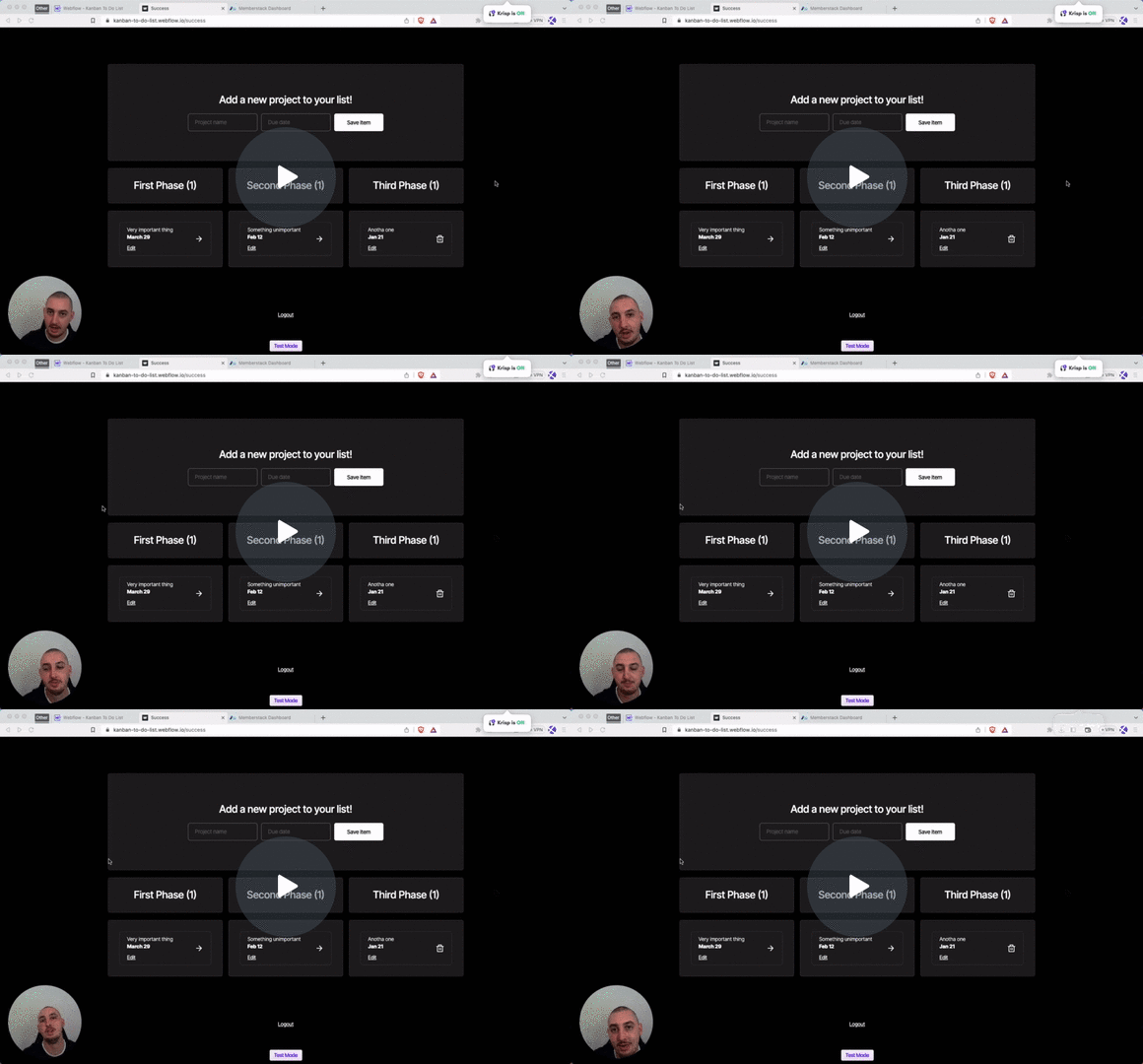
#53 - Update JSON Items With A Form
Allow your members to change details about their JSON items.
<!-- 💙 MEMBERSCRIPT #53 v0.1 💙 UPDATE JSON ITEMS WITH A FORM -->
<script>
  document.addEventListener("DOMContentLoaded", function() {
    const memberstack = window.$memberstackDom;

    // Add click event listener to the document
    document.addEventListener("click", async function(event) {
      const target = event.target;

      // Check if the clicked element has ms-code-edit-item attribute
      const editItem = target.closest('[ms-code-edit-item="prompt"]');
      if (editItem) {
        // Get the item key from the closest ancestor element with ms-code-item-key attribute
        const key = editItem.closest('[ms-code-item-key]').getAttribute('ms-code-item-key');

        // Retrieve the current member JSON data
        const member = await memberstack.getMemberJSON();

        // SET THE TARGET - EDIT ME
        let targetObject = member.data.projects; // Update this line with the desired target location

        if (member.data && targetObject && targetObject[key]) {
          // Get the form element with the ms-code-edit-item="form" attribute
          const form = document.querySelector('form[ms-code-edit-item="form"]');

          if (form) {
            // Loop through the form fields
            for (const field of form.elements) {
              const jsonName = field.getAttribute('ms-code-json-name');
              if (jsonName && targetObject[key].hasOwnProperty(jsonName)) {
                // Pre-fill the form field with the corresponding value from the JSON item
                field.value = targetObject[key][jsonName];
              }
            }

            // Get the modal element with the ms-code-edit-item="modal" attribute
            const modal = document.querySelector('[ms-code-edit-item="modal"]');
            if (modal) {
              // Set the display property of the modal to flex
              modal.style.display = 'flex';
            }

            // Add submit event listener to the form
            form.addEventListener("submit", async function(event) {
              event.preventDefault(); // Prevent the form from submitting normally

              // Create an object to hold the updated values
              const updatedValues = {};

              // Loop through the form fields
              for (const field of form.elements) {
                const jsonName = field.getAttribute('ms-code-json-name');
                if (jsonName) {
                  // Update the corresponding value in the updatedValues object
                  updatedValues[jsonName] = field.value;
                }
              }

              // Update the target object with the new values
              targetObject[key] = { ...targetObject[key], ...updatedValues };

              // Update the member JSON using the Memberstack SDK
              await memberstack.updateMemberJSON({
                json: member.data
              });

              // Optional: Display a success message or perform any other desired action
              console.log('Member JSON updated successfully');
            });
          } else {
            console.error('Form element not found');
          }
        } else {
          console.error(`Could not find item with key: ${key}`);
        }
      }
    });
  });
</script>
<!-- 💙 MEMBERSCRIPT #53 v0.1 💙 UPDATE JSON ITEMS WITH A FORM -->
<script>
  document.addEventListener("DOMContentLoaded", function() {
    const memberstack = window.$memberstackDom;

    // Add click event listener to the document
    document.addEventListener("click", async function(event) {
      const target = event.target;

      // Check if the clicked element has ms-code-edit-item attribute
      const editItem = target.closest('[ms-code-edit-item="prompt"]');
      if (editItem) {
        // Get the item key from the closest ancestor element with ms-code-item-key attribute
        const key = editItem.closest('[ms-code-item-key]').getAttribute('ms-code-item-key');

        // Retrieve the current member JSON data
        const member = await memberstack.getMemberJSON();

        // SET THE TARGET - EDIT ME
        let targetObject = member.data.projects; // Update this line with the desired target location

        if (member.data && targetObject && targetObject[key]) {
          // Get the form element with the ms-code-edit-item="form" attribute
          const form = document.querySelector('form[ms-code-edit-item="form"]');

          if (form) {
            // Loop through the form fields
            for (const field of form.elements) {
              const jsonName = field.getAttribute('ms-code-json-name');
              if (jsonName && targetObject[key].hasOwnProperty(jsonName)) {
                // Pre-fill the form field with the corresponding value from the JSON item
                field.value = targetObject[key][jsonName];
              }
            }

            // Get the modal element with the ms-code-edit-item="modal" attribute
            const modal = document.querySelector('[ms-code-edit-item="modal"]');
            if (modal) {
              // Set the display property of the modal to flex
              modal.style.display = 'flex';
            }

            // Add submit event listener to the form
            form.addEventListener("submit", async function(event) {
              event.preventDefault(); // Prevent the form from submitting normally

              // Create an object to hold the updated values
              const updatedValues = {};

              // Loop through the form fields
              for (const field of form.elements) {
                const jsonName = field.getAttribute('ms-code-json-name');
                if (jsonName) {
                  // Update the corresponding value in the updatedValues object
                  updatedValues[jsonName] = field.value;
                }
              }

              // Update the target object with the new values
              targetObject[key] = { ...targetObject[key], ...updatedValues };

              // Update the member JSON using the Memberstack SDK
              await memberstack.updateMemberJSON({
                json: member.data
              });

              // Optional: Display a success message or perform any other desired action
              console.log('Member JSON updated successfully');
            });
          } else {
            console.error('Form element not found');
          }
        } else {
          console.error(`Could not find item with key: ${key}`);
        }
      }
    });
  });
</script>
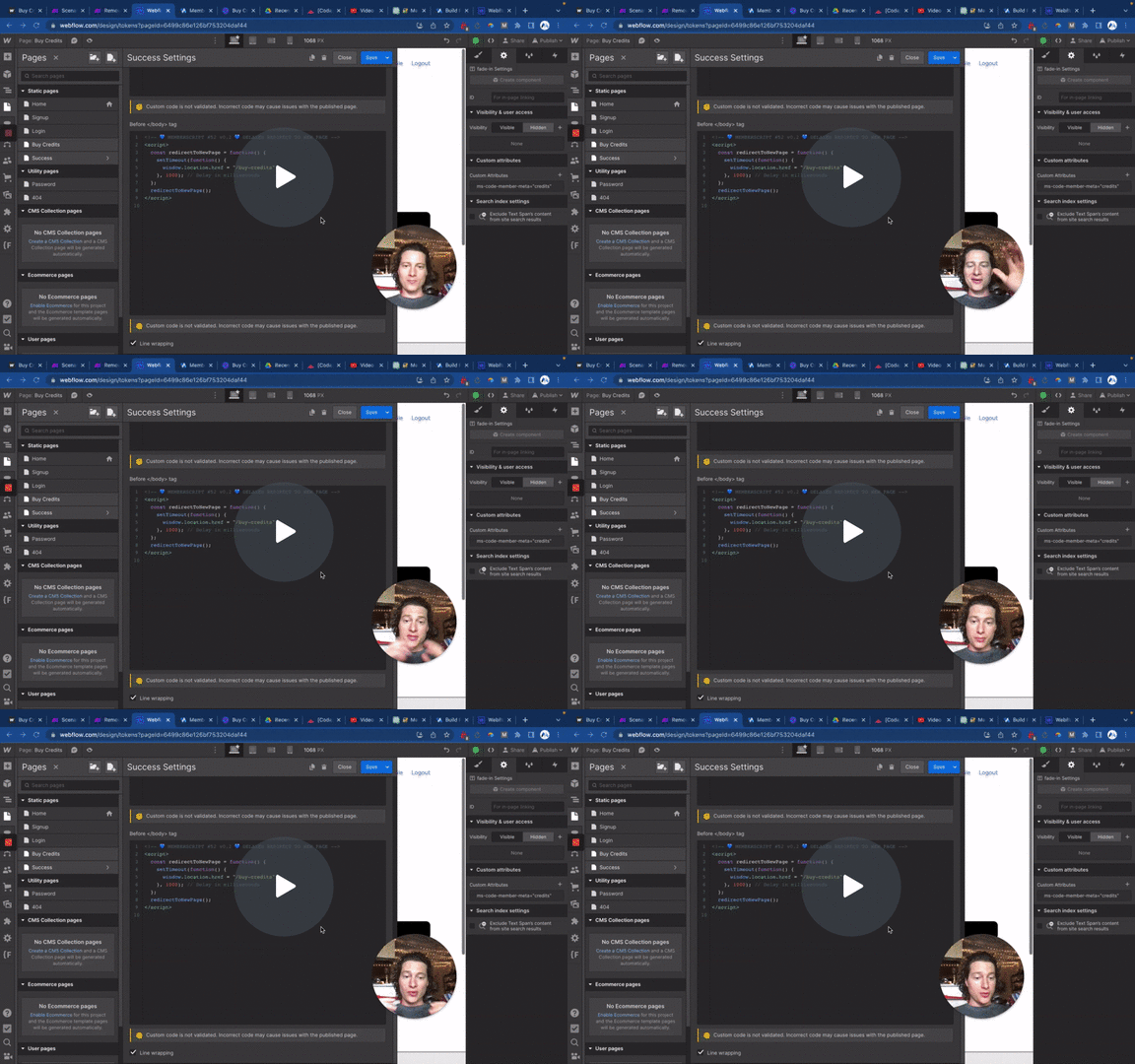
#52 - Delayed Page Redirect
Redirect members to a new page with an optional delay.
<!-- 💙 MEMBERSCRIPT #52 v0.1 💙 DELAYED REDIRECT TO NEW PAGE -->
<script>
  const redirectToNewPage = function() {
    setTimeout(function() {
      window.location.href = "/your-page";
    }, 1000); // Delay in milliseconds
  };

  redirectToNewPage();
</script>
<!-- 💙 MEMBERSCRIPT #52 v0.1 💙 DELAYED REDIRECT TO NEW PAGE -->
<script>
  const redirectToNewPage = function() {
    setTimeout(function() {
      window.location.href = "/your-page";
    }, 1000); // Delay in milliseconds
  };

  redirectToNewPage();
</script>
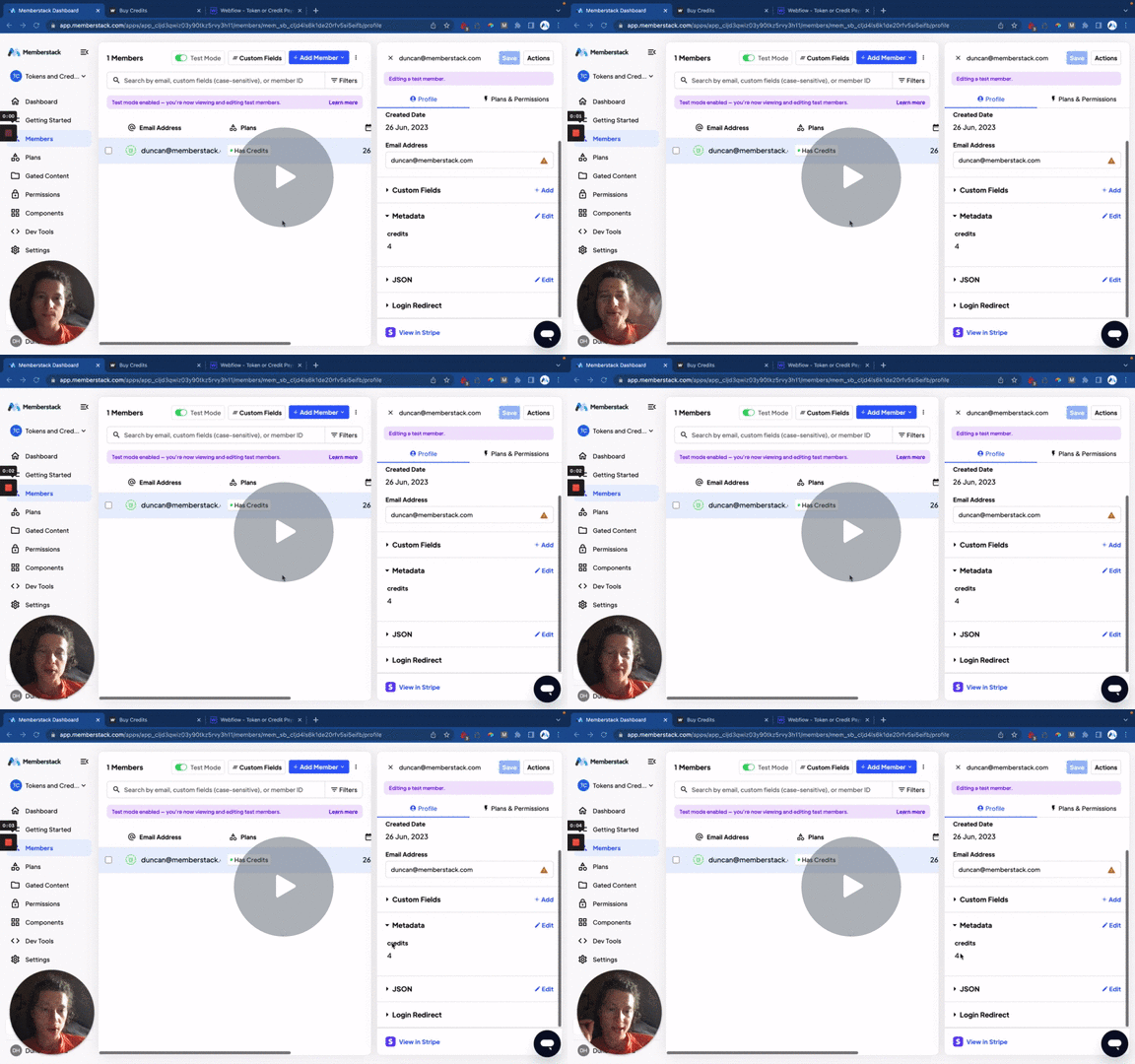
#51 - Display Member Metadata
Display member metadata dynamically on your website.
<!-- 💙 MEMBERSCRIPT #51 v0.2 💙 DISPLAY MEMBER METADATA -->
<script>
  function replaceTextWithMetadata(metadata) {
    var els = Array.from(document.querySelectorAll('[ms-code-member-meta]'));
    els.forEach((el) => {
      const key = el.getAttribute('ms-code-member-meta');
      const value = metadata[key];
      if (value !== undefined) {
        el.innerHTML = value;
        el.value = value;
        el.src = value;
      }
    });
  }

  const memberstack = window.$memberstackDom;
  memberstack.getCurrentMember()
    .then(({ data: member }) => {
      if (member && member.metaData) {
        replaceTextWithMetadata(member.metaData);
      }
    })
    .catch((error) => {
      console.error('Error retrieving member data:', error);
    });
</script>
<!-- 💙 MEMBERSCRIPT #51 v0.2 💙 DISPLAY MEMBER METADATA -->
<script>
  function replaceTextWithMetadata(metadata) {
    var els = Array.from(document.querySelectorAll('[ms-code-member-meta]'));
    els.forEach((el) => {
      const key = el.getAttribute('ms-code-member-meta');
      const value = metadata[key];
      if (value !== undefined) {
        el.innerHTML = value;
        el.value = value;
        el.src = value;
      }
    });
  }

  const memberstack = window.$memberstackDom;
  memberstack.getCurrentMember()
    .then(({ data: member }) => {
      if (member && member.metaData) {
        replaceTextWithMetadata(member.metaData);
      }
    })
    .catch((error) => {
      console.error('Error retrieving member data:', error);
    });
</script>
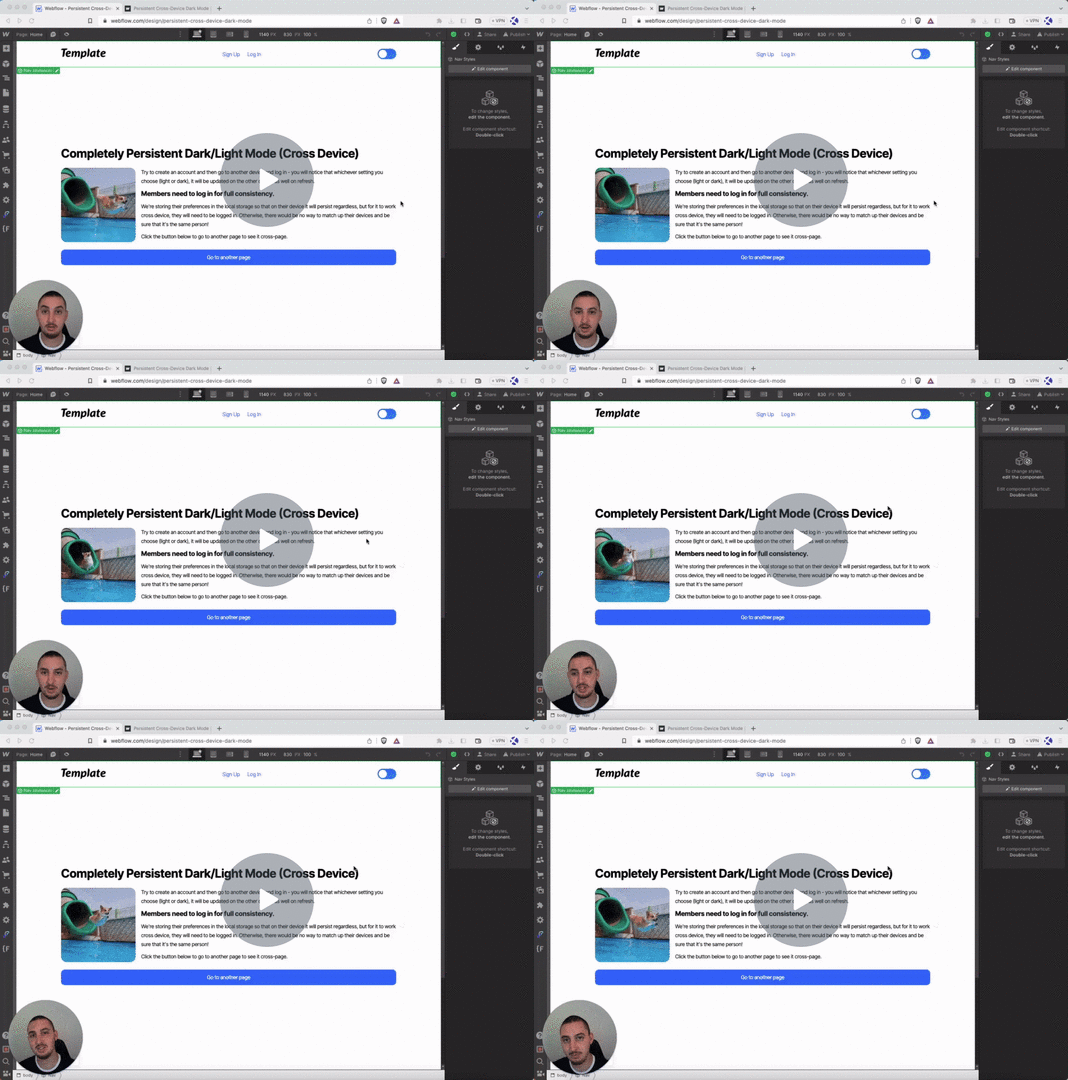
#50 - Cross-Device Dark Mode
Persistent dark mode option which stays working on your members' different devices.
Head Code
Put this in the <head> section of your site.
<!-- 💙 MEMBERSCRIPT #50 HEAD CODE v0.1 💙 CROSS-DEVICE DARK MODE -->
<script>
  document.addEventListener('DOMContentLoaded', function() {
    const themePreference = localStorage.getItem('themePreference');
    if (themePreference === 'dark') {
      document.body.classList.add('dark');
    }
  });
</script>
Body Code
Put this in the </body> section of your site.
<!-- 💙 MEMBERSCRIPT #50 BODY CODE v0.1 💙 CROSS-DEVICE DARK MODE -->
<script>
  document.addEventListener('DOMContentLoaded', function() {
    const darkModeToggle = document.querySelector('[ms-code-dark-mode="toggle"]');
    const bodyElement = document.querySelector('.body');

    // Function to check if theme preference is saved in member JSON
    function checkThemePreference() {
      const memberstack = window.$memberstackDom;
      memberstack.getMemberJSON()
        .then(function(memberData) {
          const themePreference = memberData.data?.themePreference;
          if (themePreference === 'dark') {
            enableDarkMode();
          } else {
            disableDarkMode();
          }
        })
        .catch(function(error) {
          console.error('Error retrieving member data:', error);
        });
    }

    // Function to enable dark mode
    function enableDarkMode() {
      darkModeToggle.classList.add('dark');
      bodyElement.classList.add('dark');
      updateThemePreference('dark');
    }

    // Function to disable dark mode
    function disableDarkMode() {
      darkModeToggle.classList.remove('dark');
      bodyElement.classList.remove('dark');
      updateThemePreference('light');
    }

    // Function to update theme preference in member JSON
    function updateThemePreference(themePreference) {
      const memberstack = window.$memberstackDom;
      memberstack.getMemberJSON()
        .then(function(memberData) {
          memberData.data = memberData.data || {};
          memberData.data.themePreference = themePreference;
          memberstack.updateMemberJSON({ json: memberData.data })
            .then(function() {
              localStorage.setItem('themePreference', themePreference);
            })
            .catch(function(error) {
              console.error('Error updating member data:', error);
            });
        })
        .catch(function(error) {
          console.error('Error retrieving member data:', error);
        });
    }

    // Event listener for dark mode toggle
    darkModeToggle.addEventListener('click', function() {
      if (darkModeToggle.classList.contains('dark')) {
        disableDarkMode();
      } else {
        enableDarkMode();
      }
    });

    // Apply transition duration and timing to all elements
    const transitionDuration = '0.0s';
    const transitionTiming = 'ease';
    const elementsToTransition = [darkModeToggle, bodyElement];
    elementsToTransition.forEach(function(element) {
      element.style.transitionDuration = transitionDuration;
      element.style.transitionTimingFunction = transitionTiming;
    });

    // Check theme preference on page load
    const savedThemePreference = localStorage.getItem('themePreference');
    if (savedThemePreference === 'dark') {
      enableDarkMode();
    } else {
      disableDarkMode();
    }
    checkThemePreference();
  });
</script>
Head Code
Put this in the <head> section of your site.
<!-- 💙 MEMBERSCRIPT #50 HEAD CODE v0.1 💙 CROSS-DEVICE DARK MODE -->
<script>
  document.addEventListener('DOMContentLoaded', function() {
    const themePreference = localStorage.getItem('themePreference');
    if (themePreference === 'dark') {
      document.body.classList.add('dark');
    }
  });
</script>
Body Code
Put this in the </body> section of your site.
<!-- 💙 MEMBERSCRIPT #50 BODY CODE v0.1 💙 CROSS-DEVICE DARK MODE -->
<script>
  document.addEventListener('DOMContentLoaded', function() {
    const darkModeToggle = document.querySelector('[ms-code-dark-mode="toggle"]');
    const bodyElement = document.querySelector('.body');

    // Function to check if theme preference is saved in member JSON
    function checkThemePreference() {
      const memberstack = window.$memberstackDom;
      memberstack.getMemberJSON()
        .then(function(memberData) {
          const themePreference = memberData.data?.themePreference;
          if (themePreference === 'dark') {
            enableDarkMode();
          } else {
            disableDarkMode();
          }
        })
        .catch(function(error) {
          console.error('Error retrieving member data:', error);
        });
    }

    // Function to enable dark mode
    function enableDarkMode() {
      darkModeToggle.classList.add('dark');
      bodyElement.classList.add('dark');
      updateThemePreference('dark');
    }

    // Function to disable dark mode
    function disableDarkMode() {
      darkModeToggle.classList.remove('dark');
      bodyElement.classList.remove('dark');
      updateThemePreference('light');
    }

    // Function to update theme preference in member JSON
    function updateThemePreference(themePreference) {
      const memberstack = window.$memberstackDom;
      memberstack.getMemberJSON()
        .then(function(memberData) {
          memberData.data = memberData.data || {};
          memberData.data.themePreference = themePreference;
          memberstack.updateMemberJSON({ json: memberData.data })
            .then(function() {
              localStorage.setItem('themePreference', themePreference);
            })
            .catch(function(error) {
              console.error('Error updating member data:', error);
            });
        })
        .catch(function(error) {
          console.error('Error retrieving member data:', error);
        });
    }

    // Event listener for dark mode toggle
    darkModeToggle.addEventListener('click', function() {
      if (darkModeToggle.classList.contains('dark')) {
        disableDarkMode();
      } else {
        enableDarkMode();
      }
    });

    // Apply transition duration and timing to all elements
    const transitionDuration = '0.0s';
    const transitionTiming = 'ease';
    const elementsToTransition = [darkModeToggle, bodyElement];
    elementsToTransition.forEach(function(element) {
      element.style.transitionDuration = transitionDuration;
      element.style.transitionTimingFunction = transitionTiming;
    });

    // Check theme preference on page load
    const savedThemePreference = localStorage.getItem('themePreference');
    if (savedThemePreference === 'dark') {
      enableDarkMode();
    } else {
      disableDarkMode();
    }
    checkThemePreference();
  });
</script>
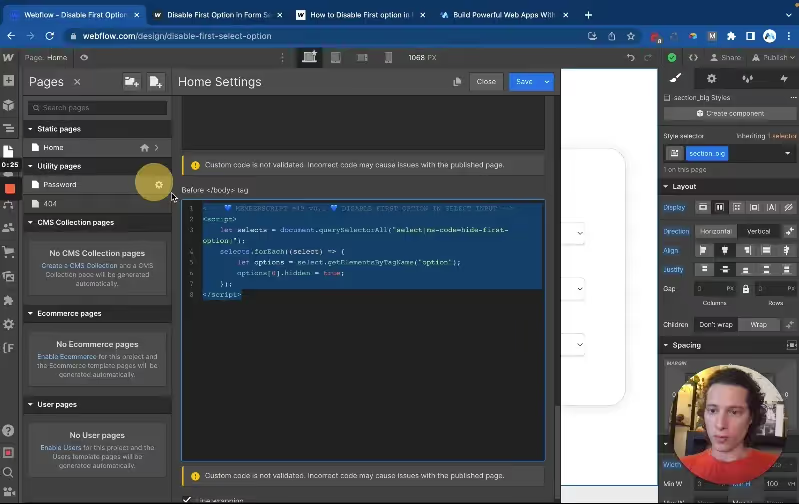
#49 - Disable First Option in a Select Input
Prevent users from selecting the placeholder option in your select inputs.
<!-- 💙 MEMBERSCRIPT #49 v0.1 💙 DISABLE FIRST OPTION IN SELECT INPUT -->
<script>
    let selects = document.querySelectorAll("select[ms-code=hide-first-option]");
    selects.forEach((select) => {
        let options = select.getElementsByTagName("option");
        options[0].hidden = true;
    });
</script>
<!-- 💙 MEMBERSCRIPT #49 v0.1 💙 DISABLE FIRST OPTION IN SELECT INPUT -->
<script>
    let selects = document.querySelectorAll("select[ms-code=hide-first-option]");
    selects.forEach((select) => {
        let options = select.getElementsByTagName("option");
        options[0].hidden = true;
    });
</script>
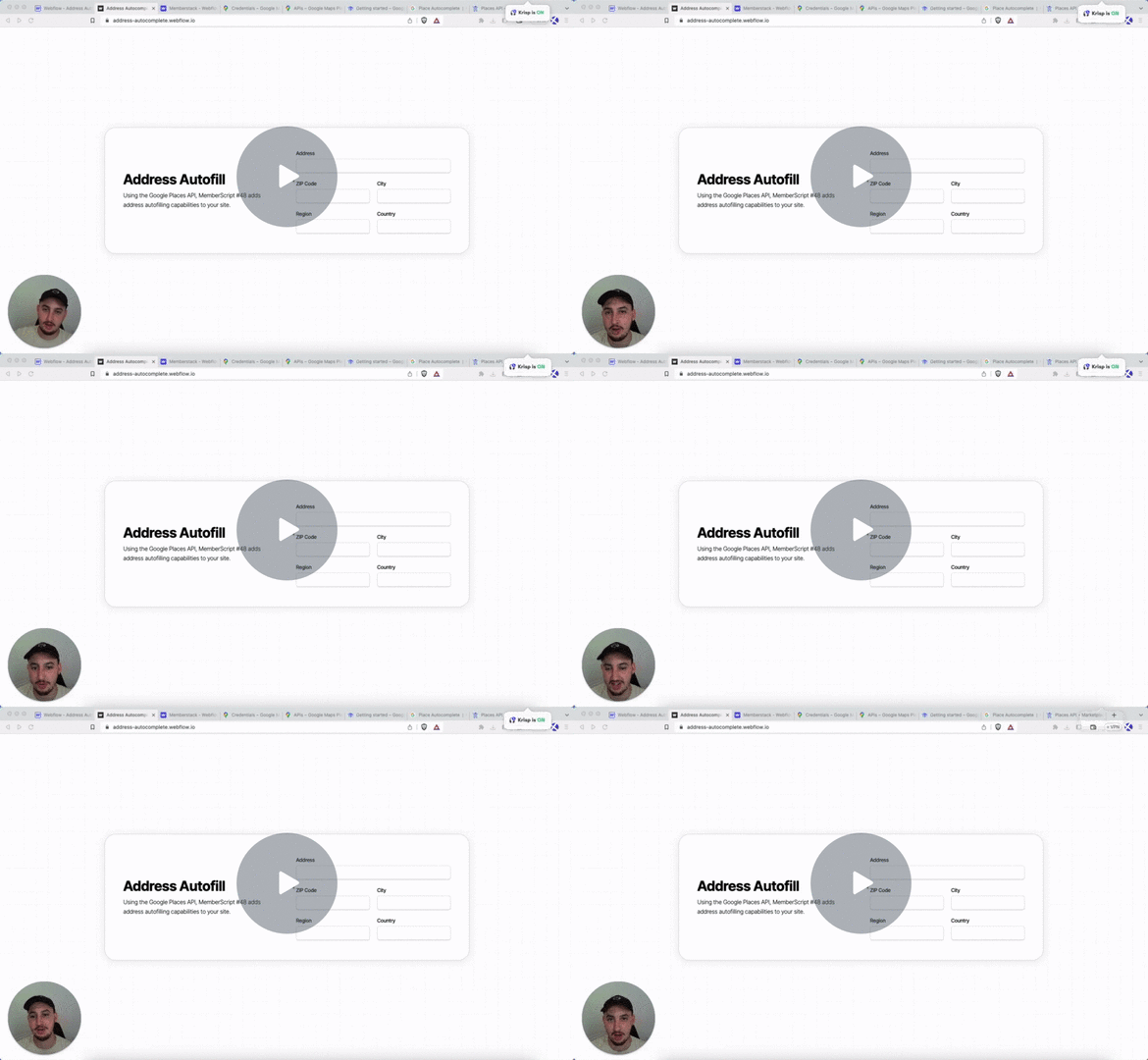
#48 - Autocomplete Address Inputs
Prefill all address inputs using the Google Places API!
Head Code
Place this in your page <head>
<!-- 💙 MEMBERSCRIPT #48 v0.2 💙 AUTOFILL ADDRESS INPUTS -->
<script src="https://maps.googleapis.com/maps/api/js?key=YOUR-API-KEY&libraries=places&loading=async" async defer></script>
<style>
.pac-logo::after {
  display: none;
}
.pac-container {
  border-radius: 5px;
  border: 1px solid #ccc;
}
.pac-item {
  padding: 0 10px;
}
.api-key-error {
  background-color: #fee;
  border: 1px solid #fcc;
  border-radius: 5px;
  padding: 15px;
  margin: 10px 0;
  color: #c33;
  font-family: Arial, sans-serif;
  font-size: 14px;
}
.api-key-error strong {
  display: block;
  margin-bottom: 8px;
  font-size: 16px;
}
.api-key-error ol {
  margin: 8px 0 0 20px;
}
.api-key-error li {
  margin: 4px 0;
}
</style>
Body Code
Place this in your page </body>
<!-- MEMBERSCRIPT #48 v0.2 💙 AUTOFILL ADDRESS INPUTS -->
<script>
function initAutocomplete() {
  // Check if API key is still the placeholder
  const scriptTag = document.querySelector('script[src*="maps.googleapis.com"]');
  if (scriptTag && scriptTag.src.includes('YOUR-API-KEY')) {
    showApiKeyError();
    return;
  }

  const addressInput = document.querySelector('input[ms-code-input="address"]');

  if (!addressInput) {
    console.log('No address input found with ms-code-input="address"');
    return;
  }

  const autocomplete = new google.maps.places.Autocomplete(addressInput, {
    fields: ['address_components'],
    types: ['address']
  });

  autocomplete.addListener('place_changed', function() {
    const place = autocomplete.getPlace();

    if (place && place.address_components) {
      const addressInput = document.querySelector('input[ms-code-input="address"]');
      const cityInput = document.querySelector('input[ms-code-input="city"]');
      const regionInput = document.querySelector('input[ms-code-input="region"]');
      const countryInput = document.querySelector('input[ms-code-input="country"]');
      const postalCodeInput = document.querySelector('input[ms-code-input="postal-code"]');

      if (addressInput) addressInput.value = extractAddress(place);
      if (cityInput) cityInput.value = extractCity(place);
      if (regionInput) regionInput.value = extractRegion(place);
      if (countryInput) countryInput.value = extractCountry(place);
      if (postalCodeInput) postalCodeInput.value = extractPostalCode(place);
    }
  });
}

function showApiKeyError() {
  const errorDiv = document.createElement('div');
  errorDiv.className = 'api-key-error';
  errorDiv.innerHTML = `
    <strong>⚠️ Google Maps API Key Required</strong>
    To use address autocomplete, you need to add your Google Maps API key:
    <ol>
      <li>Go to <a href="https://console.cloud.google.com/" target="_blank">Google Cloud Console</a></li>
      <li>Create a project or select existing one</li>
      <li>Enable "Places API" and "Maps JavaScript API"</li>
      <li>Create an API key in "APIs & Services" → "Credentials"</li>
      <li>Replace "YOUR-API-KEY" in the script with your actual API key</li>
    </ol>
  `;

  // Insert the error message before the first form or at the top of the page
  const form = document.querySelector('form');
  if (form) {
    form.parentNode.insertBefore(errorDiv, form);
  } else {
    document.body.insertBefore(errorDiv, document.body.firstChild);
  }
}

function extractAddress(place) {
  let address = '';
  const streetNumber = extractComponent(place, 'street_number');
  const route = extractComponent(place, 'route');

  if (streetNumber) {
    address += streetNumber + ' ';
  }
  if (route) {
    address += route;
  }

  return address.trim();
}

function extractComponent(place, componentType) {
  for (const component of place.address_components) {
    if (component.types.includes(componentType)) {
      return component.long_name;
    }
  }
  return '';
}

function extractCity(place) {
  for (const component of place.address_components) {
    if (component.types.includes('locality')) {
      return component.long_name;
    }
  }
  return '';
}

function extractRegion(place) {
  for (const component of place.address_components) {
    if (component.types.includes('administrative_area_level_1')) {
      return component.long_name;
    }
  }
  return '';
}

function extractCountry(place) {
  for (const component of place.address_components) {
    if (component.types.includes('country')) {
      return component.long_name;
    }
  }
  return '';
}

function extractPostalCode(place) {
  for (const component of place.address_components) {
    if (component.types.includes('postal_code')) {
      return component.long_name;
    }
  }
  return '';
}

// Initialize when Google Maps is ready
document.addEventListener('DOMContentLoaded', function() {
  if (typeof google !== 'undefined' && google.maps && google.maps.places) {
    initAutocomplete();
  } else {
    window.addEventListener('load', function() {
      if (typeof google !== 'undefined' && google.maps && google.maps.places) {
        initAutocomplete();
      }
    });
  }
});
</script>
Head Code
Place this in your page <head>
<!-- 💙 MEMBERSCRIPT #48 v0.2 💙 AUTOFILL ADDRESS INPUTS -->
<script src="https://maps.googleapis.com/maps/api/js?key=YOUR-API-KEY&libraries=places&loading=async" async defer></script>
<style>
.pac-logo::after {
  display: none;
}
.pac-container {
  border-radius: 5px;
  border: 1px solid #ccc;
}
.pac-item {
  padding: 0 10px;
}
.api-key-error {
  background-color: #fee;
  border: 1px solid #fcc;
  border-radius: 5px;
  padding: 15px;
  margin: 10px 0;
  color: #c33;
  font-family: Arial, sans-serif;
  font-size: 14px;
}
.api-key-error strong {
  display: block;
  margin-bottom: 8px;
  font-size: 16px;
}
.api-key-error ol {
  margin: 8px 0 0 20px;
}
.api-key-error li {
  margin: 4px 0;
}
</style>
Body Code
Place this in your page </body>
<!-- MEMBERSCRIPT #48 v0.2 💙 AUTOFILL ADDRESS INPUTS -->
<script>
function initAutocomplete() {
  // Check if API key is still the placeholder
  const scriptTag = document.querySelector('script[src*="maps.googleapis.com"]');
  if (scriptTag && scriptTag.src.includes('YOUR-API-KEY')) {
    showApiKeyError();
    return;
  }

  const addressInput = document.querySelector('input[ms-code-input="address"]');

  if (!addressInput) {
    console.log('No address input found with ms-code-input="address"');
    return;
  }

  const autocomplete = new google.maps.places.Autocomplete(addressInput, {
    fields: ['address_components'],
    types: ['address']
  });

  autocomplete.addListener('place_changed', function() {
    const place = autocomplete.getPlace();

    if (place && place.address_components) {
      const addressInput = document.querySelector('input[ms-code-input="address"]');
      const cityInput = document.querySelector('input[ms-code-input="city"]');
      const regionInput = document.querySelector('input[ms-code-input="region"]');
      const countryInput = document.querySelector('input[ms-code-input="country"]');
      const postalCodeInput = document.querySelector('input[ms-code-input="postal-code"]');

      if (addressInput) addressInput.value = extractAddress(place);
      if (cityInput) cityInput.value = extractCity(place);
      if (regionInput) regionInput.value = extractRegion(place);
      if (countryInput) countryInput.value = extractCountry(place);
      if (postalCodeInput) postalCodeInput.value = extractPostalCode(place);
    }
  });
}

function showApiKeyError() {
  const errorDiv = document.createElement('div');
  errorDiv.className = 'api-key-error';
  errorDiv.innerHTML = `
    <strong>⚠️ Google Maps API Key Required</strong>
    To use address autocomplete, you need to add your Google Maps API key:
    <ol>
      <li>Go to <a href="https://console.cloud.google.com/" target="_blank">Google Cloud Console</a></li>
      <li>Create a project or select existing one</li>
      <li>Enable "Places API" and "Maps JavaScript API"</li>
      <li>Create an API key in "APIs & Services" → "Credentials"</li>
      <li>Replace "YOUR-API-KEY" in the script with your actual API key</li>
    </ol>
  `;

  // Insert the error message before the first form or at the top of the page
  const form = document.querySelector('form');
  if (form) {
    form.parentNode.insertBefore(errorDiv, form);
  } else {
    document.body.insertBefore(errorDiv, document.body.firstChild);
  }
}

function extractAddress(place) {
  let address = '';
  const streetNumber = extractComponent(place, 'street_number');
  const route = extractComponent(place, 'route');

  if (streetNumber) {
    address += streetNumber + ' ';
  }
  if (route) {
    address += route;
  }

  return address.trim();
}

function extractComponent(place, componentType) {
  for (const component of place.address_components) {
    if (component.types.includes(componentType)) {
      return component.long_name;
    }
  }
  return '';
}

function extractCity(place) {
  for (const component of place.address_components) {
    if (component.types.includes('locality')) {
      return component.long_name;
    }
  }
  return '';
}

function extractRegion(place) {
  for (const component of place.address_components) {
    if (component.types.includes('administrative_area_level_1')) {
      return component.long_name;
    }
  }
  return '';
}

function extractCountry(place) {
  for (const component of place.address_components) {
    if (component.types.includes('country')) {
      return component.long_name;
    }
  }
  return '';
}

function extractPostalCode(place) {
  for (const component of place.address_components) {
    if (component.types.includes('postal_code')) {
      return component.long_name;
    }
  }
  return '';
}

// Initialize when Google Maps is ready
document.addEventListener('DOMContentLoaded', function() {
  if (typeof google !== 'undefined' && google.maps && google.maps.places) {
    initAutocomplete();
  } else {
    window.addEventListener('load', function() {
      if (typeof google !== 'undefined' && google.maps && google.maps.places) {
        initAutocomplete();
      }
    });
  }
});
</script>
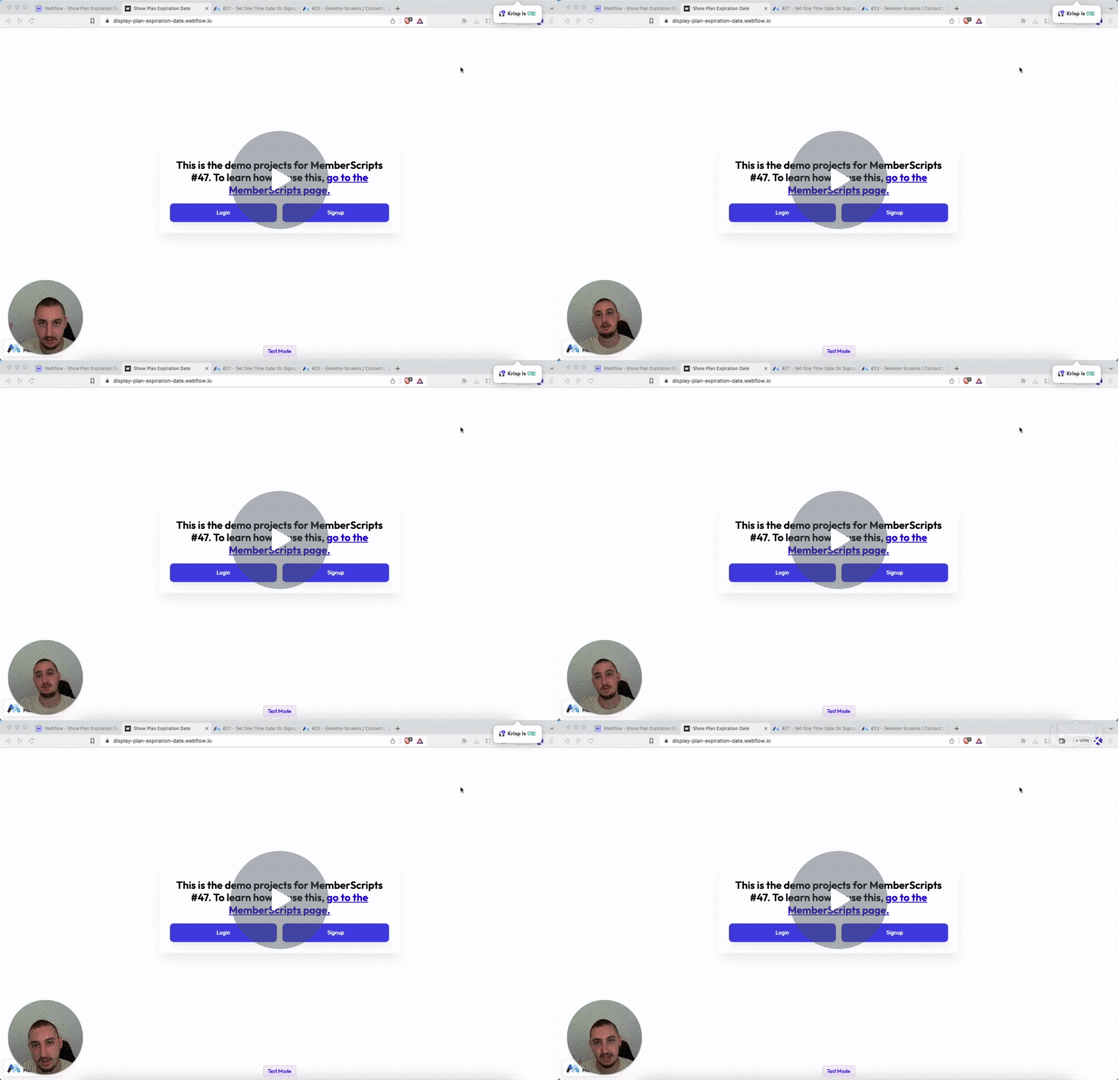
#47 - Display Date From Member JSON
Show members a date - for example, when their plan will expire!
<!-- 💙 MEMBERSCRIPT #47 v0.1 💙 DISPLAY ONE TIME DATE -->
<script>
  document.addEventListener("DOMContentLoaded", async function() {
    const memberstack = window.$memberstackDom;

    const formatDate = function(date) {
      const options = { month: 'long', day: 'numeric', year: 'numeric' };
      return new Date(date).toLocaleDateString('en-US', options);
      // Replace 'en-US' with one of these depending on your locale: en-US, en-GB, en-CA, en-AU, fr-FR, de-DE, es-ES, it-IT, ja-JP, ko-KR, pt-BR, ru-RU, zn-CH, ar-SA
    };

    const updateTextSpans = async function() {
      const member = await memberstack.getMemberJSON();

      if (!member.data || !member.data['one-time-date']) {
        // Member data or one-time date not available, do nothing
        return;
      }

      const oneTimeDate = formatDate(member.data['one-time-date']);
      const textSpans = document.querySelectorAll('[ms-code-display-text="one-time-date"]');

      textSpans.forEach(span => {
        span.textContent = oneTimeDate;
      });
    };

    updateTextSpans();
  });
</script>
<!-- 💙 MEMBERSCRIPT #47 v0.1 💙 DISPLAY ONE TIME DATE -->
<script>
  document.addEventListener("DOMContentLoaded", async function() {
    const memberstack = window.$memberstackDom;

    const formatDate = function(date) {
      const options = { month: 'long', day: 'numeric', year: 'numeric' };
      return new Date(date).toLocaleDateString('en-US', options);
      // Replace 'en-US' with one of these depending on your locale: en-US, en-GB, en-CA, en-AU, fr-FR, de-DE, es-ES, it-IT, ja-JP, ko-KR, pt-BR, ru-RU, zn-CH, ar-SA
    };

    const updateTextSpans = async function() {
      const member = await memberstack.getMemberJSON();

      if (!member.data || !member.data['one-time-date']) {
        // Member data or one-time date not available, do nothing
        return;
      }

      const oneTimeDate = formatDate(member.data['one-time-date']);
      const textSpans = document.querySelectorAll('[ms-code-display-text="one-time-date"]');

      textSpans.forEach(span => {
        span.textContent = oneTimeDate;
      });
    };

    updateTextSpans();
  });
</script>
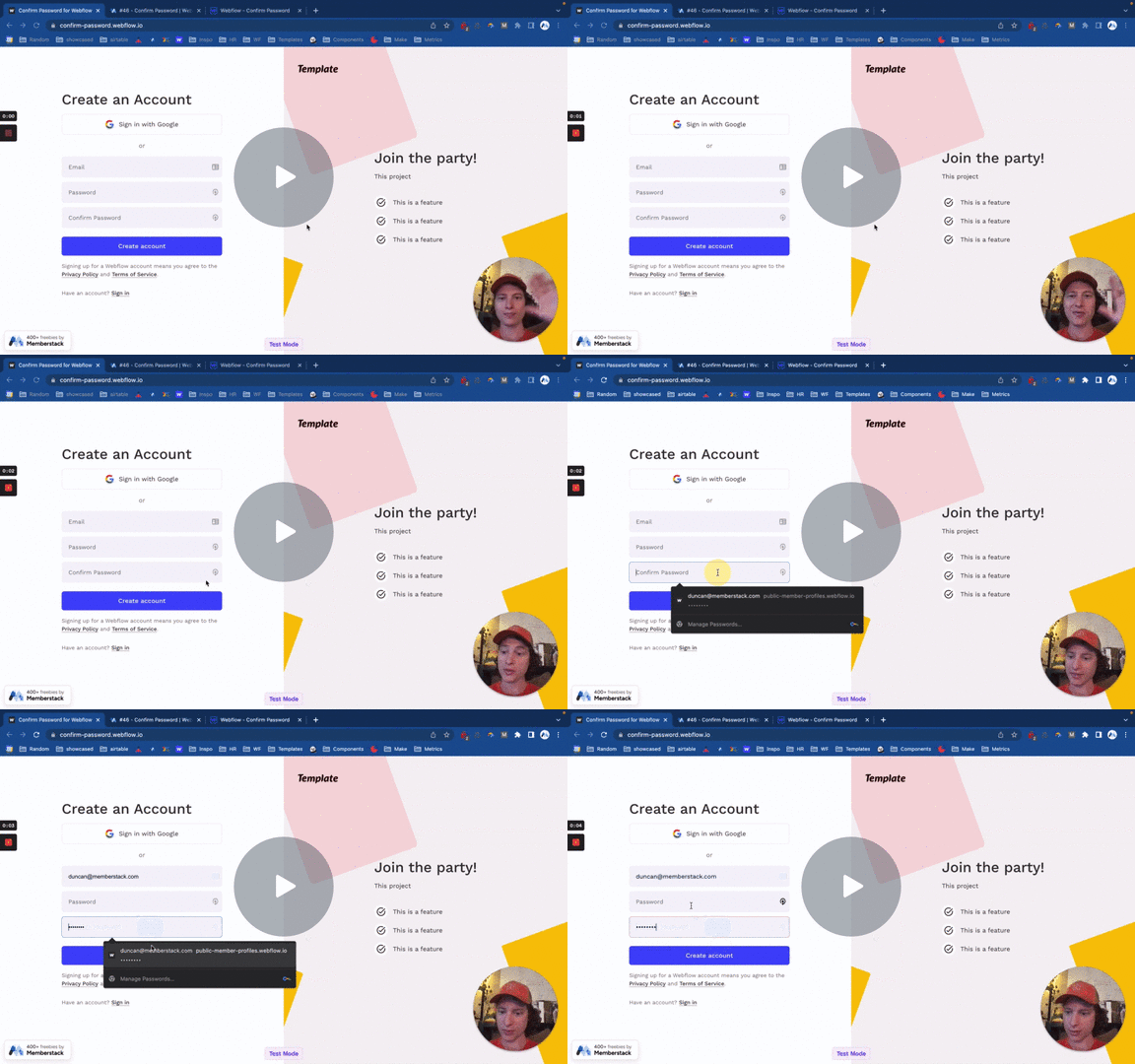
#46 - Confirm Password
Add a confirm password input to your signup & password reset forms.
<!-- 💙 MEMBERSCRIPT #46 v0.1 💙 CONFIRM PASSWORD INPUT -->
<script>

var password = document.querySelector('[data-ms-member=password]')
  , confirm_password = document.querySelector('[ms-code-password=confirm]')

function validatePassword(){
  if(password.value != confirm_password.value) {
 		confirm_password.setCustomValidity("Passwords Don't Match");
    confirm_password.classList.add("invalid")
    confirm_password.classList.remove("valid")
  } else {
 		confirm_password.setCustomValidity('');
    confirm_password.classList.remove("invalid")
    confirm_password.classList.add("valid")
  }
}

password.onchange = validatePassword;
confirm_password.onkeyup = validatePassword;
</script>
<!-- 💙 MEMBERSCRIPT #46 v0.1 💙 CONFIRM PASSWORD INPUT -->
<script>

var password = document.querySelector('[data-ms-member=password]')
  , confirm_password = document.querySelector('[ms-code-password=confirm]')

function validatePassword(){
  if(password.value != confirm_password.value) {
 		confirm_password.setCustomValidity("Passwords Don't Match");
    confirm_password.classList.add("invalid")
    confirm_password.classList.remove("valid")
  } else {
 		confirm_password.setCustomValidity('');
    confirm_password.classList.remove("invalid")
    confirm_password.classList.add("valid")
  }
}

password.onchange = validatePassword;
confirm_password.onkeyup = validatePassword;
</script>
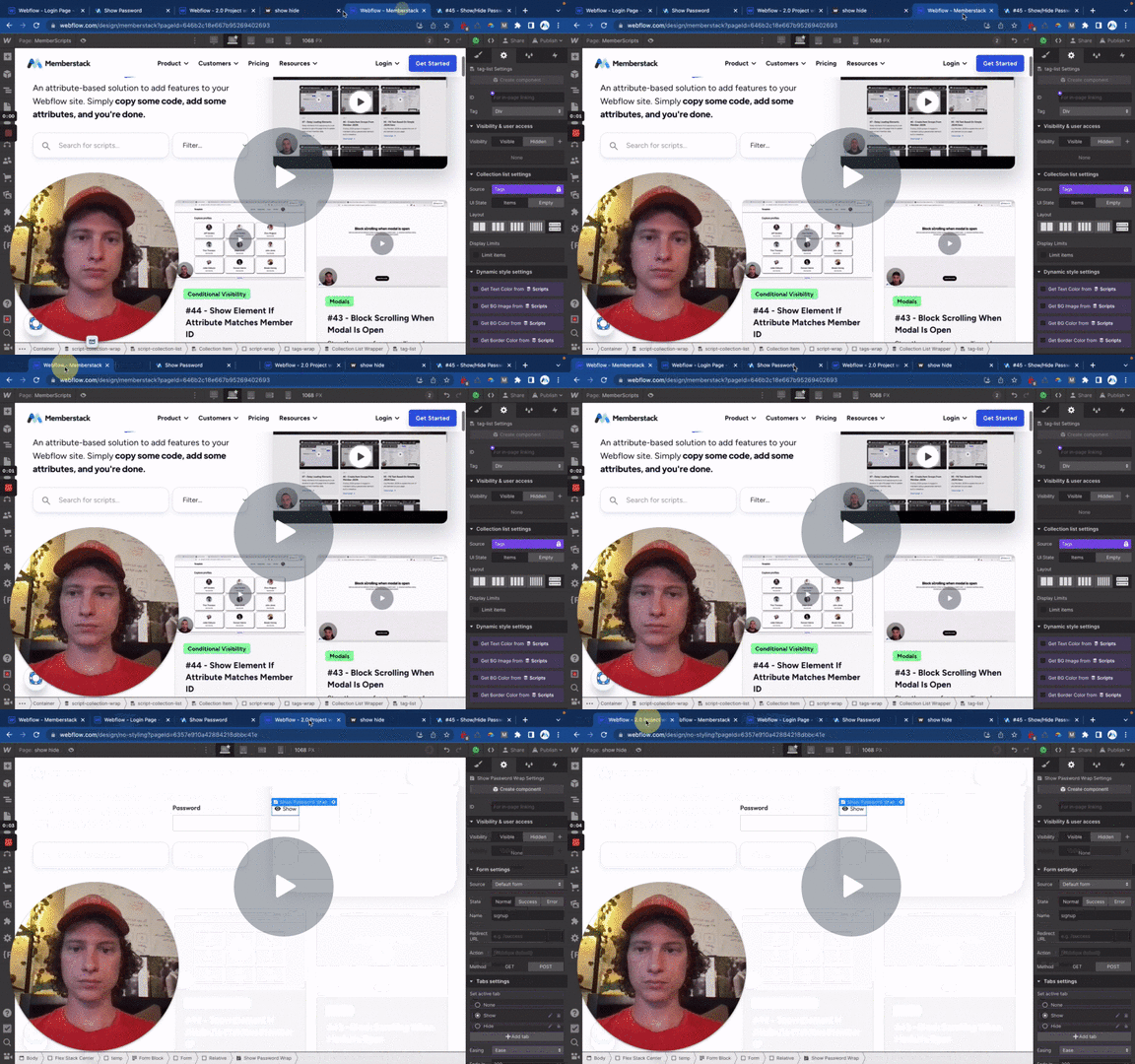
#45 - Show/Hide Password
Add a show/hide password button to any form with a password input.
<!-- 💙 MEMBERSCRIPT #45 v0.2 💙 SHOW AND HIDE PASSWORD -->
<script>
  document.querySelectorAll("[ms-code-password='transform']").forEach(function(button) {
    button.addEventListener("click", transform);
  });

  var isPassword = true;

  function transform() {
    var passwordInputs = document.querySelectorAll("[data-ms-member='password'], [data-ms-member='new-password'], [data-ms-member='current-password']");

    passwordInputs.forEach(function(myInput) {
      var inputType = myInput.getAttribute("type");

      if (isPassword) {
        myInput.setAttribute("type", "text");
      } else {
        myInput.setAttribute("type", "password");
      }
    });

    isPassword = !isPassword;
  }
</script>
<!-- 💙 MEMBERSCRIPT #45 v0.2 💙 SHOW AND HIDE PASSWORD -->
<script>
  document.querySelectorAll("[ms-code-password='transform']").forEach(function(button) {
    button.addEventListener("click", transform);
  });

  var isPassword = true;

  function transform() {
    var passwordInputs = document.querySelectorAll("[data-ms-member='password'], [data-ms-member='new-password'], [data-ms-member='current-password']");

    passwordInputs.forEach(function(myInput) {
      var inputType = myInput.getAttribute("type");

      if (isPassword) {
        myInput.setAttribute("type", "text");
      } else {
        myInput.setAttribute("type", "password");
      }
    });

    isPassword = !isPassword;
  }
</script>
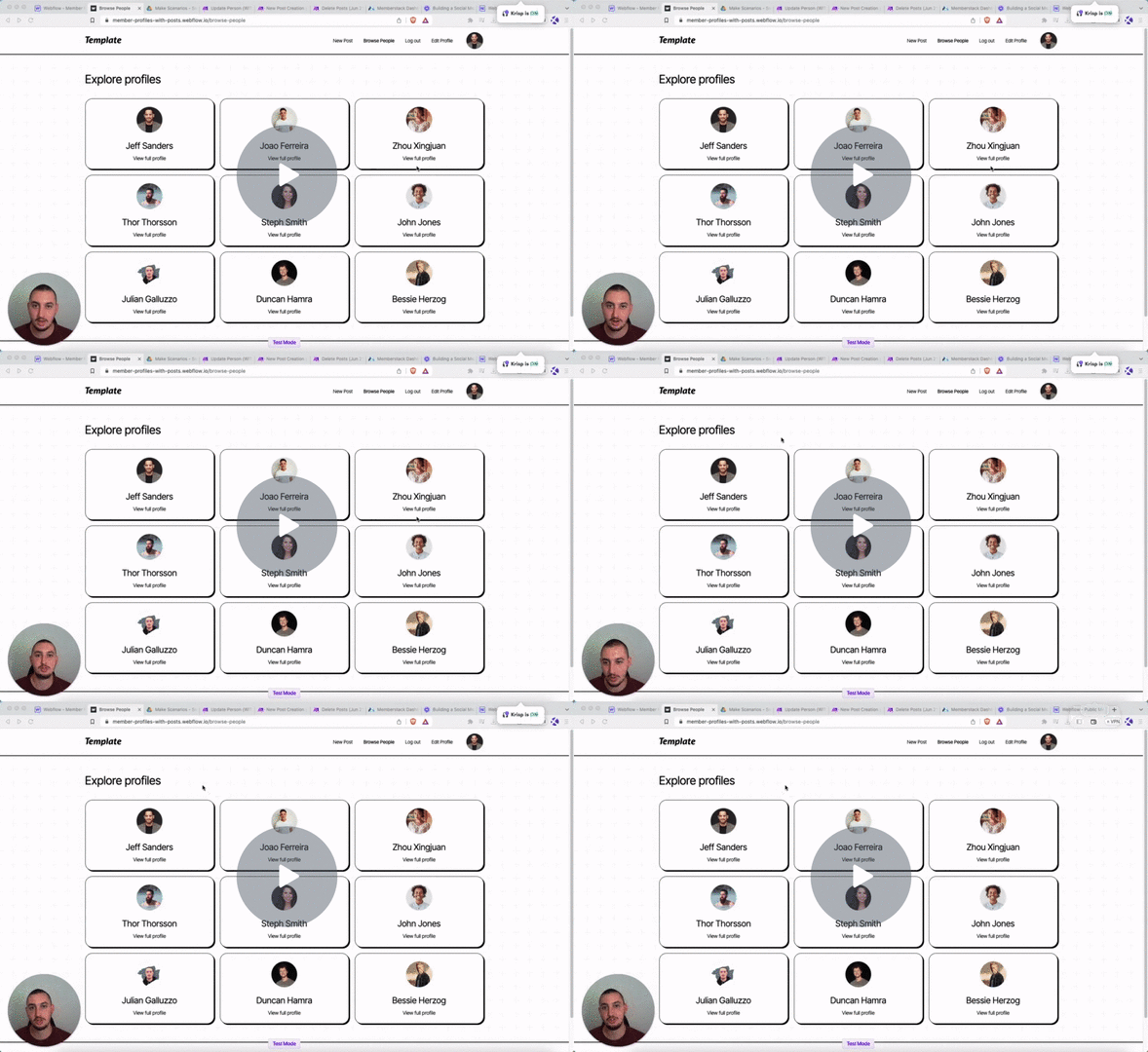
#44 - Show Element If Attribute Matches Member ID
Conditionally show elements if they have an attribute matching the members' ID.
<!-- 💙 MEMBERSCRIPT #44 v0.1 💙 SHOW ELEMENT IF ATTRIBUTE MATCHES MEMBER ID -->
<script>
document.addEventListener("DOMContentLoaded", function() {
  if (localStorage.getItem("_ms-mem")) {
    const memberData = JSON.parse(localStorage.getItem("_ms-mem"));
    const memberId = memberData.id;

    const elements = document.querySelectorAll("[ms-code-member-id='" + memberId + "']");
    elements.forEach(element => {
      element.style.display = "block";
    });
  }
});
</script>
<!-- 💙 MEMBERSCRIPT #44 v0.1 💙 SHOW ELEMENT IF ATTRIBUTE MATCHES MEMBER ID -->
<script>
document.addEventListener("DOMContentLoaded", function() {
  if (localStorage.getItem("_ms-mem")) {
    const memberData = JSON.parse(localStorage.getItem("_ms-mem"));
    const memberId = memberData.id;

    const elements = document.querySelectorAll("[ms-code-member-id='" + memberId + "']");
    elements.forEach(element => {
      element.style.display = "block";
    });
  }
});
</script>
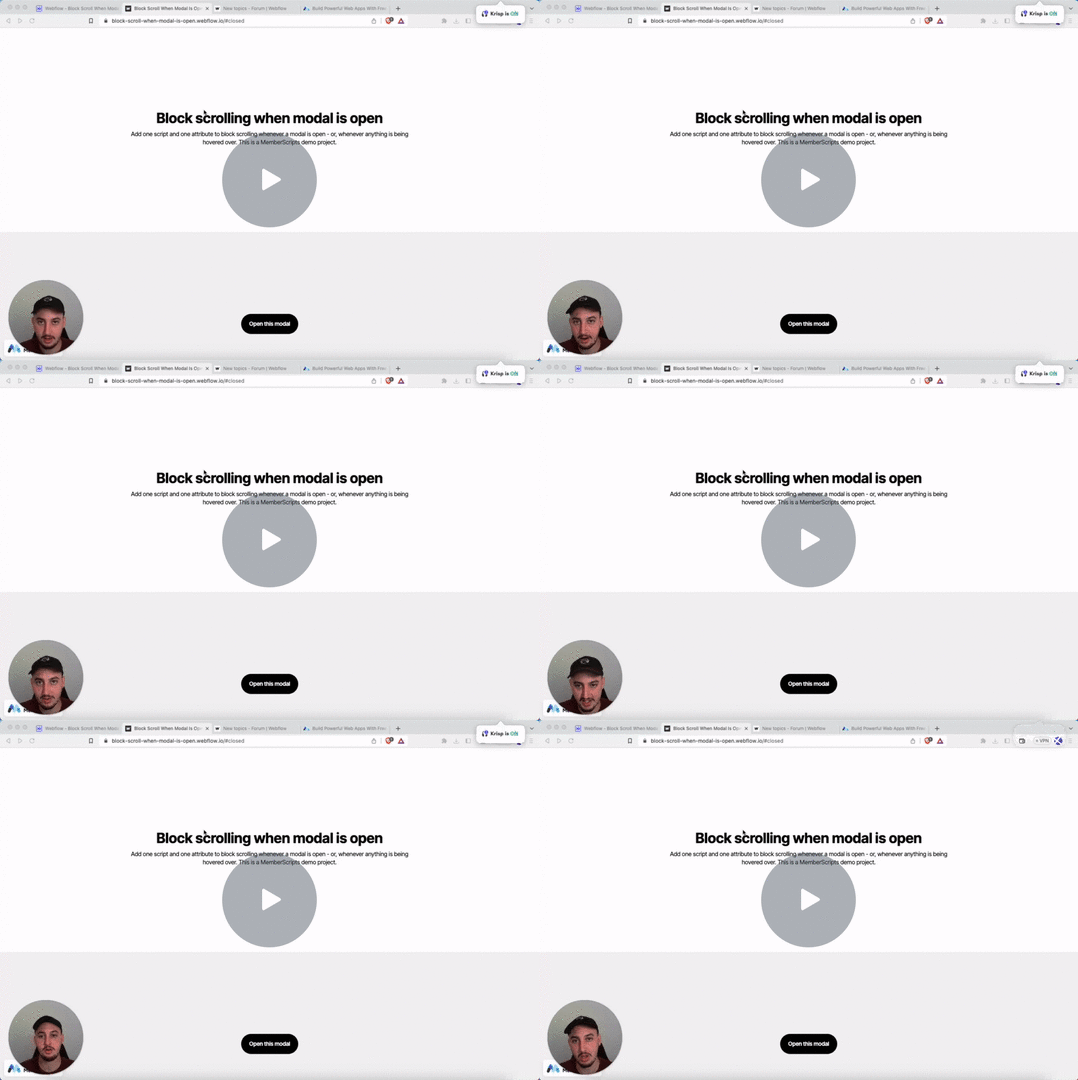
#43 - Block Scrolling When Modal Is Open
Stop the page from scrolling when someone opens a modal.
<!-- 💙 MEMBERSCRIPT #43 v0.1 💙 BLOCK SCROLLING WHEN MODAL IS OPEN -->
<style>
.no-scroll {
  overflow: hidden;
}
</style>
<script>
function isDesktopViewport() {
  return window.innerWidth >= 900; // Adjust the breakpoint width as needed
}

const codeBlocks = document.querySelectorAll('[ms-code-block-scroll]');

function handleScrollBlock(event) {
  if (isDesktopViewport()) {
    document.body.classList.add('no-scroll');
  }
}

function handleScrollUnblock(event) {
  if (isDesktopViewport()) {
    document.body.classList.remove('no-scroll');
  }
}

codeBlocks.forEach(codeBlock => {
  codeBlock.addEventListener('mouseenter', handleScrollBlock);
  codeBlock.addEventListener('mouseleave', handleScrollUnblock);
});
</script>
<!-- 💙 MEMBERSCRIPT #43 v0.1 💙 BLOCK SCROLLING WHEN MODAL IS OPEN -->
<style>
.no-scroll {
  overflow: hidden;
}
</style>
<script>
function isDesktopViewport() {
  return window.innerWidth >= 900; // Adjust the breakpoint width as needed
}

const codeBlocks = document.querySelectorAll('[ms-code-block-scroll]');

function handleScrollBlock(event) {
  if (isDesktopViewport()) {
    document.body.classList.add('no-scroll');
  }
}

function handleScrollUnblock(event) {
  if (isDesktopViewport()) {
    document.body.classList.remove('no-scroll');
  }
}

codeBlocks.forEach(codeBlock => {
  codeBlock.addEventListener('mouseenter', handleScrollBlock);
  codeBlock.addEventListener('mouseleave', handleScrollUnblock);
});
</script>
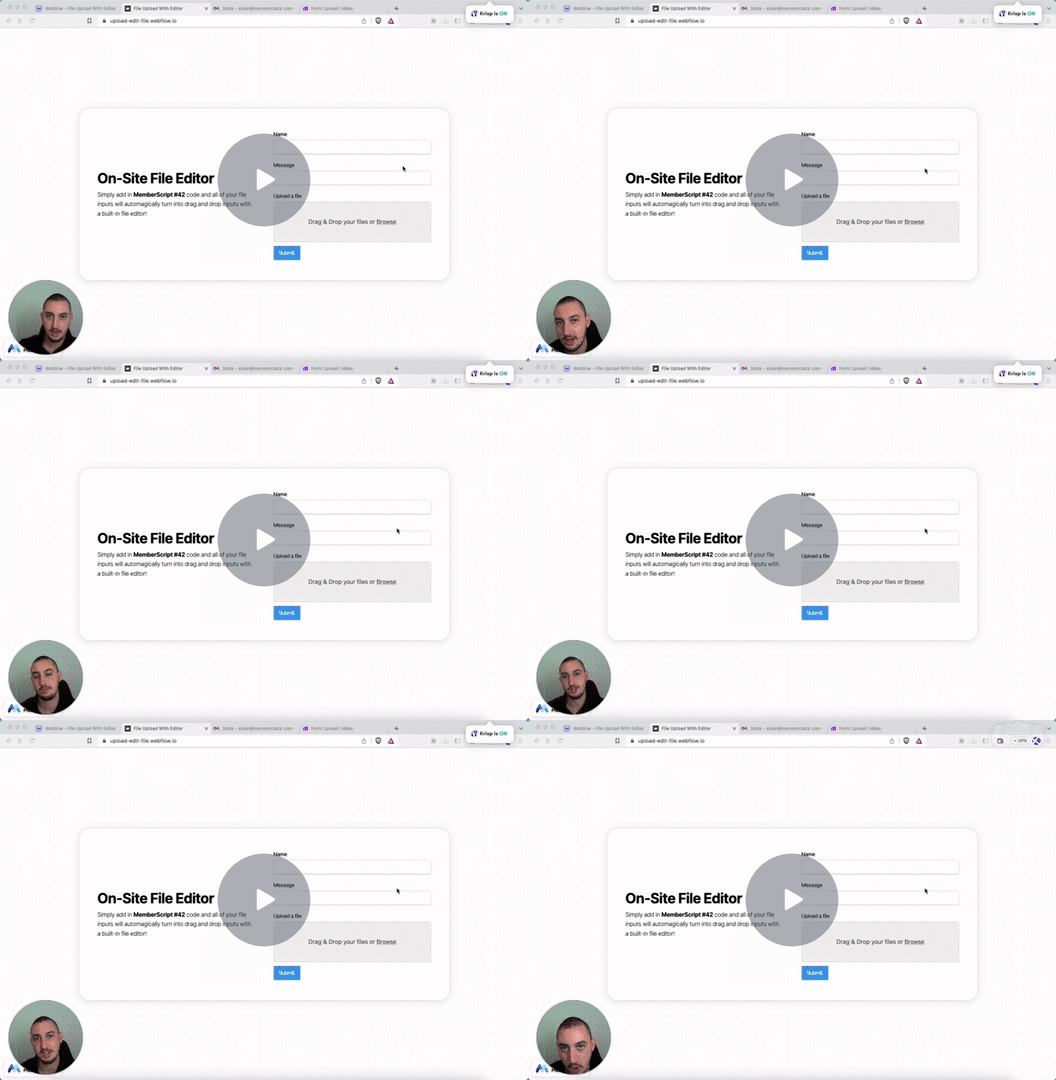
#42 - Image Editor Form Field
Allow people to upload & edit photos, then send them to Google Drive!
Head Code
Place this in your page <head>
<!-- 💙 MEMBERSCRIPT #42 HEAD CODE v0.2 💙 FILE EDITOR FEATURE -->
<link rel="stylesheet" href="https://unpkg.com/filepond@^4/dist/filepond.css" />
<link rel="stylesheet" href="https://unpkg.com/filepond-plugin-image-edit/dist/filepond-plugin-image-edit.css" />
<link rel="stylesheet" href="https://unpkg.com/filepond-plugin-image-preview/dist/filepond-plugin-image-preview.css" />
Body Code
Place this in your page </body>
<!-- 💙 MEMBERSCRIPT #42 BODY CODE v0.2 💙 FILE EDITOR FEATURE -->
<script> src="https://unpkg.com/filepond-plugin-file-encode/dist/filepond-plugin-file-encode.js"> </script>
<script> src="https://unpkg.com/filepond-plugin-image-preview/dist/filepond-plugin-image-preview.js"> </script>
<script> src="https://unpkg.com/filepond-plugin-image-edit/dist/filepond-plugin-image-edit.js"> </script>
<script> src="https://unpkg.com/filepond@^4/dist/filepond.js"> </script>
<script> src="https://scaleflex.cloudimg.io/v7/plugins/filerobot-image-editor/latest/filerobot-image-editor.min.js"> </script>
<style>
  .dXhZSB {
  background-color: #2962ff;
  }
  .FIE_root * {
  font-family: inherit !important;
  }
  .SfxModal-Wrapper * {
  font-family: inherit !important;
  }
  .jpHEiD {
  font-family: inherit !important;
  }
  #editor_container {
  position: fixed;
  top: 0;
  left: 0;
  width: 100vw;
  height: 100vh;
  z-index: 999;
  }
</style>
<script>
document.addEventListener('DOMContentLoaded', function() {
  // Register the plugins
  FilePond.registerPlugin(FilePondPluginImagePreview);
  FilePond.registerPlugin(FilePondPluginImageEdit);

  const inputElement = document.querySelector('input[type="file"]');
  const pond = FilePond.create(inputElement, {
    credits: false,
    name: 'fileToUpload',
    storeAsFile: true,
    imageEditEditor: {
      open: (file, instructions) => {
        console.log('Open editor', file, instructions);
        openFilerobotImageEditor(file, instructions);
      },
      onconfirm: (output) => {
        console.log('Confirm editor', output);
        handleImageEditConfirm(output);
      },
      oncancel: () => {
        console.log('Cancel editor');
        handleImageEditCancel();
      },
      onclose: () => {
        console.log('Close editor');
        handleImageEditClose();
      }
    }
  });

  function openFilerobotImageEditor(file, instructions) {
    const imageURL = URL.createObjectURL(file);
    const config = {
      source: imageURL,
      onSave: (updatedImage) => {
        confirmCallback(updatedImage);
      },
      annotationsCommon: {
        fill: '#ff0000'
      },
      Text: {
        text: 'Add your text here',
        font: 'inherit'
      }, // Set font to inherit from the page body
      Rotate: {
        angle: instructions.rotation,
        componentType: 'slider'
      },
      tabsIds: [
        'Adjust',
        'Annotate',
        'Watermark'
      ],
      defaultTabId: 'Annotate',
      defaultToolId: 'Text'
    };

    const editorContainer = document.createElement('div');
    editorContainer.id = 'editor_container';
    document.body.appendChild(editorContainer);

    const filerobotImageEditor = new window.FilerobotImageEditor(editorContainer, config);

    const confirmCallback = (output) => {
      console.log('Confirmed:', output);

      const dataURL = output.imageBase64;
      const file = dataURLToFile(dataURL, output.name);

      // Add the file to FilePond
      pond.addFiles([file]);

      document.body.removeChild(editorContainer); // Remove the editor container
    };

    function dataURLToFile(dataURL, fileName) {
      const arr = dataURL.split(',');
      const mime = arr[0].match(/:(.*?);/)[1];
      const fileExtension = mime.split('/')[1];
      const updatedFileName = fileName + '.' + fileExtension;
      const bstr = atob(arr[1]);
      const n = bstr.length;
      const u8arr = new Uint8Array(n);
      for (let i = 0; i < n; i++) {
        u8arr[i] = bstr.charCodeAt(i);
      }
      return new File([u8arr], updatedFileName, { type: mime });
    }

    const cancelCallback = () => {
      console.log('Canceled');
      document.body.removeChild(editorContainer); // Remove the editor container
    };

    const closeButton = document.createElement('button');
    closeButton.textContent = 'Close';
    closeButton.addEventListener('click', () => {
      filerobotImageEditor.onClose();
    });

    const buttonContainer = document.createElement('div');
    buttonContainer.appendChild(closeButton);

    editorContainer.appendChild(buttonContainer);

    filerobotImageEditor.render({
      onClose: (closingReason) => {
        console.log('Closing reason', closingReason);
        filerobotImageEditor.terminate();
      },
    });
  }

  function handleImageEditConfirm(output) {
    console.log('Image edit confirmed:', output);
    // Handle the confirmed output here
  }

  function handleImageEditCancel() {
    console.log('Image edit canceled');
    // Handle the canceled edit here
  }

  function handleImageEditClose() {
    console.log('Image editor closed');
    // Handle the editor close here
  }
});
</script>
Head Code
Place this in your page <head>
<!-- 💙 MEMBERSCRIPT #42 HEAD CODE v0.2 💙 FILE EDITOR FEATURE -->
<link rel="stylesheet" href="https://unpkg.com/filepond@^4/dist/filepond.css" />
<link rel="stylesheet" href="https://unpkg.com/filepond-plugin-image-edit/dist/filepond-plugin-image-edit.css" />
<link rel="stylesheet" href="https://unpkg.com/filepond-plugin-image-preview/dist/filepond-plugin-image-preview.css" />
Body Code
Place this in your page </body>
<!-- 💙 MEMBERSCRIPT #42 BODY CODE v0.2 💙 FILE EDITOR FEATURE -->
<script> src="https://unpkg.com/filepond-plugin-file-encode/dist/filepond-plugin-file-encode.js"> </script>
<script> src="https://unpkg.com/filepond-plugin-image-preview/dist/filepond-plugin-image-preview.js"> </script>
<script> src="https://unpkg.com/filepond-plugin-image-edit/dist/filepond-plugin-image-edit.js"> </script>
<script> src="https://unpkg.com/filepond@^4/dist/filepond.js"> </script>
<script> src="https://scaleflex.cloudimg.io/v7/plugins/filerobot-image-editor/latest/filerobot-image-editor.min.js"> </script>
<style>
  .dXhZSB {
  background-color: #2962ff;
  }
  .FIE_root * {
  font-family: inherit !important;
  }
  .SfxModal-Wrapper * {
  font-family: inherit !important;
  }
  .jpHEiD {
  font-family: inherit !important;
  }
  #editor_container {
  position: fixed;
  top: 0;
  left: 0;
  width: 100vw;
  height: 100vh;
  z-index: 999;
  }
</style>
<script>
document.addEventListener('DOMContentLoaded', function() {
  // Register the plugins
  FilePond.registerPlugin(FilePondPluginImagePreview);
  FilePond.registerPlugin(FilePondPluginImageEdit);

  const inputElement = document.querySelector('input[type="file"]');
  const pond = FilePond.create(inputElement, {
    credits: false,
    name: 'fileToUpload',
    storeAsFile: true,
    imageEditEditor: {
      open: (file, instructions) => {
        console.log('Open editor', file, instructions);
        openFilerobotImageEditor(file, instructions);
      },
      onconfirm: (output) => {
        console.log('Confirm editor', output);
        handleImageEditConfirm(output);
      },
      oncancel: () => {
        console.log('Cancel editor');
        handleImageEditCancel();
      },
      onclose: () => {
        console.log('Close editor');
        handleImageEditClose();
      }
    }
  });

  function openFilerobotImageEditor(file, instructions) {
    const imageURL = URL.createObjectURL(file);
    const config = {
      source: imageURL,
      onSave: (updatedImage) => {
        confirmCallback(updatedImage);
      },
      annotationsCommon: {
        fill: '#ff0000'
      },
      Text: {
        text: 'Add your text here',
        font: 'inherit'
      }, // Set font to inherit from the page body
      Rotate: {
        angle: instructions.rotation,
        componentType: 'slider'
      },
      tabsIds: [
        'Adjust',
        'Annotate',
        'Watermark'
      ],
      defaultTabId: 'Annotate',
      defaultToolId: 'Text'
    };

    const editorContainer = document.createElement('div');
    editorContainer.id = 'editor_container';
    document.body.appendChild(editorContainer);

    const filerobotImageEditor = new window.FilerobotImageEditor(editorContainer, config);

    const confirmCallback = (output) => {
      console.log('Confirmed:', output);

      const dataURL = output.imageBase64;
      const file = dataURLToFile(dataURL, output.name);

      // Add the file to FilePond
      pond.addFiles([file]);

      document.body.removeChild(editorContainer); // Remove the editor container
    };

    function dataURLToFile(dataURL, fileName) {
      const arr = dataURL.split(',');
      const mime = arr[0].match(/:(.*?);/)[1];
      const fileExtension = mime.split('/')[1];
      const updatedFileName = fileName + '.' + fileExtension;
      const bstr = atob(arr[1]);
      const n = bstr.length;
      const u8arr = new Uint8Array(n);
      for (let i = 0; i < n; i++) {
        u8arr[i] = bstr.charCodeAt(i);
      }
      return new File([u8arr], updatedFileName, { type: mime });
    }

    const cancelCallback = () => {
      console.log('Canceled');
      document.body.removeChild(editorContainer); // Remove the editor container
    };

    const closeButton = document.createElement('button');
    closeButton.textContent = 'Close';
    closeButton.addEventListener('click', () => {
      filerobotImageEditor.onClose();
    });

    const buttonContainer = document.createElement('div');
    buttonContainer.appendChild(closeButton);

    editorContainer.appendChild(buttonContainer);

    filerobotImageEditor.render({
      onClose: (closingReason) => {
        console.log('Closing reason', closingReason);
        filerobotImageEditor.terminate();
      },
    });
  }

  function handleImageEditConfirm(output) {
    console.log('Image edit confirmed:', output);
    // Handle the confirmed output here
  }

  function handleImageEditCancel() {
    console.log('Image edit canceled');
    // Handle the canceled edit here
  }

  function handleImageEditClose() {
    console.log('Image editor closed');
    // Handle the editor close here
  }
});
</script>

#41 - Perfect Phone Number Inputs
International phone number inputs, the way they should be.
With IP Lookup
Use this if you want the users' IP country to automatically be prefilled. IMPORTANT: Do not use this with profile forms or it will behave erratically.
<!-- 💙 MEMBERSCRIPT #41 v0.2 💙 PERFECT PHONE NUMBER INPUTS (WITH IP LOOKUP) -->
<link rel="stylesheet" type="text/css" href="https://cdnjs.cloudflare.com/ajax/libs/intl-tel-input/17.0.8/css/intlTelInput.min.css">
<script src="https://cdnjs.cloudflare.com/ajax/libs/jquery/3.6.0/jquery.min.js"> </script>
<script src="https://cdnjs.cloudflare.com/ajax/libs/intl-tel-input/17.0.8/js/intlTelInput.min.js"> </script>
<script src="https://cdnjs.cloudflare.com/ajax/libs/intl-tel-input/17.0.8/js/utils.js"> </script>
<script>
  $(document).ready(function() {
    $('input[ms-code-phone-number]').each(function() {
      var input = this;
      var preferredCountries = $(input).attr('ms-code-phone-number').split(',');

      var iti = window.intlTelInput(input, {
        preferredCountries: preferredCountries,
        utilsScript: "https://cdnjs.cloudflare.com/ajax/libs/intl-tel-input/17.0.8/js/utils.js"
      });

      $.get("https://ipinfo.io", function(response) {
        var countryCode = response.country;
        iti.setCountry(countryCode);
      }, "jsonp");

      input.addEventListener('change', formatPhoneNumber);
      input.addEventListener('keyup', formatPhoneNumber);

      function formatPhoneNumber() {
        var formattedNumber = iti.getNumber(intlTelInputUtils.numberFormat.INTERNATIONAL);
        input.value = formattedNumber;
      }

      var form = $(input).closest('form');
      form.submit(function() {
        var formattedNumber = iti.getNumber(intlTelInputUtils.numberFormat.INTERNATIONAL);
        input.value = formattedNumber;
      });
    });
  });
</script>
Without IP Lookup
Use this on profile forms and/or if you do not want to automatically prefill based on user IP.
<!-- 💙 MEMBERSCRIPT #41 v0.2 💙 PERFECT PHONE NUMBER INPUTS (WITHOUT IP LOOKUP) -->
<link rel="stylesheet" type="text/css" href="https://cdnjs.cloudflare.com/ajax/libs/intl-tel-input/17.0.8/css/intlTelInput.min.css">
<script src="https://cdnjs.cloudflare.com/ajax/libs/jquery/3.6.0/jquery.min.js"> </script>
<script src="https://cdnjs.cloudflare.com/ajax/libs/intl-tel-input/17.0.8/js/intlTelInput.min.js"> </script>
<script src="https://cdnjs.cloudflare.com/ajax/libs/intl-tel-input/17.0.8/js/utils.js"> </script>
<script>
  $(document).ready(function() {
    $('input[ms-code-phone-number]').each(function() {
      var input = this;
      var preferredCountries = $(input).attr('ms-code-phone-number').split(',');

      var iti = window.intlTelInput(input, {
        preferredCountries: preferredCountries,
        utilsScript: "https://cdnjs.cloudflare.com/ajax/libs/intl-tel-input/17.0.8/js/utils.js"
      });

      input.addEventListener('change', formatPhoneNumber);
      input.addEventListener('keyup', formatPhoneNumber);

      function formatPhoneNumber() {
        var formattedNumber = iti.getNumber(intlTelInputUtils.numberFormat.INTERNATIONAL);
        input.value = formattedNumber;
      }

      var form = $(input).closest('form');
      form.submit(function() {
        var formattedNumber = iti.getNumber(intlTelInputUtils.numberFormat.INTERNATIONAL);
        input.value = formattedNumber;
      });
    });
  });
</script>
With IP Lookup
Use this if you want the users' IP country to automatically be prefilled. IMPORTANT: Do not use this with profile forms or it will behave erratically.
<!-- 💙 MEMBERSCRIPT #41 v0.2 💙 PERFECT PHONE NUMBER INPUTS (WITH IP LOOKUP) -->
<link rel="stylesheet" type="text/css" href="https://cdnjs.cloudflare.com/ajax/libs/intl-tel-input/17.0.8/css/intlTelInput.min.css">
<script src="https://cdnjs.cloudflare.com/ajax/libs/jquery/3.6.0/jquery.min.js"> </script>
<script src="https://cdnjs.cloudflare.com/ajax/libs/intl-tel-input/17.0.8/js/intlTelInput.min.js"> </script>
<script src="https://cdnjs.cloudflare.com/ajax/libs/intl-tel-input/17.0.8/js/utils.js"> </script>
<script>
  $(document).ready(function() {
    $('input[ms-code-phone-number]').each(function() {
      var input = this;
      var preferredCountries = $(input).attr('ms-code-phone-number').split(',');

      var iti = window.intlTelInput(input, {
        preferredCountries: preferredCountries,
        utilsScript: "https://cdnjs.cloudflare.com/ajax/libs/intl-tel-input/17.0.8/js/utils.js"
      });

      $.get("https://ipinfo.io", function(response) {
        var countryCode = response.country;
        iti.setCountry(countryCode);
      }, "jsonp");

      input.addEventListener('change', formatPhoneNumber);
      input.addEventListener('keyup', formatPhoneNumber);

      function formatPhoneNumber() {
        var formattedNumber = iti.getNumber(intlTelInputUtils.numberFormat.INTERNATIONAL);
        input.value = formattedNumber;
      }

      var form = $(input).closest('form');
      form.submit(function() {
        var formattedNumber = iti.getNumber(intlTelInputUtils.numberFormat.INTERNATIONAL);
        input.value = formattedNumber;
      });
    });
  });
</script>
Without IP Lookup
Use this on profile forms and/or if you do not want to automatically prefill based on user IP.
<!-- 💙 MEMBERSCRIPT #41 v0.2 💙 PERFECT PHONE NUMBER INPUTS (WITHOUT IP LOOKUP) -->
<link rel="stylesheet" type="text/css" href="https://cdnjs.cloudflare.com/ajax/libs/intl-tel-input/17.0.8/css/intlTelInput.min.css">
<script src="https://cdnjs.cloudflare.com/ajax/libs/jquery/3.6.0/jquery.min.js"> </script>
<script src="https://cdnjs.cloudflare.com/ajax/libs/intl-tel-input/17.0.8/js/intlTelInput.min.js"> </script>
<script src="https://cdnjs.cloudflare.com/ajax/libs/intl-tel-input/17.0.8/js/utils.js"> </script>
<script>
  $(document).ready(function() {
    $('input[ms-code-phone-number]').each(function() {
      var input = this;
      var preferredCountries = $(input).attr('ms-code-phone-number').split(',');

      var iti = window.intlTelInput(input, {
        preferredCountries: preferredCountries,
        utilsScript: "https://cdnjs.cloudflare.com/ajax/libs/intl-tel-input/17.0.8/js/utils.js"
      });

      input.addEventListener('change', formatPhoneNumber);
      input.addEventListener('keyup', formatPhoneNumber);

      function formatPhoneNumber() {
        var formattedNumber = iti.getNumber(intlTelInputUtils.numberFormat.INTERNATIONAL);
        input.value = formattedNumber;
      }

      var form = $(input).closest('form');
      form.submit(function() {
        var formattedNumber = iti.getNumber(intlTelInputUtils.numberFormat.INTERNATIONAL);
        input.value = formattedNumber;
      });
    });
  });
</script>

#40 - Drag And Drop File Uploader
Easily add a drag n' drop file upload feature to your Webflow site!
Important
If you are using MemberScript #38, make sure you put this script AFTER!
<!-- 💙 MEMBERSCRIPT #40 v0.1 💙 DRAG AND DROP FILE UPLOADER -->
<script> src="https://unpkg.com/filepond@^4/dist/filepond.js"> </script>
<script>
  document.addEventListener('DOMContentLoaded', function() {
    const inputElement = document.querySelector('input[type="file"]');
    const pond = FilePond.create(inputElement, {
      credits: false,
      name: 'fileToUpload',
      storeAsFile: true
      // for more property options, go to https://pqina.nl/filepond/docs/api/instance/properties/
    });
  });
</script>
Important
If you are using MemberScript #38, make sure you put this script AFTER!
<!-- 💙 MEMBERSCRIPT #40 v0.1 💙 DRAG AND DROP FILE UPLOADER -->
<script> src="https://unpkg.com/filepond@^4/dist/filepond.js"> </script>
<script>
  document.addEventListener('DOMContentLoaded', function() {
    const inputElement = document.querySelector('input[type="file"]');
    const pond = FilePond.create(inputElement, {
      credits: false,
      name: 'fileToUpload',
      storeAsFile: true
      // for more property options, go to https://pqina.nl/filepond/docs/api/instance/properties/
    });
  });
</script>

#39 - Better Select Fields
Add searches and a better UI to select & multi-select fields!
Head Code
Put this in the <head> section of your page.
<!-- 💙 MEMBERSCRIPT #39 v0.1 HEAD CODE 💙 BETTER SELECT FIELDS -->
<script src="https://code.jquery.com/jquery-3.7.0.min.js" integrity="sha256-2Pmvv0kuTBOenSvLm6bvfBSSHrUJ+3A7x6P5Ebd07/g=" crossorigin="anonymous"> </script>
<link rel="stylesheet" href="https://cdn.jsdelivr.net/npm/select2@4.1.0-rc.0/dist/css/select2.min.css" />
Body Code
Put this in the </body> section of your page.
<!-- 💙 MEMBERSCRIPT #39 v0.1 BODY CODE 💙 BETTER SELECT FIELDS -->
<script src="https://cdn.jsdelivr.net/npm/select2@4.1.0-rc.0/dist/js/select2.min.js"> </script>
<script>
$(document).ready(function() {
    $('[ms-code-custom-select="select-with-search"]').select2();
});
</script>
Head Code
Put this in the <head> section of your page.
<!-- 💙 MEMBERSCRIPT #39 v0.1 HEAD CODE 💙 BETTER SELECT FIELDS -->
<script src="https://code.jquery.com/jquery-3.7.0.min.js" integrity="sha256-2Pmvv0kuTBOenSvLm6bvfBSSHrUJ+3A7x6P5Ebd07/g=" crossorigin="anonymous"> </script>
<link rel="stylesheet" href="https://cdn.jsdelivr.net/npm/select2@4.1.0-rc.0/dist/css/select2.min.css" />
Body Code
Put this in the </body> section of your page.
<!-- 💙 MEMBERSCRIPT #39 v0.1 BODY CODE 💙 BETTER SELECT FIELDS -->
<script src="https://cdn.jsdelivr.net/npm/select2@4.1.0-rc.0/dist/js/select2.min.js"> </script>
<script>
$(document).ready(function() {
    $('[ms-code-custom-select="select-with-search"]').select2();
});
</script>

#38 - File Upload Field
Add a file uploader to any site and send the submission to Google Drive, email, or anywhere you want.
<!-- 💙 MEMBERSCRIPT #38 v0.1 💙 FORM FILE UPLOADER -->
<script>
const forms = document.querySelectorAll('form[ms-code-file-upload="form"]');

forms.forEach((form) => {
  form.setAttribute('enctype', 'multipart/form-data');
  const uploadInputs = form.querySelectorAll('[ms-code-file-upload-input]');

  uploadInputs.forEach((uploadInput) => {
    const inputName = uploadInput.getAttribute('ms-code-file-upload-input');

    const fileInput = document.createElement('input');
    fileInput.setAttribute('type', 'file');
    fileInput.setAttribute('name', inputName);
    fileInput.setAttribute('id', inputName);
    fileInput.required = true; // delete this line to make the input optional

    uploadInput.appendChild(fileInput);
  });
});
</script>
<!-- 💙 MEMBERSCRIPT #38 v0.1 💙 FORM FILE UPLOADER -->
<script>
const forms = document.querySelectorAll('form[ms-code-file-upload="form"]');

forms.forEach((form) => {
  form.setAttribute('enctype', 'multipart/form-data');
  const uploadInputs = form.querySelectorAll('[ms-code-file-upload-input]');

  uploadInputs.forEach((uploadInput) => {
    const inputName = uploadInput.getAttribute('ms-code-file-upload-input');

    const fileInput = document.createElement('input');
    fileInput.setAttribute('type', 'file');
    fileInput.setAttribute('name', inputName);
    fileInput.setAttribute('id', inputName);
    fileInput.required = true; // delete this line to make the input optional

    uploadInput.appendChild(fileInput);
  });
});
</script>
Need help with MemberScripts? Join our 5,500+ Member Slack community! 🙌
MemberScripts are a community resource by Memberstack - if you need any help making them work with your project, please join the Memberstack 2.0 Slack and ask for help!
Join our SlackExplore real businesses who've succeeded with Memberstack
Don't just take our word for it - check out businesses of all sizes who rely on Memberstack for their authentication and payments.


Start building your dreams
Memberstack is 100% free until you're ready to launch - so, what are you waiting for? Create your first app and start building today.

Try Memberstack for free
Product
Full Feature ListUser AccountsGated ContentSecure PaymentsAPI & IntegrationsMemberstack & WebflowMemberstack & WordPressCreate a new account2.0 Log in1.0 Log inPricingLanguage


.png)