12 Components

Email Verification Components

12 Webflow native email verification components with 1-click copy & paste from a library of 807+. Built for Memberstack integration.

Copy & Paste
100% Free
Native Webflow
Email verification modal
View Component
AllEmail Verification

Email verification modal

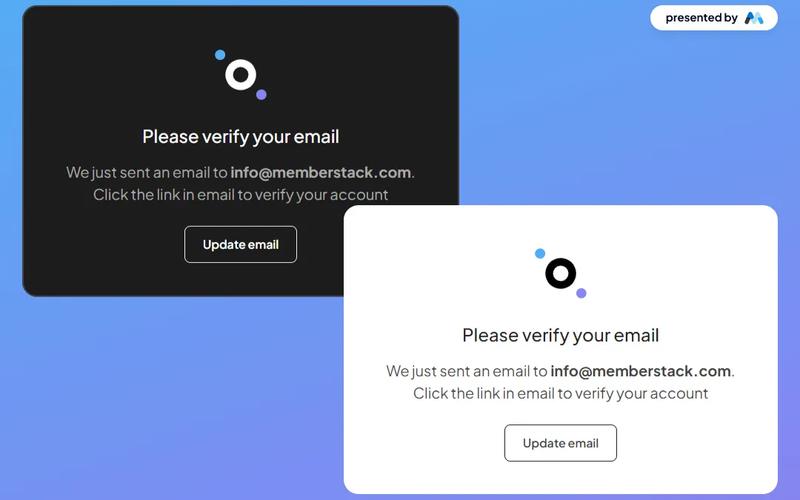
The Email Verification Modal is a stylish and versatile component designed for seamless email verification, available in both dark and light themes. Key Features Responsive design suitable for various devices Customizable themes (dark and light)Includes options to resend verification email or update email address User-friendly interface with clear instructions Integrates easily with existing web applications Design Elements Modern and clean layout Use of contrasting colors for visibility Incorporates icons for enhanced user experience Flexible container sizes for different screen resolutions Potential Use Cases Web applications requiring user email verificationE-commerce platforms needing account confirmation Membership sites for user registration and validation SaaS products that require user authentication Educational platforms for student account management Conclusion: The Email Verification Modal is a versatile and visually appealing component that enhances user experience by simplifying the email verification process, making it an excellent choice for various web applications.

Bright Email Confirmation
View Component
Email Verification

Bright Email Confirmation

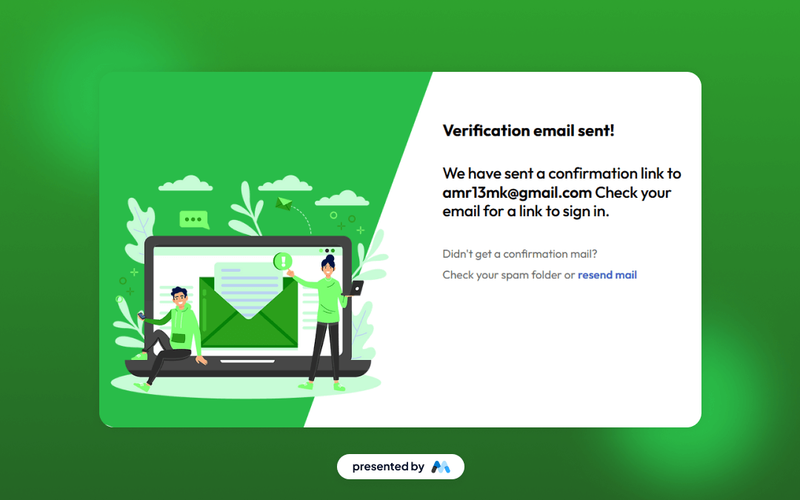
The Bright Email Confirmation component is designed to provide users with a clear and visually appealing confirmation message after they have submitted their email for verification. It includes essential elements such as a confirmation message, user email display, and a prompt to check their inbox or resend the email if necessary. Key Features Displays a confirmation message: 'Verification email sent!'Includes user-specific email address for personalization.Provides a link to resend the confirmation email if not received.Responsive design that adapts to various screen sizes. Design Elements Utilizes a clean layout with a focus on readability and user engagement.Incorporates a background color (#29bc49) that enhances visibility.Features a structured hierarchy with headings and paragraphs for clear communication.Employs a flexbox layout for responsive design. Potential Use Cases Web applications requiring user email verification.E-commerce platforms sending order confirmation emails.Membership sites needing email confirmation for account activation.SaaS products that require user registration and email validation. Conclusion: The Bright Email Confirmation component is a practical solution for enhancing user experience during the email verification process, making it suitable for various online services.

Colorful Email Confirm
View Component
Email Verification

Colorful Email Confirm

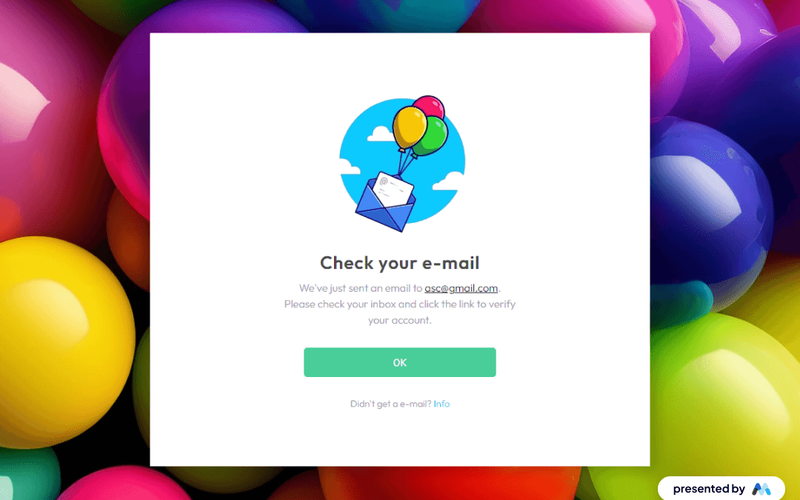
The Colorful Email Confirm component is designed to facilitate email verification processes for users. It provides a visually engaging interface that prompts users to check their email for a verification link, enhancing user experience during account setup. The component includes customizable text and links, making it adaptable for various applications. Key Features Includes a prominent heading prompting users to check their email.Displays the user's email address dynamically for personalization.Provides a clear call-to-action link for users who did not receive the email.Utilizes responsive design to ensure usability across devices. Design Elements Utilizes a colorful background image to attract attention.Incorporates a clean layout with ample spacing for readability.Features a modern typography style with varying font sizes for emphasis.Includes hover effects on links to enhance interactivity. Potential Use Cases Web applications requiring user registration and email verification.E-commerce platforms needing to confirm user accounts post-purchase.SaaS products that require user authentication via email.Membership sites that need to verify user identities. Conclusion: The Colorful Email Confirm component is a practical solution for enhancing user engagement during the email verification process, making it suitable for a variety of online platforms.

Colorful Email Verification
View Component
Email Verification

Colorful Email Verification

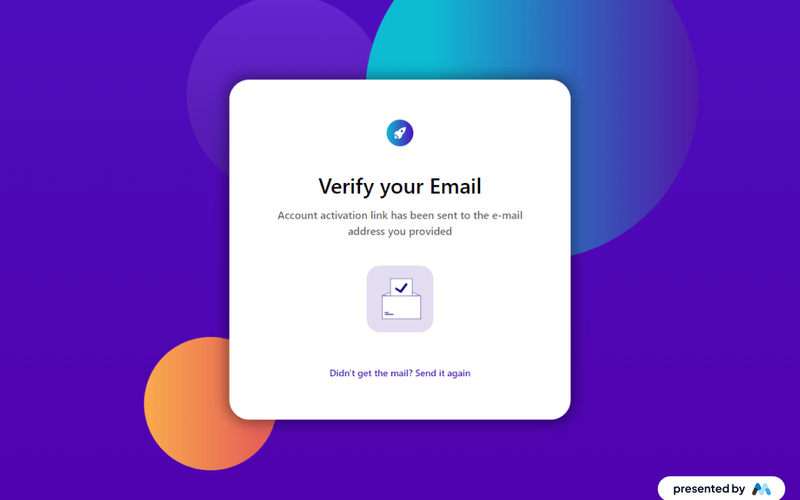
The Colorful Email Verification component is designed to facilitate the email verification process for users. It features a visually engaging layout that includes a verification message, an animation, and a prompt to resend the verification email. This component can be easily integrated into various web applications requiring user email validation. Key Features Includes a prominent heading for user attention: 'Verify your Email'.Displays a confirmation message indicating that an account activation link has been sent.Features a Lottie animation to enhance user engagement.Provides a link to resend the verification email if the user did not receive it. Design Elements Utilizes a gradient background with vibrant colors to attract user attention.Incorporates a clean layout with a centered alignment for the verification message.Employs responsive design principles to ensure usability across devices.Includes visually appealing animations to enhance the user experience. Potential Use Cases Web applications requiring user registration and email verification.E-commerce platforms needing to verify customer accounts.SaaS products that require user authentication via email.Membership sites that need to confirm user email addresses. Conclusion: The Colorful Email Verification component is a practical solution for enhancing user registration processes, combining functionality with an engaging design.

Dark-Email Verification Pop-up
View Component
Email Verification

Dark-Email Verification Pop-up

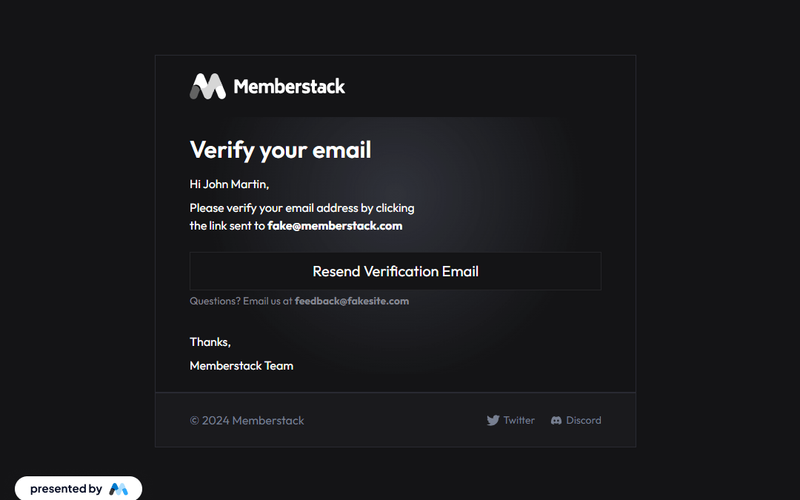
This component provides a sleek, dark-themed modal for seamless email verification, ensuring an elegant and user-friendly experience. Key Features Dark-themed design for modern aesthetics User-friendly email verification process Responsive layout suitable for various devices Includes options for resending verification emails Customizable text and branding elements Design Elements Dark color palette with contrasting text for readability Elegant typography for headings and body text Use of images and icons to enhance visual appeal Flexible layout with padding and margin adjustments Potential Use Cases Web applications requiring user registration and email verificationE-commerce platforms needing secure user account management Membership sites that require email confirmation for access SaaS products that need to verify user identities Any business looking to enhance user engagement through email verification Conclusion: The Dark-Email Verification Pop-up is a versatile and visually appealing solution for businesses seeking to streamline their email verification process while maintaining a modern aesthetic.

Email Verification Banner
View Component
Email Verification

Email Verification Banner

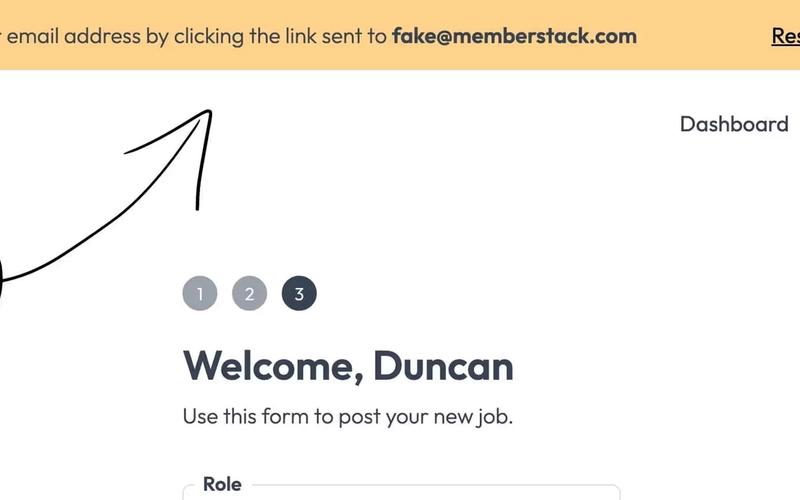
The Email Verification Banner is a user interface component designed for Webflow and Memberstack, aimed at enhancing user data accuracy by prompting email verification. It effectively reduces the incidence of fake email registrations. Key Features Integrates seamlessly with Webflow and Memberstack Prompts users to verify their email addresses Includes a 'Resend verification email' link Responsive design suitable for various screen sizes Customizable styles and classes Design Elements: Flexbox layout for easy alignment Bright background color for visibility Includes an icon for visual appeal Clean and modern typography Potential Use Cases: Web applications requiring user registrationE-commerce platforms to ensure valid customer emails Membership sites needing accurate user information Online services that rely on email communication Educational platforms for student registrations Conclusion: The Email Verification Banner is a versatile and essential component for any web application that values user data integrity, making it a valuable addition to Webflow projects.

Email Verification Buttons
View Component
Email Verification

Email Verification Buttons

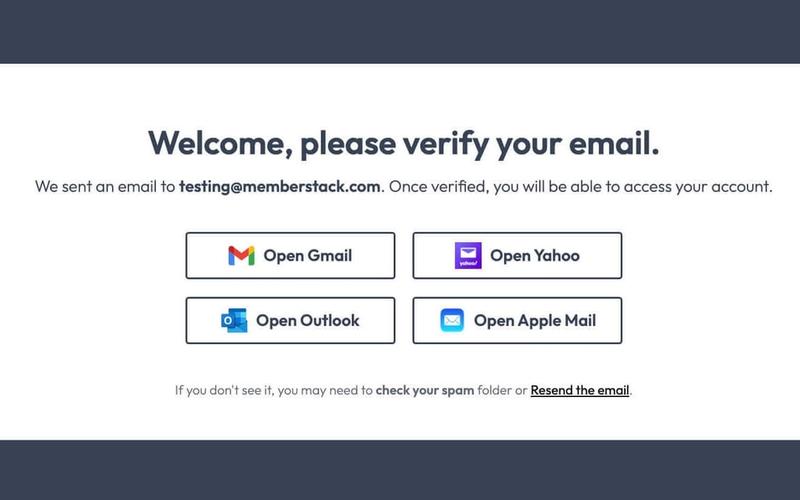
The Email Verification Buttons component is designed to facilitate user email verification with visually appealing buttons linking to popular email services. It enhances user experience by providing clear instructions and options for verification. Key Features Customizable buttons for Gmail, Yahoo, Outlook, and Apple Mail Responsive design suitable for various devices Clear messaging to guide users through the verification process Option to resend verification email if not received Design Elements Modern and clean layout with a white background Use of icons for email services to enhance recognition Flexbox and grid layouts for responsive design Color scheme featuring soft tones with contrasting text for readability Potential Use Cases Web applications requiring user registration and email verificationE-commerce platforms needing to confirm user accounts SaaS products that require user authentication Membership sites that manage user access through email verification Conclusion: The Email Verification Buttons component is a versatile and user-friendly solution for enhancing email verification processes, making it an essential tool for any web application focused on user engagement and security.

Email Verification Page
View Component
Email Verification

Email Verification Page

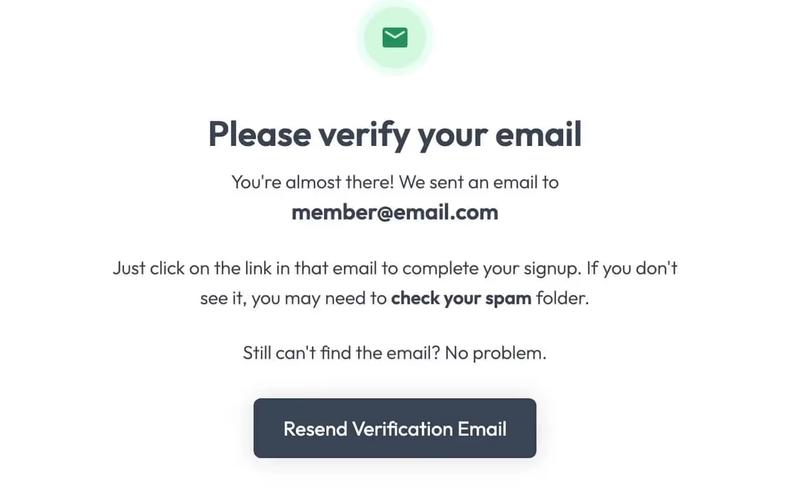
This component is designed to prompt users to verify their email addresses before granting access to secured content, ensuring a secure user experience. Key Features User-friendly interface for email verification Customizable messaging and branding Responsive design for various devices Includes a resend verification email option Integrates easily with membership systems Design Elements: Clean and modern layout Centered text alignment for clarity Use of icons for visual appeal Soft color palette with a focus on usability Responsive design elements for mobile compatibility Potential Use Cases: Membership websites requiring email verificationE-commerce platforms with user accounts Online learning platforms for course access Community forums needing user authentication SaaS applications with subscription models Conclusion: The Email Verification Page component is a versatile and essential tool for any website that requires user authentication, enhancing security while maintaining a user-friendly experience.

Email Verification Pop-Up
View Component
Email Verification

Email Verification Pop-Up

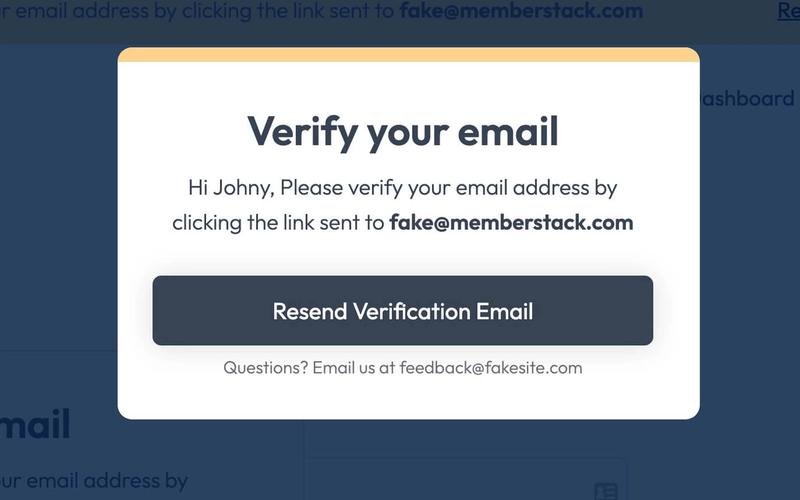
The Email Verification Pop-Up is designed to prompt users to verify their email addresses after registration. It features a user-friendly interface that guides users through the verification process. Key Features Customizable message content including user name and email address.Option to resend verification email.Responsive design suitable for various screen sizes.Overlay design to ensure focus on the verification task. Design Elements Clean and modern aesthetic with a white background.Rounded corners for a softer visual appeal.Accent colors used for buttons and highlights.Centered layout for easy user interaction. Potential Use Cases Web applications requiring user registration and email verification.E-commerce platforms needing to confirm user identities.Membership sites that require email validation for account access.Online services that prioritize user security and data integrity. Conclusion: The Email Verification Pop-Up is a versatile and essential component for any web application that requires email confirmation, ensuring a seamless user experience while enhancing security.

Email Verification Widget
View Component
Email Verification

Email Verification Widget

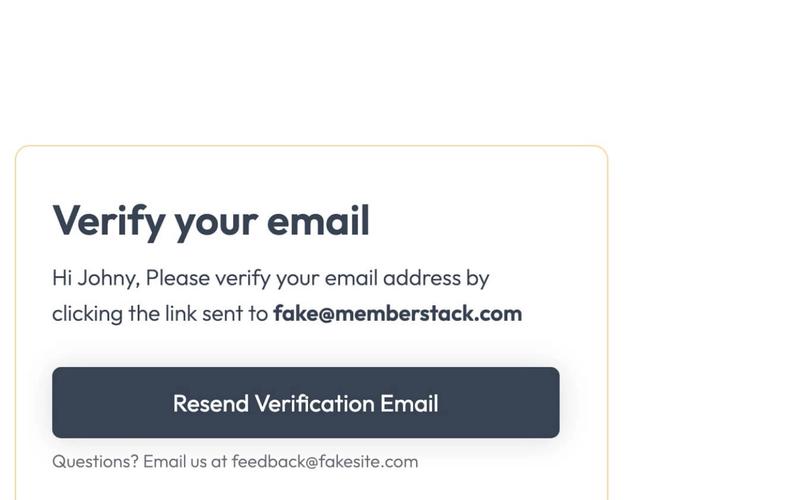
The Email Verification Widget is designed to facilitate the email verification process for users, ensuring that they confirm their email addresses after registration. It provides a user-friendly interface for verification and resend options. Key Features Customizable greeting message with user name Direct link for resending verification emails Responsive design suitable for various devices Fixed position for easy accessibility Stylish and modern visual elements Design Elements Fixed position layout with a white background Rounded corners and a border with a soft color Bold typography for headers and important messages Subtle shadow effects for depth Color scheme featuring soft yellows and blues Potential Use Cases Web applications requiring user registration and email confirmationE-commerce platforms needing to verify customer accounts Membership sites that require email validation for access Online services offering newsletters or updates SaaS products that require user authentication Conclusion: The Email Verification Widget is a versatile and essential tool for any web application that requires email confirmation, enhancing user experience while ensuring security.

Smooth Gradient Verify
View Component
Email Verification

Smooth Gradient Verify

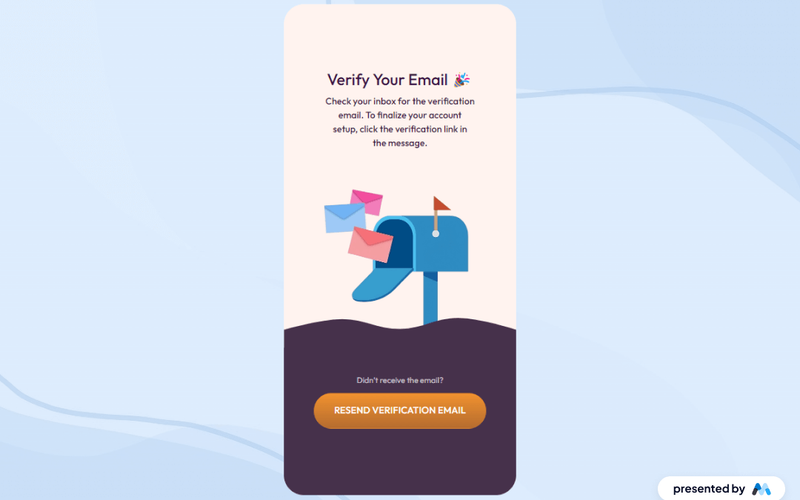
Smooth Gradient Verify is a Webflow component designed to facilitate email verification processes for users. It includes a visually engaging layout that guides users through verifying their email addresses, featuring clear instructions and a call-to-action for resending verification emails. Key Features Email verification prompt with a clear heading: 'Verify Your Email 🎉'.Instructions for users to check their inbox for a verification email.A visually appealing image related to email verification.A link to resend the verification email if the user did not receive it. Design Elements Gradient background colors that enhance visual appeal.Use of rounded corners for containers, creating a softer look.Responsive design elements that adapt to various screen sizes.Typography that emphasizes clarity and legibility. Potential Use Cases Web applications requiring user email verification.SaaS platforms that need to confirm user registrations.E-commerce sites that want to verify customer accounts.Membership sites that require email confirmation for access. Conclusion: Smooth Gradient Verify is a practical component for enhancing user experience during email verification, making it suitable for various online platforms that require user authentication.

Unique Email Verification
View Component
Email Verification

Unique Email Verification

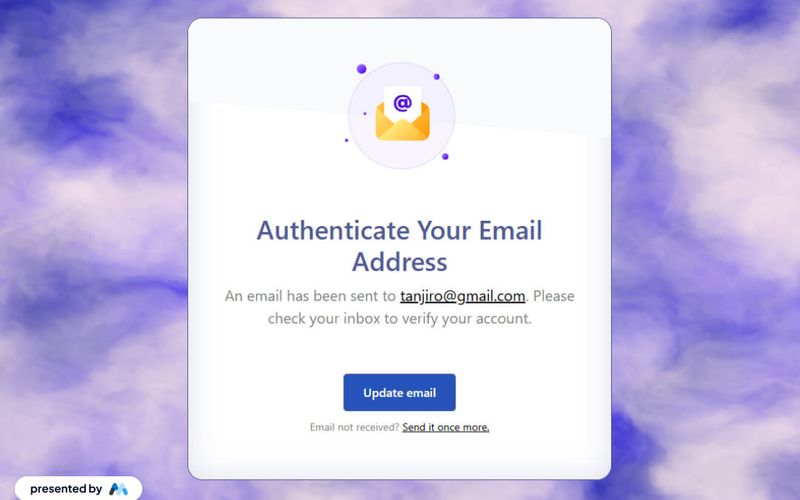
The Unique Email Verification component is designed to facilitate email verification processes for users. It features a clear message indicating that an email has been sent to the user, along with a link to update their email if needed. The component also includes a prompt for users to resend the verification email if they haven't received it. Key Features Displays a confirmation message after an email is sent for verification, e.g., 'An email has been sent to tanjiro@gmail.com.'Includes a link for users to update their email address.Provides an option to resend the verification email if not received. Design Elements Utilizes a clean layout with a centered design for better readability.Incorporates a Lottie animation for visual engagement.Features a color scheme with a light background and contrasting text for clarity. Potential Use Cases Web applications requiring user registration and email verification.E-commerce platforms needing to verify customer emails for account creation.SaaS products that require email confirmation for user onboarding. Conclusion: The Unique Email Verification component is a practical solution for managing email verification processes, enhancing user experience through clear communication and interactive elements.
Showing 1–12 of 12 componentstagged with Email Verification

No website yet? Check out our free & paid pre-built template websites!

View templates