30 Components

Upgrade Components

30 Webflow native upgrade components with 1-click copy & paste from a library of 807+. Built for Memberstack integration.

2 Tier Upgrade Modal
View Component
Pre-built ModalsUpgrade

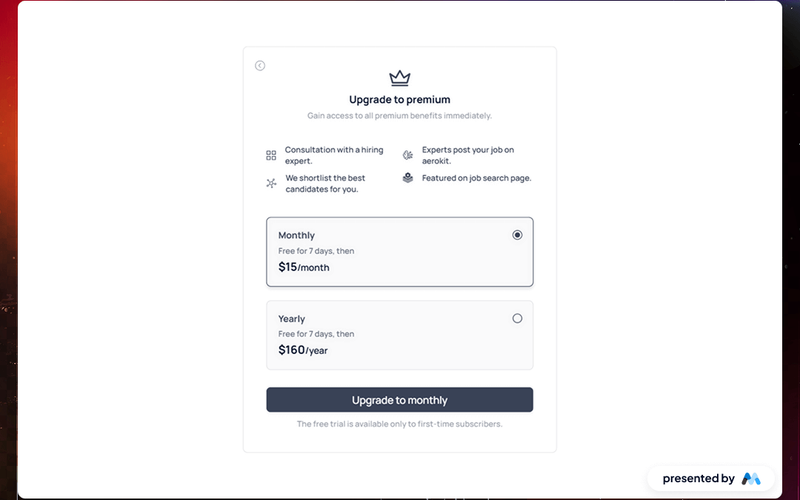
2 Tier Upgrade Modal

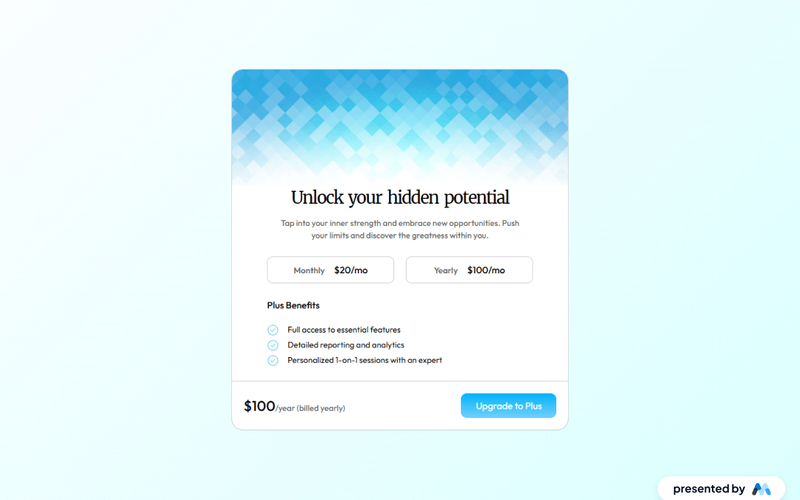
The 2 Tier Upgrade Modal is designed to prompt users to upgrade their subscription plans with a visually appealing interface. It features a two-tab layout for monthly and annual pricing options. Key Features Two pricing tiers: Monthly and Annual Interactive tabs for easy navigation Customizable modal design Includes icons for visual appeal Responsive design suitable for various devices User-friendly upgrade prompts Design Elements: Modern and clean layout Soft color palette with a transparent background Rounded corners and subtle shadows for depth Clear typography for readabilityicons integrated for enhanced visual communication Potential Use Cases: SaaS companies looking to encourage subscription upgradesE-commerce platforms offering premium memberships Online services with tiered pricing models Mobile applications needing in-app upgrade prompts Websites aiming to enhance user engagement through subscription offers Conclusion: The 2 Tier Upgrade Modal is a versatile and visually appealing component that effectively encourages users to upgrade their plans, making it a valuable addition for any subscription-based service.

AeroKit UI Upgrade01 Light
View Component
Upgrade

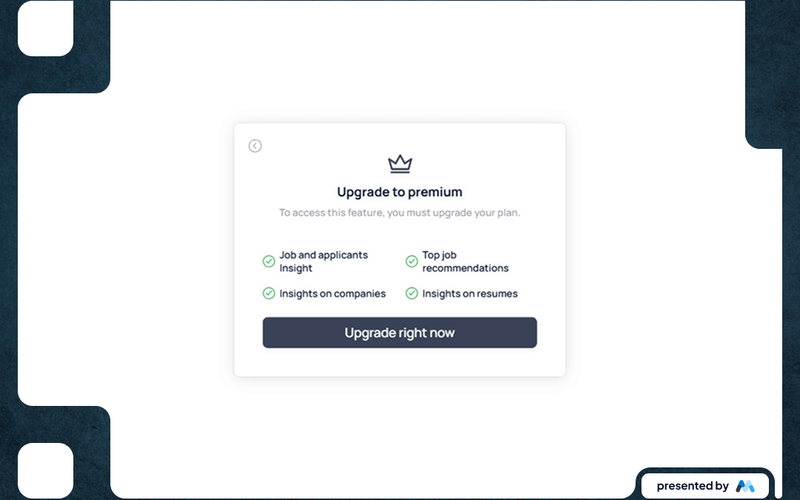
AeroKit UI Upgrade01 Light

AeroKit UI Upgrade01 Light is a Webflow component designed for creating upgrade prompts for premium features. It includes a visually appealing layout with forms for user interaction, making it suitable for applications that require user upgrades or subscriptions. Key Features Includes a form for user upgrades with input fields and buttons.Responsive design with media queries for various screen sizes.Custom styles for focus states and typography to enhance readability.Success and error messages for form submissions to improve user experience.Utilizes CSS classes for layout and spacing management. Design Elements Flexbox layout for alignment and spacing of elements.Drop shadow effects for depth and emphasis on components.Use of a clean color palette with a focus on legibility.Incorporates icons and images to enhance visual communication. Potential Use Cases SaaS applications looking to prompt users for premium upgrades.E-commerce websites that want to encourage subscription-based services.Job portals needing to offer premium features for job seekers and employers.Online learning platforms requiring upgrades for additional course access. Conclusion: AeroKit UI Upgrade01 Light is a functional and visually structured component that effectively facilitates user upgrades, making it a valuable addition for various web applications.

AeroKit UI Upgrade02 Dual Pane
View Component
Upgrade

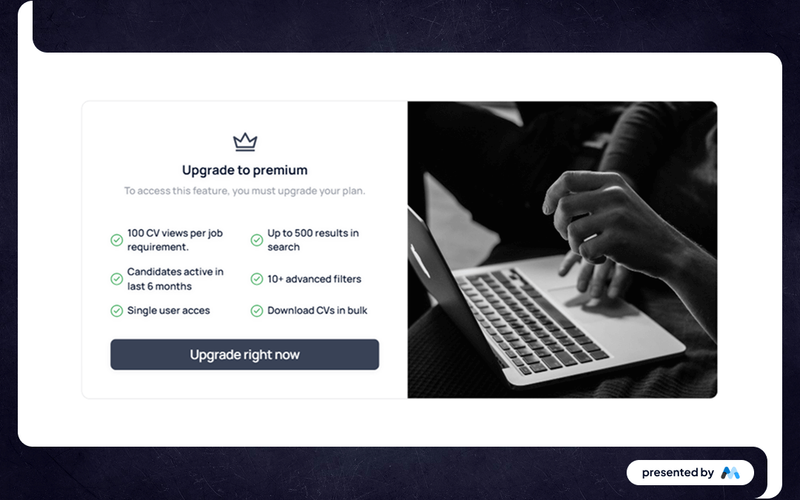
AeroKit UI Upgrade02 Dual Pane

The AeroKit UI Upgrade02 Dual Pane is a Webflow component designed to enhance user experience by providing a dual-pane layout for displaying content. It includes features such as a form for upgrading plans and visually appealing elements that guide users through the upgrade process. Key Features Dual-pane layout for organized content display.Form integration for user upgrades with success and error messages.Responsive design with various visibility conditions for elements.Custom CSS for typography and layout adjustments, ensuring legibility and alignment. Design Elements Grid layout for content organization, allowing for flexible arrangements.Use of images and icons to enhance visual communication.Clean and modern styling with rounded corners and shadow effects.Color scheme focused on white backgrounds with contrasting text for readability. Potential Use Cases SaaS platforms looking to implement a subscription upgrade feature.E-commerce websites needing a dual-pane layout for product comparisons.Portfolio sites that require a structured presentation of services and upgrades.Educational platforms offering tiered access to course materials. Conclusion: The AeroKit UI Upgrade02 Dual Pane component is a practical solution for developers seeking to implement a structured upgrade interface, making it suitable for various applications across different industries.

AeroKit UI Upgrade03 Tab
View Component
Upgrade

AeroKit UI Upgrade03 Tab

The AeroKit UI Upgrade03 Tab is a Webflow component designed to enhance user interaction through tabbed navigation. It allows users to switch between different content sections seamlessly, making it ideal for displaying multiple pieces of information in a compact format. This component is particularly useful for subscription services or product features that require user engagement. Key Features Tabbed navigation for easy content switching, allowing users to view different sections without leaving the page.Customizable styles for tabs and content areas, enabling developers to match the component with their site's design.Responsive design that adapts to various screen sizes, ensuring usability on mobile and desktop devices.Integrated form elements for user interaction, such as subscription sign-ups or inquiries. Design Elements Utilizes a clean and structured layout with distinct tab headers and content areas.Incorporates a color scheme that can be customized to fit branding, with focus states for accessibility.Includes icons and images to enhance visual appeal and provide context to the tabbed content. Potential Use Cases Subscription-based services that need to present pricing plans and features.E-commerce websites showcasing different product categories or specifications.Educational platforms offering various courses or modules in a single interface.Portfolio sites where users can toggle between different projects or case studies. Conclusion: The AeroKit UI Upgrade03 Tab component is a practical solution for developers looking to implement tabbed navigation in their Webflow projects, providing both functionality and aesthetic flexibility.

Brilliant Upgrade UI
View Component
Upgrade

Brilliant Upgrade UI

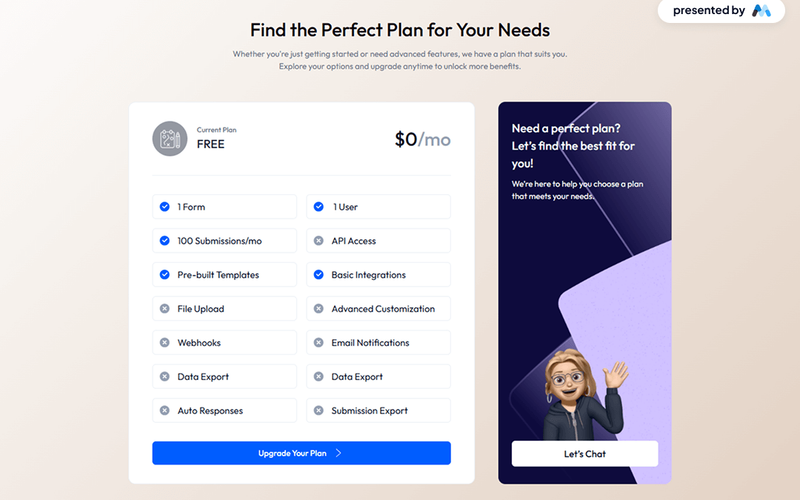
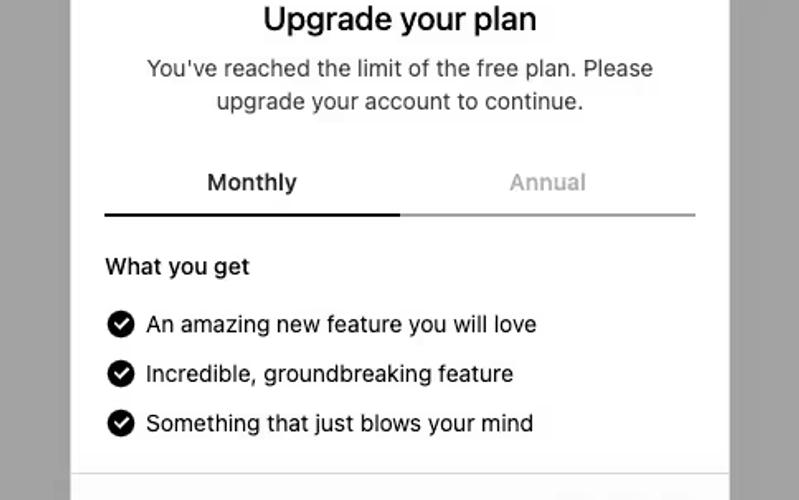
The Brilliant Upgrade UI component is designed to facilitate user interface upgrades for web applications, particularly focusing on pricing plans and features. It includes elements such as tabs for monthly and annual pricing options, a pricing table, and various user-friendly design features. Key Features Tabs for switching between monthly and annual pricing options.Dynamic content display for different pricing plans.Customizable CSS for text rendering and focus states.Responsive design elements that adapt to various screen sizes.Image placeholders for visual representation of features. Design Elements Utilizes a clean layout with a focus on typography and spacing.Incorporates a color scheme that enhances readability and user engagement.Features a tabbed interface similar to pricing tables found on SaaS websites.Includes icons and images to visually represent features and benefits. Potential Use Cases SaaS companies looking to present subscription plans.E-commerce platforms needing to showcase pricing options.Financial services websites offering various account types.Educational platforms with tiered membership levels.Any business requiring a clear and engaging pricing structure. Conclusion: The Brilliant Upgrade UI component is a practical solution for businesses needing to present pricing options clearly and effectively, making it suitable for a wide range of applications.
Colorful Background Upgrade
View Component
Upgrade

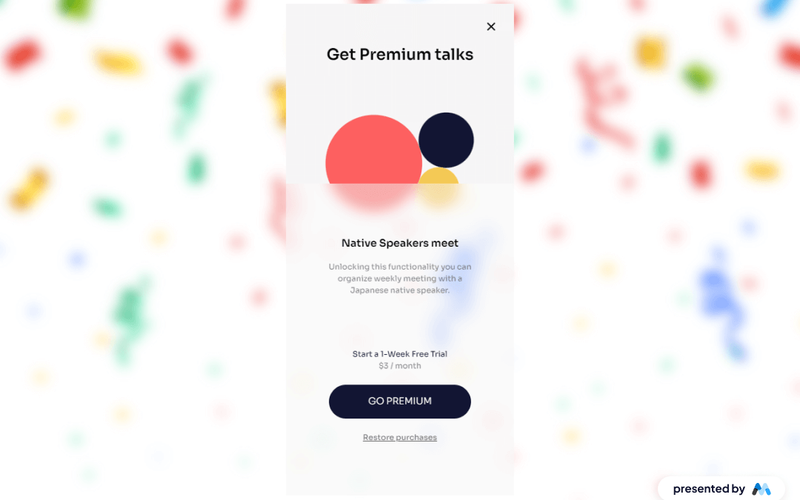
Colorful Background Upgrade

The Colorful Background Upgrade component enhances the visual appeal of a website by incorporating vibrant background animations and images. It is designed to create an engaging user experience, particularly suitable for promotional or event-based content. Key Features Includes a vibrant confetti background image for festive themes.Features Lottie animations that add dynamic visual interest.Responsive design elements that adapt to various screen sizes.Customizable text and button styles for user engagement.Utilizes CSS for smooth transitions and hover effects. Design Elements Bright, colorful background images that draw attention.Use of Lottie animations for interactive elements.Clean layout with a focus on user interaction.Fixed positioning for key elements to maintain visibility.Incorporation of various text sizes and weights for hierarchy. Potential Use Cases Event promotion websites looking to attract attention.Landing pages for product launches or special offers.Educational platforms hosting interactive sessions.Online stores aiming to enhance seasonal sales.Community websites promoting activities or gatherings. Conclusion: The Colorful Background Upgrade component is a visually striking addition to any website, making it ideal for businesses and events that want to create a lively and engaging atmosphere.

Dark Pricing Pop-Up
View Component
Upgrade

Dark Pricing Pop-Up

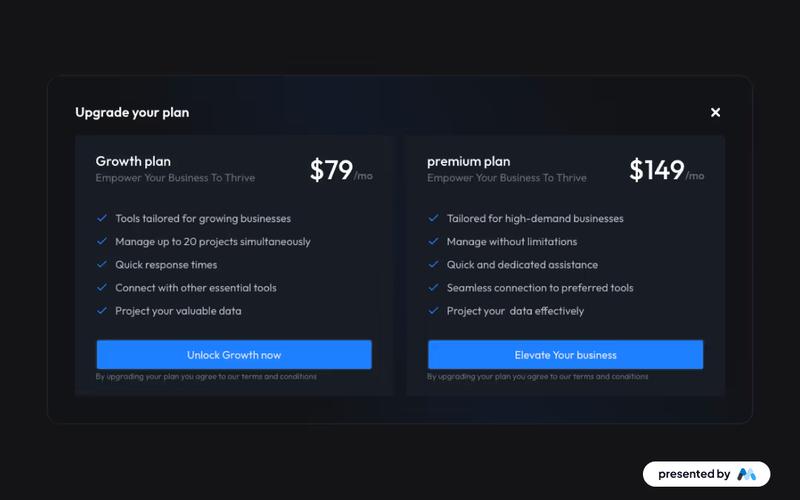
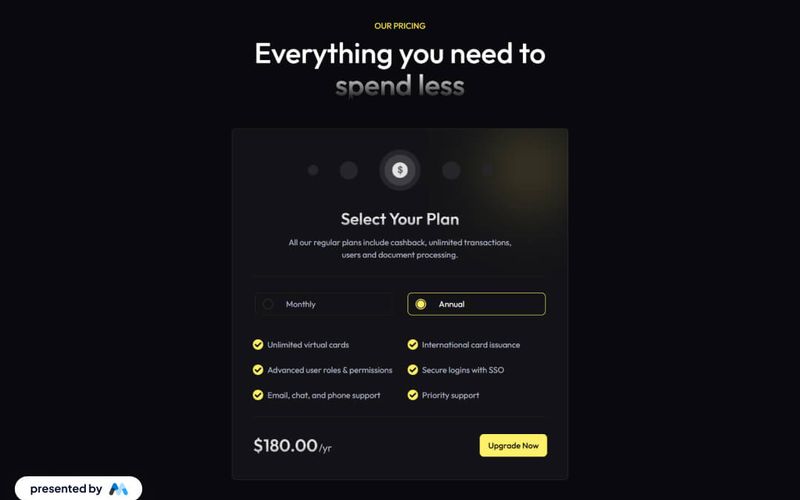
The Dark Pricing Pop-Up is designed to help businesses upgrade their plans with a visually appealing dark theme. It offers two pricing options, each tailored for different business needs. Key Features Dark-themed design for modern aesthetics Two pricing tiers Features tailored tools, quick responses, and seamless connections Responsive design suitable for various devices Design Elements: Dark color palette with contrasting text for readability Flexbox layout for organized content display Use of icons to enhance visual communication Rounded corners and padding for a polished look Potential Use Cases: Startups looking to scale their services Freelancers managing multiple projects Agencies needing quick client onboarding solutionsE-commerce businesses aiming to boost subscription sales Tech companies offering tiered service plans Conclusion: The Dark Pricing Pop-Up is a versatile component that effectively combines functionality with an attractive design, making it an excellent choice for businesses aiming to enhance their subscription offerings.

Dark Upgrade Plan
View Component
Upgrade

Dark Upgrade Plan

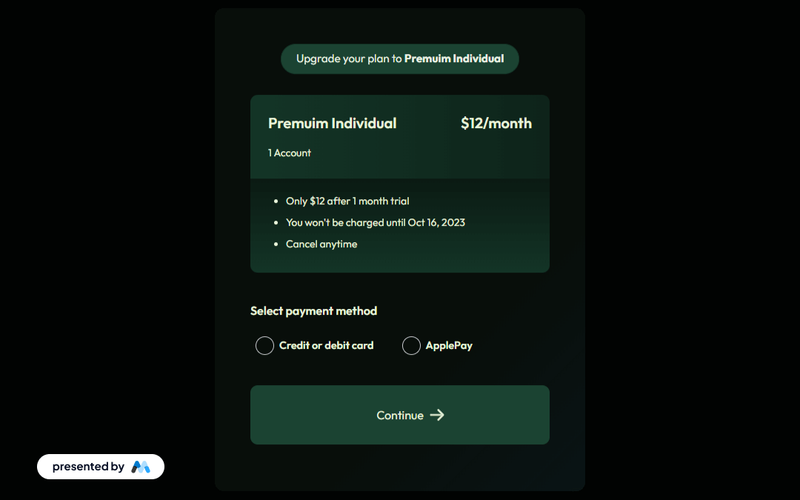
A dark-themed upgrade plan page designed to showcase premium plan details, including trial periods, pricing, and payment methods, with clear feedback on form submissions. Key Features Dark-themed design for modern aesthetics Detailed premium plan information Trial period and pricing clearly displayed Multiple payment method options User-friendly form submission with feedback Design Elements Dark color palette with contrasting text Gradient backgrounds for sections Responsive layout for various devices Crisp typography for readability Interactive elements with hover effects Potential Use Cases SaaS companies offering subscription plans Online services with tiered pricing modelsE-commerce platforms introducing premium memberships Digital products requiring user upgrades Membership sites with various access levels Conclusion: The Dark Upgrade Plan component is a versatile and visually appealing solution for businesses looking to present their subscription options effectively, enhancing user engagement and conversion rates.

Elegant Upgrade Pop-up
View Component
Upgrade

Elegant Upgrade Pop-up

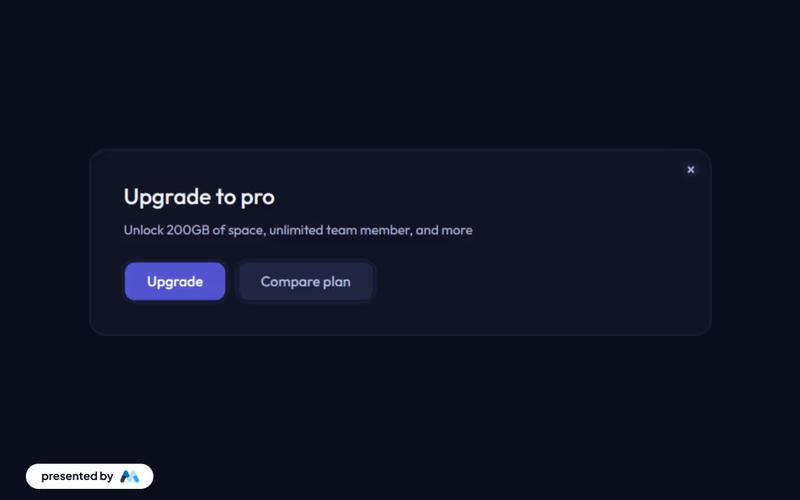
This sleek, dark-themed pop-up is designed to promote a Pro plan upgrade, offering users 200GB of space and unlimited team members, with clear call-to-action buttons for upgrading or comparing plans. Key Features Dark-themed UI for a modern lookClear call-to-action buttons for upgrading and plan comparisonResponsive design for various devicesDesign Elements: Sleek and modern dark color scheme Rounded corners and shadow effects for depth Crisp typography for better legibility Flexbox layout for responsive design Potential Use Cases: SaaS companies looking to promote premium subscriptionsE-commerce platforms offering membership upgrades Online services needing to highlight premium features Web applications aiming to enhance user engagement Startups wanting to showcase their premium offerings Conclusion: The Elegant Upgrade Pop-up is a versatile and visually appealing component that effectively encourages users to upgrade their plans, making it suitable for various online businesses.

Magnificent Background Paywall
View Component
Upgrade

Magnificent Background Paywall

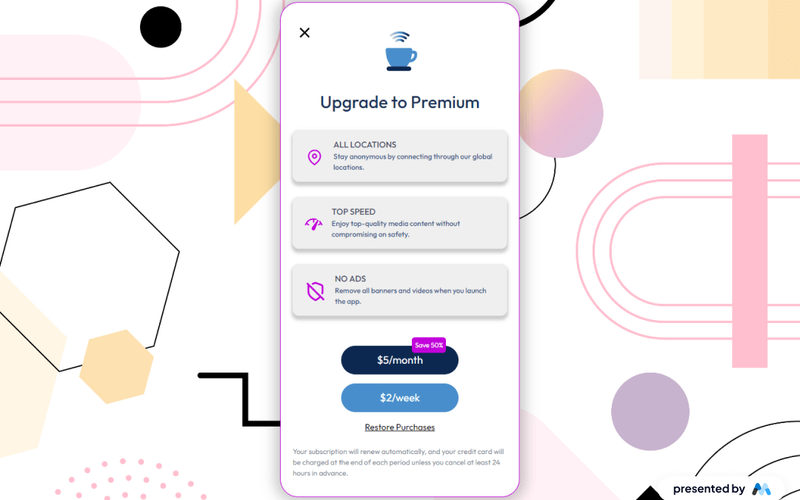
The Magnificent Background Paywall is a Webflow component designed to restrict access to premium content, encouraging users to upgrade to a paid subscription. It features a visually appealing layout with various elements such as images, animations, and text that promote subscription benefits. Key Features Includes a prominent heading 'Upgrade to Premium' to attract user attention.Features animated elements using Lottie for engaging visual effects.Offers multiple subscription options with clear pricing details.Contains a close button for user convenience, allowing easy dismissal of the paywall. Design Elements Utilizes a clean layout with a focus on user engagement.Incorporates a color scheme that highlights subscription benefits, including shades of blue and purple.Employs flexbox for responsive design, ensuring elements are well-aligned and visually appealing. Potential Use Cases Media websites looking to monetize exclusive content.Streaming services that require user subscriptions for access.Online educational platforms offering premium courses.News websites aiming to restrict access to premium articles. Conclusion: The Magnificent Background Paywall is a functional and visually engaging component that effectively encourages users to subscribe for premium content, making it suitable for various industries focused on content monetization.

Majestic Plan Paywall
View Component
UpgradeAll

Majestic Plan Paywall

The Majestic Plan Paywall is a visually striking component designed to enhance user engagement and functionality for subscription-based services. It features a beautiful background and a clear call to action for upgrading plans. Key Features Visually appealing design with a beautiful background Clear messaging about plan upgrades Responsive design suitable for various devices Interactive elements like buttons and links Design Elements: Elegant color scheme with blue and white tones Use of SVG images for crisp visuals Flexbox layout for responsive design Large, legible typography for easy reading Background image with a radial gradient effect Potential Use Cases: SaaS companies looking to promote subscription plansE-commerce sites offering premium memberships Content creators providing exclusive content through subscriptions Online courses or educational platforms with tiered access Non-profits seeking donations through membership models Conclusion: The Majestic Plan Paywall is a versatile and attractive component that can effectively drive conversions for businesses offering subscription services, making it an excellent choice for various industries.

Paywall Modal
View Component
Upgrade

Paywall Modal

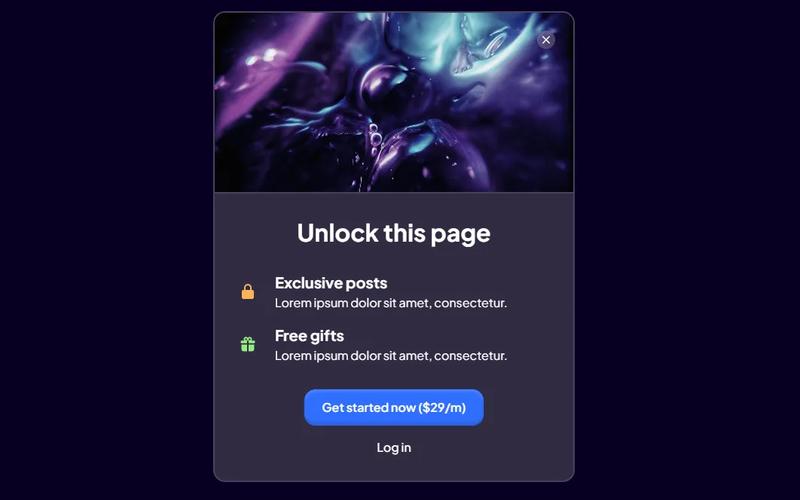
The Paywall Modal is a sleek dark-theme component designed to restrict access to gated content, prompting users to subscribe or log in when they attempt to access exclusive material. Key Features Dark theme design for modern aesthetics Customizable display settings for gated content Interactive elements for user engagement Responsive design for various devices Design Elements: Dark color palette with contrasting text Rounded corners and soft shadows for a polished look Flexible layout with centered content Iconography to enhance visual communication Potential Use Cases: Media websites offering premium articles Online courses requiring membership for content accessE-commerce sites with exclusive product releases Blogs with subscriber-only posts Membership platforms providing gated community access Conclusion: The Paywall Modal is a versatile and visually appealing component that effectively encourages user subscriptions while maintaining a user-friendly experience.

Popup Upgrade Plan Modal
View Component
Upgrade

Popup Upgrade Plan Modal

A popup modal designed to display a pricing table for upgrading plans, providing a user-friendly interface for subscription management. Key Features Responsive design suitable for various devices Includes a clear pricing table with multiple plan options Interactive elements for user engagement Easy integration into existing Webflow projects Live preview available for testing Design Elements: Modern and clean layout Flexible grid system for displaying pricing options Use of icons for visual appeal Color scheme featuring shades of blue and white for a professional look Potential Use Cases: SaaS companies looking to present subscription optionsE-commerce platforms needing to upgrade user accounts Membership sites requiring tiered access plans Online services offering premium features Conclusion: The Popup Upgrade Plan Modal is a versatile and visually appealing component that enhances user experience by simplifying the upgrade process for various subscription-based services.

Pricing Upgrade Modal
View Component
PricingUpgrade

Pricing Upgrade Modal

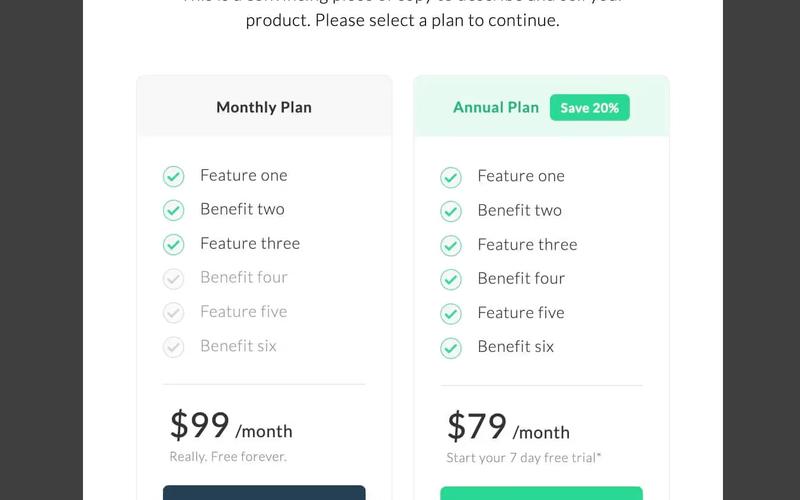
The Pricing Upgrade Modal is designed to facilitate user upgrades by presenting various pricing plans in a visually appealing and interactive format. It includes features that encourage users to select a plan and provides clear information about benefits and pricing. Key Features Multiple pricing options Clear call-to-action buttons for upgrading Visual indicators for features included in each plan Discount labels for annual subscriptions Responsive design suitable for various devices Design Elements: Modern and clean layout with a white background Use of green accents to highlight pricing and benefits Flexbox layout for easy alignment of elements Hover effects on buttons for enhanced interactivity Potential Use Cases: SaaS companies looking to present subscription optionsE-commerce platforms offering premium memberships Online services needing to encourage upgrades Educational platforms with tiered pricing for courses Any business model that requires clear pricing communication Conclusion: The Pricing Upgrade Modal is a versatile and effective tool for businesses aiming to enhance their subscription offerings, making it easy for users to understand and select their desired plans.

Pro Plan Card
View Component
Upgrade

Pro Plan Card

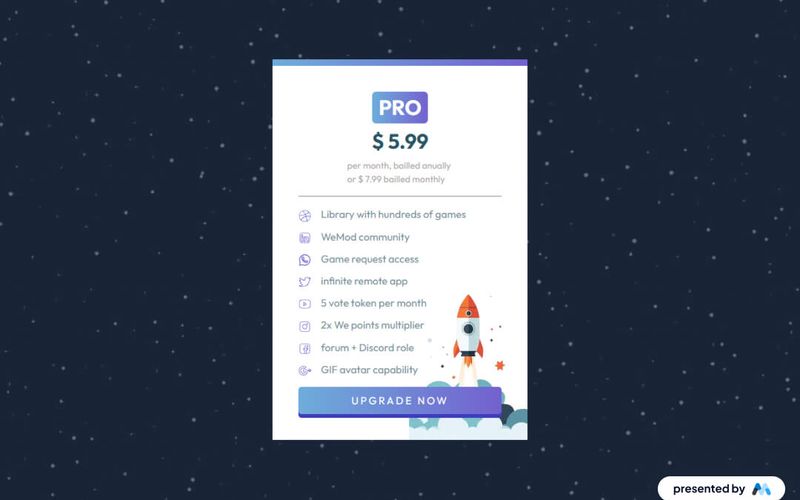
The Pro Plan Card is designed to showcase subscription options for a service, highlighting pricing and features. It includes a clear pricing structure, benefits of the plan, and visual elements to enhance user engagement. Key Features Displays subscription pricing: $5.99 per month billed annually or $7.99 billed monthly.Includes a list of features such as access to a library of games and community benefits.Utilizes responsive design elements to ensure visibility across devices. Design Elements Utilizes a clean layout with distinct sections for pricing and features.Incorporates images representing social media and community engagement.Employs a color scheme that emphasizes the pricing and call-to-action elements. Potential Use Cases Gaming subscription services looking to promote their plans.Online educational platforms offering tiered membership options.Software as a Service (SaaS) companies needing to display subscription models. Conclusion: The Pro Plan Card effectively communicates subscription details and benefits, making it a valuable component for businesses aiming to enhance their service offerings.

Productivity Pro
View Component
Upgrade

Productivity Pro

Productivity Pro is a Webflow component designed to enhance user engagement and streamline productivity. It features a clean layout with sections for promotional content, a subscription form, and a tabbed interface for easy navigation. This component is a free resource for Webflow developers to use in their projects. Key Features Subscription form with success and error messages for user feedback.Tabbed navigation for displaying different content types without cluttering the interface.Responsive design elements that adapt to various screen sizes.Customizable text styles for headings and body content. Design Elements Utilizes a clean and structured layout with clear sections for content.Incorporates a color scheme that emphasizes readability and user interaction.Includes visual elements like images and icons to enhance the user experience. Potential Use Cases SaaS companies looking to promote subscription plans.Personal development coaches offering online courses.E-commerce sites wanting to highlight productivity tools.Blogs focused on productivity tips and resources. Conclusion: Overall, Productivity Pro is a functional and visually organized component that can be easily integrated into various types of websites to boost user engagement and streamline information delivery.

Purple Premium Upgrade
View Component
Upgrade

Purple Premium Upgrade

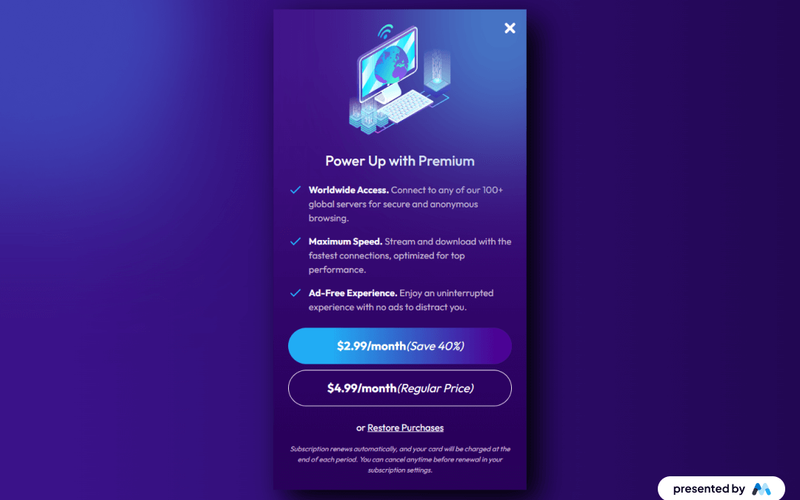
The Purple Premium Upgrade component is designed to facilitate subscription-based services, showcasing premium features and pricing options. It includes elements like headings, images, and buttons to enhance user engagement and promote premium offerings. Key Features Subscription pricing display with options for monthly payments ($2.99/month and $4.99/month) and a promotional discount (Save 40%).Visual elements including icons and images to represent features like 'Worldwide Access' and 'Maximum Speed'.Call-to-action buttons for users to subscribe or restore purchases. Design Elements Gradient background with a color scheme of purple and blue, creating a visually striking appearance.Use of icons to represent features, enhancing the visual communication of the component.Text alignment and sizing styles that ensure readability and focus on key information. Potential Use Cases VPN service providers looking to promote premium subscription plans.Streaming services that offer ad-free experiences for subscribers.Software applications that require subscription models for premium features. Conclusion: The Purple Premium Upgrade component effectively combines visual appeal with functional elements to promote subscription services, making it suitable for various industries focused on premium offerings.

Select a Plan Modal
View Component
PricingUpgrade

Select a Plan Modal

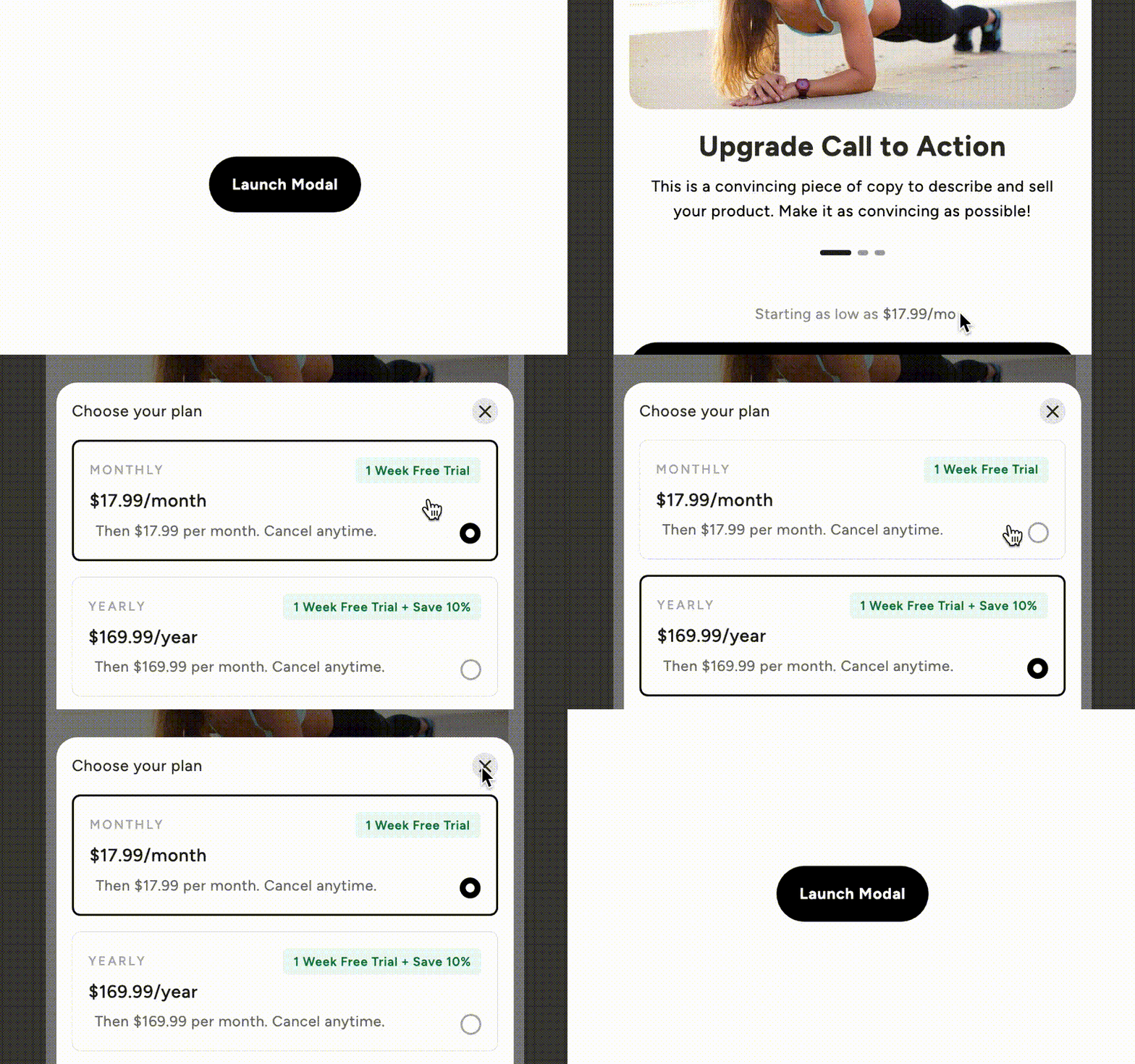
The Select a Plan Modal is designed to facilitate user interactions with pricing options, featuring a visually appealing layout inspired by a Dribbble design. It includes custom code for enhanced tab styling and ease of editing. Key Features Interactive pricing table with monthly and yearly plans Customizable tabs for plan selection Responsive design suitable for various devices Includes a video tutorial for setup Design Elements: Modern and clean layout Use of high-quality images Rounded corners and shadow effects for a polished look Custom CSS for enhanced visual effects Potential Use Cases: SaaS companies looking to present subscription plansE-commerce websites offering membership options Online service providers needing a clear pricing structure Educational platforms with tiered access plans Any business requiring a modal for user engagement on pricing Conclusion: The Select a Plan Modal is a versatile and visually appealing component that enhances user experience by simplifying the decision-making process for potential customers.

Simple Upgrade Interface
View Component
Upgrade

Simple Upgrade Interface

The Simple Upgrade Interface is designed to facilitate the presentation of various subscription plans, allowing users to easily compare options and make informed decisions. It includes features such as plan descriptions, pricing, and benefits, making it suitable for businesses offering tiered services. Key Features Multiple subscription plans displayed in a grid layout for easy comparison.Customizable text sections for plan descriptions and features.Responsive design that adapts to different screen sizes.Focus state styles for accessibility, enhancing keyboard navigation.Image support for visual representation of plans. Design Elements Grid layout for displaying plans, similar to e-commerce product comparisons.Use of clear typography and color coding to differentiate between plans.Incorporation of images to visually enhance the presentation of each plan.Consistent spacing and alignment to maintain a clean layout. Potential Use Cases SaaS companies looking to showcase their subscription tiers.Online service providers wanting to present different service levels.Educational platforms offering various course access plans.Membership sites that need to outline different membership benefits.E-commerce sites that provide subscription-based products. Conclusion: The Simple Upgrade Interface is a practical component for businesses that need to present subscription options clearly and effectively, enhancing user experience and decision-making.

Sleek Upgrade Plan
View Component
Upgrade

Sleek Upgrade Plan

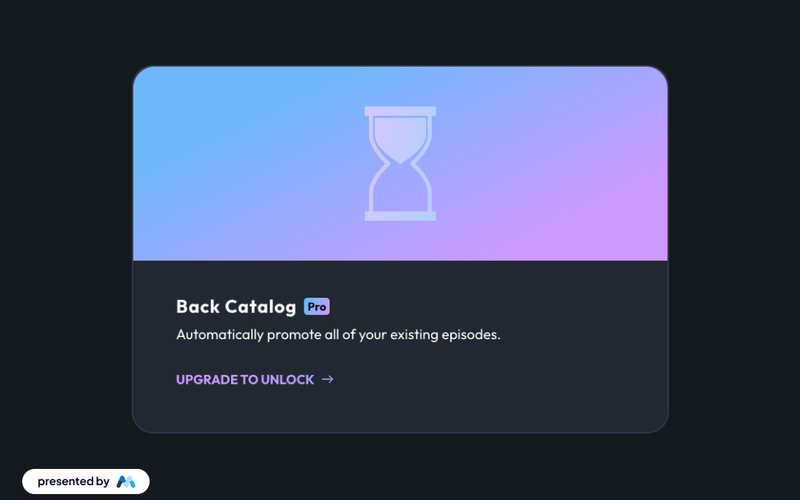
The Sleek Upgrade Plan is designed to facilitate seamless upgrades to the Pro Back Catalog, allowing users to automatically promote all existing episodes with ease. Key Features Automatic promotion of existing episodes Seamless integration with a simple upgrade process Visually appealing design with a modern aesthetic Responsive layout suitable for various devices Design Elements Gradient background with vibrant colorsCrisp typography for enhanced legibilityUse of SVG images for scalabilityFlexbox layout for responsive design Potential Use Cases Podcast platforms looking to enhance user engagement Content creators wanting to promote their back catalog Businesses aiming to upgrade their subscription services Educational platforms offering course upgrades Conclusion: The Sleek Upgrade Plan is a versatile and visually appealing component that effectively promotes upgrades, making it an excellent choice for various content-driven businesses.

Small Upgrade Modal
View Component
ModalPaywall+1

Small Upgrade Modal

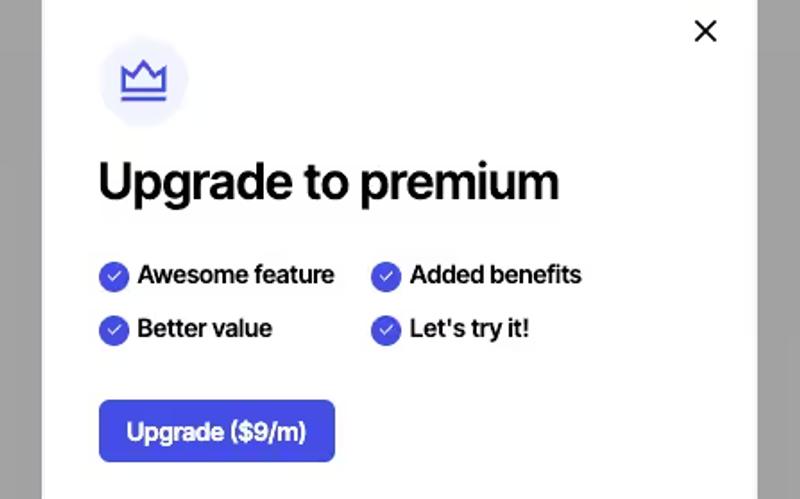
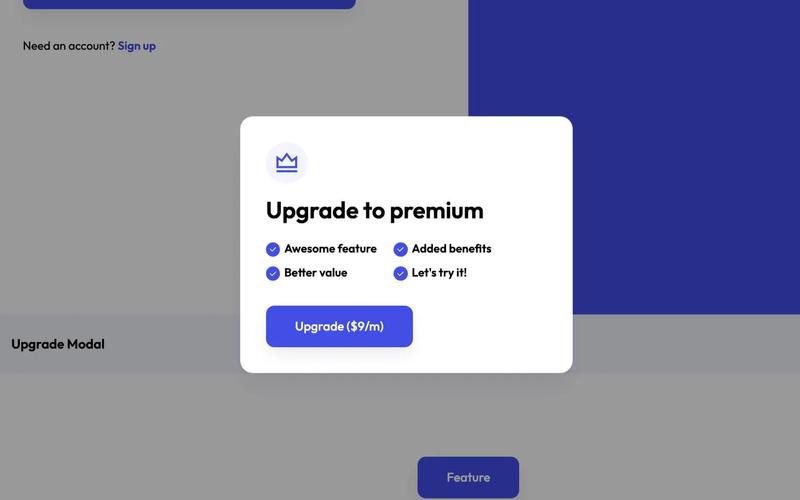
The Small Upgrade Modal is a user-friendly component designed to prompt users to upgrade to a premium version of a service or product. It features a clean layout with interactive elements to enhance user engagement. Key Features Responsive design suitable for various screen sizes Includes an upgrade button with a clear pricing indication Grid layout for displaying features and benefits Easy integration with existing Webflow projects Design Elements: Lightbox modal style with a semi-transparent background Rounded corners and shadow effects for a modern look Color scheme featuring shades of blue and white for a clean aesthetic Flexbox layout for alignment and spacing of elements Potential Use Cases: SaaS companies looking to promote premium subscriptionsE-commerce websites offering upgraded product features Online services wanting to encourage users to upgrade their plans Mobile applications needing a simple upgrade prompt Membership sites aiming to convert free users to paid members Conclusion: The Small Upgrade Modal is a versatile and visually appealing component that effectively encourages users to consider upgrading, making it a valuable addition to any Webflow project.

Subscription Paywall
View Component
AllUpgrade+1

Subscription Paywall

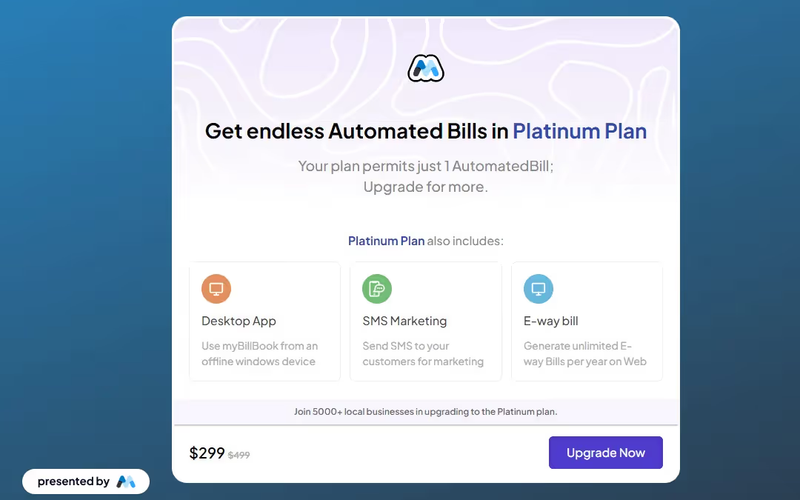
The Subscription Paywall component allows users to unlock enhanced features through a price upgrade option, set against a dynamic and visually captivating background. Key Features Dynamic background for engaging user experience Upgrade options for enhanced features Responsive design suitable for various devices Includes pricing information Design Elements: Modern and clean layout Use of vibrant colors and gradients Flexbox and grid layouts for responsive design Incorporates SVG images for scalability Potential Use Cases: SaaS platforms offering tiered subscription modelsE-commerce websites needing premium features Content creators wanting to monetize exclusive content Online services requiring user authentication for premium access Membership sites providing additional resources for paying members Conclusion: The Subscription Paywall component is a versatile tool for businesses looking to monetize their services, providing a visually appealing and functional solution for user engagement.

Unlock Benefits
View Component
PricingAll+1

Unlock Benefits

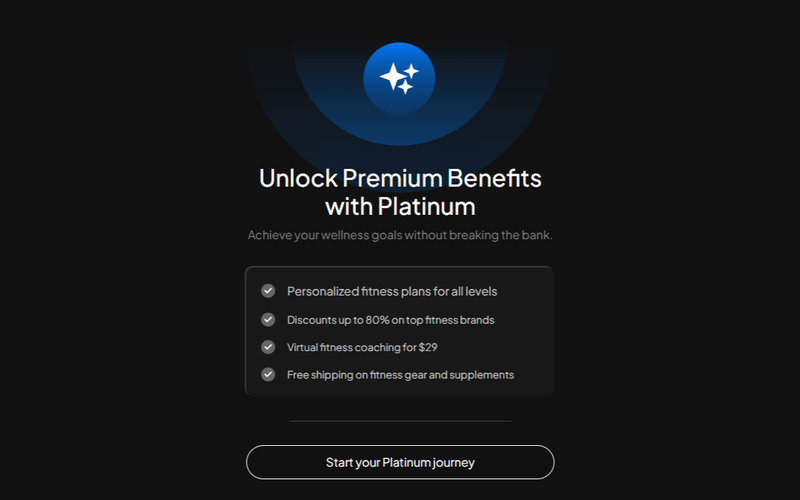
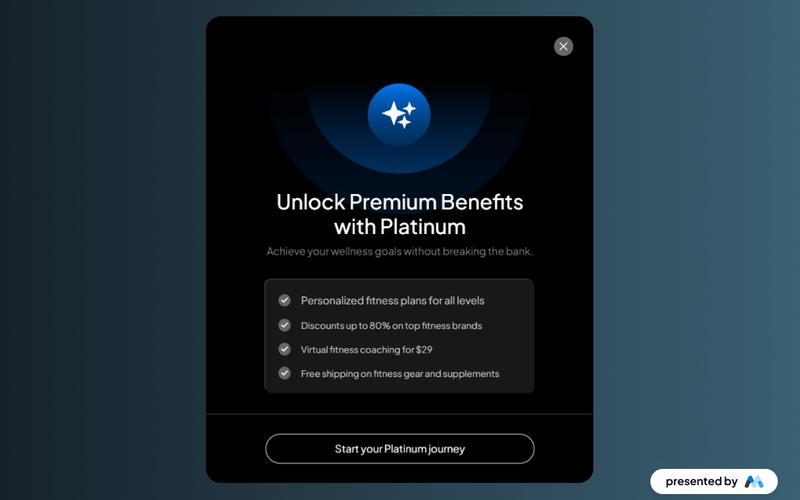
Unlock Benefits is a pricing component designed with a sophisticated dark theme, offering a range of tailored plans that provide clarity and elegance for users navigating their options. Key Features Sophisticated dark theme for modern aesthetics Tailored pricing plans to suit various needs Clear and elegant presentation of options Includes interactive elements for user engagement Design Elements Dark color scheme with light text for contrast Use of icons to enhance visual appeal Responsive design for optimal viewing on all devices Crisp typography for improved legibility Potential Use Cases Fitness and wellness businesses offering subscription servicesE-commerce platforms showcasing tiered pricing models SaaS companies presenting service packages Membership sites promoting exclusive benefits Event organizers selling tickets with different access levels Conclusion: Unlock Benefits is a versatile and visually appealing component that effectively communicates pricing options, making it an excellent choice for various industries looking to enhance user experience.

Unlock Benefits Modal
View Component
PricingAll+1

Unlock Benefits Modal

The Unlock Benefits Modal is a sleek dark pop-up interface designed to showcase pricing options and tailored plans, enhancing user engagement with a sophisticated design. Key Features Interactive unlock button leading to a modal Customizable pricing plans Responsive design for various devices Smooth animations for user interactions Includes images and icons for visual appeal Design Elements Dark color scheme for modern aestheticsCrisp typography for improved legibilityFlexbox layout for responsive designUse of SVG images for scalability Potential Use Cases Fitness and wellness websites offering subscription plansE-commerce platforms promoting premium memberships Online services needing to present pricing options Educational platforms with tiered access to content Health and lifestyle brands showcasing exclusive offers Conclusion: The Unlock Benefits Modal is a versatile component that effectively combines functionality with an elegant design, making it suitable for various industries looking to enhance user experience and drive conversions.

Upgrade Page
View Component
PricingUpgrade

Upgrade Page

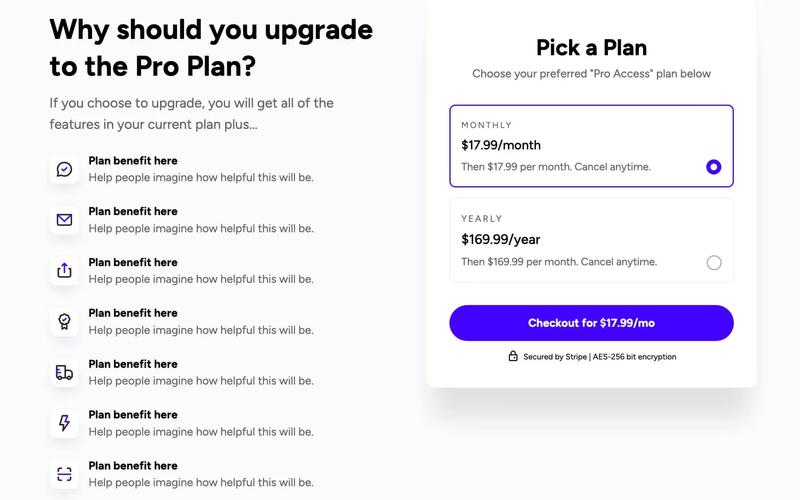
The Upgrade Page features a split layout showcasing benefits and pricing options, with a tab-based pricing table that dynamically displays the appropriate signup button. It is designed for use with Memberstack or any Webflow Memberships tool. Key Features Split page layout for benefits and pricing Tab-based pricing table with dynamic signup buttons Compatible with Memberstack and other membership tools Monthly and yearly pricing options Design Elements: Clean and modern design Color scheme featuring white and shades of grey Responsive layout with flexible column widths Icons and graphics for visual appeal Potential Use Cases: SaaS companies looking to present subscription plans Membership-based services wanting to highlight benefitsE-commerce platforms offering tiered pricing options Online courses or educational platforms with subscription models Conclusion: The Upgrade Page is a versatile and visually appealing component ideal for businesses looking to effectively communicate their pricing structures and benefits.

Upgrade Plan Design
View Component
PricingAll+1

Upgrade Plan Design

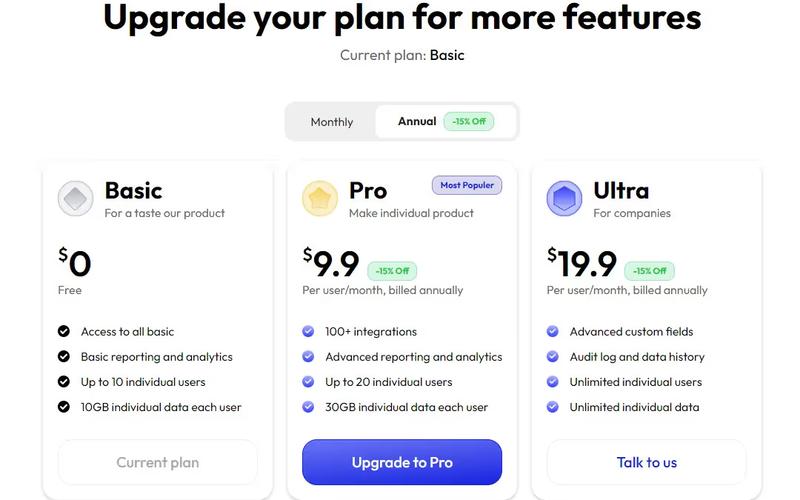
The Upgrade Plan Design component offers a structured layout for showcasing various subscription plans, including Basic, Pro, and Ultra options, with tailored features and pricing information. Key Features Three pricing tiers Discounts for annual billing Responsive design with tabbed content for easy navigation Includes visual elements like icons and images for each plan Customizable CSS for styling Design Elements: Modern and clean layout Use of vibrant colors for emphasis Flexbox and grid layouts for responsive design Icons representing features for each plan Consistent typography with clear headings Potential Use Cases: SaaS companies looking to display subscription optionsE-commerce platforms offering membership plans Service-based businesses with tiered pricing models Educational platforms with different access levels Non-profits showcasing donation tiers Conclusion: The Upgrade Plan Design component is versatile and visually appealing, making it an excellent choice for any business needing to present subscription options effectively.

Upgrade Prompt #11
View Component
PricingUpgrade

Upgrade Prompt #11

This component serves as a modal for prompting users to upgrade to a premium plan, featuring a visually appealing layout and interactive elements. Key Features Includes a clear call-to-action button for upgrading Interactive modal with animations for opening and closing Grid layout for showcasing features and benefits Customizable icon for visual appeal Design Elements: Modern and clean design with a focus on user engagement Color scheme featuring shades of blue and white Rounded corners and shadow effects for a soft appearance Responsive design suitable for various screen sizes Potential Use Cases: SaaS companies looking to promote subscription upgradesE-commerce platforms offering premium memberships Online services wanting to highlight additional features Mobile apps encouraging in-app purchases or upgrades Conclusion: The Upgrade Prompt #11 component is a versatile and visually appealing solution for businesses aiming to enhance user engagement and drive premium subscriptions.

Upgrade Workflow
View Component
Upgrade

Upgrade Workflow

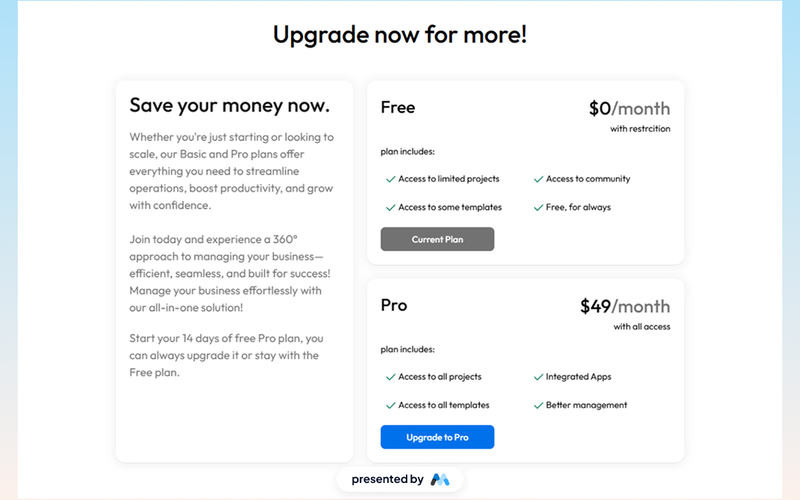
The Upgrade Workflow component is designed to facilitate subscription management for users, showcasing different pricing plans and features. It includes a clear call to action for users to upgrade their plans, making it suitable for businesses offering tiered subscription services. Key Features Multiple pricing tiers: Basic and Pro plans are highlighted with distinct pricing and features.Call to action buttons: Prominent buttons encourage users to upgrade or view their current plan.Responsive design: The component is structured to maintain usability across various devices. Design Elements Grid layout: The component utilizes a grid system for organizing content effectively.Color scheme: A consistent color palette is used to enhance readability and user engagement.Typography: Clear and legible fonts are applied to ensure information is easily digestible. Potential Use Cases SaaS companies looking to present subscription options to potential customers.E-commerce platforms that offer membership plans with varying benefits.Online service providers aiming to manage user subscriptions and upgrades. Conclusion: The Upgrade Workflow component is a practical solution for businesses needing to manage subscription plans, providing a user-friendly interface for potential customers.

Vivid Background Upgrade
View Component
Upgrade

Vivid Background Upgrade

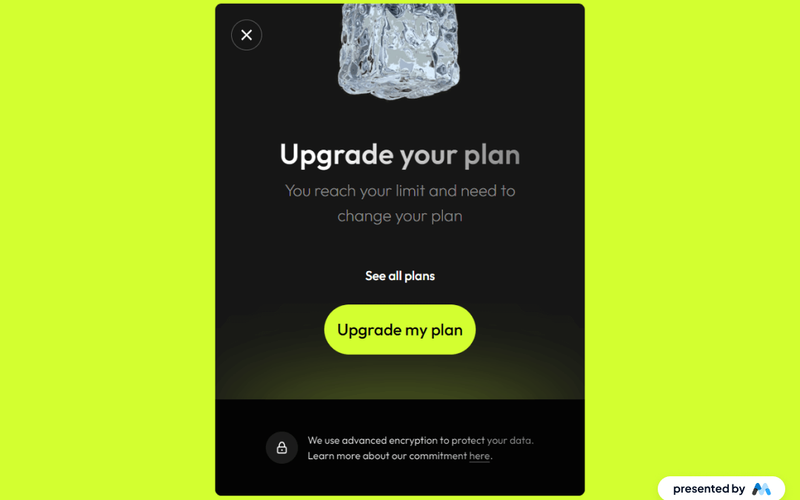
The Vivid Background Upgrade component enhances the visual appeal of a webpage by incorporating vivid background elements and a structured layout for presenting upgrade options. It is designed to guide users towards upgrading their plans with clear calls to action and engaging visuals. Key Features Includes a vibrant gradient background that draws attention to the upgrade section.Features multiple text styles for headings and body text, allowing for clear communication.Incorporates responsive design elements to ensure usability across devices.Provides embedded CSS for enhanced typography and layout control.Includes image placeholders for visual elements that can be customized. Design Elements Gradient background with a bright color scheme, primarily using shades of green and yellow.Flexbox layout for aligning text and images, ensuring a clean and organized presentation.Use of large, bold headings to emphasize key messages, such as 'Upgrade your plan'.Incorporation of icons and images to visually represent features and benefits. Potential Use Cases SaaS companies looking to promote subscription upgrades.E-commerce platforms aiming to highlight premium membership options.Online service providers wanting to inform users about plan limitations.Web applications that require user engagement through upgrade prompts.Marketing websites that need to showcase service tiers effectively. Conclusion: The Vivid Background Upgrade component is a visually engaging tool that effectively communicates upgrade options, making it suitable for various industries focused on subscription-based services.

Welcome Modal
View Component
OnboardingUpgrade+1

Welcome Modal

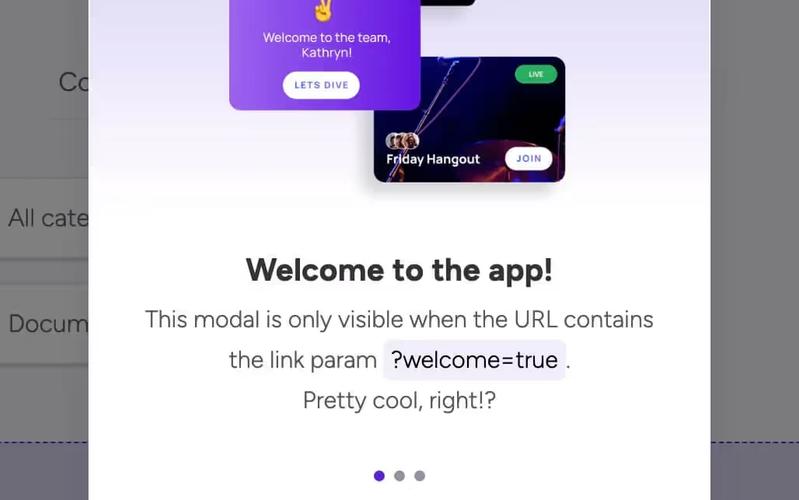
The Welcome Modal is a user-friendly component designed to greet users after they sign up. It utilizes custom code to display based on a URL parameter, enhancing user engagement. Key Features Displays after user signup based on URL parameter 'welcome='Customizable for various triggers (form submissions, logins, etc.)Includes a tutorial video for implementation Responsive design suitable for various devices Design Elements: Fixed position with a semi-transparent backgroundFlexbox layout for centered contentCustom styling for buttons and textPotential Use Cases: Web applications looking to enhance user onboardingE-commerce sites wanting to welcome new customers SaaS platforms aiming to guide users through initial setup Educational platforms introducing new users to features Conclusion: The Welcome Modal is a versatile and engaging component that can significantly improve user experience by providing a warm introduction to new users.

Showing 1–30 of 30 componentstagged with Upgrade

No website yet? Check out our free & paid pre-built template websites!

View templates