Failed Payment Page

Back
Failed Payment Page

Component Description(Generated by AI)

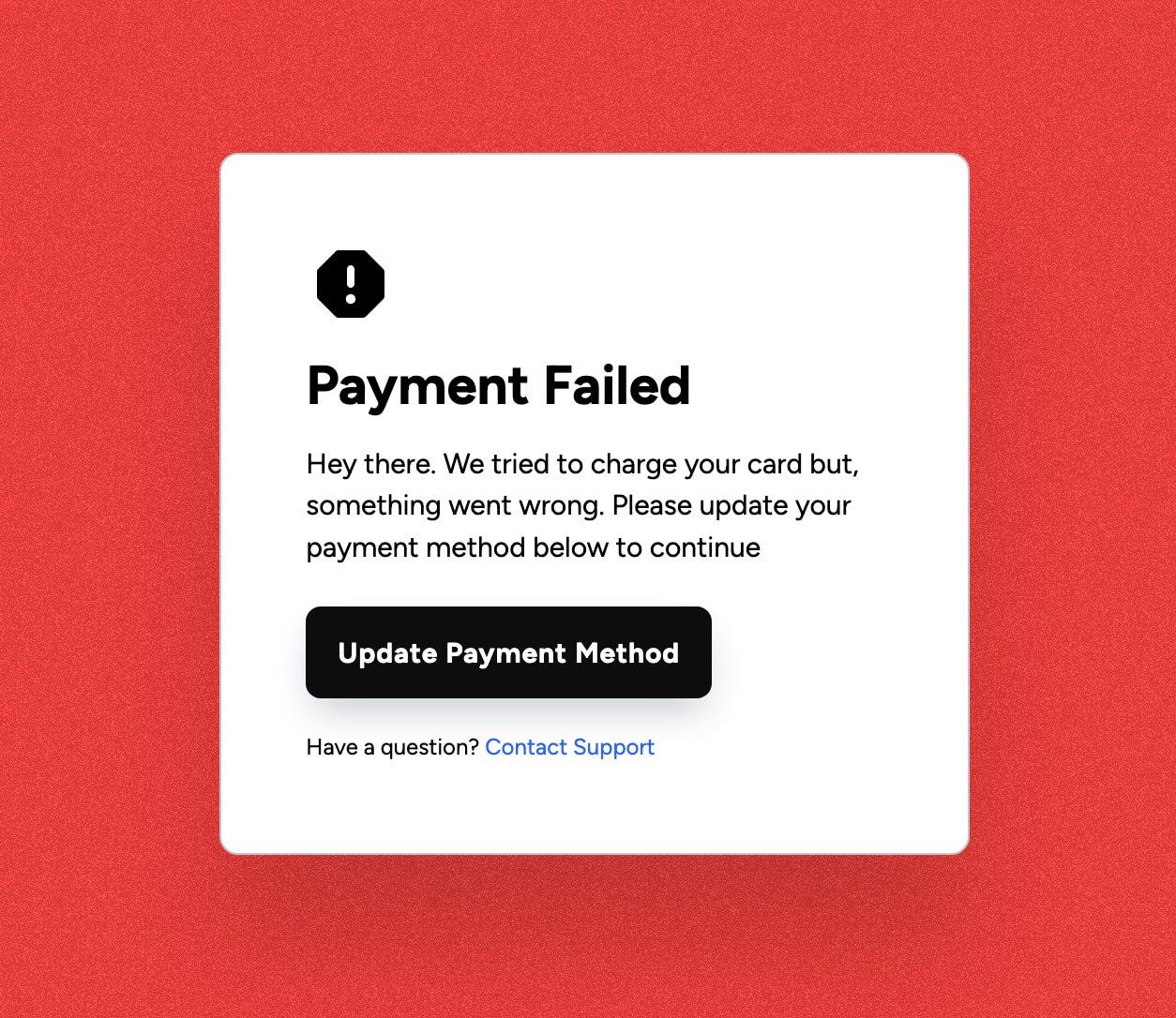
The Failed Payment Page is designed to inform users about payment issues and guide them to update their payment methods. It features a clear message and actionable links for user support.

Key Features

  • Responsive design suitable for various devices
  • Clear heading indicating payment failure
  • Instructions for updating payment methods
  • Links to contact support and sign up for new accounts
  • Customizable background image

Design Elements

  • Bright background color with a subtle image overlay
  • Modern typography with a focus on readability
  • Icon representation for visual engagement
  • Flexbox layout for centered content

Potential Use Cases

  • E-commerce websites handling subscription services
  • SaaS platforms requiring payment processing
  • Online marketplaces needing user payment management
  • Membership sites with recurring billing
  • Any business that relies on online transactions

Conclusion: The Failed Payment Page is a versatile component that enhances user experience by providing clear communication and support options during payment failures, making it essential for businesses that rely on online payments.

Related Components

More components you might find useful

Failed Payment Banner
View Component
Failed Payment

Failed Payment Banner

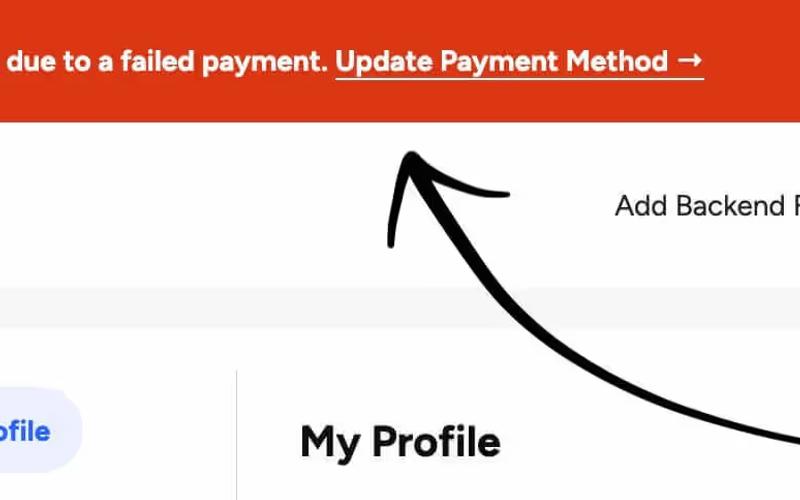
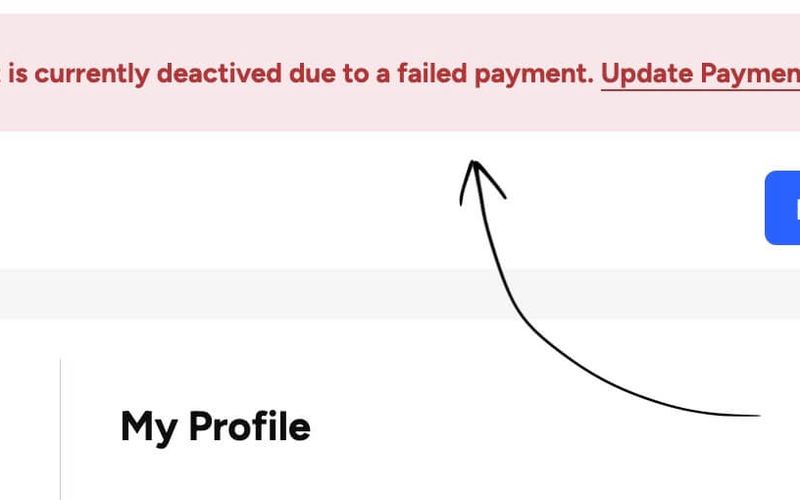
The Failed Payment Banner is designed to inform users about account deactivation due to failed payment, providing a clear call to action for updating payment methods. Key Features Displays a warning message about account status Includes a prominent link for updating payment information Responsive design suitable for various screen sizes Customizable styles to match brand aesthetics Design Elements: Bright background colorWhite text for contrast and readabilityIcon included to enhance visual communicationPotential Use Cases: E-commerce websites notifying customers of payment issues Subscription services alerting users about account status SaaS platforms requiring immediate action from users Conclusion: The Failed Payment Banner is an effective component for enhancing user communication regarding payment issues, making it a valuable addition for businesses that rely on recurring payments.
Failed Payment Modal
View Component
Failed Payment

Failed Payment Modal

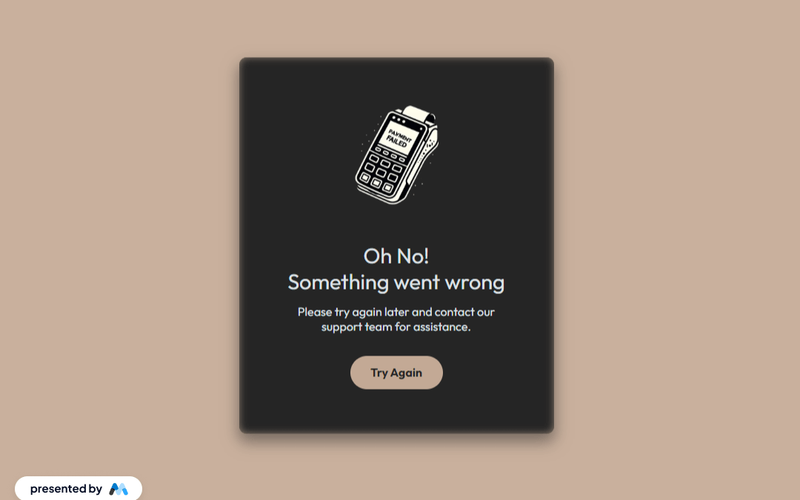
The Failed Payment Modal is designed to assist users encountering payment issues by providing solutions and support options in a user-friendly format. Key Features Responsive design for optimal viewing on all devices Clear messaging to inform users of payment failure Support link for user assistance Customizable styles to fit branding needs Design Elements Dark background with light text for contrastCentered layout for focused user attentionRounded corners and shadow effects for a modern look Potential Use Cases E-commerce websites needing to handle payment errors Subscription services requiring user support for payment issues Any online platform that processes transactions and needs to communicate errors effectively Conclusion: The Failed Payment Modal is a versatile component that enhances user experience by providing clear communication and support during payment failures, making it an essential tool for any online business.

Update Payment Banner
View Component
Failed Payment

Update Payment Banner

The Update Payment Banner is designed to inform users about a failed payment and prompt them to update their payment method. It combines visual elements with a clear call to action. Key Features Displays a message for users with failed payments Includes an icon for visual emphasis Features a prominent call-to-action link to update payment method Responsive design suitable for various devices Customizable styles to match branding Design Elements Flexbox layout for alignment and spacing Soft background color with contrasting text for readability Rounded corners for a modern look Icon embedded within the banner for visual interest Potential Use Cases E-commerce websites needing to manage customer payments Subscription services that require regular payment updates SaaS platforms that handle user accounts and billing Financial services that need to communicate payment issues Any business that relies on recurring payments and wants to maintain customer engagement Conclusion: The Update Payment Banner is a versatile component that effectively communicates payment issues while encouraging users to take action, making it an essential tool for businesses focused on customer retention.

Payment Failed Alert
View Component
Failed Payment

Payment Failed Alert

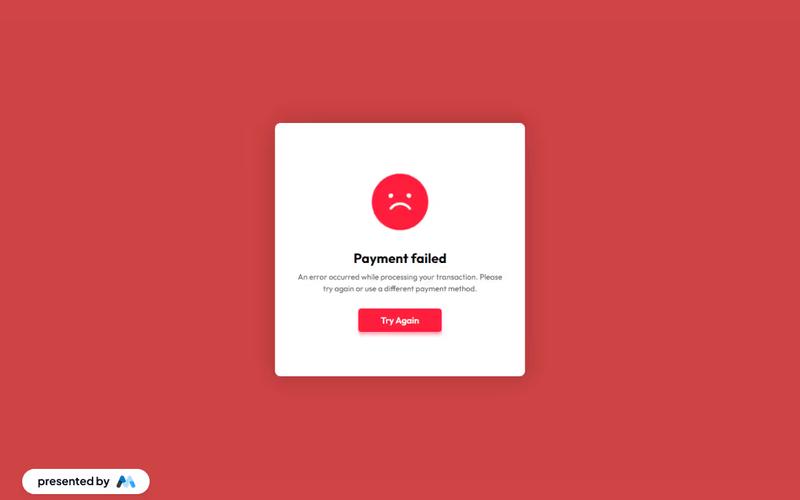
The Payment Failed Alert component notifies users of an unsuccessful transaction, encouraging them to retry or choose an alternative payment method. Key Features Displays a clear error message regarding payment failure.Includes a prominent 'Try Again' button for user convenience.Integrates a Lottie animation to enhance user engagement.Responsive design suitable for various screen sizes.Customizable styles to match branding. Design Elements Bold color scheme with a red background to indicate error.Large, legible typography for important messages.Centered layout for easy visibility.Use of animations to draw attention to the alert. Potential Use Cases E-commerce websites needing to inform customers of payment issues.Subscription services that require recurring payments.Online booking platforms for travel or events.Financial services requiring secure transactions.Any web application that processes payments. Conclusion: The Payment Failed Alert component is a versatile tool for enhancing user experience during payment processes, ensuring users are promptly informed and encouraged to resolve issues efficiently.