OPT Input

Back

Component Description(Generated by AI)

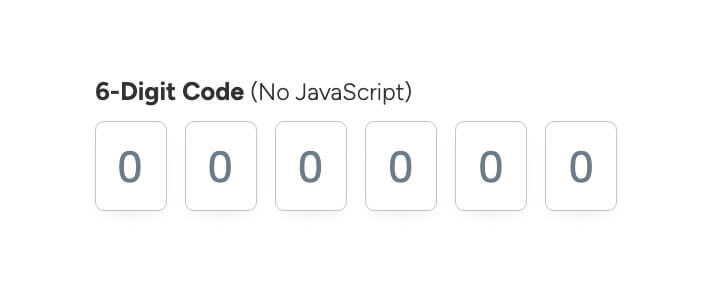
The OPT Input component is designed for capturing a 6-digit code input from users, featuring a clean and modern interface without the need for JavaScript functionality.

Key Features

  • 6-digit code input field
  • Customizable CSS for hover and focus states
  • Responsive design suitable for various devices
  • Required field validation
  • Placeholder text for user guidance

Design Elements

  • Minimalistic layout with a focus on usability
  • Light text styling for clarity
  • Subtle hover effects with border color changes
  • Flexible input field dimensions

Potential Use Cases

  • Two-factor authentication forms
  • Online verification processes
  • Membership or subscription sign-up forms
  • Secure access to sensitive information
  • Event registration requiring confirmation codes

Conclusion: The OPT Input component is versatile and user-friendly, making it an excellent choice for any application that requires secure code entry while maintaining a sleek design.

Video Tutorial

How to Use

This element uses a transparent input in conjunction with a series of "fake" input boxes in the background. The CSS below the input is what applies styling to the "fake" input's in the background.

Component Info

Custom Code:
Required
Published:
July 13, 2025

Related Components

More components you might find useful

Unstyled Forgot Password - 3
View Component
Forgot PasswordUnstyled

Unstyled Forgot Password - 3

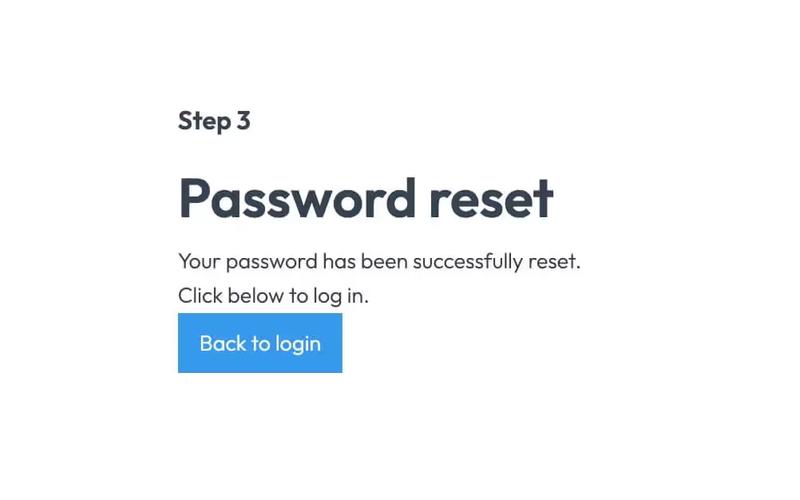
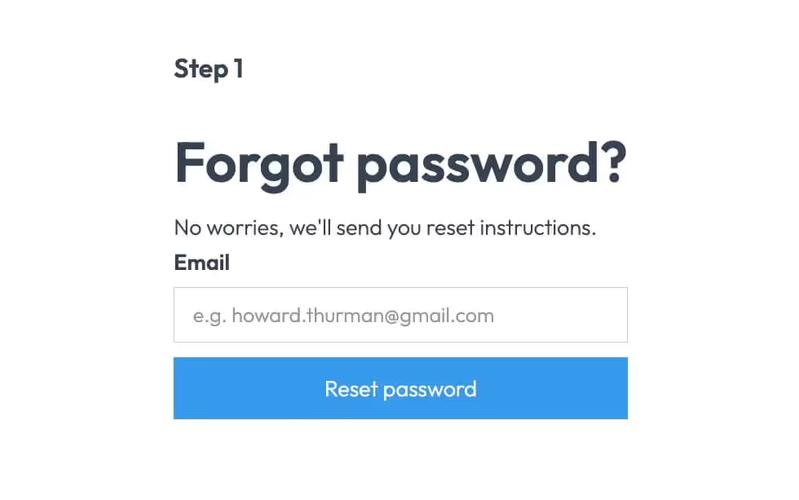
This component provides a simple, unstyled interface for informing users that their password has been reset. Key Features Includes a link back to the login pageDesign Elements: Minimalistic design with no predefined styles Uses standard HTML elements such as forms, headings, and labels Responsive layout suitable for various devices Potential Use Cases: Web applications requiring user authenticationE-commerce platforms needing secure password recovery Membership sites with user accounts Any service that requires user login and password management Conclusion: The Unstyled Forgot Password - 3 component is a versatile and functional solution for password recovery, ideal for developers looking for a straightforward implementation without design constraints.
Unstyled Forgot Password - 2
View Component
Forgot PasswordUnstyled

Unstyled Forgot Password - 2

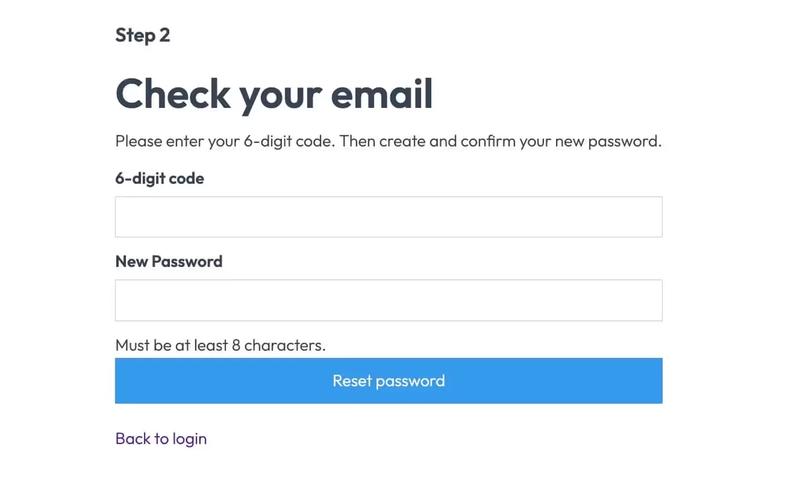
This component serves as a password reset form, allowing users to enter a 6-digit code and create a new password. It is designed to be functional without any predefined styles. Key Features Form for entering a 6-digit code and new password Success and error messages for user feedback Redirects to a success page upon completion No styling included, allowing for full customization Design Elements Minimalist layout with basic input fieldsClear headings and instructional textResponsive design suitable for various devices Potential Use Cases Web applications requiring user authenticationE-commerce sites needing secure password recovery Membership platforms with user accounts SaaS products that require user login management Conclusion: The Unstyled Forgot Password - 2 component is a versatile and functional solution for password recovery, ideal for developers looking to implement a customizable form without predefined styles.

Unstyled Forgot Password - 1
View Component
Forgot PasswordUnstyled

Unstyled Forgot Password - 1

This component provides a simple and functional forgot password form, allowing users to request password reset instructions via email. Key Features User-friendly email input field Submit button with a loading message Success and error messages for form submission feedback Redirects to a password reset page upon submission Design Elements Minimalist design with no predefined styles Clean layout suitable for integration into various web designs Responsive structure adaptable to different screen sizes Potential Use Cases E-commerce websites needing user account recovery options Membership sites requiring secure password management Blogs or content platforms with user accounts SaaS applications that require user authentication Conclusion: The Unstyled Forgot Password component is a versatile and essential tool for any web application that requires user password recovery, easily customizable to fit various design aesthetics.

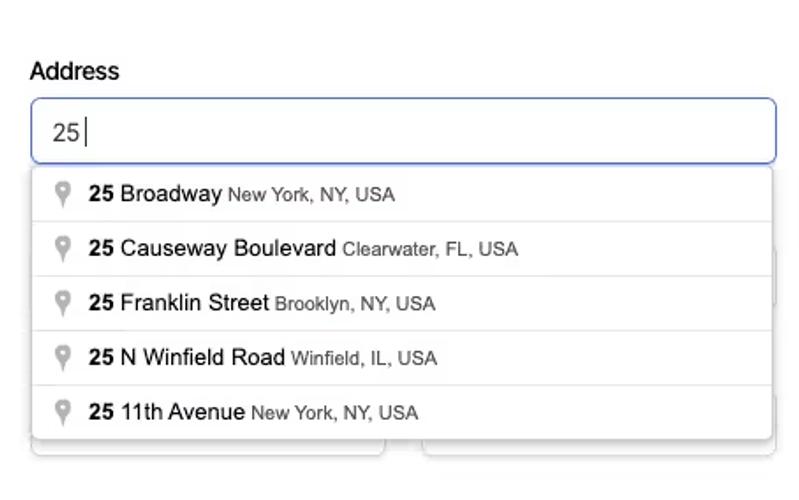
Autocomplete Address Form
View Component
Input

Autocomplete Address Form

The Autocomplete Address Form is a user-friendly form component designed to streamline the process of entering address details by providing autocomplete suggestions. It enhances user experience by reducing input errors and speeding up form completion. Key Features Includes fields for Address, ZIP Code, City, Region, and Country.Provides success and error messages upon form submission.Responsive design suitable for various devices.Customizable input fields with placeholder options.Live preview available for testing. Design Elements Clean and modern layout with a flexible form structure.Utilizes a light color scheme with subtle borders and shadows.Labels are clearly defined with a margin for better readability.Input fields are styled with rounded corners and focus effects. Potential Use Cases E-commerce websites requiring shipping address collection.Real estate platforms for property inquiries.Event registration forms needing attendee address details.Subscription services that require user address verification.Contact forms for businesses that need location information. Conclusion: The Autocomplete Address Form is a versatile and efficient solution for any website needing address input, enhancing user experience while ensuring accurate data collection.