18 Components

Passwordless Components

18 Webflow native passwordless components with 1-click copy & paste from a library of 807+. Built for Memberstack integration.

Webflow Passwordless Signup
View Component
PasswordlessSignup

Webflow Passwordless Signup

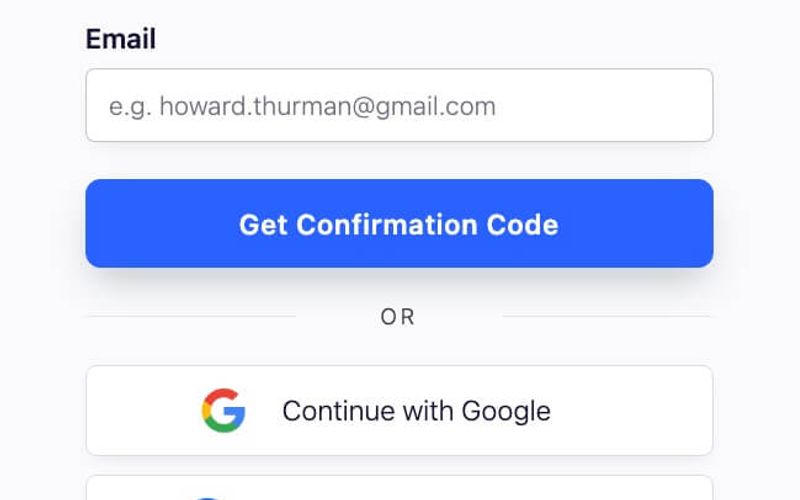
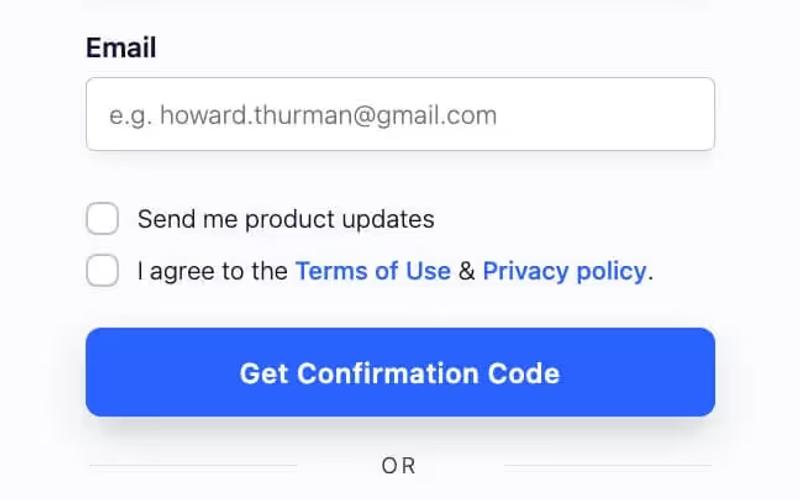
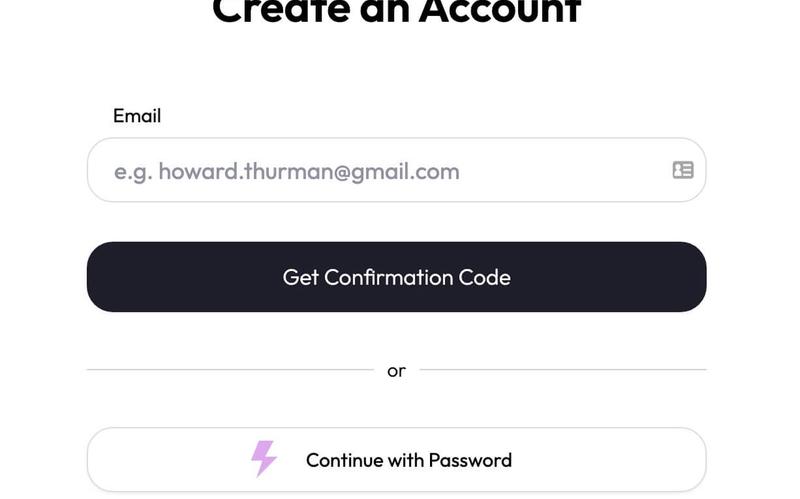
The Webflow Passwordless Signup component allows users to create accounts without traditional passwords, enhancing security and user experience. It features a streamlined process for email verification and social login options. Key Features Passwordless signup process using email verification Social login options including Google Responsive design suitable for various devices Customizable form fields and success/error messages User-friendly interface with clear instructions Design Elements Clean and modern layout Centered content with ample white space Use of icons for visual appeal Consistent color scheme with a focus on usability Rounded corners for input fields and buttons Potential Use Cases Startups looking to simplify user registrationE-commerce platforms wanting to reduce cart abandonment SaaS applications aiming for a seamless onboarding experience Blogs or content sites wanting to encourage user signups Mobile applications requiring quick user authentication Conclusion: The Webflow Passwordless Signup component is a versatile solution for businesses seeking to enhance user registration while maintaining security and ease of use.

Airbnb Style Passwordless Sign Up
View Component
SignupPasswordless

Airbnb Style Passwordless Sign Up

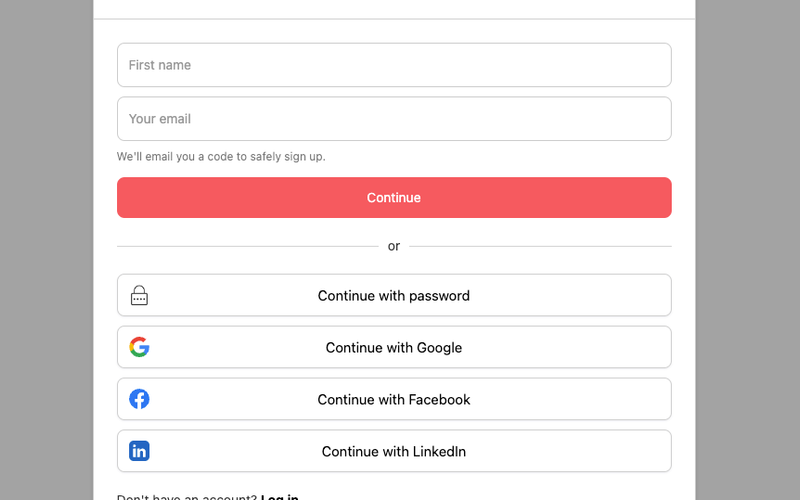
This component is a passwordless signup modal designed with an Airbnb-inspired aesthetic, featuring social authentication options for user convenience. Key Features Passwordless signup functionality Social authentication options (Google, Facebook, Linked In)Responsive design suitable for various devices User-friendly interface with clear instructions Customizable styles to match branding Design Elements Airbnb-inspired color scheme with a focus on simplicity Rounded corners and soft shadows for a modern look Clear typography for easy readability Iconography that enhances user interaction Potential Use Cases Startups looking to streamline user onboardingE-commerce platforms wanting to simplify account creation SaaS products aiming for a modern user experience Mobile applications requiring quick user registration Web applications focused on user engagement and retention Conclusion: The Airbnb Style Passwordless Sign Up component is a versatile and visually appealing solution for businesses seeking to enhance their user registration process while maintaining a modern aesthetic.
Insight Loop UI Kit Login Passwordless
View Component
Passwordless

Insight Loop UI Kit Login Passwordless

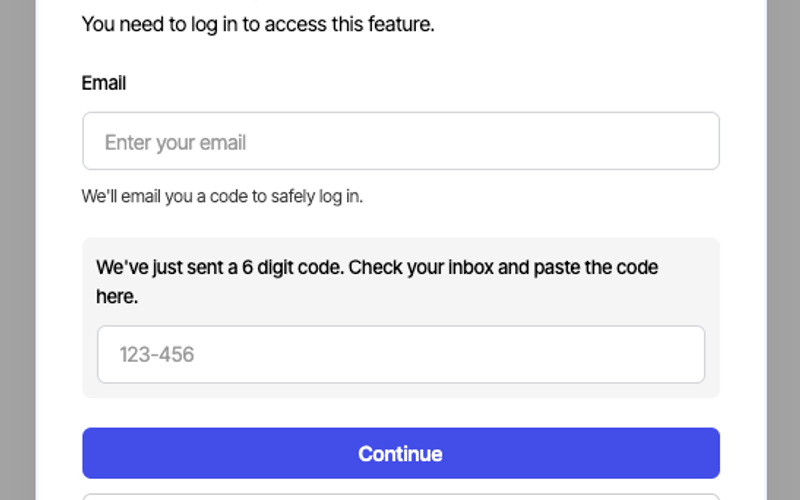
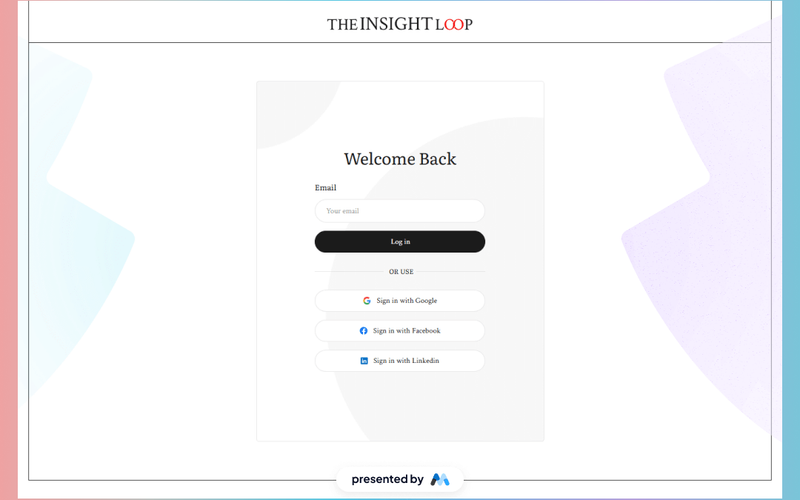
The Insight Loop UI Kit Login Passwordless component is designed to facilitate user authentication without the need for traditional passwords. This component streamlines the login process by allowing users to receive a login code via email, enhancing security and user experience. It includes a form for email input and a field for entering the received code, making it suitable for modern web applications. Key Features Passwordless login functionality via email verification.Responsive design that adapts to various screen sizes.Form validation for email and code input fields.Success and error messages to inform users of their submission status.Integration options for social login through Google, Facebook, and Linked In. Design Elements Clean and minimalistic layout focusing on user input fields.Use of clear typography for headings and labels, enhancing readability.Visual feedback for form elements, such as focus states and error messages.Consistent color scheme that aligns with modern UI trends. Potential Use Cases Web applications requiring secure user authentication without passwords.E-commerce platforms looking to simplify the login process.SaaS products that prioritize user experience and security.Membership sites that need to streamline user access.Mobile applications that require quick and easy login methods. Conclusion: The Insight Loop UI Kit Login Passwordless component is a practical solution for developers seeking to implement secure and user-friendly authentication methods in their applications.

OPT Input
View Component
InputPasswordless+1

OPT Input

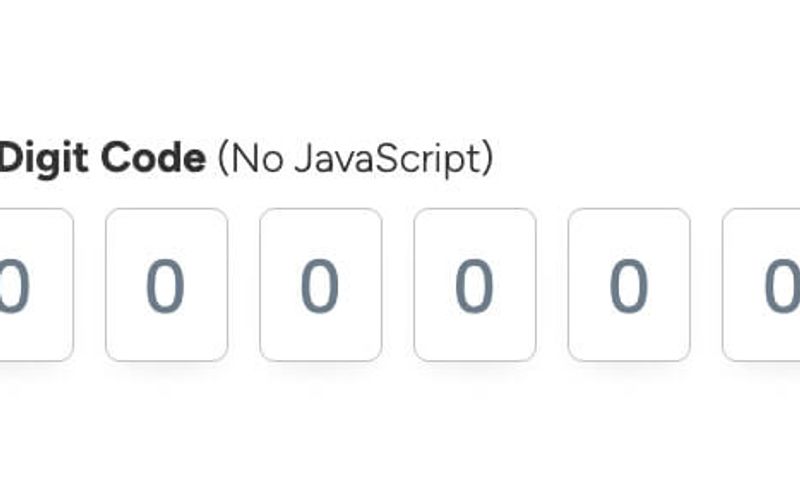
The OPT Input component is designed for capturing a 6-digit code input from users, featuring a clean and modern interface without the need for JavaScript functionality. Key Features 6-digit code input field Customizable CSS for hover and focus states Responsive design suitable for various devices Required field validation Placeholder text for user guidance Design Elements Minimalistic layout with a focus on usability Light text styling for clarity Subtle hover effects with border color changes Flexible input field dimensions Potential Use Cases Two-factor authentication forms Online verification processes Membership or subscription sign-up forms Secure access to sensitive information Event registration requiring confirmation codes Conclusion: The OPT Input component is versatile and user-friendly, making it an excellent choice for any application that requires secure code entry while maintaining a sleek design.

Passwordless Login
View Component
Passwordless

Passwordless Login

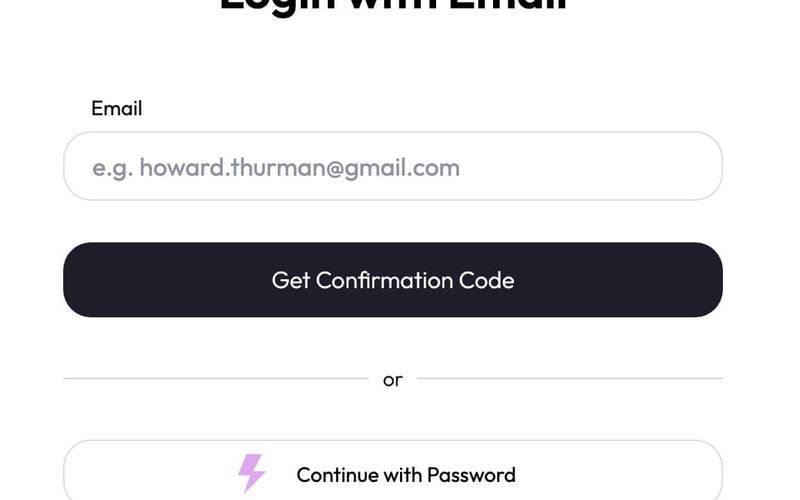
The Passwordless Login component allows users to authenticate without traditional passwords, enhancing security and user experience. It features a streamlined form for email input and verification code submission. Key Features User-friendly email input for login Verification code sent via email Responsive design suitable for various devices Success and error messages for user feedback Customizable styles and classes Design Elements: Clean and modern layoutUse of soft colors with a focus on usabilityClear typography for headings and labelsPotential Use Cases: E-commerce websites looking to simplify user login SaaS platforms aiming to enhance user security Membership sites wanting to streamline access Mobile applications requiring quick user authentication Blogs and content platforms needing secure user sign-in Conclusion: The Passwordless Login component is a versatile solution for modern web applications, providing a secure and efficient way for users to access their accounts without the hassle of remembering passwords.

Passwordless Login + Social Login
View Component
Passwordless

Passwordless Login + Social Login

This component provides a seamless passwordless login experience combined with social login options, enhancing user accessibility and security. It allows users to log in using their email or social media accounts like Google and Facebook. Key Features Passwordless login via email verification Social login options for Google and Facebook User-friendly interface with clear instructions Responsive design suitable for various devices Success and error messages for user feedback Design Elements Clean and modern layout Color scheme featuring white and soft blue tones Rounded input fields and buttons for a friendly appearance Icons for social login options Potential Use Cases E-commerce websites looking to simplify user registration SaaS platforms aiming to enhance user onboarding Mobile applications requiring quick access for users Membership sites wanting to reduce friction in login processes Blogs or content platforms that want to encourage user engagement Conclusion: The Passwordless Login + Social Login component is a versatile solution that enhances user experience by simplifying the authentication process, making it ideal for various online platforms.

Passwordless Login Modal
View Component
ModalLogin+1

Passwordless Login Modal

The Passwordless Login Modal is a user-friendly component designed to facilitate secure logins without the need for traditional passwords. It streamlines the authentication process by sending a code to the user's email for verification. Key Features Email-based authentication for enhanced security Responsive design suitable for various devices Includes a 'Continue with Google' option for convenience Customizable success and error messages Easy integration with existing Webflow projects Design Elements Modern and clean layout with a lightbox modal style Soft color palette with a focus on usability Clear typography for easy readability Interactive elements with hover effects Potential Use Cases E-commerce websites requiring secure user logins SaaS platforms that prioritize user experience and security Membership sites that need to streamline user access Mobile applications looking for quick authentication methods Blogs or content sites that offer exclusive content to registered users Conclusion: The Passwordless Login Modal is a versatile and secure solution for modern web applications, making it an excellent choice for businesses looking to enhance user experience while maintaining security.

Passwordless Login w/ Modal
View Component
Passwordless

Passwordless Login w/ Modal

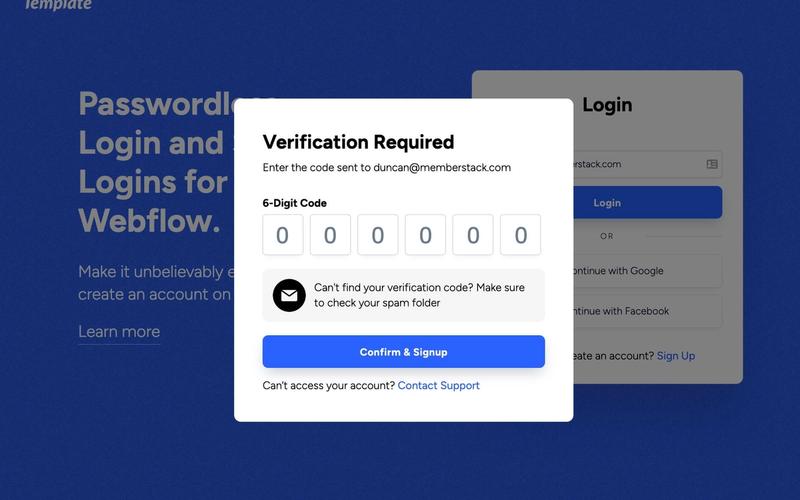
This component provides a modern passwordless and social login interface, inspired by the global payroll company Deel, designed to enhance user experience by simplifying account creation. It requires some custom code for full functionality. Key Features Passwordless login functionality Social login options (Google and Facebook)Customizable modal interface Responsive design suitable for various devices Requires minimal custom code for integration Design Elements Vibrant blue background with white text Flexible layout with centered elements Use of modern typography and icons Rounded corners and shadow effects for buttons Clean and intuitive user interface Potential Use Cases Startups looking to streamline user registrationE-commerce websites wanting to reduce cart abandonment SaaS platforms aiming for a frictionless onboarding process Mobile applications requiring quick user access Blogs or content sites wanting to enhance user engagement Conclusion: The Passwordless Login w/ Modal component is a versatile solution for businesses seeking to improve user authentication processes, making it easier for visitors to create accounts and access services.

Passwordless Signup
View Component
Passwordless

Passwordless Signup

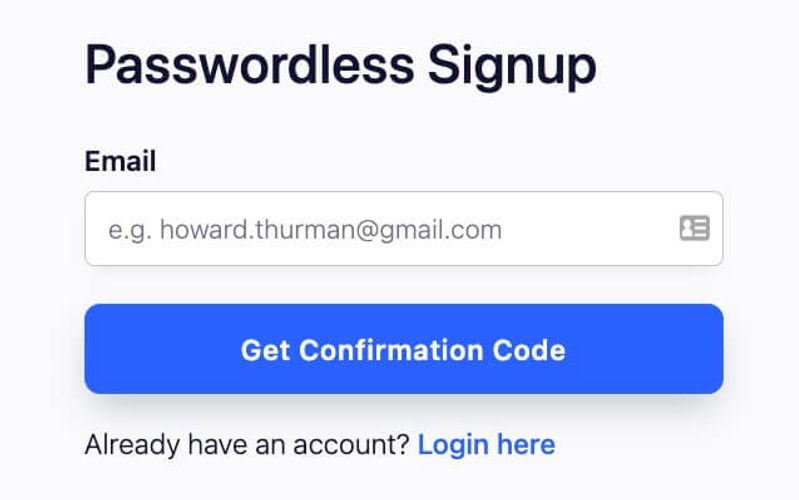
The Passwordless Signup component allows users to register without a password, enhancing security and user experience. It utilizes email verification for authentication. Key Features Email-based authentication process User-friendly interface with clear instructions Responsive design suitable for various devices Includes error and success messages for user feedback Customizable styling options Design Elements Modern and clean layout Use of vibrant colors for buttons and highlights Clear typography for headings and labels Incorporation of an illustrative email icon Potential Use Cases Web applications requiring secure user registrationE-commerce platforms looking to streamline the signup process Membership sites that prioritize user experience SaaS products aiming to reduce friction in onboarding Blogs or content sites wanting to encourage newsletter signups Conclusion: The Passwordless Signup component is a versatile solution for modern web applications, providing a seamless and secure user registration experience.

Passwordless Signup + Social Auth
View Component
Passwordless

Passwordless Signup + Social Auth

This component facilitates user registration without passwords, allowing users to sign up using their email and social media accounts. It enhances user experience by simplifying the signup process. Key Features Passwordless signup via email verification Social authentication options (Google and Facebook)User-friendly form design Customizable success and error messages Responsive layout suitable for various devices Design Elements: Clean and modern aesthetic Use of vibrant colors for buttons and links Clear typography for labels and headings Visual separation of form sections with dividers Potential Use Cases: E-commerce websites looking to streamline user registration SaaS platforms that require quick user onboarding Membership sites wanting to reduce barriers to entry Mobile applications needing a simple signup process Blogs or content platforms aiming to grow their user base Conclusion: The Passwordless Signup + Social Auth component is a versatile solution for businesses aiming to enhance user registration experiences, making it easier for users to join and engage with their platforms.

Passwordless Signup Modal
View Component
ModalSignup+1

Passwordless Signup Modal

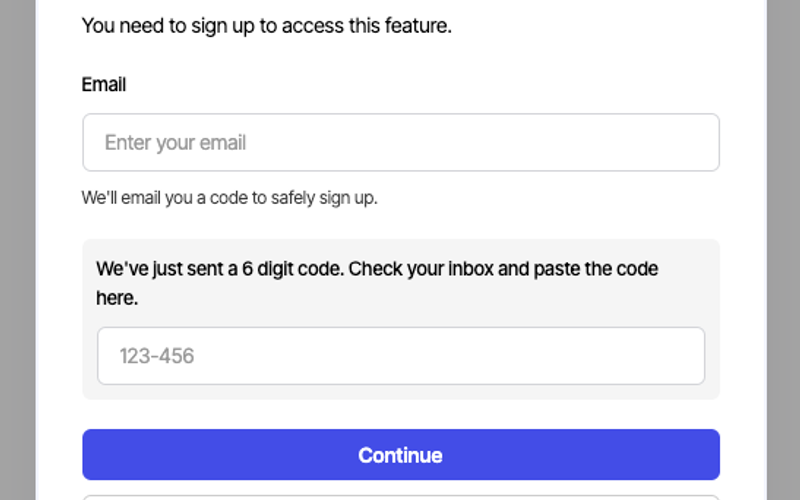
The Passwordless Signup Modal is a user-friendly component designed to facilitate account creation without the need for a password, enhancing security and user experience. It allows users to sign up by entering their email and receiving a verification code. Key Features Passwordless signup process Email verification with a 6-digit code Responsive design suitable for various devices Integration with Google for quick sign-up Customizable success and error messages Design Elements Modern modal design with a clean layout Light and dark color schemes for flexibility Rounded corners and subtle shadows for depth Clear typography for readability Interactive elements with hover effects Potential Use Cases Web applications requiring secure user registrationE-commerce platforms looking to streamline account creation SaaS products aiming to reduce friction in user onboarding Mobile apps needing a quick sign-up process Membership sites that prioritize user security Conclusion: The Passwordless Signup Modal is a versatile and secure solution for modern web applications, making it easier for users to create accounts while maintaining a high level of security.

Passwordless Signup w/ Modal
View Component
Passwordless

Passwordless Signup w/ Modal

This component provides a modern passwordless signup and social signup interface, inspired by the global payroll company Deel. It requires some custom code for full functionality. Key Features Passwordless signup functionality Social login options (Google and Facebook)Customizable modal design Responsive layout suitable for various devices Requires minimal custom code for integration Design Elements Vibrant blue background with white text Clean and modern typography Rounded corners on input fields and buttons Use of icons for social login options Flexible layout with centered content Potential Use Cases Startups looking to simplify user registrationE-commerce websites wanting to enhance user experience SaaS platforms aiming for quick user onboarding Blogs or content sites that require user accounts Mobile applications needing a web-based signup solution Conclusion: The Passwordless Signup w/ Modal component is a versatile and user-friendly solution for businesses seeking to streamline their signup process while maintaining a modern aesthetic.
Purple Verification Entry
View Component
Passwordless

Purple Verification Entry

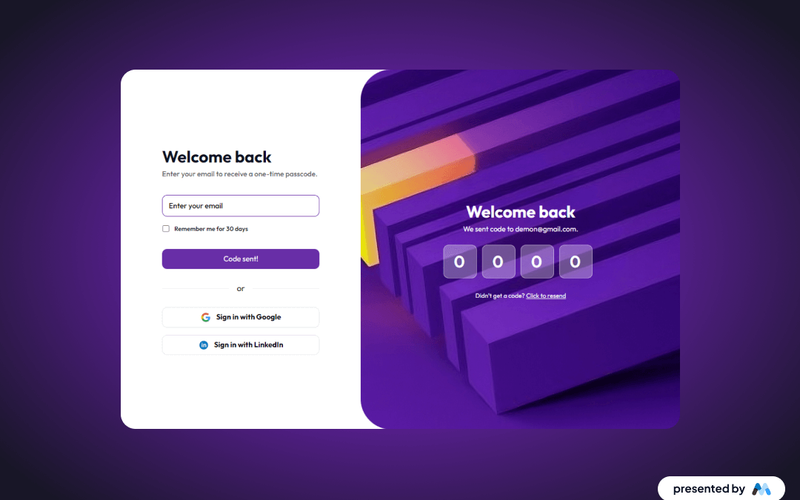
The Purple Verification Entry component is designed to facilitate user authentication through email verification. It includes a form for users to enter their email address and receive a one-time passcode, enhancing security for account access. The component also supports social login options, such as Google and LinkedIn, providing users with multiple authentication methods. Key Features Email input field for user verification with placeholder text 'Enter your email'.Checkbox option for 'Remember me for 30 days'.Success and error messages displayed upon form submission.Social login buttons for Google and Linked In with corresponding icons.Responsive design with grid layout for form elements. Design Elements Utilizes a clean layout with a focus on user input fields and buttons.Incorporates a color scheme that emphasizes purple tones, aligning with the component's name.Includes icons for social login options, enhancing visual recognition.Text styles are optimized for legibility across devices. Potential Use Cases Web applications requiring user authentication and verification.E-commerce platforms that need secure login processes.Membership sites where user identity verification is essential.Online services offering sensitive information that require additional security.Mobile applications needing a straightforward login interface. Conclusion: The Purple Verification Entry component is a practical solution for implementing secure user authentication, offering flexibility with email and social login options, making it suitable for various online platforms.

Unstyled Passwordless Login
View Component
UnstyledPasswordless+1

Unstyled Passwordless Login

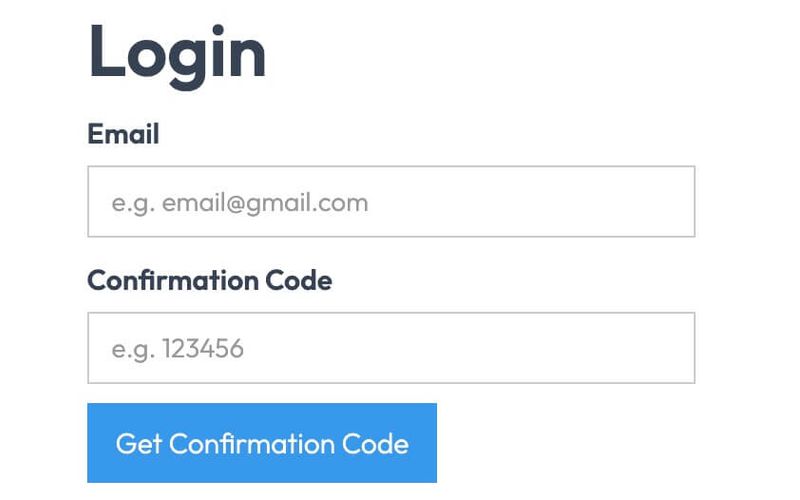
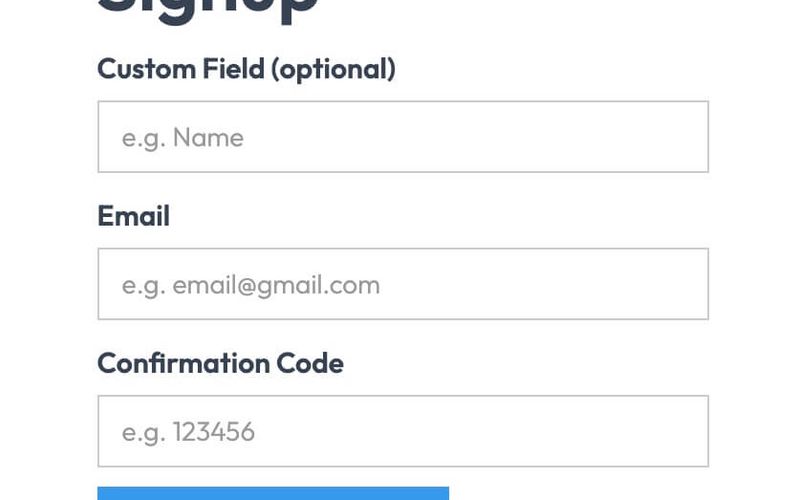
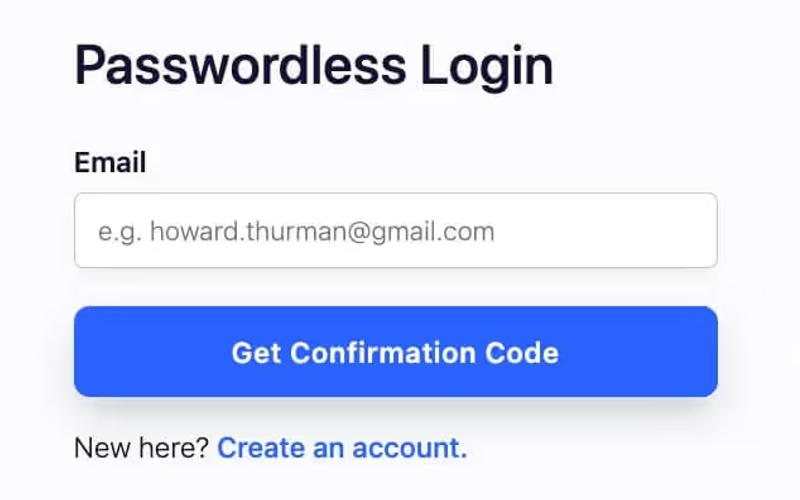
The Unstyled Passwordless Login component provides a simple and effective way for users to log in without a password, utilizing email verification instead. It features a clean, functional design that prioritizes usability. Key Features Passwordless login functionality Email input for user identification Confirmation code input for verification Success and error messages for user feedback Redirect link for account creation Design Elements Minimalistic design with no predefined stylesResponsive layout suitable for various devicesClear labeling for input fields Potential Use Cases Web applications looking to enhance user securityE-commerce platforms wanting to streamline the login process Membership sites that require user authentication SaaS products aiming for a frictionless user experience Startups needing a quick login solution without complex setups Conclusion: The Unstyled Passwordless Login component is a versatile tool for developers seeking to implement secure and user-friendly authentication methods without the need for extensive styling.

Unstyled Passwordless Signup
View Component
UnstyledPasswordless+1

Unstyled Passwordless Signup

The Unstyled Passwordless Signup component provides a simple and effective way for users to sign up without the need for a password, enhancing user experience and security. Key Features Passwordless signup process Customizable fields for user input Success and error messages for form submission Redirect options for post-signup navigation Lightweight and unstyled for easy integration Design Elements Minimalistic design with no predefined stylesFlexible layout suitable for various applicationsResponsive design for mobile and desktop compatibility Potential Use Cases Startups looking to simplify user onboarding Web applications focused on security and user experienceE-commerce platforms wanting to reduce cart abandonment Membership sites that require quick user registration Blogs or content sites aiming to build a subscriber base Conclusion: The Unstyled Passwordless Signup component is a versatile tool that can be easily integrated into various web applications, providing a seamless signup experience for users.

Violet Dark Login
View Component
Passwordless

Violet Dark Login

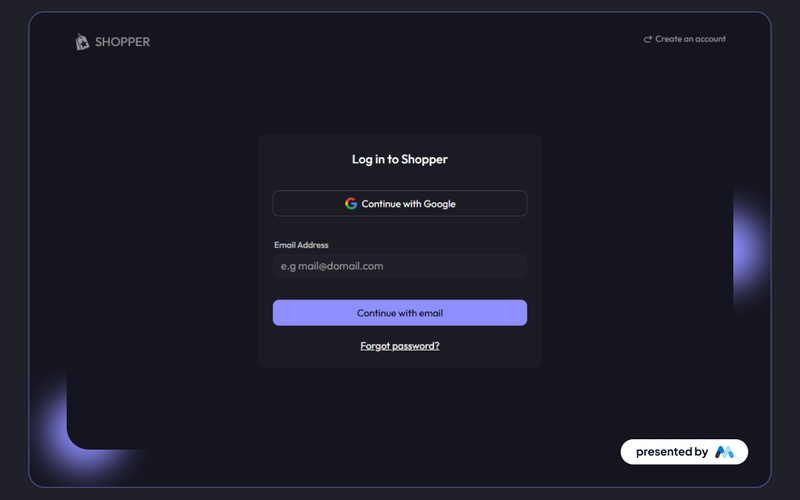
The Violet Dark Login component is designed for user authentication, providing a visually striking interface for login forms. It features options for email login and social media integration, such as Google. This component is a free resource for Webflow developers to use in their projects. Key Features Email login form with placeholder text for user guidance.Social login option with a button for Google authentication.Responsive design that adapts to various screen sizes.Error and success messages for user feedback upon form submission.Customizable styles for branding purposes. Design Elements Dark color scheme with contrasting white text for readability.Use of rounded corners on input fields for a softer appearance.Centered layout that enhances focus on the login form.Icons for social media login options to improve user experience.Typography that emphasizes clarity and legibility. Potential Use Cases E-commerce websites requiring user accounts for shopping.Membership sites that need secure user authentication.Web applications that offer personalized user experiences.Blogs or content platforms that allow user comments and interactions.Mobile applications that require user login for access to features. Conclusion: The Violet Dark Login component is a functional and visually engaging solution for user authentication, suitable for various applications and easily customizable to fit different branding needs.

Violet Dark Signup
View Component
Passwordless

Violet Dark Signup

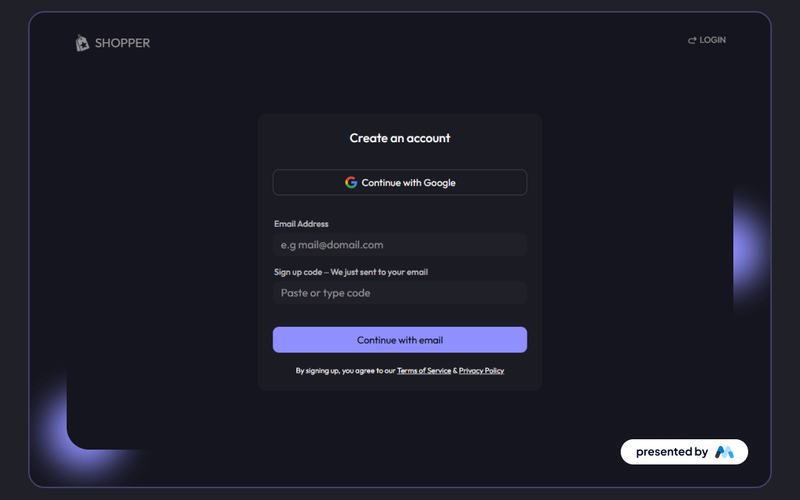
The Violet Dark Signup component is designed to facilitate user registration through a visually appealing and functional interface. It includes fields for email input and a sign-up code, along with options for social login via Google. This component is a free resource for Webflow developers to use in their projects. Key Features Email input field with placeholder text for user guidance.Sign-up code input field for verification purposes.Social login option with a Google button for quick access.Success and error messages to provide feedback on form submission.Responsive design that adapts to various screen sizes. Design Elements Dark color scheme with violet accents for a modern aesthetic.Clear typography that enhances readability.Use of icons for social login buttons to improve user experience.Structured layout with distinct sections for input fields and messages. Potential Use Cases E-commerce websites needing user registration for account creation.Online services that require user sign-up for access to features.Membership-based platforms that manage user accounts.Event registration sites where users need to create accounts to participate. Conclusion: The Violet Dark Signup component offers a stylish and functional solution for user registration, making it suitable for a variety of applications across different industries.

Webflow Passwordless Login
View Component
PasswordlessLogin

Webflow Passwordless Login

The Webflow Passwordless Login component allows users to log in using their email without the need for a password, enhancing user experience and security. It features a streamlined interface for easy access and verification. Key Features Passwordless authentication via email User-friendly form design Responsive layout suitable for various devices Includes success and error messages for user feedback Integration with Google for social login options Design Elements Clean and modern aestheticCentered layout with ample white spaceUse of rounded corners and soft colorsVisual cues for input fields and buttons Potential Use Cases E-commerce websites looking to simplify user login SaaS platforms aiming to enhance user security Membership sites that require quick access for users Mobile applications needing a streamlined login process Blogs or content platforms wanting to reduce barriers for user engagement Conclusion: The Webflow Passwordless Login component is a versatile and secure solution for modern web applications, making it an excellent choice for businesses aiming to improve user experience and security.

Showing 1–18 of 18 componentstagged with Passwordless

No website yet? Check out our free & paid pre-built template websites!

View templates