Key Benefits
Same Experience for More Members
Cater to a global audience by providing a localized experience in different languages.
Expand your reach
Engage with users and offer your services all around the world
How to Translate your Site with Memberstack and Webflow
1. Member-facing UI (Signup, login, etc.)
Any UI that lives in Webflow such as signup, login, password, and profile components can be manually translated into language. You can add multi-language support with something like Weglot to translate automatically.
(Note: If you decide to make your translation cloneable for others, please leave a comment below so that we can thank you.)
2. Emails
You can translate your password reset and email verification emails using the default editor. Please note that emails can only be sent in 1 language.
3. Pre-built Modals
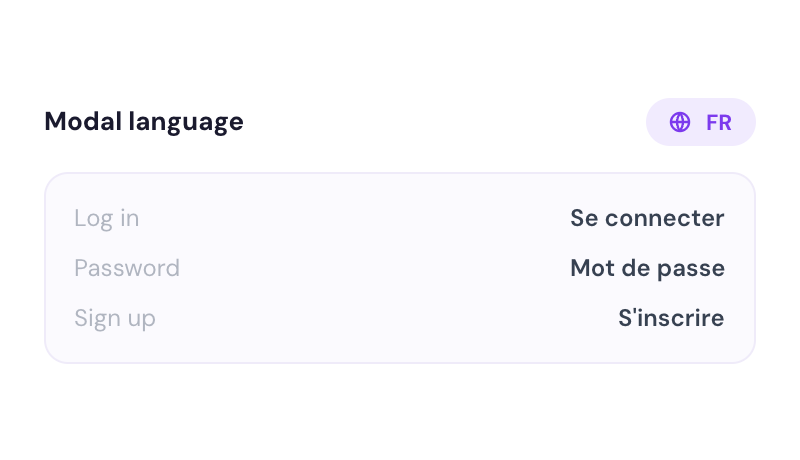
It is not possible to translate the pre-built modals. Please use our Webflow Components and then translate all of the text.
4. Error & Success Messages
Navigate to Translate → Translate Error & Success Messages.
Click Enable and proceed to override any/all of the messages.
5. Hosted SSO Login
Navigate to Translate → Hosted SSO Login → Login and override any/all of the text you need.
.jpg)