111 Components

Pricing Components

111 Webflow native pricing components with 1-click copy & paste from a library of 807+. Built for Memberstack integration.
Copy & Paste
100% Free
Native Webflow
Interactive Pricing Tabs
View Component
Pricing

Interactive Pricing Tabs

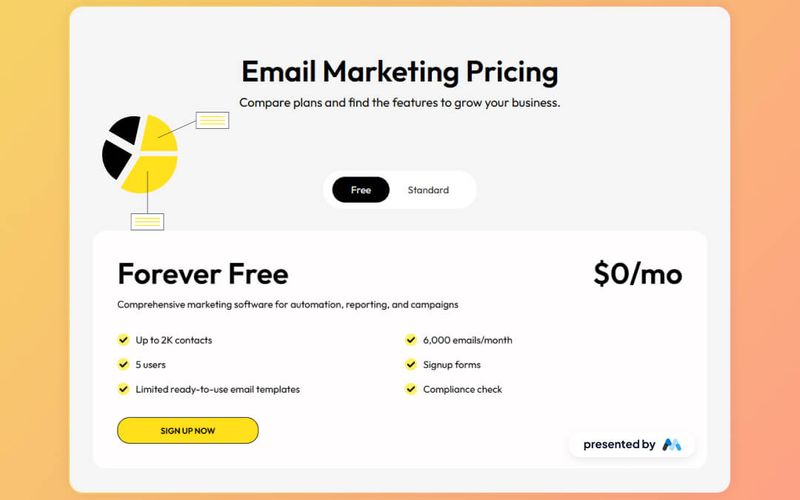
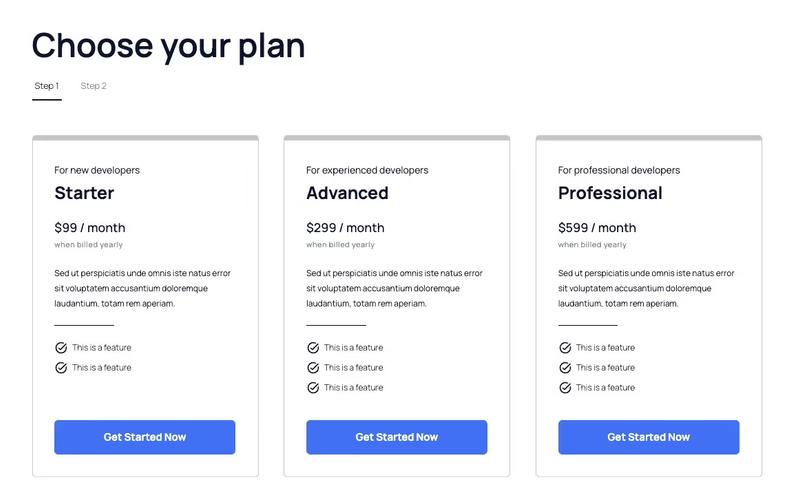
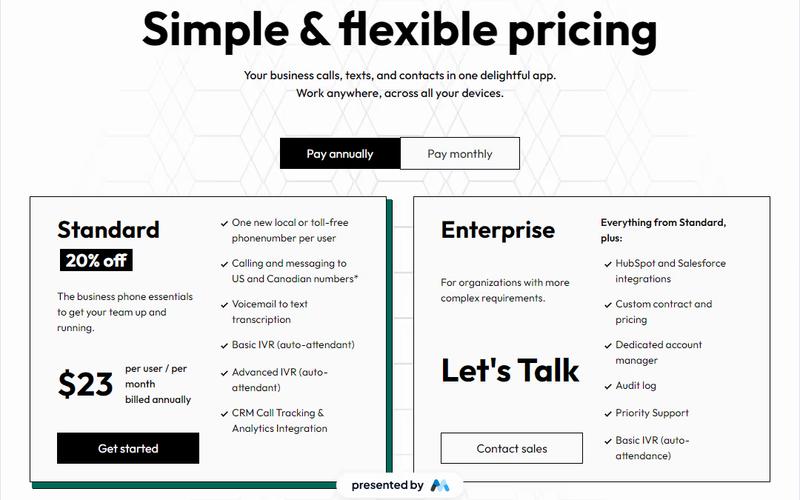
This component features a clean and user-friendly interface designed to showcase pricing plans for tech products, including standard and enterprise options with detailed descriptions and upgrade prompts. Key Features Interactive tabs for easy navigation between pricing plans Detailed descriptions for each pricing tier Upgrade prompts to encourage users to consider higher tiers Responsive design suitable for various devices Visual elements including icons for clarity Design Elements Minimalist layout with a focus on usability Color scheme that enhances readability and engagement Use of icons to visually represent features Consistent typography for a professional appearance Potential Use Cases Tech startups looking to present their subscription models SaaS companies needing to display multiple pricing tiersE-commerce platforms offering different service levels Consulting firms that want to outline service packages Educational platforms with tiered membership options Conclusion: The Interactive Pricing Tabs component is a versatile tool that effectively communicates pricing options while enhancing user experience, making it ideal for various tech-related businesses.

Plan Selection Modal
View Component
AllPricing

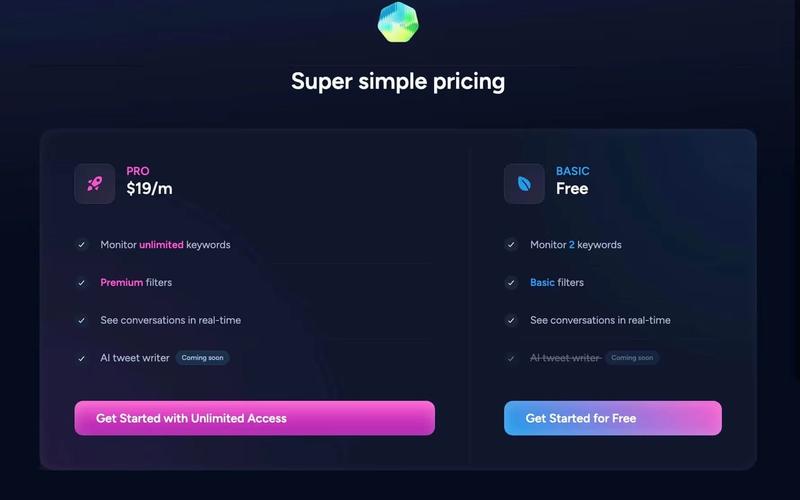
Plan Selection Modal

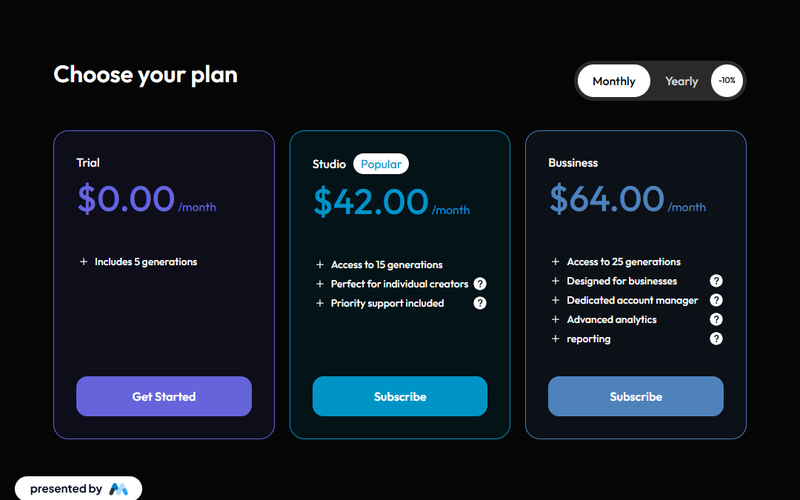
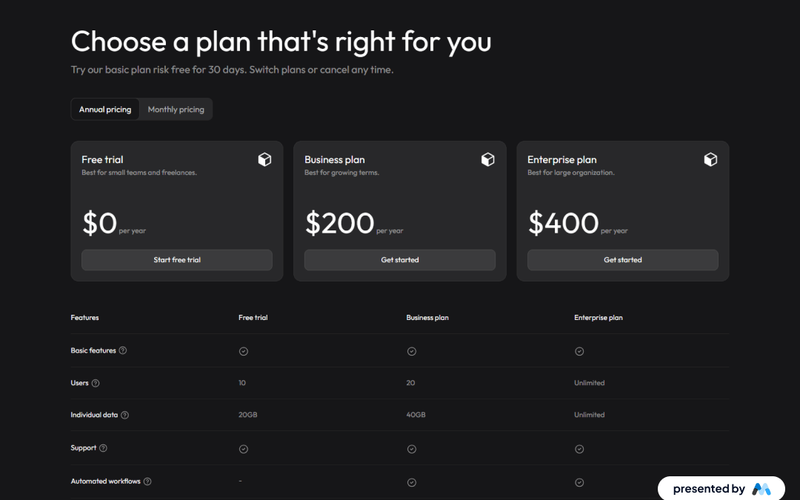
The Plan Selection Modal provides a sleek and user-friendly interface for selecting subscription plans, featuring a modern dark theme that enhances both aesthetics and functionality. Key Features Dark theme design for improved aesthetics Responsive modal for easy plan selection Includes flexible pricing options Supports multiple user plans with clear descriptions Interactive tabs for easy navigation between plans Design Elements Sleek dark color palette Rounded corners and shadow effects for depth Clear typography with varying weights for emphasis Icons accompanying plan descriptions for visual appeal Potential Use Cases SaaS companies looking to showcase subscription optionsE-commerce platforms offering membership plans Online services requiring tiered pricing structures Event registration sites with different ticket types Educational platforms with various course access levels Conclusion: The Plan Selection Modal is a versatile component that enhances user experience by simplifying the decision-making process for potential customers, making it an excellent addition to any website focused on subscriptions or memberships.

2 Tier Neutral Pricing Table
View Component
Pricing

2 Tier Neutral Pricing Table

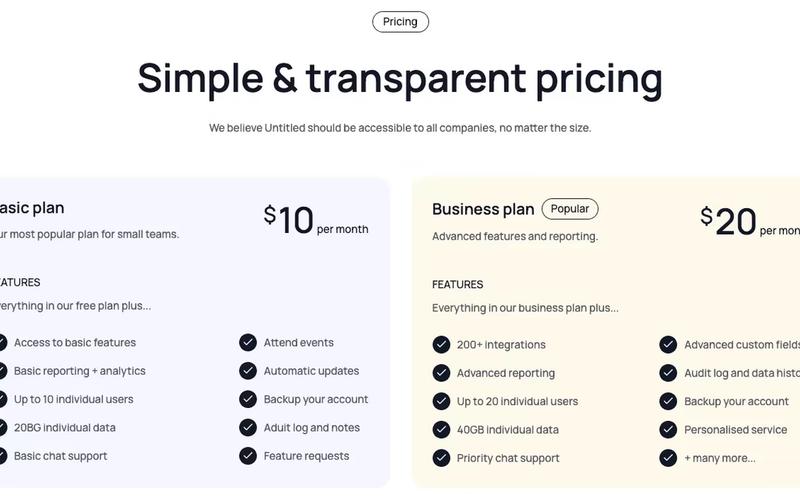
The 2 Tier Neutral Pricing Table is designed to present pricing options clearly and effectively, making it easy for users to compare different plans. It features a clean layout with distinct sections for each pricing tier. Key Features Two pricing tiers Clear pricing display with monthly rates Visual indicators for features included in each plan Responsive design for mobile and desktop views Includes links for further actions like signup Design Elements: Neutral color palette with a focus on readability Rounded corners for a modern look Icons used to represent features visually Flexbox layout for responsive design Potential Use Cases: SaaS companies looking to showcase subscription plansE-commerce platforms needing to display service tiers Consulting firms offering different service packages Educational platforms with tiered membership options Any business needing a clear pricing structure Conclusion: The 2 Tier Neutral Pricing Table is a versatile and visually appealing component that can enhance any website's pricing strategy, making it easier for customers to make informed decisions.

2 Tier Slack Style Pricing Table
View Component
Pricing

2 Tier Slack Style Pricing Table

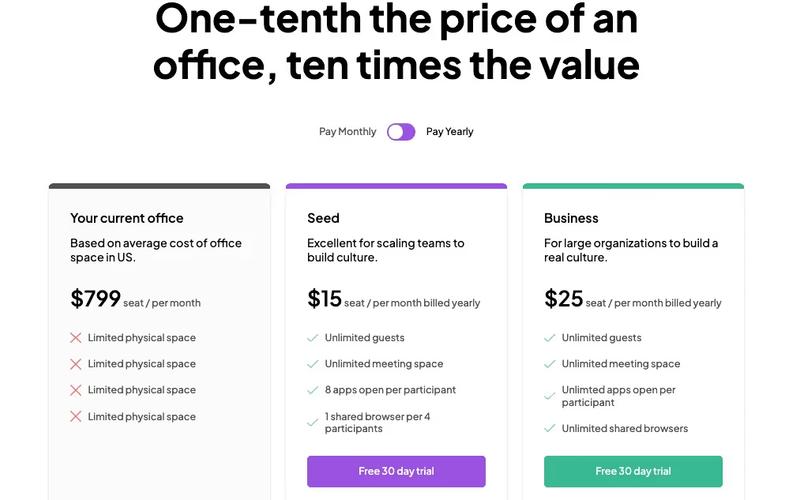
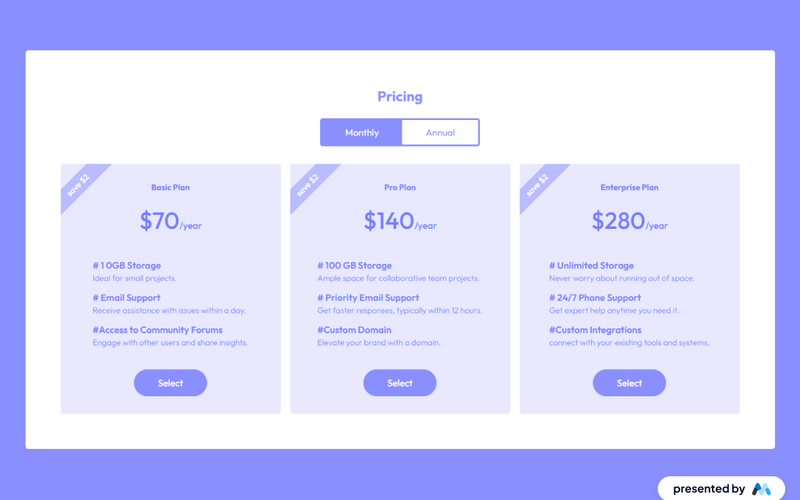
This pricing table is inspired by Slack's design, providing a clean and modern layout for showcasing pricing options. Key Features Two-tier pricing structure (monthly and yearly options)Interactive tabs for easy navigation between different pricing plans Clear visual indicators for features included in each plan Responsive design suitable for various devices Design Elements: Minimalistic and modern aesthetic Soft color palette with shades of gray, green and purple Rounded corners and subtle shadows for a card-like appearance Centered headings and clear typography for readability Potential Use Cases: SaaS companies looking to present subscription plans Startups wanting to highlight pricing options for their servicesE-commerce platforms that offer tiered membership or subscription services Consulting firms needing to showcase service packages Educational platforms offering different pricing for courses or memberships Conclusion: The 2 Tier Slack Style Pricing Table is a versatile component that effectively communicates pricing options while maintaining a user-friendly interface, making it an excellent choice for various businesses.

3 Tier Pricing Table
View Component
Pricing

3 Tier Pricing Table

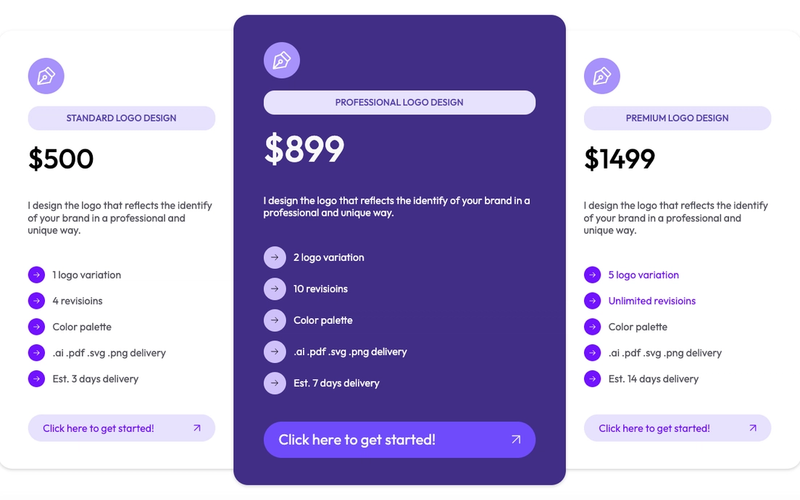
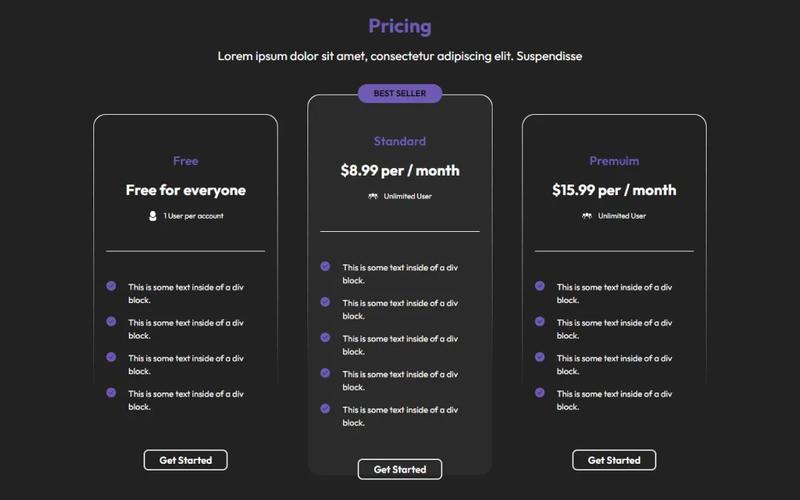
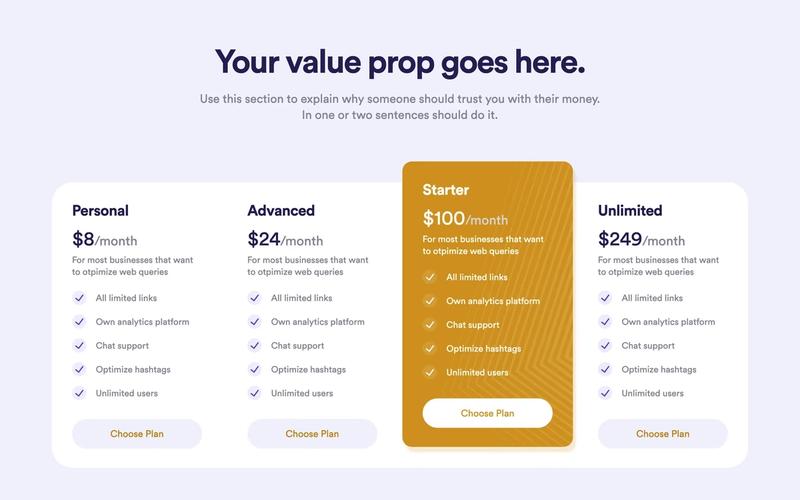
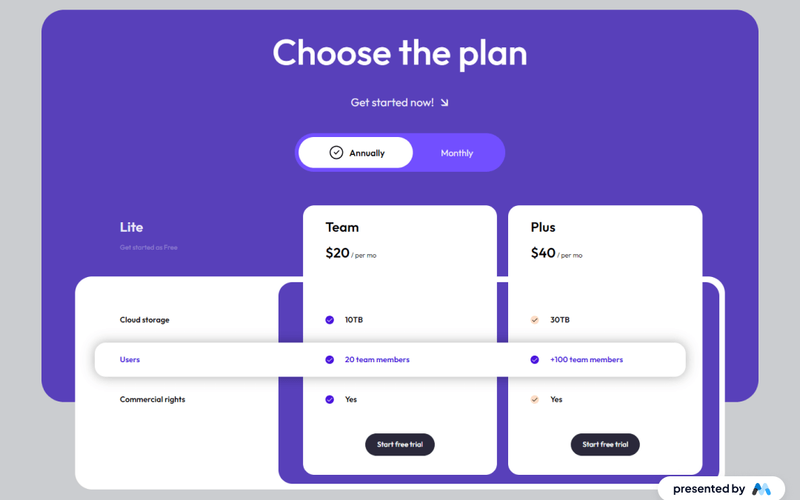
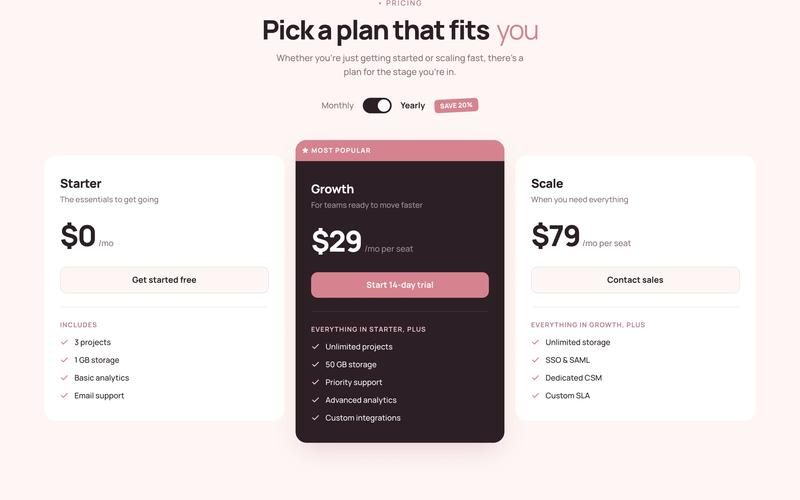
This cloneable pricing table features a classic 3-tier layout, highlighting the middle plan as the most prominent option. It comes pre-configured with Memberstack attributes and modals for easy integration. Key Features Three distinct pricing tiers Prominent middle plan for better visibility Pre-applied Memberstack attributes and modals Responsive design suitable for various devices Cloneable for easy implementation Design Elements Modern and clean layoutColorful accents with a purple themeRounded corners and shadow effects for depthFlexbox layout for responsive design Potential Use Cases SaaS companies offering subscription plans Freelancers showcasing service packagesE-commerce websites with tiered pricing options Consulting firms presenting service tiers Educational platforms with course pricing Conclusion: The 3 Tier Pricing Table is a versatile and visually appealing component that can enhance any website's pricing strategy, making it easier for users to compare options and make decisions.

3 Tier Pricing Table With Toggle
View Component
Pricing

3 Tier Pricing Table With Toggle

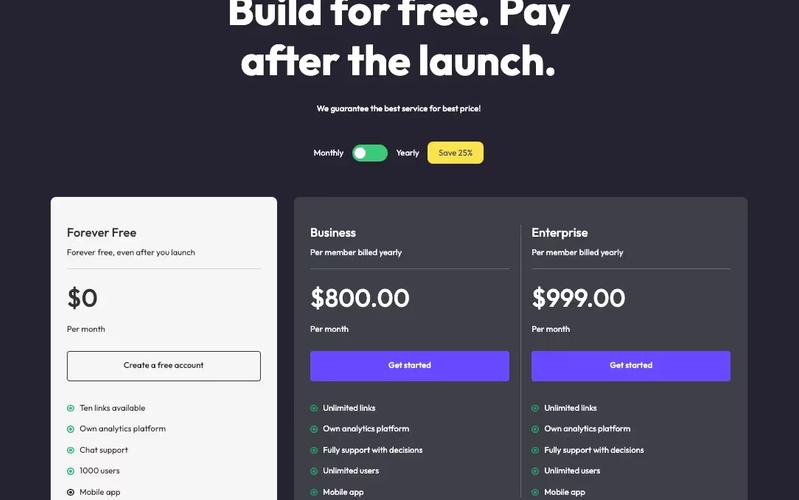
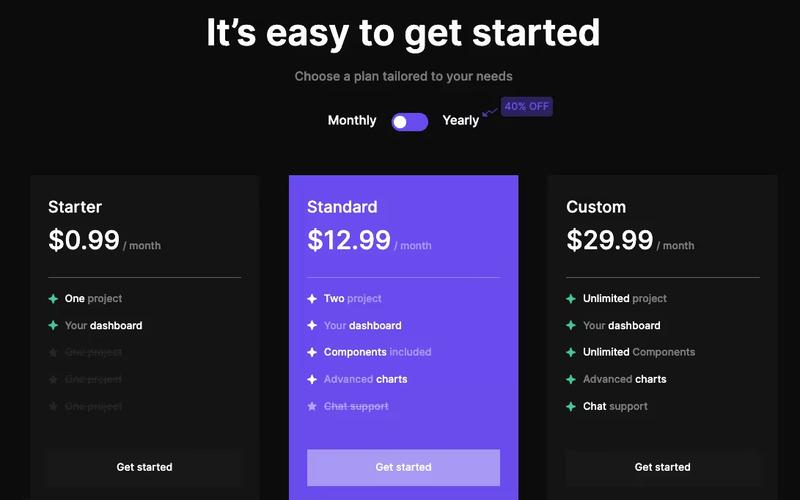
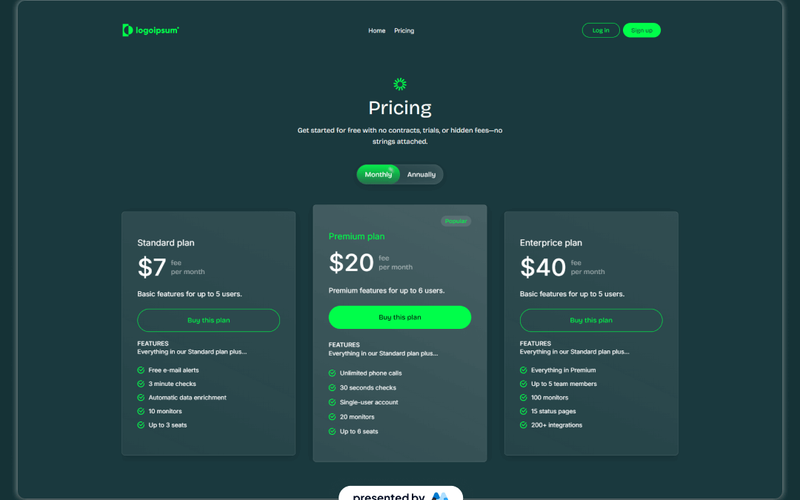
This component features a visually appealing pricing table with a toggle functionality, allowing users to switch between monthly and yearly pricing options seamlessly. Key Features Three-tier pricing structure Toggle switch for monthly/yearly pricing Custom Java Script for enhanced interactivity Responsive design suitable for various devices Includes a navigation bar for easy site navigation Design Elements: Modern and clean layout Color scheme featuring dark backgrounds with contrasting text Use of images for logos and icons Hover effects for interactive elements Potential Use Cases: SaaS companies looking to display subscription plansE-commerce websites offering tiered pricing for services Freelancers or agencies showcasing service packages Educational platforms with different membership levels Non-profits presenting donation tiers Conclusion: The 3 Tier Pricing Table With Toggle is a versatile and stylish component ideal for businesses aiming to present their pricing options clearly and attractively.

3 Tier SaaS Pricing Table
View Component
Pricing

3 Tier SaaS Pricing Table

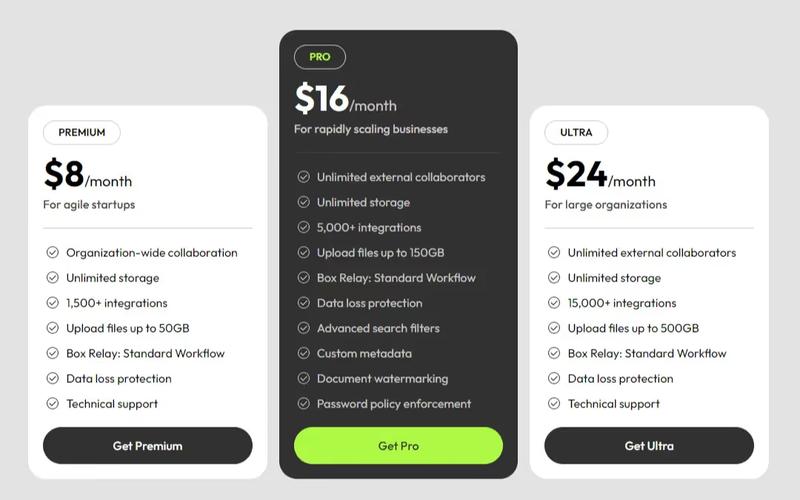
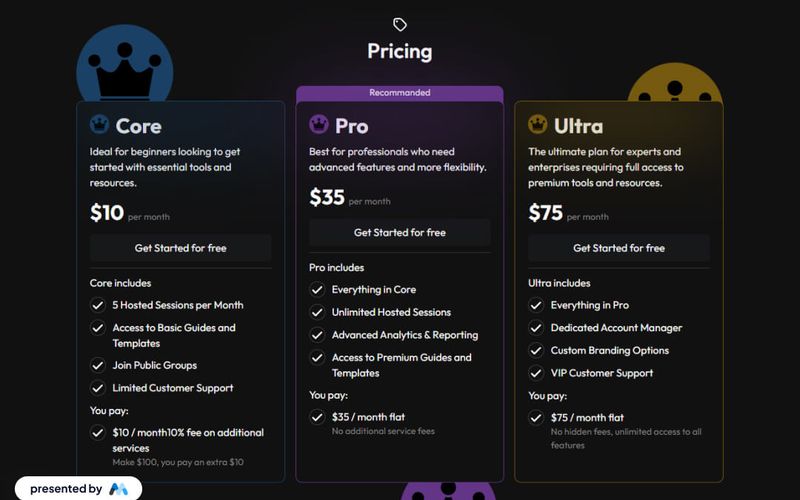
This component showcases a structured pricing table featuring Premium, Pro, and Ultra plans, designed to cater to various customer needs and enhance user experience. Key Features Three distinct pricing plans Customizable features for each plan, including unlimited storage and integrations Responsive design suitable for various devices Includes call-to-action buttons for easy sign-up Design Elements: Modern, clean layout with a grid structureIcons to visually represent featuresHover effects on buttons for enhanced interactivityPotential Use Cases: SaaS companies looking to present pricing options clearly Startups needing a professional pricing display Businesses aiming to compare service tiers effectively Web designers creating landing pages for subscription services Conclusion: The 3 Tier SaaS Pricing Table is a versatile and visually appealing component that effectively communicates pricing options, making it an excellent choice for businesses in the SaaS industry.

4 Tier Lifetime Plan Table
View Component
Pricing

4 Tier Lifetime Plan Table

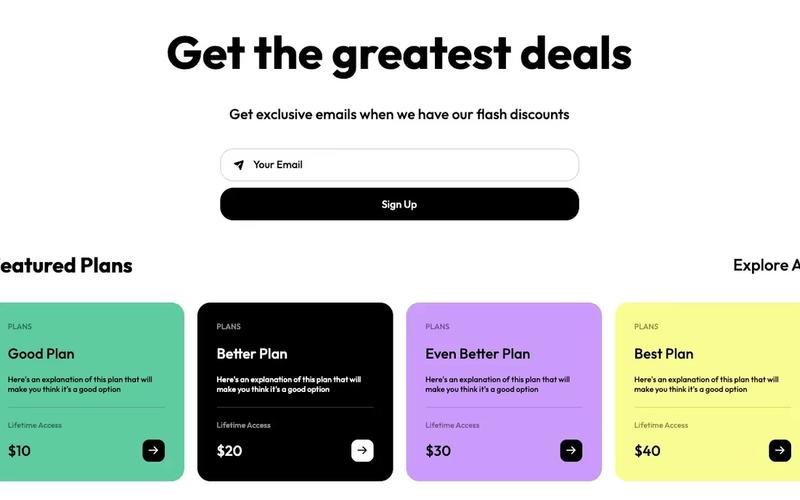
A comprehensive pricing table featuring an email form and four distinct plan options, designed to facilitate user engagement and conversions. Key Features Four different pricing plansIntegrated email subscription formResponsive design for various devicesClear call-to-action buttonsDesign Elements: Colorful backgroundsRounded corners for cardsGrid layout for plan cardsHover effects on buttons and linksPotential Use Cases: SaaS companies offering subscription servicesE-commerce platforms promoting membership plans Online educational platforms with tiered access Fitness or wellness programs with different membership levels Non-profits seeking donations with tiered benefits Conclusion: The 4 Tier Lifetime Plan Table is a versatile and visually appealing component that effectively communicates pricing options while encouraging user interaction, making it suitable for various industries.

4 Tier Pricing Table
View Component
Pricing

4 Tier Pricing Table

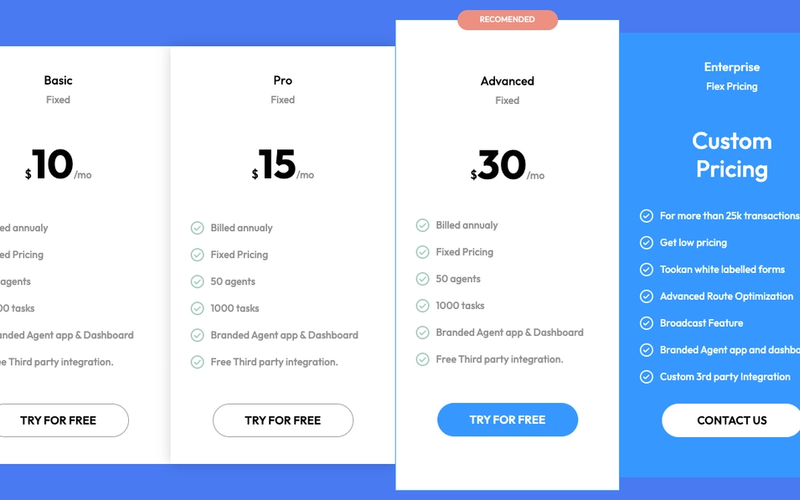
A versatile 4-tier pricing table designed for use with Memberstack attributes, ideal for showcasing different pricing plans clearly and effectively. Key Features Four distinct pricing tiers Responsive design for various screen sizes Integration with Memberstack for user management Customizable pricing options Includes call-to-action buttons for user engagement Design Elements Clean and modern layout Colorful accents with a blue background Use of icons for visual appeal Clear typography for easy readability Hover effects on buttons for interactivity Potential Use Cases SaaS companies offering tiered subscription plansE-commerce platforms with different pricing levels Service providers like gyms or clubs with membership options Educational platforms with varied course pricing Freelancers or agencies showcasing service packages Conclusion: The 4 Tier Pricing Table is a highly adaptable component that effectively communicates pricing options, making it an excellent choice for a wide range of businesses.

AI Product Pricing Table
View Component
Pricing

AI Product Pricing Table

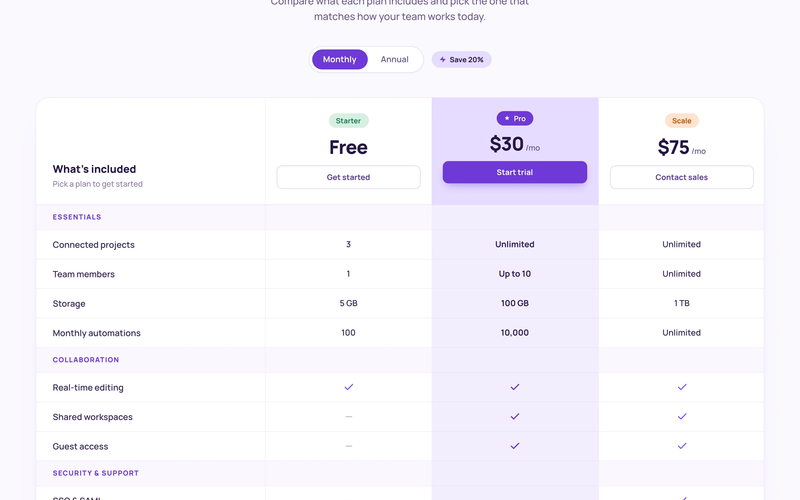
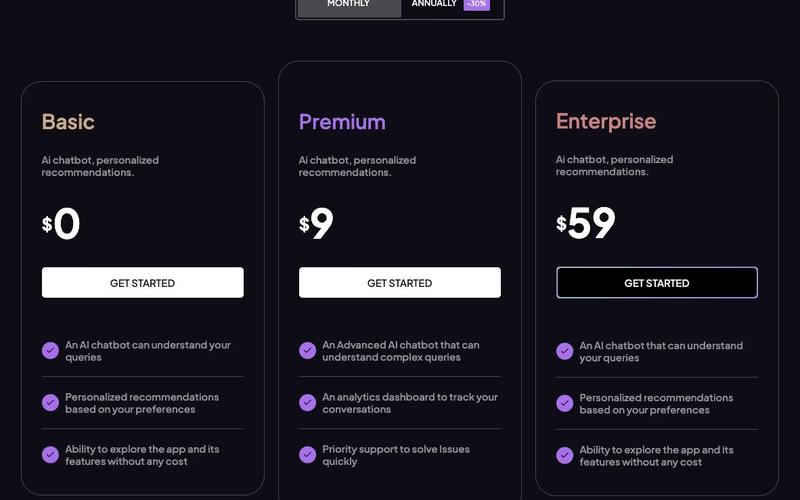
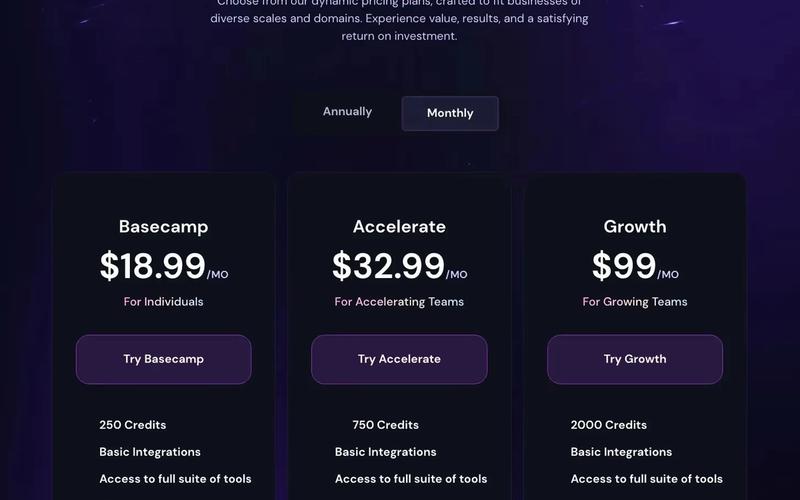
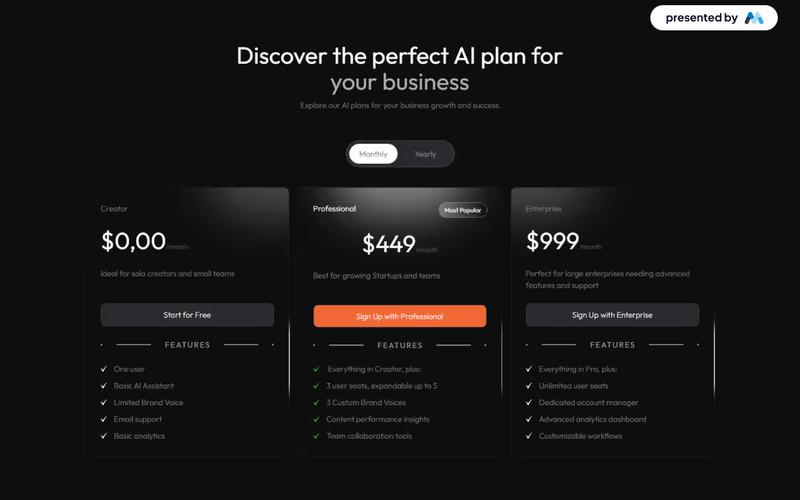
The AI Product Pricing Table is a visually appealing and functional component designed to display pricing options for AI products. It features a clean layout with interactive tabs for easy navigation between different pricing plans. Key Features Responsive design suitable for various devices Interactive tabs for switching between pricing plans Clear display of features included in each plan Pricing options for monthly and annual subscriptions Visual indicators for discounts on annual plans Design Elements: Modern and clean aesthetic Color scheme featuring shades of purple and grey Use of icons for visual appeal Well-structured layout with ample spacing Potential Use Cases: SaaS companies offering AI-based services Startups launching AI productsE-commerce platforms selling AI tools Consulting firms providing AI solutions Educational platforms offering AI courses Conclusion: The AI Product Pricing Table is a versatile component that enhances user experience by clearly presenting pricing options, making it an excellent choice for businesses in the AI sector.

AeroKit UI Pricing01 Tiered Layout
View Component
Pricing

AeroKit UI Pricing01 Tiered Layout

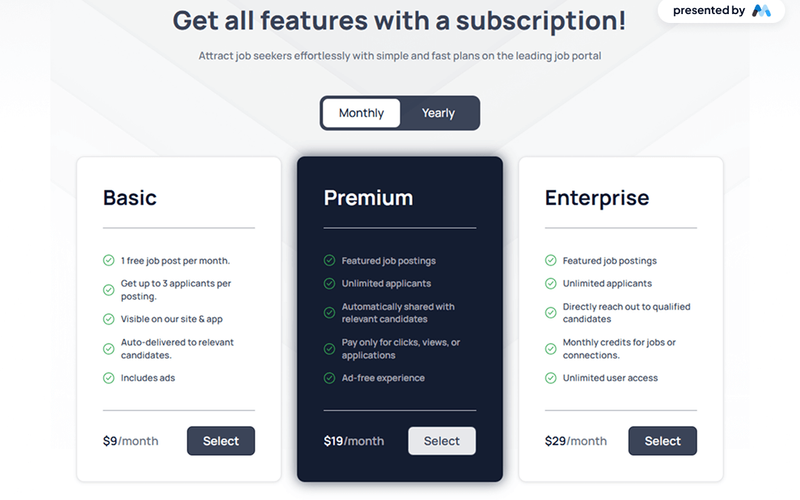
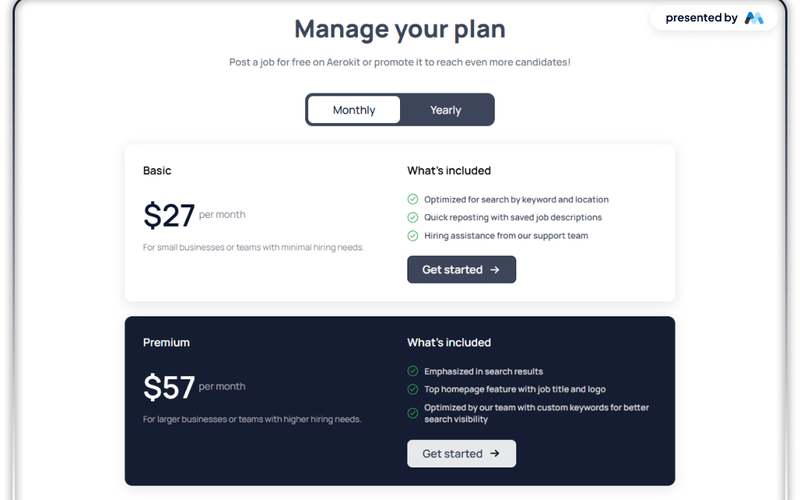
The AeroKit UI Pricing01 Tiered Layout is designed to present subscription pricing options in a clear and organized manner. It features a tiered layout that allows users to compare different subscription plans easily. This component is particularly useful for businesses offering subscription services, such as job portals or SaaS platforms. Key Features Tiered pricing layout for easy comparison of subscription plans.Tabs for switching between monthly and yearly pricing options.Responsive design that adapts to various screen sizes.Customizable content areas for features and benefits of each plan.Includes call-to-action buttons for selecting a plan. Design Elements Clean and structured layout with a focus on usability.Use of tabs to switch between different pricing periods (monthly/yearly).Visual hierarchy established through headings and images.Consistent color scheme that enhances readability and engagement.Incorporation of icons and images to represent features visually. Potential Use Cases Job portals looking to attract job seekers with subscription plans.SaaS companies offering tiered pricing for their software solutions.E-commerce sites that provide subscription boxes or services.Membership sites that require users to choose from different membership levels.Online learning platforms offering various subscription models for courses. Conclusion: The AeroKit UI Pricing01 Tiered Layout is a practical component for businesses that need to present subscription options clearly and effectively, making it a valuable addition to any pricing page.

AeroKit UI Pricing02 Table
View Component
Pricing

AeroKit UI Pricing02 Table

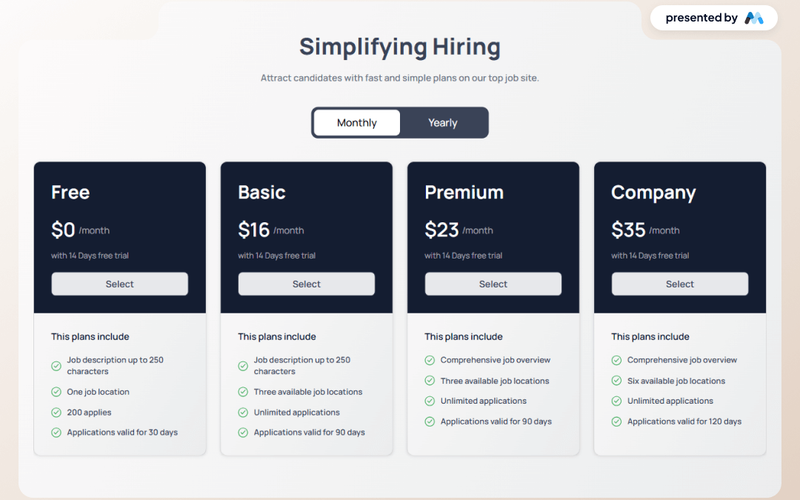
The AeroKit UI Pricing02 Table is designed to present pricing plans in a clear and organized manner. It features tabs for different pricing options, allowing users to switch between monthly and yearly plans easily. The component is suitable for businesses looking to showcase their service tiers effectively. Key Features Tab navigation for monthly and yearly pricing options.Clear pricing display with descriptions for each plan.Includes a call-to-action button for users to get started.Responsive design to ensure usability across devices. Design Elements Utilizes a clean layout with a focus on typography for readability.Incorporates a color scheme that highlights important elements like pricing.Features icons and images to enhance visual appeal and provide context. Potential Use Cases SaaS companies looking to display subscription plans.E-commerce platforms wanting to showcase membership tiers.Service providers needing to present pricing options for different service levels.Job boards promoting different posting plans for employers. Conclusion: The AeroKit UI Pricing02 Table is a practical component for any business needing to present pricing information clearly and attractively, making it a valuable addition to various web projects.

AeroKit UI Pricing03 Palette
View Component
Pricing

AeroKit UI Pricing03 Palette

The AeroKit UI Pricing03 Palette is a Webflow component designed to create pricing tables for services or products. It features a tabbed interface for different pricing plans, allowing users to easily compare options. The component includes customizable styles and is suitable for various business needs. Key Features Tabbed pricing plans for easy comparison, allowing users to switch between monthly and yearly options.Customizable text and pricing details, including a free trial period and specific plan features.Responsive design that adapts to different screen sizes, ensuring usability on mobile devices.CSS styles for enhanced typography and layout, improving readability and user experience. Design Elements Clean layout with a focus on clarity, using a grid system to organize content effectively.Use of contrasting colors for pricing options to draw attention to different plans.Incorporation of icons and images to visually represent features and enhance engagement. Potential Use Cases SaaS companies looking to display subscription plans.E-commerce websites that offer tiered pricing for products.Freelancers or agencies promoting service packages.Educational platforms offering different course pricing options. Conclusion: The AeroKit UI Pricing03 Palette is a practical solution for businesses needing to present pricing information clearly and effectively, making it a valuable addition to any Webflow project.

Bold Monochrome Pricing
View Component
Pricing

Bold Monochrome Pricing

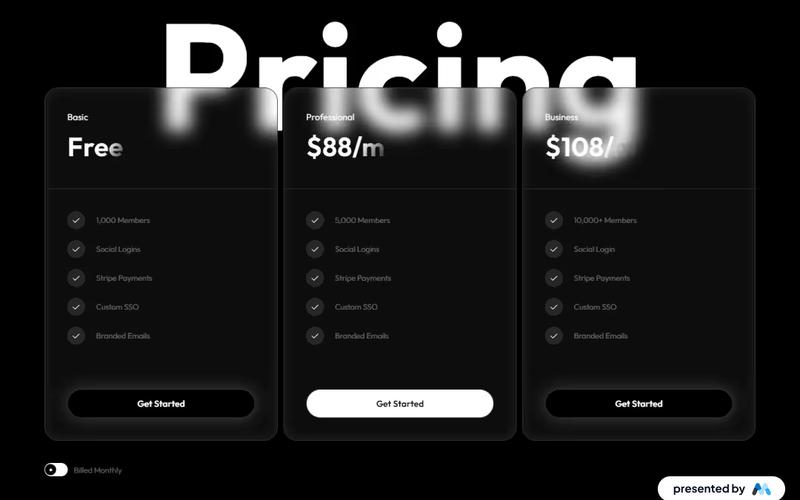
The Bold Monochrome Pricing table offers a sleek design with three distinct tiers, allowing users to choose from a free plan to premium business packages, each featuring a 'Get Started' button for easy sign-up. Key Features Three pricing tiers Clear benefits listed for each tier Responsive design suitable for various devices Includes 'Get Started' buttons for seamless user engagement Design Elements: Monochrome color scheme with bold typography Clean and modern layout Use of icons to represent features Hover effects on buttons for enhanced interactivity Potential Use Cases: SaaS companies offering subscription servicesE-commerce platforms with tiered membership options Online course providers with different access levels Non-profits looking to showcase donation tiers Conclusion: The Bold Monochrome Pricing table is a versatile and visually appealing component that effectively communicates pricing options, making it an excellent choice for businesses aiming to enhance their subscription offerings.

Charming Contrast Pricing
View Component
Pricing

Charming Contrast Pricing

This component offers a visually appealing pricing table with flexible plans. It features bold typography and intuitive toggles for monthly/yearly options, as well as clear call-to-action buttons and highlighted savings that enhance user engagement. Key Features Multiple pricing plansResponsive design suitable for various devicesInteractive tabs for easy navigation between pricing optionsDesign Elements: Visually appealing colors and a modern aesthetic Clear typography with varying font sizes for emphasis Use of icons to enhance visual appeal Potential Use Cases: Startups looking to present their subscription modelsE-commerce websites needing a clear pricing structure SaaS companies showcasing different subscription plans Creative agencies promoting their design assets Conclusion: The Charming Contrast Pricing component is a versatile and visually striking solution for any business needing to present pricing options clearly and attractively. ‍

Chart Pricing
View Component
Pricing

Chart Pricing

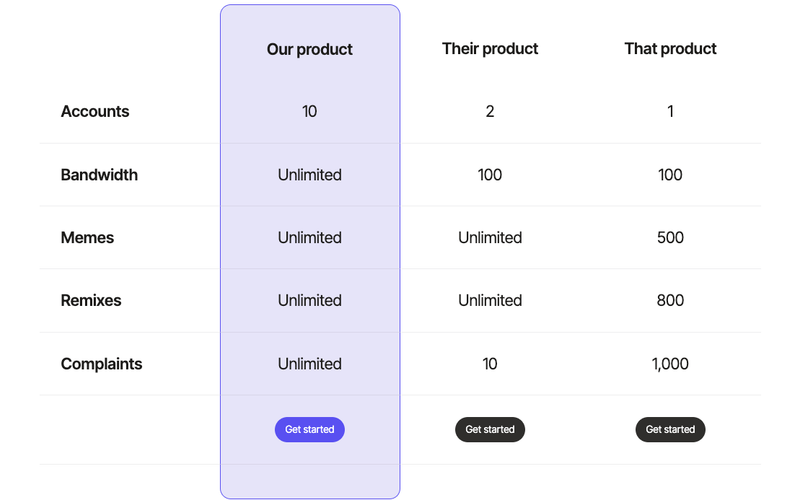
The Chart Pricing component is designed to present various pricing plans in a visually appealing and organized manner, making it easy for users to compare options and make informed decisions. Key Features Responsive design for optimal viewing on all devices Customizable pricing tiers with detailed descriptions Interactive elements for user engagementCSS styling for a modern look Includes navigation links for easy access to different sections Design Elements Clean and modern layout Use of colors that enhance readability and visual appeal Hover effects for interactive links Well-structured sections for each pricing tier Potential Use Cases SaaS companies showcasing subscription plansE-commerce sites offering tiered pricing for products Service providers detailing service packages Startups presenting their pricing models to potential customers Consultancy firms outlining service fees Conclusion: The Chart Pricing component is a versatile tool suitable for various industries, providing an effective way to display pricing information while enhancing user experience.

Choose Your Plan
View Component
Pricing

Choose Your Plan

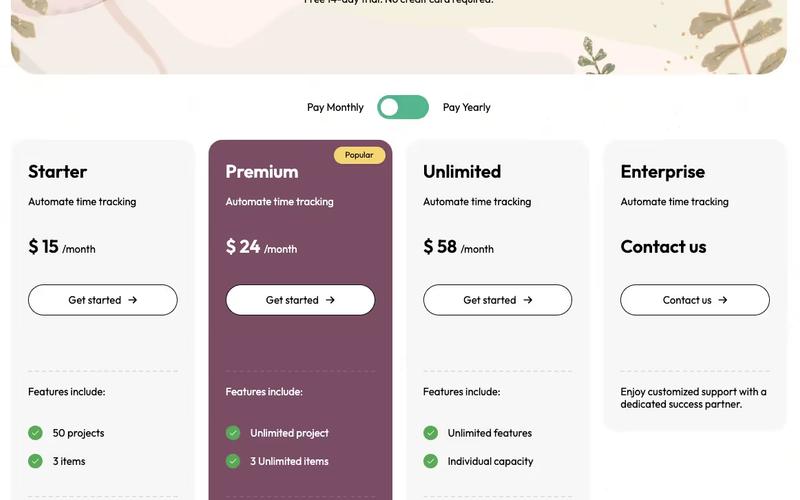
The 'Choose Your Plan' component is designed to present various subscription options in a visually appealing and interactive format, allowing users to select their preferred plan easily. Key Features Three pricing options Interactive tabs for monthly, yearly, and lifetime plans.Responsive design suitable for various devices.Custom CSS for enhanced styling.Design Elements: Color scheme featuring white and shades of purple.Rounded corners and shadow effects for a modern look.Use of icons for visual appeal.Centered layout with clear typography.Potential Use Cases: SaaS companies offering subscription services.Online courses or educational platforms.Membership-based websites.E-commerce sites with subscription products.Digital service providers like web hosting or software tools.Conclusion: The 'Choose Your Plan' component is versatile and user-friendly, making it an excellent choice for businesses looking to simplify their subscription offerings while maintaining an attractive design.

Colorful Pricing Page
View Component
Pricing

Colorful Pricing Page

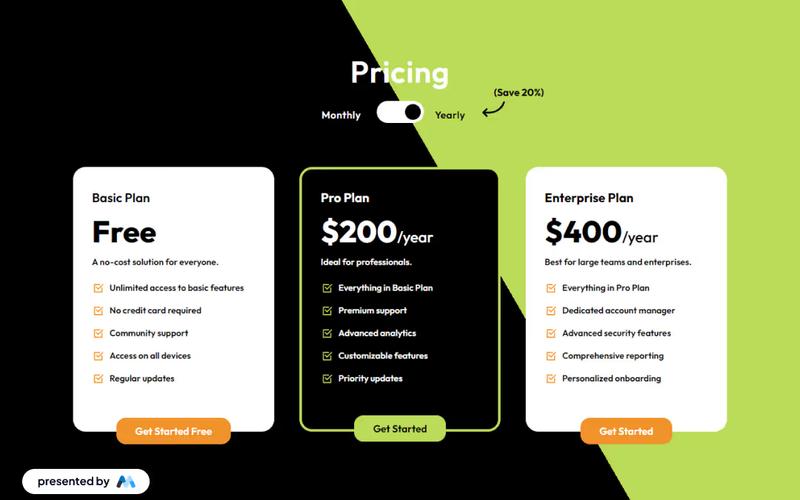
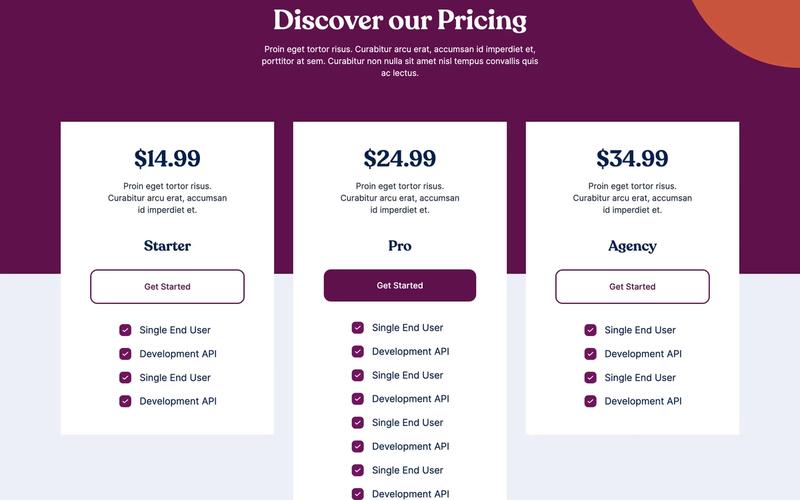
A vibrant pricing table featuring a toggle option and a colorful theme, designed to enhance user engagement and clarity in pricing options. Key Features Interactive pricing toggle for monthly and yearly plans Visually appealing design with a colorful theme Responsive layout suitable for various devices Includes promotional discounts and clear pricing information Easy integration with Webflow CMSDesign Elements: Colorful backgrounds with clip-path shapes Modern typography with contrasting colors Use of icons to enhance visual appeal Well-structured layout with clear sections for different pricing tiers Potential Use Cases: SaaS companies looking to showcase subscription plansE-commerce websites offering membership or subscription services Freelancers or agencies presenting service packages Educational platforms with tiered pricing for courses Event organizers promoting ticket pricing options Conclusion: The Colorful Pricing Page is a versatile and visually engaging component that effectively communicates pricing options, making it an excellent choice for businesses seeking to enhance their online presence.

Complete Checkout Message
View Component
SignupPricing

Complete Checkout Message

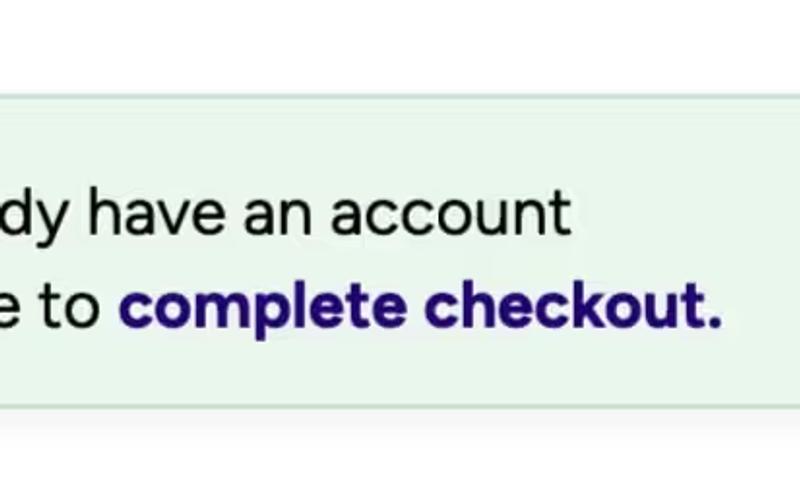
This component is designed to enhance Memberstack signup forms by addressing users who sign up but do not complete the checkout process. Key Features Integrates seamlessly with Memberstack signup forms Encourages users to complete their checkout Includes customizable messaging and icons Responsive design suitable for various devices Design Elements: Soft color palette with green tones Rounded corners and shadow effects for a modern look Clear typography for easy readability Includes icons for visual appeal Potential Use Cases: E-commerce websites looking to reduce cart abandonment Membership platforms aiming to retain new signups Online service providers wanting to encourage payment completion SaaS companies needing to streamline user onboarding Conclusion: The Complete Checkout Message component is a versatile tool for improving user engagement and conversion rates, making it an essential addition for businesses focused on online transactions.

Components Pricing Table
View Component
Pricing

Components Pricing Table

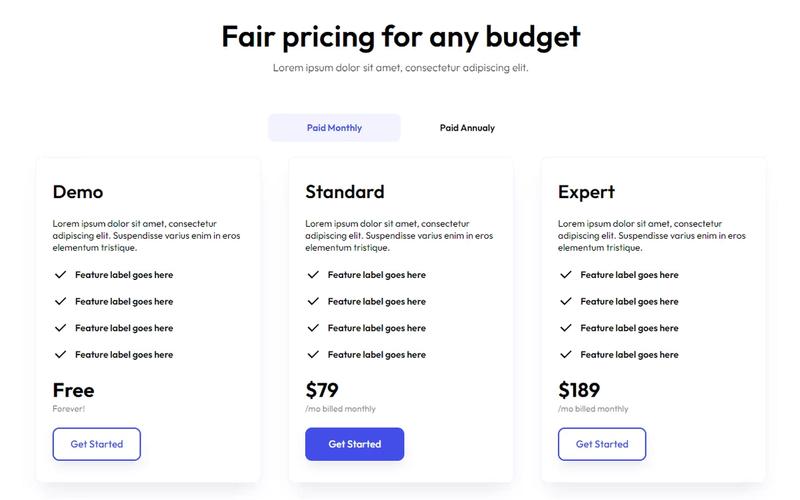
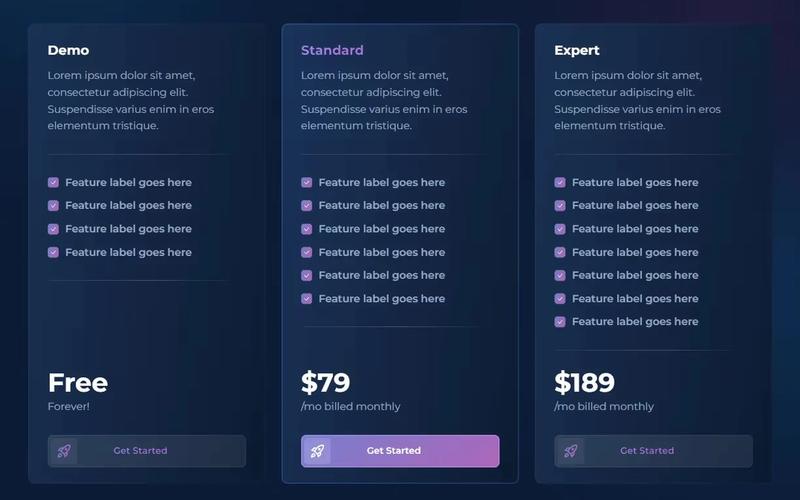
The Components Pricing Table is designed to present pricing options clearly and effectively, allowing users to compare different plans or packages. It features a tabbed interface for easy navigation between monthly and annual pricing. Key Features Tabbed interface for monthly and annual pricing options Customizable pricing tiers with feature labels Responsive design suitable for various devices Includes call-to-action buttons for easy sign-up Design Elements: Clean and modern layout Color scheme with shades of blue and white Grid layout for displaying pricing options Hover effects on buttons for interactivity Potential Use Cases: SaaS companies offering subscription plansE-commerce sites with tiered pricing models Service providers needing to showcase different packages Educational platforms with various course pricing Membership sites with different access levels Conclusion: The Components Pricing Table is a versatile and visually appealing solution for businesses looking to present their pricing options effectively, enhancing user experience and potentially increasing conversions.

Contrast Pricing Options
View Component
Pricing

Contrast Pricing Options

The Contrast Pricing Options component is designed to present various pricing plans in a clear and organized manner. It features a tabbed interface allowing users to switch between monthly and yearly pricing options, making it suitable for subscription-based services. Key Features Tabbed navigation for switching between monthly and yearly plans.Dynamic pricing display with discounts for yearly subscriptions.Includes a trial option for users to test the service before committing.Responsive design that adjusts to different screen sizes. Design Elements Utilizes a grid layout to effectively display pricing options.Incorporates clear typography for headings and pricing details.Color scheme emphasizes important information, such as discounts and call-to-action buttons. Potential Use Cases SaaS companies offering subscription services.Online educational platforms providing course access.Membership-based websites with tiered pricing.E-commerce sites with subscription delivery options. Conclusion: The Contrast Pricing Options component is a practical solution for businesses looking to showcase their pricing plans effectively, enhancing user experience and decision-making.

Current Plan UI
View Component
Pricing

Current Plan UI

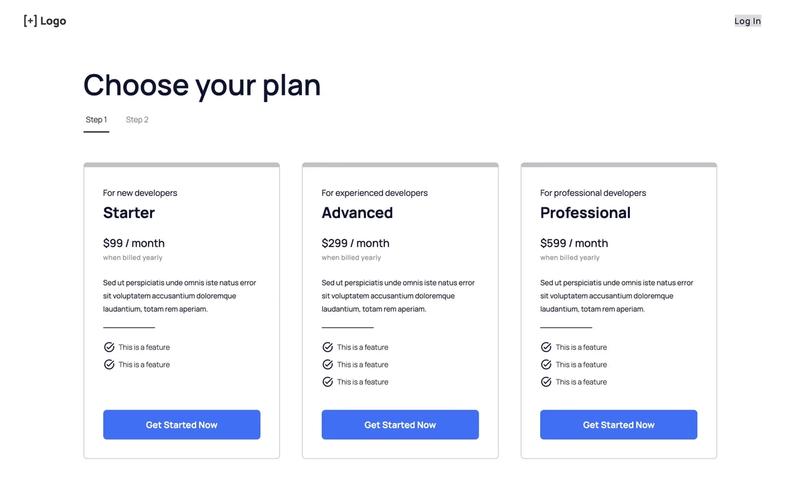
The Current Plan UI is a Webflow component designed to showcase subscription plans with a clean and modern layout, featuring pricing options and a user-friendly interface. Key Features Responsive design suitable for various devices Multiple pricing tiers including Interactive elements such as buttons for 'Get Started Now' and 'Log in'Customizable styles and animations for a dynamic user experience Includes icons for visual appeal Design Elements: Minimalist layout with ample white space Bold typography for headings and pricing Use of icons to enhance visual communication Flexbox layout for responsive design Potential Use Cases: SaaS companies looking to display subscription plansE-commerce platforms offering membership options Educational websites with tiered access to courses Freelancer or agency websites showcasing service packages Non-profit organizations promoting donation tiers Conclusion: The Current Plan UI is a versatile and visually appealing component that effectively communicates pricing options, making it an excellent choice for businesses looking to enhance their subscription offerings.

Dark Mode Pricing
View Component
Pricing

Dark Mode Pricing

A clean and modern pricing table designed with a dark theme, featuring a billing toggle for easy plan selection. Key Features Dark theme for a sleek appearance Billing toggle for monthly and yearly plans Responsive design suitable for various devices Includes multiple pricing tiers with clear pricing information Customizable styles and interactions Design Elements: Dark background with contrasting text for readability Use of icons to highlight features Smooth transitions and animations for user interactions Well-structured layout with clear sections for each pricing tier Potential Use Cases: SaaS companies looking to showcase subscription plans Freelancers or agencies offering tiered servicesE-commerce platforms with subscription-based products Tech startups needing a modern pricing display Conclusion: The Dark Mode Pricing component is versatile and visually appealing, making it an excellent choice for businesses aiming to present their pricing plans in a modern and user-friendly manner.

Dark Mode Pricing Table
View Component
Pricing

Dark Mode Pricing Table

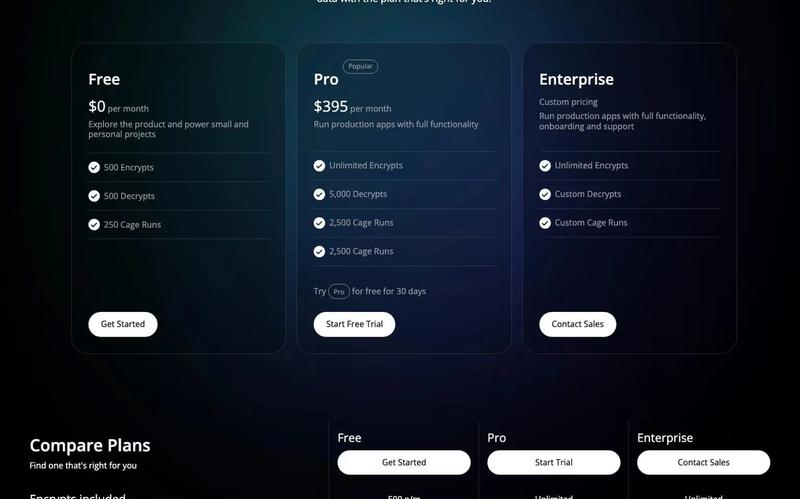
The Dark Mode Pricing Table is a visually appealing component designed for showcasing pricing plans in a dark-themed layout. It features a clean design with clear pricing options and highlights key features for each plan. Key Features Three pricing tiers Clear pricing display with monthly rates Includes features like unlimited encrypts and support options Call-to-action buttons for easy navigation Responsive design for mobile and desktop views Design Elements: Dark background with contrasting text for readability Rounded corners and subtle shadows for a modern look Icons to visually represent features Grid layout for organized presentation of pricing plans Potential Use Cases: SaaS companies looking to display subscription plansE-commerce websites offering membership options Freelancers or agencies promoting service packages Tech startups showcasing product tiers Educational platforms with different access levels Conclusion: The Dark Mode Pricing Table is an effective and stylish solution for businesses wanting to present their pricing options clearly and attractively, making it suitable for a variety of industries.

Dark Pricing Segment
View Component
Pricing

Dark Pricing Segment

The Dark Pricing Segment is a Webflow component designed to showcase pricing plans in a visually appealing manner. It includes features such as pricing tiers, descriptions, and call-to-action buttons, making it suitable for businesses looking to present their pricing options clearly. The component is structured to allow easy customization for different pricing models. Key Features Multiple pricing tiers displayed in a grid layout, allowing for easy comparison.Customizable text fields for pricing details, such as '$10 per month'.Call-to-action buttons for each pricing tier, encouraging user engagement.Responsive design that adapts to various screen sizes. Design Elements Dark background with contrasting text for improved readability.Use of icons to visually represent features included in each pricing tier.Grid layout that organizes pricing options neatly, enhancing user experience.Typography that emphasizes key information, such as pricing and features. Potential Use Cases SaaS companies looking to present subscription plans.E-commerce websites offering tiered membership or service levels.Online courses or educational platforms with different pricing for courses.Subscription box services that need to showcase various plans. Conclusion: The Dark Pricing Segment is a functional and visually engaging component that effectively communicates pricing information, making it a valuable addition for businesses across various industries.

Dark Purple Pricing Table
View Component
Pricing

Dark Purple Pricing Table

The Dark Purple Pricing Table is a visually appealing component designed to showcase pricing options for services or products. It features a modern layout with a dark purple gradient background, making it suitable for various business types. Key Features Three pricing tiers Responsive design suitable for all devices Includes feature checkmarks for easy comparison Customizable text and images Design Elements: Dark purple gradient background Flexbox and grid layout for organized content Rounded corners and shadow effects for a modern look Gradient text for emphasis Icons used for feature checkmarks Potential Use Cases: SaaS companies showcasing subscription plansE-commerce websites presenting product pricing Consulting firms outlining service packages Event organizers detailing ticket options Freelancers promoting service rates Conclusion: The Dark Purple Pricing Table is a versatile and stylish component that effectively communicates pricing information, making it an excellent choice for businesses looking to enhance their online presence.

Dark Theme Pricing Table
View Component
Pricing

Dark Theme Pricing Table

The Dark Theme Pricing Table offers a sophisticated and elegant design, perfect for showcasing pricing plans with a premium user interface. Key Features Sophisticated dark themeResponsive designCustomizable pricing plansIncludes various user account optionsSupports multiple payment plans Design Elements Dark color scheme with contrasting textRounded corners for a modern lookGrid layout for easy comparison of plansIcons to visually represent features Potential Use Cases SaaS companies looking to display subscription plans Freelancers offering tiered servicesE-commerce sites with membership options Agencies promoting service packages Educational platforms with course pricing Conclusion: The Dark Theme Pricing Table is a versatile and visually appealing component that enhances the presentation of pricing options, making it ideal for various industries.

Dark-Welcome: CTA Section
View Component
AllPricing

Dark-Welcome: CTA Section

This dark-themed pricing template features two distinct pricing cards, designed to provide an intuitive navigation experience for users exploring various offerings. Key Features Two distinct pricing cardsDark mode interfaceResponsive designIncludes call-to-action buttonsDesign Elements: Dark color scheme with contrasting white text Rounded corners and shadow effects for cards Flexible layout with centered alignment Use of icons to enhance visual appeal Potential Use Cases: SaaS companies looking to showcase subscription plans Educational platforms offering tiered learning plansE-commerce sites promoting membership options Consulting firms presenting service packages Any business needing a modern, engaging pricing section Conclusion: The Dark-Welcome CTA Section is a versatile and visually appealing component, ideal for businesses aiming to effectively present their pricing options in a modern and user-friendly manner.

Donation Links
View Component
Pricing

Donation Links

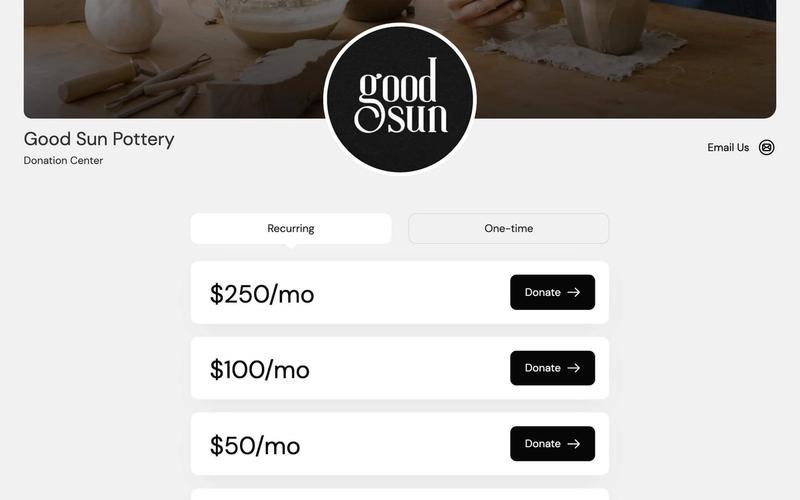
The Donation Links component allows users to easily contribute to a cause through a structured donation table integrated with Memberstack and Stripe checkout, offering both one-time and recurring payment options. Key Features Supports one-time and recurring donations Customizable donation amounts Integrated with Memberstack and Stripe for secure payments User-friendly interface for easy navigation Design Elements Modern and clean layout Responsive design for various devices Use of images and icons to enhance visual appeal Color scheme that promotes trust and engagement Potential Use Cases Non-profit organizations seeking to raise funds Charities looking to streamline donation processes Community projects needing financial support Crowdfunding campaigns for creative projects Religious institutions collecting tithes and offerings Conclusion: The Donation Links component is a versatile and essential tool for any organization looking to facilitate donations, making it easy for users to contribute while providing a seamless experience.

Exclusive Pricing Matrix
View Component
Pricing

Exclusive Pricing Matrix

The Exclusive Pricing Matrix is a Webflow component designed to display various pricing options for services or products in a structured format. It allows users to easily compare different pricing tiers and features, making it suitable for businesses that offer subscription-based services or tiered pricing models. Key Features Multiple pricing tiers displayed side by side for easy comparison.Customizable features for each pricing tier, such as descriptions and pricing details.Call-to-action buttons for each tier to encourage user engagement.Responsive design to ensure usability across devices.Design Elements: Grid layout for displaying pricing options, facilitating easy comparison.Use of contrasting colors to highlight different pricing tiers.Incorporation of icons or images to visually represent features associated with each pricing tier.Typography choices that enhance readability and draw attention to key pricing information.Potential Use Cases: SaaS companies offering tiered subscription plans.E-commerce websites showcasing different product packages.Membership-based services that require clear pricing structures.Consulting firms providing various service levels with distinct pricing.Conclusion: The Exclusive Pricing Matrix is a practical component for any business looking to present pricing options clearly and effectively, enhancing user decision-making.

Expanded Plans Pricing
View Component
Pricing

Expanded Plans Pricing

The Expanded Plans Pricing component is a visually appealing pricing table that compares different subscription plans, highlighting features and providing clear call-to-action buttons for easy selection. Key Features Comparison of multiple subscription plans Clear call-to-action buttons for each plan Responsive design suitable for various devices Customizable styles and content Design Elements Modern layout with grid structure Color scheme featuring dark backgrounds with contrasting text Use of icons for visual clarity Hover effects on buttons for enhanced interactivity Potential Use Cases SaaS companies looking to showcase subscription optionsE-commerce platforms offering tiered pricing Membership sites with different access levels Service providers wanting to display service packages Conclusion: The Expanded Plans Pricing component is a versatile tool for businesses aiming to effectively communicate their pricing structures, making it easy for users to compare options and make informed decisions.

Fitness Pricing
View Component
Pricing

Fitness Pricing

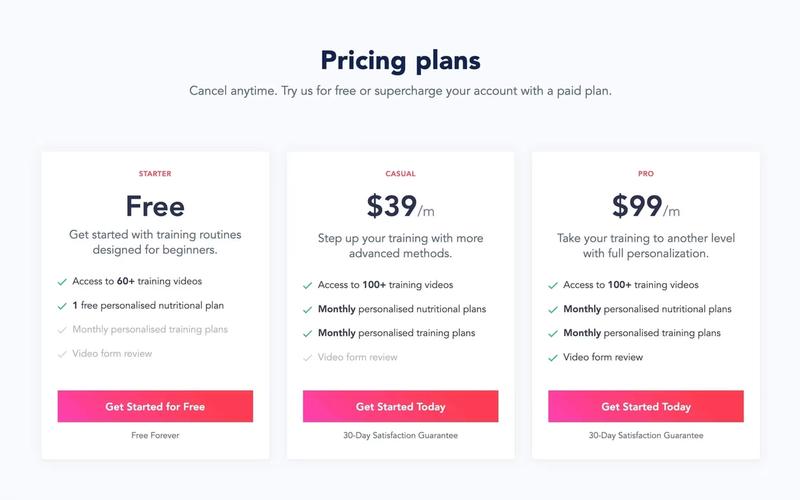
The Fitness Pricing component is designed to showcase various pricing plans for fitness services, allowing users to easily compare options and make informed decisions. Key Features Multiple pricing tiersResponsive design suitable for various devicesIntegration with Memberstack for membership managementDesign Elements: Clean and modern layout with a white background Bold typography for pricing and plan names Use of green checkmarks to highlight features Flexible grid layout for displaying pricing options Colorful buttons with gradient backgrounds for calls to action Potential Use Cases: Fitness studios looking to promote membership plans Personal trainers offering customized training packages Online fitness platforms providing subscription services Health and wellness apps aiming to monetize their offerings Gyms wanting to attract new members with competitive pricing Conclusion: The Fitness Pricing component is a versatile tool for any fitness-related business, effectively presenting pricing options while encouraging user engagement through clear calls to action.

Flexible Pricing Solution
View Component
Pricing

Flexible Pricing Solution

The Flexible Pricing Solution is a Webflow component designed to help businesses present their pricing plans in a clear and organized manner. It features a tabbed interface for monthly and annual pricing options, making it easy for users to compare different plans. This component is a free resource for Webflow developers to use in their projects. Key Features Tabbed pricing options for easy comparison between monthly and annual plans.Customizable pricing tiers with descriptions and features for each plan.Call-to-action buttons for users to sign up or try the service.Responsive design that adapts to various screen sizes. Design Elements Clean layout with a focus on typography and spacing.Use of icons to visually represent features of each pricing plan.Color scheme that enhances readability and draws attention to key information. Potential Use Cases SaaS companies looking to showcase subscription plans.E-commerce websites offering tiered pricing for services.Consulting firms that need to display service packages.Educational platforms providing different access levels for courses. Conclusion: The Flexible Pricing Solution is a practical component for any business needing to display pricing options effectively, enhancing user experience and facilitating decision-making.

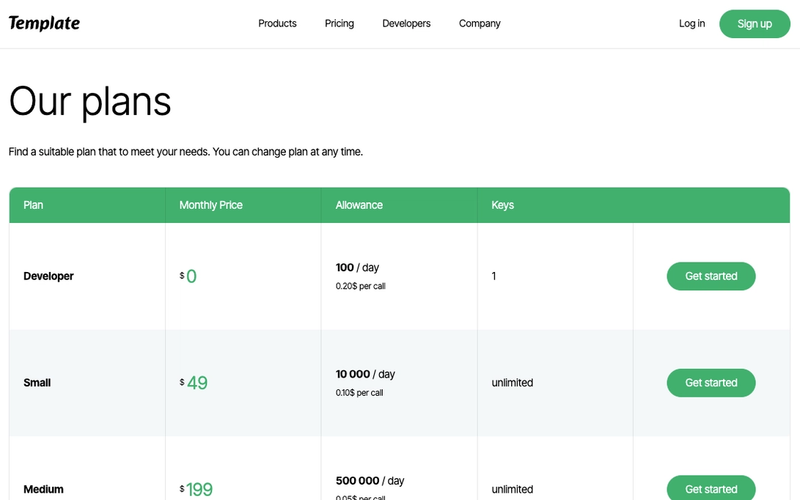
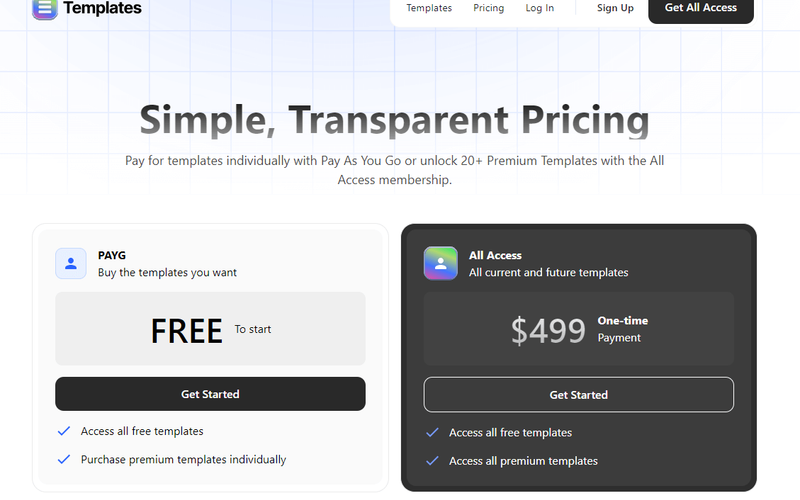
Free Price Page
View Component
Pricing

Free Price Page

The Free Price Page is a visually appealing pricing component designed to showcase various subscription plans with clear pricing details and features. It utilizes a tabbed interface for easy navigation between different pricing options. Key Features Tabbed navigation for multiple pricing plans Clear pricing display Customizable feature labels Responsive design suitable for various devices Includes a satisfaction guarantee message Design Elements: Soft color palette Use of icons Modern typography with clear headings and subheadings Grid layout for displaying features alongside pricing Potential Use Cases: SaaS companies looking to present subscription plansE-commerce websites offering membership options Service-based businesses needing to outline pricing tiers Startups wanting to showcase their pricing structure clearly Freelancers or consultants offering different service packages Conclusion: The Free Price Page is a versatile and user-friendly component that effectively communicates pricing information, making it an excellent choice for businesses aiming to enhance their customer engagement and conversion rates.

Free Pricing Table
View Component
Pricing

Free Pricing Table

The Free Pricing Table is a visually appealing component designed to showcase different pricing plans in a clear and organized manner. It features a simple layout that highlights key benefits and pricing options for users. Key Features Three pricing tiers Includes icons and checkmarks for visual appeal Responsive design suitable for various devices Customizable styles and colors Live preview available at: https://free-pricing-table.webflow.io/Design Elements: Modern and clean layout Color scheme includes cyan and pink accents Use of icons to represent features Rounded corners and shadow effects for depth Background gradients for visual interest Potential Use Cases: SaaS companies showcasing subscription plansE-commerce websites displaying product pricing Service-based businesses offering tiered services Startups looking to present pricing options clearly Freelancers promoting their service packages Conclusion: The Free Pricing Table is a versatile and attractive component that can enhance any website's pricing presentation, making it easier for potential customers to understand their options.

Galactic Pricing Modal
View Component
AllPricing

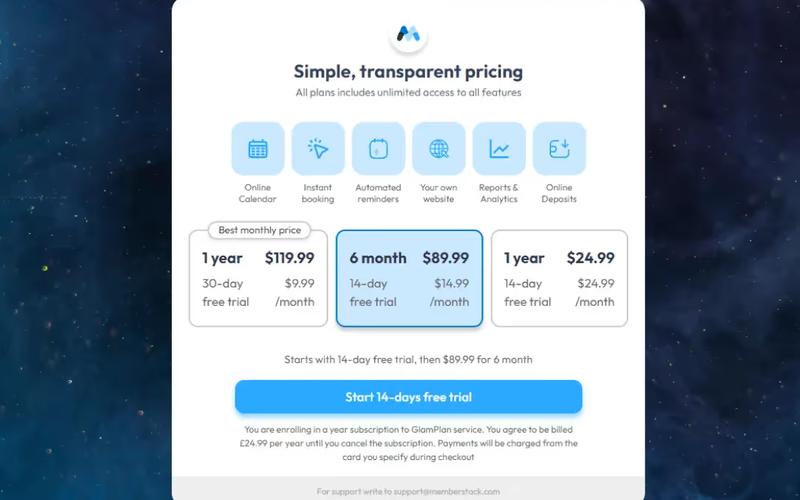
Galactic Pricing Modal

The Galactic Pricing Modal is designed to showcase pricing options through interactive tabs set against a stunning galactic backdrop, providing a visually engaging experience for users. Key Features Interactive tabs for different pricing plansMesmerizing galactic backgroundResponsive design for various devicesDesign Elements: Vibrant galactic imagery Modern typography with clear headings Color scheme featuring blues and whites Clean layout with ample spacing Icons accompanying pricing features Potential Use Cases: SaaS companies offering subscription services Online course platforms with tiered pricing Membership sites looking to attract new users Event booking services with various pricing optionsE-commerce sites needing a pricing display Conclusion: The Galactic Pricing Modal is a versatile and visually striking component that enhances user engagement while effectively presenting pricing options.

Galactic Pricing Plans
View Component
Pricing

Galactic Pricing Plans

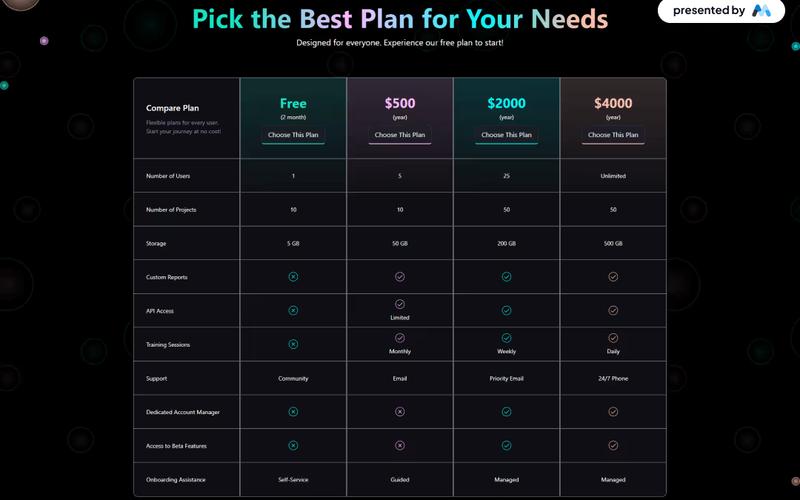
The Galactic Pricing Plans component features a dark, modern design with vibrant highlights, comparing four plans by listing key features like storage, API access, and support options. It provides a clear and user-friendly interface for selecting the most suitable plan. Key Features Four pricing tiersClear benefits listed for each tierResponsive design suitable for various devicesDesign Elements: Clean and modern layoutUse of icons to represent featuresHover effects on buttons for enhanced interactivityPotential Use Cases: SaaS companies offering subscription servicesE-commerce platforms with tiered membership options Online course providers with different access levels Conclusion: The Galactic Pricing Plans template is a versatile and visually appealing component that effectively communicates pricing options, making it an excellent choice for businesses aiming to enhance their subscription offerings. ‍

Galactic Pricing Tiers
View Component
Pricing

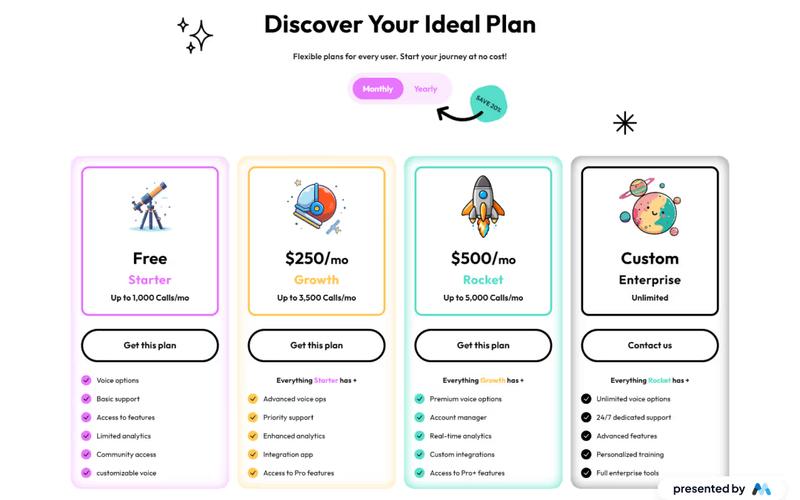
Galactic Pricing Tiers

The Galactic Pricing Tiers component offers a visually engaging pricing table designed to showcase different pricing plans with clarity, helping users choose the best plan for their needs. Key Features Four pricing tiersClear benefits listed for each tierResponsive design suitable for various devicesDesign Elements: Clean and modern layoutUse of icons to represent featuresHover effects on buttons for enhanced interactivityPotential Use Cases: SaaS companies offering subscription servicesE-commerce platforms with tiered membership options Online course providers with different access levels Conclusion: The Galactic Pricing Tiers template is a versatile and visually appealing component that effectively communicates pricing options, making it an excellent choice for businesses aiming to enhance their subscription offerings. ‍ ‍

Glassmorphism Pricing Table
View Component
Pricing

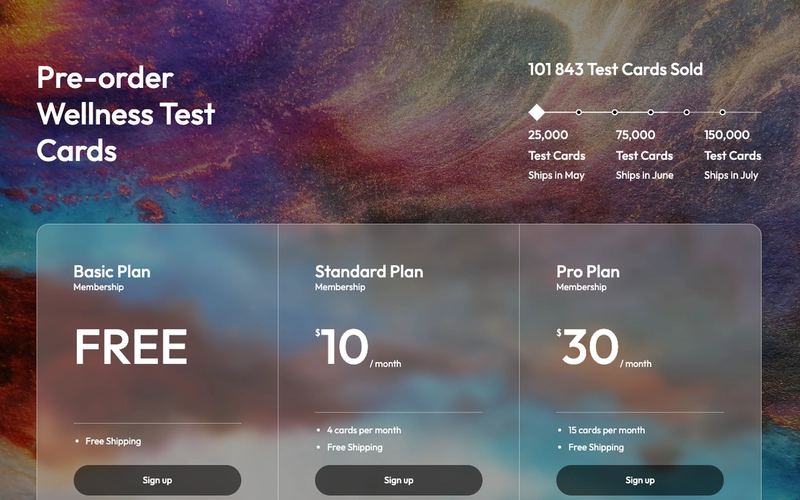
Glassmorphism Pricing Table

The Glassmorphism Pricing Table is a visually appealing component designed for showcasing pricing options with a modern glassmorphism effect. It includes Memberstack attributes and default modals for easy integration. Key Features Glassmorphism design stylePre-applied Memberstack attributesDefault modals for user sign-upResponsive layoutCustomizable pricing options Design Elements Translucent backgrounds with a blurred effectRounded corners and soft shadowsContrasting text for readabilityFlexbox layout for responsive design Potential Use Cases SaaS companies offering subscription plansE-commerce sites with membership options Health and wellness services promoting packages Online courses with tiered pricing Event ticketing platforms with different access levels Conclusion: The Glassmorphism Pricing Table is a versatile and stylish component that enhances user experience while effectively presenting pricing information, making it suitable for various industries.

Gradient Pricing Table
View Component
Pricing

Gradient Pricing Table

The Gradient Pricing Table is a visually appealing component designed to showcase various pricing plans for services or products, utilizing a gradient color scheme for enhanced aesthetics. Key Features Dynamic pricing plans with options for monthly and annual billing Customizable features for different pricing tiers Responsive design suitable for various devices Easy integration with Webflow CMSDesign Elements: Gradient background for a modern look Bold typography for headings and pricing Flexible grid layout for displaying multiple pricing options Interactive tabs for switching between monthly and annual pricing Potential Use Cases: SaaS companies looking to present subscription plansE-commerce websites showcasing product pricing Service-based businesses offering tiered pricing options Freelancers or agencies promoting service packages Conclusion: The Gradient Pricing Table is a versatile and visually striking component that can effectively communicate pricing structures, making it an excellent choice for businesses aiming to enhance their online presence.

Green Pricing Table
View Component
Pricing

Green Pricing Table

The Green Pricing Table is a visually appealing component designed to showcase pricing plans and features in a clear and engaging manner. It is ideal for businesses looking to present their pricing options effectively. Key Features Responsive design suitable for various screen sizes Customizable pricing options with detailed descriptions Includes interactive elements for user engagement Features a clean and modern aesthetic with a green color scheme Supports multiple pricing tiers Design Elements: Green and white color palette Use of icons to enhance visual appeal Flexbox layout for easy alignment and spacing Rounded corners and shadows for a modern look Typography focused on clarity and readability Potential Use Cases: SaaS companies showcasing subscription plansE-commerce websites presenting product pricing Service-based businesses outlining service tiers Non-profits displaying donation options Educational institutions offering course fees Conclusion: The Green Pricing Table is a versatile and attractive component that can enhance any website's pricing presentation, making it easier for potential customers to understand and choose the right plan.

Insight Loop UI Kit Subscription Page
View Component
Pricing

Insight Loop UI Kit Subscription Page

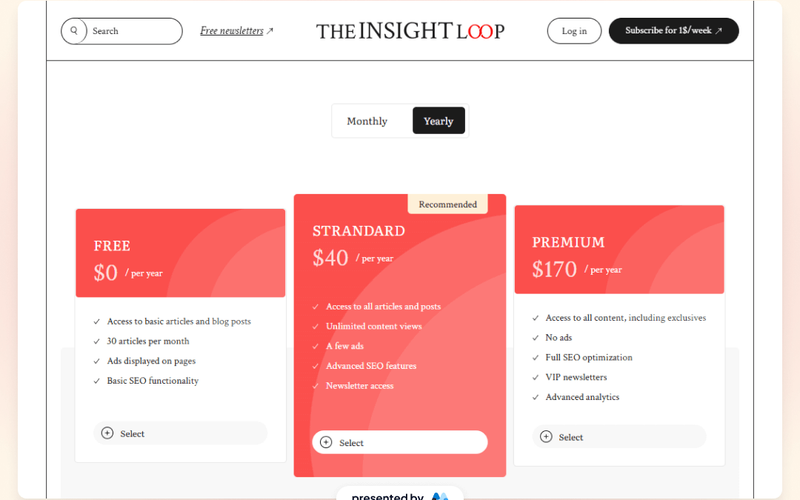
The Insight Loop UI Kit Subscription Page is designed to facilitate user subscriptions with a clean and organized layout, showcasing essential features for user engagement. Key Features Subscription form integrationResponsive design for various devicesLive preview availableShowcase link for examples Design Elements Minimalist layoutClear call-to-action buttonsConsistent color schemeHigh-quality images Potential Use Cases SaaS companies looking to onboard usersOnline courses and educational platformsMembership-based servicesE-commerce sites with subscription models Conclusion: This subscription page template is effective for businesses aiming to enhance user sign-ups and streamline the subscription process.

Invest UI Pricing Page
View Component
Pricing

Invest UI Pricing Page

The Invest UI Pricing Page is designed to present pricing options clearly and effectively, catering to businesses that require straightforward financial information. It features sections for pricing plans, account details, and recent activity, making it suitable for financial services or subscription-based businesses. Key Features Multiple pricing plans displayed prominently with clear headings and descriptions.Call-to-action buttons for account creation and login, enhancing user engagement.Sections for recent activity and account balance, providing users with relevant information.Responsive design elements that adapt to different screen sizes. Design Elements A clean layout with a focus on typography and spacing, ensuring readability.Use of contrasting colors for buttons and links to draw attention.Incorporation of images and icons to visually represent services and features. Potential Use Cases Financial institutions offering various account types and services.Subscription-based services needing to display tiered pricing plans.E-commerce platforms that require clear pricing and account management sections.SaaS companies looking to showcase their pricing models effectively. Conclusion: The Invest UI Pricing Page is a practical solution for businesses aiming to communicate their pricing structures clearly, making it an excellent choice for various industries.

Lavender Pricing Display
View Component
Pricing

Lavender Pricing Display

The Lavender Pricing Display is a Webflow component designed to showcase pricing plans in a visually structured manner. It features a tabbed interface for monthly and annual pricing options, making it easy for users to compare different plans. The component is suitable for various service-based businesses looking to present their pricing clearly. Key Features Tabbed interface for switching between monthly and annual pricing options.Grid layout for displaying multiple pricing plans side by side.Customizable text fields for plan names, prices, and features.Responsive design that adapts to different screen sizes. Design Elements Clean and minimalistic layout with a focus on typography.Use of color to differentiate between different pricing plans.Hover effects on tabs to enhance user interaction.Consistent spacing and alignment for a structured appearance. Potential Use Cases SaaS companies offering subscription-based services.Freelancers or agencies providing tiered service packages.E-commerce websites showcasing membership or subscription plans.Educational platforms with different pricing for courses or memberships. Conclusion: The Lavender Pricing Display component is a practical solution for businesses needing to present their pricing plans effectively, enhancing user experience and decision-making.

Layered Plan Box
View Component
Pricing

Layered Plan Box

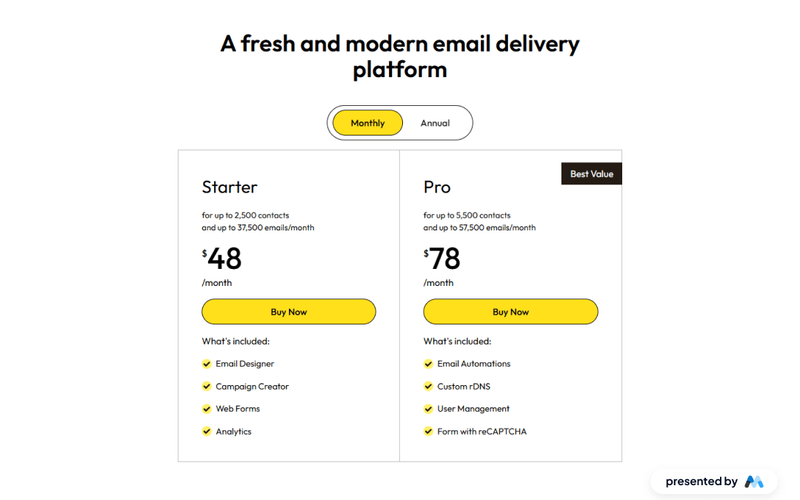
The Layered Plan Box is a Webflow component designed to showcase different pricing plans in a visually appealing format. It features tabs for monthly and annual pricing options, making it easy for users to compare features and select a plan that suits their needs. Key Features Tab navigation for monthly and annual plans, allowing users to switch between pricing options seamlessly.Dynamic content display that includes plan features and pricing details, such as 'for up to 2,500 contacts' and 'up to 37,500 emails/month'.Call-to-action button labeled 'Buy Now' for easy conversion.Includes visual elements like images and icons to enhance the presentation of each plan. Design Elements Utilizes a clean layout with clear headings and subheadings to organize information effectively.Incorporates a color scheme that emphasizes the call-to-action buttons, drawing user attention.Features responsive design elements that adjust based on screen size, ensuring accessibility on various devices. Potential Use Cases Email marketing services looking to present multiple subscription plans.SaaS companies that need to display tiered pricing options for their software.E-commerce platforms offering subscription-based services or products.Consulting firms that provide different service packages at varying price points. Conclusion: The Layered Plan Box is a practical component for businesses aiming to present pricing options clearly and attractively, facilitating user decision-making.

Magnificent Dark Pricing
View Component
Pricing

Magnificent Dark Pricing

This component offers a visually appealing pricing table with flexible plans. Designed with a dark theme for a modern look, it provides clear information about various pricing options. Key Features Multiple pricing plansResponsive design suitable for various devicesInteractive tabs for easy navigation between pricing optionsDesign Elements: Dark background with a modern aestheticClear typography with varying font sizes for emphasisUse of icons to enhance visual appealPotential Use Cases: Startups looking to present their subscription models Freelancers offering design services with tiered pricing SaaS companies showcasing different subscription plans Creative agencies promoting their design assets Conclusion: The Magnificent Dark Pricing component is a versatile and visually striking solution for any business needing to present pricing options clearly and attractively. ‍

Marketing Plan Display
View Component
Pricing

Marketing Plan Display

The Marketing Plan Display component is designed to showcase various marketing plans and pricing options effectively. It includes tabs for easy navigation between different plans, allowing users to compare features and pricing at a glance. Key Features Tab navigation for multiple pricing plans, allowing users to switch between different options easily.Customizable pricing tables that can display various features and benefits of each plan.Responsive design elements that adapt to different screen sizes, ensuring usability across devices.Embedded styles for improved text legibility and focus states for accessibility. Design Elements Use of tabbed interface for plan comparison, similar to e-commerce sites like Shopify.Incorporation of visual elements such as images and icons to enhance understanding of features.Clear typography with headings and paragraphs that guide users through the content. Potential Use Cases SaaS companies looking to display subscription plans and features.Marketing agencies that need to present service packages to clients.E-commerce platforms that want to compare different service tiers.Educational institutions offering various course pricing options. Conclusion: The Marketing Plan Display component provides a structured and visually engaging way to present pricing options, making it suitable for various industries focused on subscription-based services.

Membership Pricing
View Component
Pricing

Membership Pricing

The Membership Pricing component is designed to showcase various subscription plans in a visually appealing grid layout, making it easy for users to compare options and make informed decisions. Key Features Responsive design suitable for various devices Includes pricing details for different membership tiers Call-to-action buttons for easy signup Customizable grid layout for displaying features Design Elements: Vibrant color scheme Clear typography with distinct headings and subheadings Use of icons and decorative elements Flexible grid layout for organized presentation Potential Use Cases: Subscription-based services (e.g., software, online courses)Membership organizations (e.g., gyms, clubs)E-commerce platforms offering tiered pricing Non-profits with different donation levels Conclusion: The Membership Pricing component is versatile and visually engaging, making it an excellent choice for any business looking to present their subscription options clearly and attractively.

Membership Pricing Table
View Component
Pricing

Membership Pricing Table

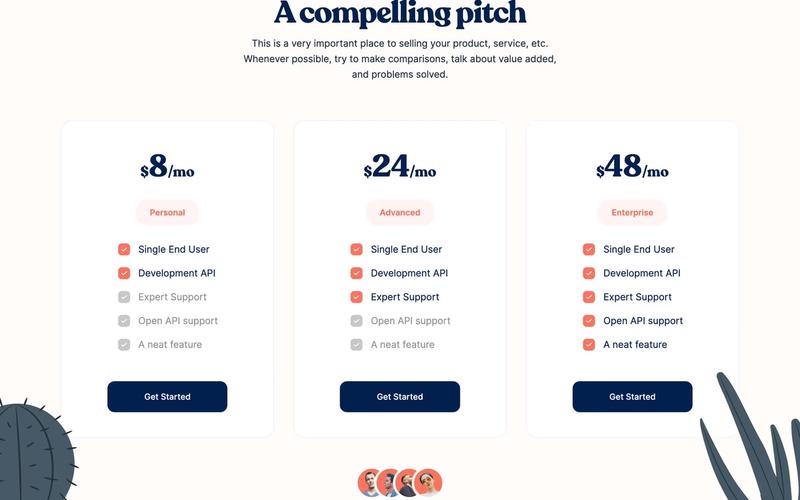
The Membership Pricing Table is designed to showcase various subscription plans in a visually appealing format, making it easy for users to compare features and pricing. It includes a compelling pitch and highlights the value of each plan. Key Features Responsive design with a grid layout for easy comparison Customizable pricing options for different user tiers Call-to-action buttons for easy signup Visual indicators for included features Design Elements: Clean and modern aesthetic with a focus on usability Color scheme featuring soft backgrounds and contrasting text Use of icons and images to enhance visual appeal Rounded corners for a polished look Potential Use Cases: SaaS companies offering tiered subscription models Membership organizations needing to display different membership levelsE-commerce sites with subscription services Online courses or educational platforms with various access levels Fitness or wellness programs with different membership options Conclusion: The Membership Pricing Table is a versatile and visually engaging component that effectively communicates pricing and features, making it an excellent choice for businesses looking to enhance their subscription offerings.

Membership Pricing Table
View Component
Pricing

Membership Pricing Table

The Membership Pricing Table is a visually appealing component designed to showcase various pricing plans for memberships or subscriptions. It effectively highlights features and pricing options for potential customers. Key Features Three distinct pricing tiers Responsive design suitable for various devices Includes features and descriptions for each pricing tier Customizable styles and animations for a dynamic user experience Design Elements: Clean and modern layout with a white background Flexible grid system for responsive design Use of icons for visual appeal Hover effects on buttons for enhanced interactivity Potential Use Cases: SaaS companies offering tiered subscription plans Online courses or educational platforms with membership options Fitness or wellness centers promoting membership packages Non-profits or organizations seeking to display donation tiersE-commerce sites with subscription services Conclusion: The Membership Pricing Table is a versatile and visually engaging component that can enhance the presentation of pricing plans across various industries, making it an excellent choice for businesses looking to attract and convert customers.

Memberstack Pricing Table
View Component
Pricing

Memberstack Pricing Table

The Memberstack Pricing Table is a visually appealing component designed to showcase various subscription plans, highlighting features and pricing in an organized grid layout. Key Features Responsive design suitable for various screen sizes Customizable pricing tiers with clear pricing information Includes trust-building elements like testimonials and feature highlights Interactive buttons for plan selection Design Elements: Modern and clean aesthetic with a focus on usability Color scheme featuring soft backgrounds and contrasting text for readability Use of icons to enhance visual appeal and convey information quickly Grid layout for easy comparison of different pricing options Potential Use Cases: SaaS companies looking to display subscription plansE-commerce platforms offering membership options Online services that require tiered pricing structures Startups wanting to present their pricing clearly to potential customers Freelancers or agencies offering service packages Conclusion: The Memberstack Pricing Table is a versatile and attractive solution for businesses needing to present their pricing options clearly and effectively, making it an excellent choice for various industries.

Mobile Swiper Pricing Table
View Component
Pricing

Mobile Swiper Pricing Table

The Mobile Swiper Pricing Table is a responsive component designed for showcasing pricing options in a visually appealing and user-friendly manner. It features a swiper interface that allows users to navigate through different pricing plans seamlessly. Key Features Responsive design for mobile devices Swiper functionality for easy navigation Customizable pricing options Includes call-to-action buttons for user engagement Visual indicators for previous and next slides Design Elements Modern and clean layout Color scheme featuring shades of blue and white Rounded corners and soft edges for a friendly appearance Use of icons for navigation buttons Potential Use Cases SaaS companies showcasing subscription plansE-commerce websites displaying product pricing Service providers offering tiered pricing options Freelancers or agencies presenting service packages Non-profits displaying donation tiers Conclusion: The Mobile Swiper Pricing Table is a versatile and visually appealing component that enhances user experience while effectively presenting pricing information. Its responsive design and interactive features make it an excellent choice for various industries.

Modern 2 Card Pricing Table - Lifetime
View Component
Pricing

Modern 2 Card Pricing Table - Lifetime

This component features a sleek, modern pricing table layout designed for lifetime or one-time payments, making it easy to integrate into any website. Key Features Two card layout for pricing options Supports lifetime and one-time payment models Responsive design for various devices Customizable styles and colors Includes call-to-action buttons Design Elements Minimalistic and clean aesthetic Use of gradients and bold typography Soft color palette with light and dark contrasts Centered alignment for a balanced look Potential Use Cases SaaS companies offering subscription servicesE-commerce platforms selling digital products Freelancers or agencies promoting service packages Educational platforms providing course access Membership sites with tiered access levels Conclusion: The Modern 2 Card Pricing Table is a versatile and visually appealing component that can enhance any website's pricing strategy, making it an excellent choice for businesses looking to present their offerings clearly and attractively.

Modern Dark Pricing
View Component
Pricing

Modern Dark Pricing

The Modern Dark Pricing component is designed to present pricing plans in a visually appealing dark theme. It features a tabbed interface for users to switch between annual and monthly pricing options, making it suitable for various subscription-based services. The component includes clear call-to-action buttons for starting free trials and subscribing to plans. Key Features Tabbed pricing options for annual and monthly plans, allowing users to easily switch between them.Clear headings and descriptions for each pricing tier, enhancing user understanding.Call-to-action buttons for starting free trials and subscribing, encouraging user engagement.Responsive design that adapts to different screen sizes, ensuring accessibility on mobile devices. Design Elements Dark color scheme that enhances readability and visual contrast.Use of grid layout for organizing pricing tiers, providing a structured appearance.Typography that emphasizes key information, such as pricing and plan benefits.Icons accompanying plan descriptions to visually represent features. Potential Use Cases SaaS companies looking to display subscription plans.Freelancers or agencies offering tiered service packages.E-commerce platforms with membership or subscription services.Educational platforms providing course access through subscription models. Conclusion: The Modern Dark Pricing component is a functional and visually engaging solution for businesses needing to showcase their pricing plans effectively.

Modern Pricing
View Component
Pricing

Modern Pricing

The Modern Pricing component is designed to facilitate the presentation of pricing plans for services or products. It includes features such as tabs for different billing cycles (monthly and annually) and a clear layout for showcasing various pricing tiers. This component is a free resource for Webflow developers to use in their projects. Key Features Tabbed interface for switching between monthly and annual pricing plans.Clear call-to-action buttons such as 'Get started now!' to encourage user engagement.Visual indicators (like checkmarks) to highlight features included in each pricing tier.Responsive design elements that adapt to various screen sizes. Design Elements Utilizes a grid layout to organize pricing options effectively.Incorporates a clean and minimalistic style with ample white space.Employs a consistent color scheme that enhances readability and user experience.Features icons and images to visually represent included features. Potential Use Cases SaaS companies looking to display subscription plans.E-commerce websites that need to showcase product pricing.Freelancers or agencies offering tiered service packages.Educational platforms providing course pricing options. Conclusion: The Modern Pricing component is a practical tool for any business needing to present pricing information clearly and effectively, making it suitable for a variety of industries.

Modern Unique Pricing
View Component
Pricing

Modern Unique Pricing

The Modern Unique Pricing table offers a sleek design with three distinct tiers, each featuring an icon button for easy sign-up. Key Features Three pricing tiersDescription for each tierResponsive design suitable for various devicesDesign Elements: Bold typographyClean and modern layoutUse of icons for visual appealHover effects on buttons for enhanced interactivityPotential Use Cases: SaaS companies offering subscription servicesE-commerce platforms with tiered membership options Online course providers with different access levels Non-profits looking to showcase donation tiers Conclusion: The Modern Unique Pricing table is a versatile and visually appealing component that effectively communicates pricing options, making it an excellent choice for businesses aiming to enhance their subscription offerings. ‍

Neutral Pricing Table
View Component
Pricing

Neutral Pricing Table

The Neutral Pricing Table is a versatile component designed to showcase pricing options for various services or products. It features a clean and modern layout that enhances user experience and facilitates easy comparison. Key Features Multiple pricing tiers Customizable features for each pricing plan Responsive design for optimal viewing on all devices Includes call-to-action buttons for user engagement Design Elements: Minimalistic design with a focus on clarity Use of contrasting colors for pricing tiers Icons to visually represent features Hover effects for interactive elements Rounded corners and soft shadows for a modern look Potential Use Cases: SaaS companies looking to display subscription plansE-commerce websites showcasing product pricing Service-based businesses offering tiered pricing models Consulting firms presenting service packages Educational platforms outlining course fees Conclusion: The Neutral Pricing Table is a highly adaptable component suitable for various industries, making it an excellent choice for businesses aiming to present their pricing structures clearly and attractively.

NextGen Pricing
View Component
Pricing

NextGen Pricing

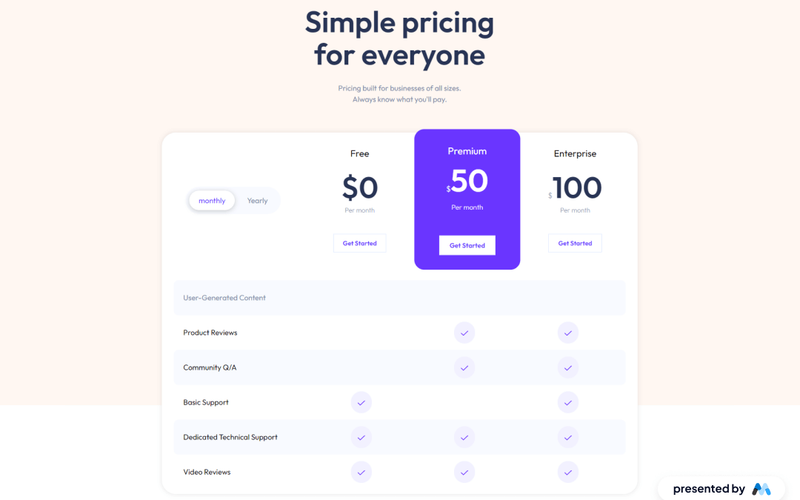
NextGen Pricing is a Webflow component designed to provide a clear and structured pricing layout for businesses. It features a tabbed interface for different pricing plans, allowing users to switch between monthly and yearly payment options. The component is suitable for various business sizes, ensuring transparency in pricing. Key Features Tabbed pricing options for monthly and yearly plans, enhancing user experience.Clear pricing display with distinct tiers (Free, Premium, Enterprise) to cater to different customer needs.Call-to-action buttons for each pricing tier, encouraging user engagement. Design Elements Utilizes a clean layout with a focus on typography for readability.Incorporates a color scheme that highlights pricing tiers effectively.Responsive design elements that adapt to various screen sizes, ensuring accessibility. Potential Use Cases SaaS companies looking to display subscription plans.E-commerce platforms needing to outline service pricing.Startups wanting to present their pricing structure clearly to potential customers. Conclusion: NextGen Pricing offers a straightforward and effective solution for businesses to present their pricing models, making it a valuable asset for any Webflow project.

NightShade Plans
View Component
Pricing

NightShade Plans

NightShade Plans is a Webflow component designed to showcase subscription plans effectively. It features a clean layout with a slider for images and detailed descriptions of each plan, making it suitable for businesses offering subscription services. The component includes features like pricing options and call-to-action buttons for user engagement. Key Features Image slider for showcasing multiple plans or features, enhancing visual engagement.Responsive design that adapts to various screen sizes, ensuring accessibility on mobile devices.Customizable pricing options with clear subscription details, such as 'Subscribe for $20/month' and 'Try 15 days for $10'.Focus state styles for improved accessibility, allowing keyboard navigation.CSS classes for managing spacing and alignment, ensuring a consistent layout. Design Elements Grid layout for organizing plan features in a structured manner.Use of sliders to display images related to each plan, similar to e-commerce product showcases.Incorporation of focus outlines for accessibility, enhancing user experience for keyboard users.Color scheme and typography that align with modern web design standards, promoting readability. Potential Use Cases Subscription-based services such as streaming platforms or software as a service (SaaS) companies.Membership sites offering tiered access to content or features.E-commerce websites that provide subscription boxes or recurring delivery services.Fitness or wellness programs that offer monthly membership plans.Educational platforms providing subscription access to courses or resources. Conclusion: The NightShade Plans component is a practical solution for businesses looking to present subscription options clearly and attractively, with features that enhance user interaction and accessibility.

One Option Pricing Table
View Component
Pricing

One Option Pricing Table

The One Option Pricing Table is a visually appealing component designed to showcase pricing plans effectively. It features a clean layout with interactive elements for user engagement. Key Features Responsive design that scales with user needs Multiple pricing tiers with detailed feature breakdowns Call-to-action buttons for easy sign-up Customizable styles to match branding Design Elements: Modern and clean aesthetic with rounded corners Vibrant color scheme featuring purple and white Use of graphics to enhance visual appeal Flexbox layout for responsive card arrangement Potential Use Cases: SaaS companies looking to display subscription plansE-commerce websites needing to showcase product pricing Service providers wanting to highlight different service tiers Startups aiming to present their offerings clearly Consultants or freelancers promoting their packages Conclusion: The One Option Pricing Table is a versatile and user-friendly component that can enhance any website's pricing presentation, making it an excellent choice for various industries.

Showing 1–60 of 111 componentstagged with Pricing

No website yet? Check out our free & paid pre-built template websites!

View templates