116 Components

Signup Components

116 Webflow native signup components with 1-click copy & paste from a library of 807+. Built for Memberstack integration.

Unstyled Signup
View Component
SignupUnstyled

Unstyled Signup

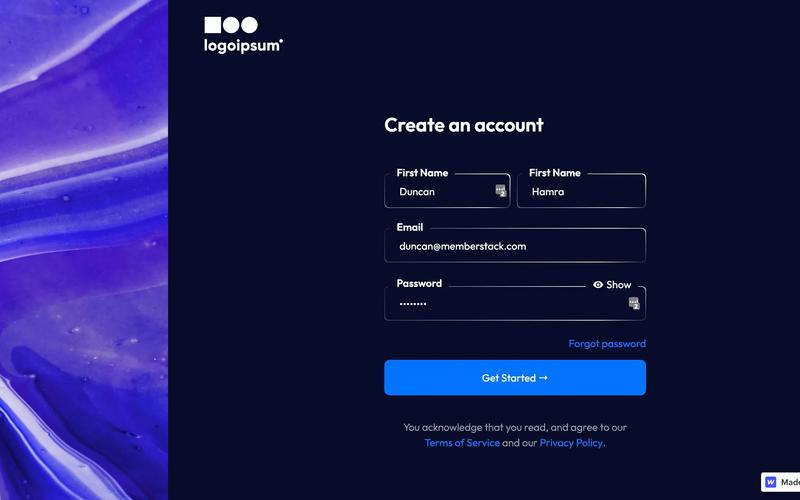
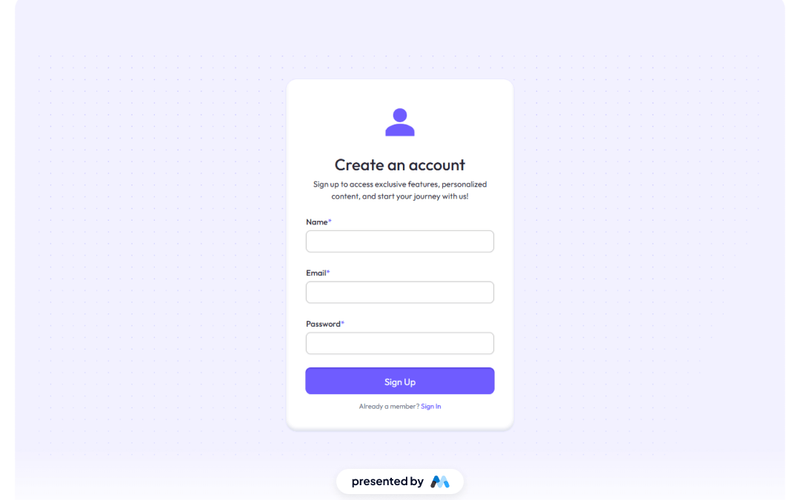
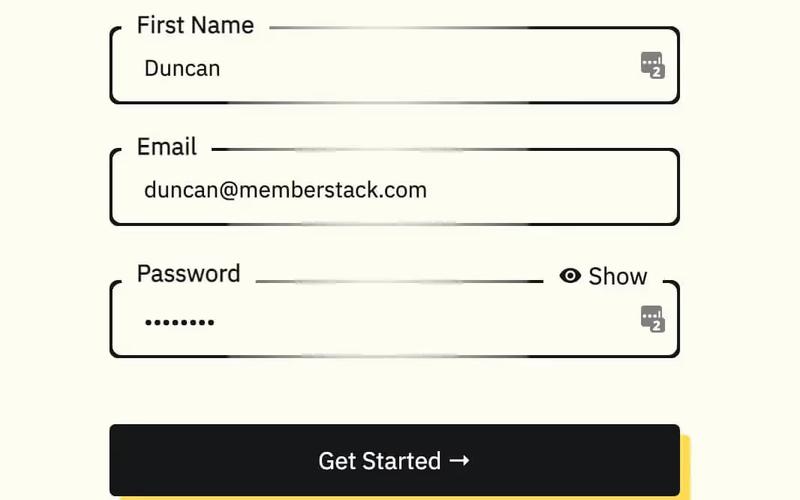
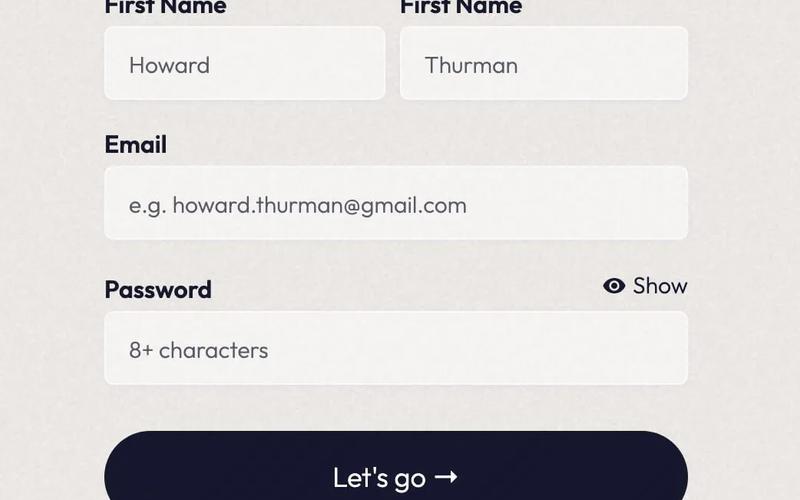
The Unstyled Signup component is a simple and functional signup form designed for easy integration into any website. It features essential fields for user registration without any predefined styling. Key Features Includes fields for First Name, Email, and Password Form submission button with customizable text Success and error messages for user feedback Lightweight and easy to customize Responsive design suitable for various devices Design Elements Minimalist layout with no predefined stylesFlexbox layout for form alignmentClear and straightforward user interface Potential Use Cases Startups looking for a quick signup solution Blogs or content sites needing user registrationE-commerce platforms requiring customer accounts Event registration pages SaaS applications needing user onboarding Conclusion: The Unstyled Signup component is a versatile and adaptable solution for any website needing a user registration form, allowing for complete customization to fit the brand's style.

Individual Signup
View Component
Signup

Individual Signup

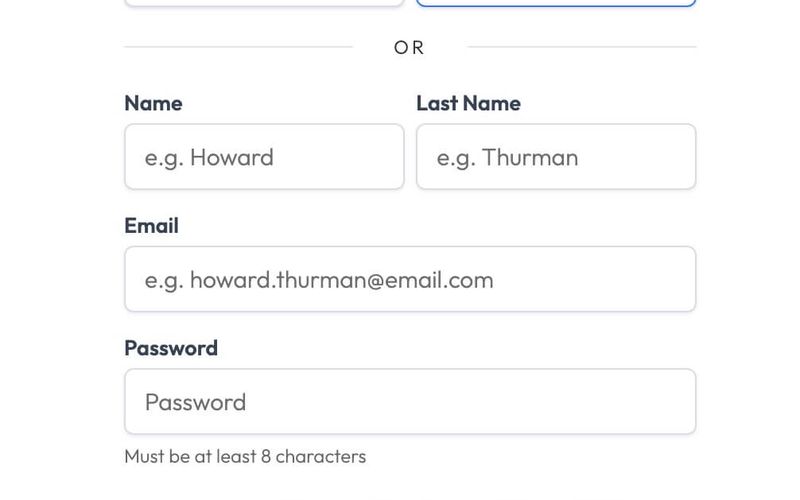
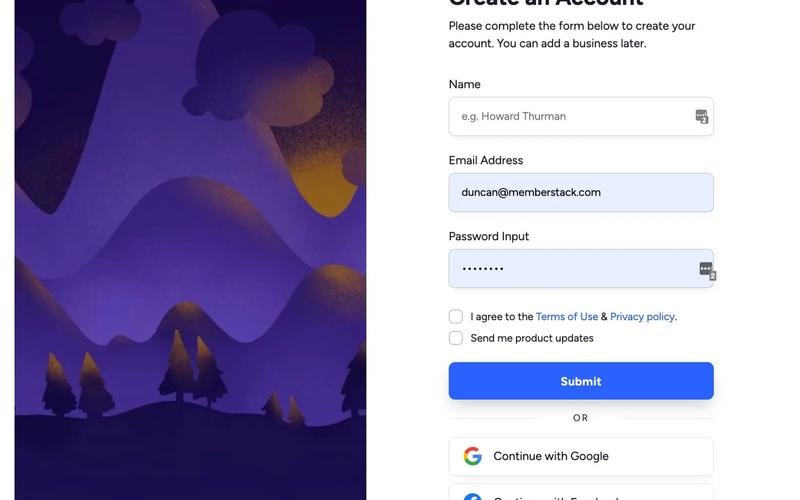
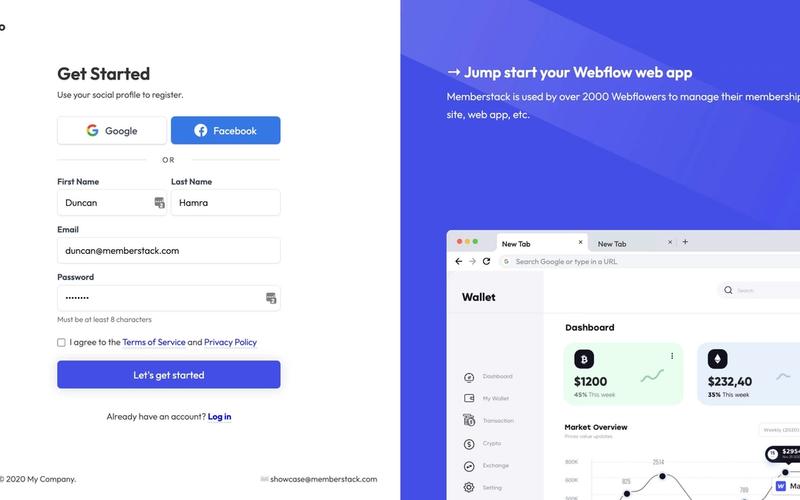
The Individual Signup component is designed to facilitate user registration through a clean and user-friendly interface, incorporating both traditional and social login options. Key Features User-friendly form layout with clear labels Includes fields for name, email, and password Social login options for Google and Facebook Responsive design suitable for various devices Success and error messages for user feedback Design Elements Modern and minimalistic design Color scheme featuring shades of blue and white Rounded input fields and buttons for a softer appearance Use of icons for social login options Potential Use Cases Startups looking to onboard new users quicklyE-commerce platforms requiring user registration SaaS applications needing a streamlined signup process Event management sites for attendee registration Educational platforms for student enrollment Conclusion: The Individual Signup component is a versatile and visually appealing solution for any website needing a registration feature, enhancing user experience and engagement.

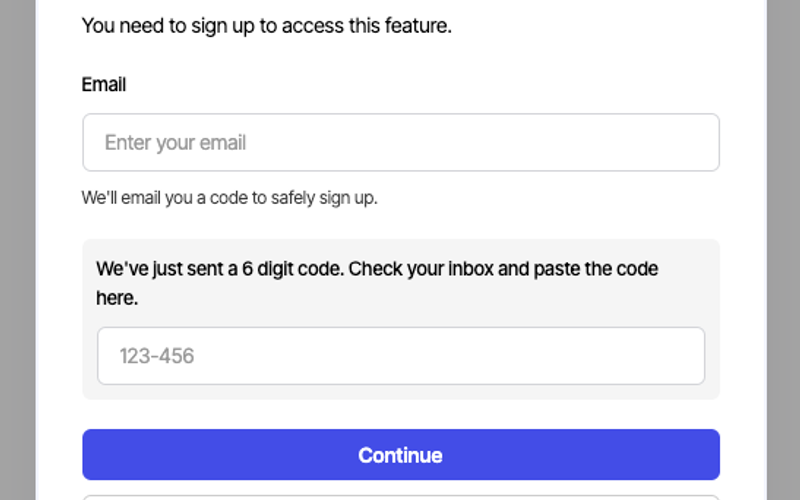
Sign up with Email modal
View Component
LoginAll+1

Sign up with Email modal

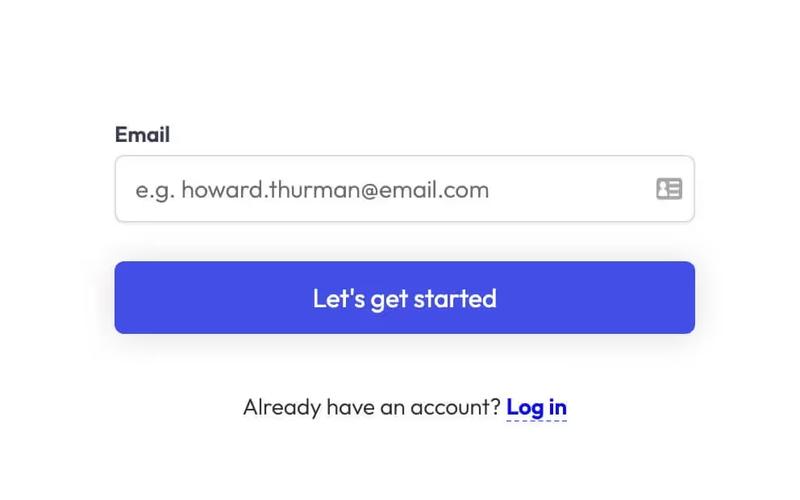
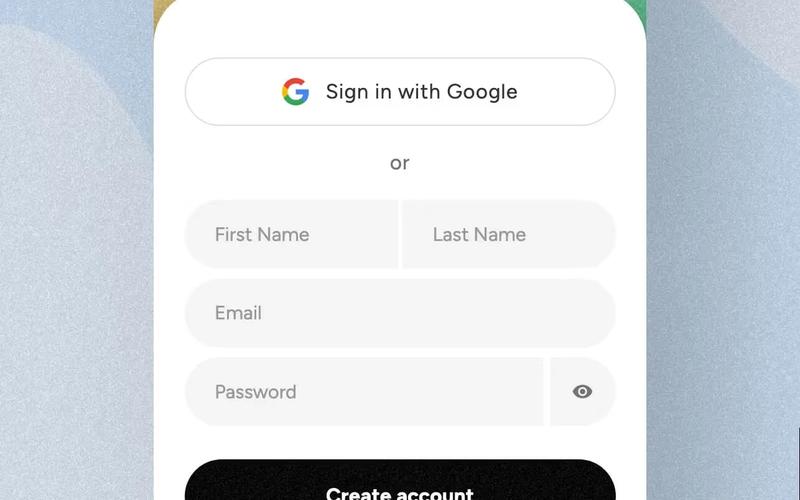
This component provides a user-friendly modal for seamless account creation and login through email, enhancing the authentication process with intuitive forms. Key Features Intuitive email fields for easy sign-up and login Responsive design suitable for various devices Includes options for social sign-up via Google Success and error messages for user feedback Customizable styles and layout Design Elements Minimalistic layout with a clean aesthetic Soft color palette featuring light grey and dark grey tones Centered alignment for a balanced appearance Use of icons for visual appeal and clarity Potential Use Cases Startups looking to streamline user registrationE-commerce platforms needing quick account creation SaaS applications requiring user authentication Blogs or content platforms wanting to build a subscriber base Event management sites for attendee sign-ups Conclusion: The Sign up with Email modal is a versatile and visually appealing component that simplifies user registration and enhances the overall user experience.

Mobile First Sign Up
View Component
Signup

Mobile First Sign Up

The Mobile First Sign Up component features an onboarding slider that allows users to choose their signup method without distractions. It is designed to integrate seamlessly with Memberstack and is open-source. Key Features Onboarding slider for user-friendly navigation Integration with Memberstack for membership management Open-source for customization and flexibility Responsive design optimized for mobile devices Design Elements Bright color scheme with a focus on usability Rounded corners and soft shadows for a modern look Social media sign-in options for convenience Clear typography and intuitive layout Potential Use Cases Startups looking to create a user-friendly signup processE-commerce websites needing a streamlined registration form SaaS platforms wanting to enhance user onboarding Educational platforms requiring user account creation Nonprofits seeking to engage users through easy sign-up Conclusion: The Mobile First Sign Up component is a versatile and visually appealing solution for any business looking to simplify the user registration process while ensuring a smooth onboarding experience.

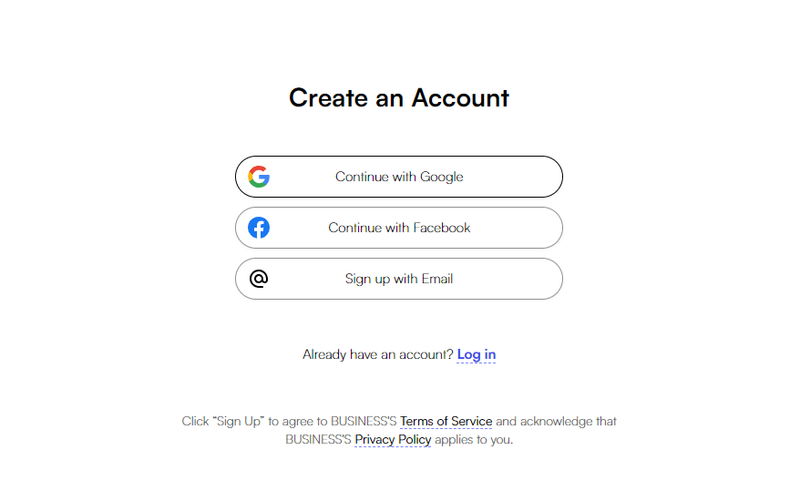
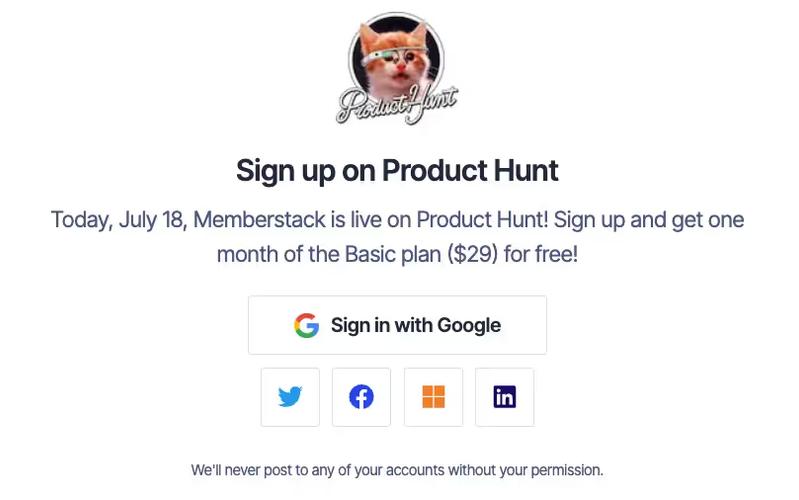
Webflow Passwordless Signup
View Component
PasswordlessSignup

Webflow Passwordless Signup

The Webflow Passwordless Signup component allows users to create accounts without traditional passwords, enhancing security and user experience. It features a streamlined process for email verification and social login options. Key Features Passwordless signup process using email verification Social login options including Google Responsive design suitable for various devices Customizable form fields and success/error messages User-friendly interface with clear instructions Design Elements Clean and modern layout Centered content with ample white space Use of icons for visual appeal Consistent color scheme with a focus on usability Rounded corners for input fields and buttons Potential Use Cases Startups looking to simplify user registrationE-commerce platforms wanting to reduce cart abandonment SaaS applications aiming for a seamless onboarding experience Blogs or content sites wanting to encourage user signups Mobile applications requiring quick user authentication Conclusion: The Webflow Passwordless Signup component is a versatile solution for businesses seeking to enhance user registration while maintaining security and ease of use.

Hero + Sign Up Form
View Component
Signup

Hero + Sign Up Form

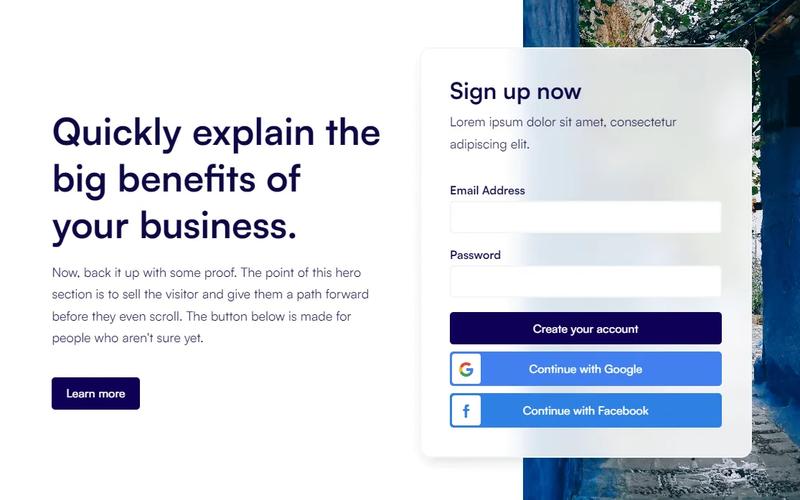
The Hero + Sign Up Form component is designed to enhance user engagement and boost conversions by integrating a signup form directly within the hero section of a website. It provides a seamless way for users to connect instantly. Key Features Integrated signup form in the hero section Responsive design for various devices Customizable layout and styles Includes success and error messages for form submissions Social login options available (Google and Facebook) Design Elements Minimalistic and modern layout Flexible grid structure Use of vibrant colors for buttons and links Clear typography for headings and paragraphs Background image options for visual appeal Potential Use Cases Startups looking to capture leads quicklyE-commerce websites aiming to build customer lists Blogs or content sites wanting to grow their subscriber base Event registration pages that require user signups SaaS platforms needing user account creation Conclusion: The Hero + Sign Up Form component is a versatile tool for any website aiming to improve user engagement and streamline the signup process, making it an excellent choice for various industries.

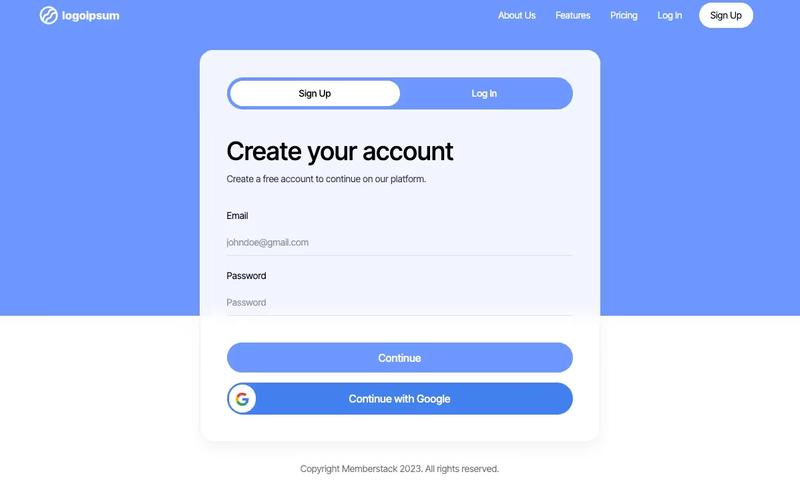
2-Tab Auth Forms
View Component
SignupLogin

2-Tab Auth Forms

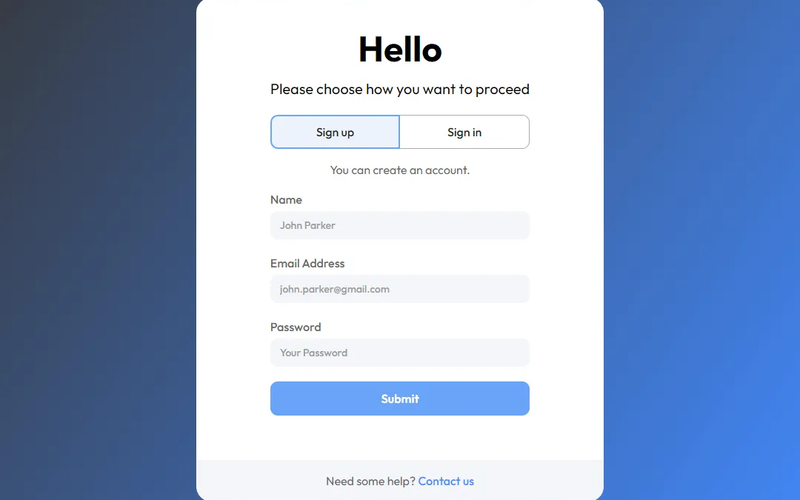
The 2-Tab Auth Forms component provides a user-friendly interface for authentication, allowing users to easily switch between 'Sign Up' and 'Log In' forms. It is designed for seamless integration into websites requiring user registration and login functionalities. Key Features Two-tab interface for easy switching between Sign Up and Log In forms Customizable form fields for email and password Google sign-in option for quick access Responsive design suitable for various devices Success and error messages for user feedback Design Elements: Modern and clean layout with a focus on usability Color scheme featuring shades of blue and white Rounded buttons and input fields for a friendly appearance Icons for social sign-in options Potential Use Cases: Web applications requiring user authenticationE-commerce sites needing user accounts for purchases Membership platforms for content access Online services offering personalized user experiences SaaS products that require user login and registration Conclusion: The 2-Tab Auth Forms component is a versatile solution for any website needing authentication features, combining functionality with an appealing design to enhance user experience.

3D Signup Form
View Component
Signup

3D Signup Form

The 3D Signup Form is an interactive and visually appealing component designed to facilitate user registration on websites. It features a modern design with a 3D effect that enhances user engagement. Key Features Responsive design suitable for various devices Includes fields for name, email, and password Option to sign up using Google Success and error messages for user feedback Customizable styles and colors Design Elements 3D visual effectsGradient background imageRounded corners and shadow effectsClear and modern typographyInteractive buttons with hover effects Potential Use Cases Startups looking to create an engaging signup experienceE-commerce websites needing user registration SaaS platforms requiring user account creation Event registration pages for conferences or webinars Educational platforms for student enrollment Conclusion: The 3D Signup Form is a versatile and visually striking component that can significantly enhance user experience and engagement on various types of websites.

Account Creation #7
View Component
Signup

Account Creation #7

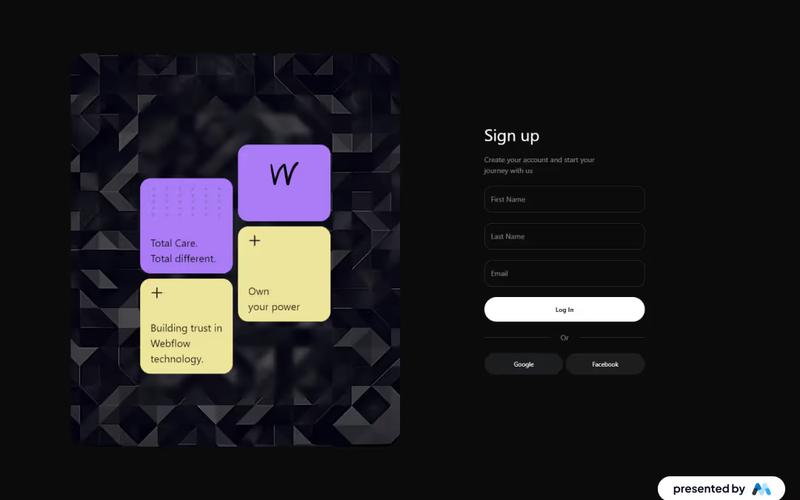
This component is designed for user account creation, featuring a clean and modern layout that facilitates easy sign-up through email or social media accounts. Key Features Responsive design suitable for various devices Supports social media sign-up options (Google, Facebook, Linked In)Includes form validation for required fields Customizable success and error messages User-friendly interface with clear instructions Design Elements: Minimalistic style with a focus on usability Color scheme featuring dark backgrounds with white text Use of icons for social media buttons Flexible layout with sections for form fields and social login options Potential Use Cases: Web applications requiring user registrationE-commerce platforms needing customer accounts Social networks or community sites SaaS products offering subscription-based services Event registration sites Conclusion: The Account Creation #7 component is a versatile and visually appealing solution for any website looking to streamline user registration and enhance user experience.

Aerokit UI Signup01 Split Screen
View Component
Signup

Aerokit UI Signup01 Split Screen

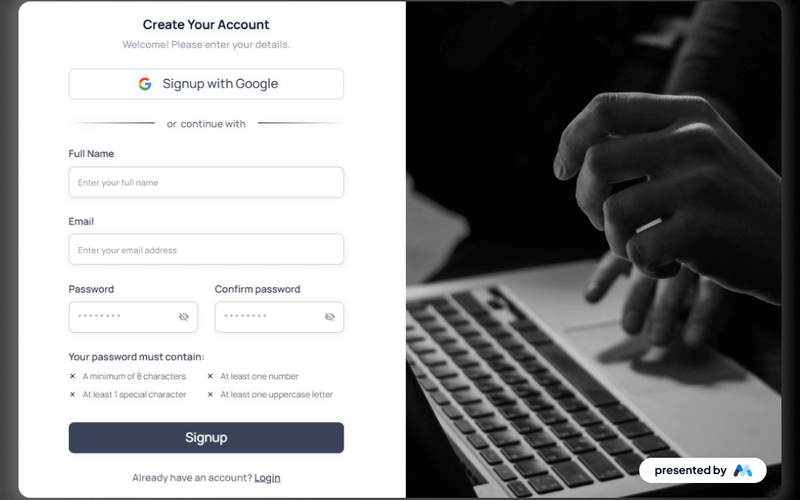
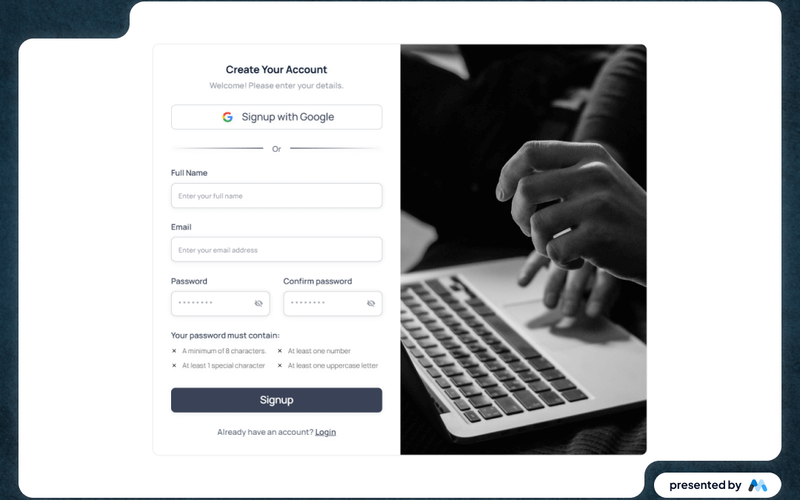
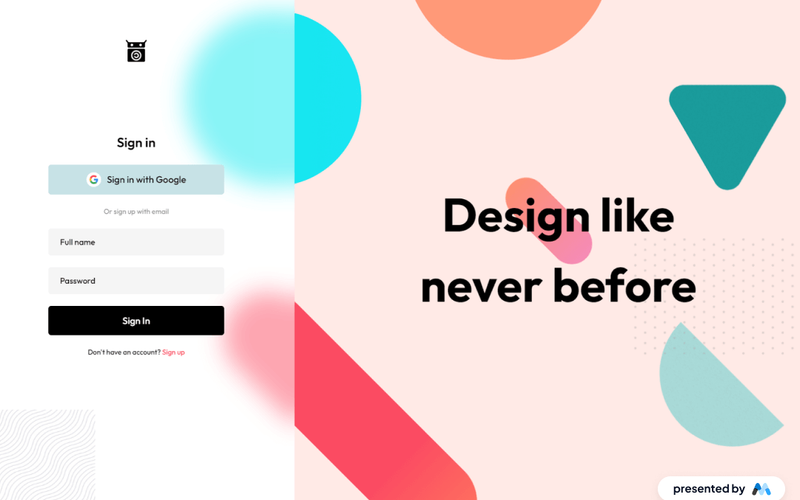
The Aerokit UI Signup01 Split Screen component is designed for user registration forms, featuring a split-screen layout that enhances user engagement. It includes fields for full name, email, password, and options for social media sign-up, making it suitable for various applications. Key Features Split-screen layout for improved user experience.Form fields for full name, email, and password with validation.Social media sign-up options, including Google.Responsive design that adapts to different screen sizes.Customizable styles for branding purposes. Design Elements Split-screen design that separates form elements from visual content.Use of modern typography for clarity and legibility.Color scheme that can be customized to match branding.Interactive elements such as buttons and links styled for user engagement. Potential Use Cases Web applications requiring user registration, such as e-commerce sites.Startups looking to create a user-friendly onboarding process.SaaS platforms needing a streamlined sign-up interface.Event registration pages that require user information collection.Mobile applications that need a quick and efficient sign-up method. Conclusion: The Aerokit UI Signup01 Split Screen component is a practical solution for developers looking to implement user registration forms with an engaging design and functionality.

Aerokit UI Signup02 Centered Card
View Component
Signup

Aerokit UI Signup02 Centered Card

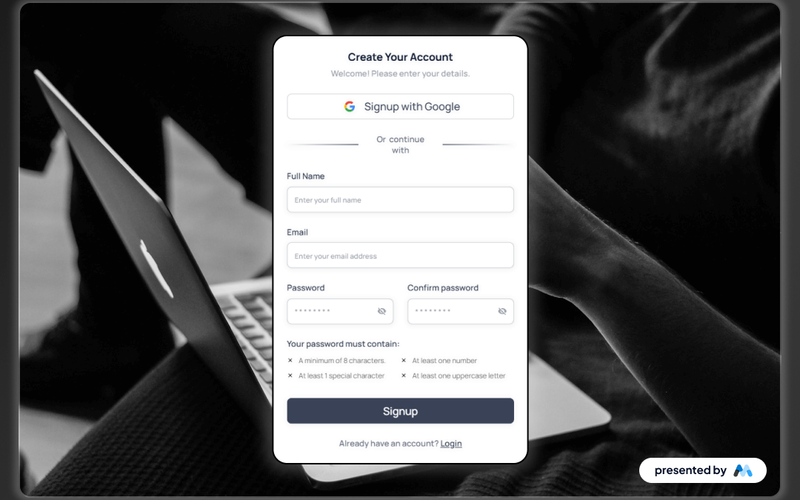
The Aerokit UI Signup02 Centered Card is a user-friendly signup form component designed for web applications. It features a clean layout with input fields for user details such as full name, email, and password, along with options for social media signups. This component is ideal for developers looking to implement a straightforward registration process in their projects. Key Features Centered card layout for easy user interaction.Input fields for full name, email, and password with validation.Social media signup options, including Google.Responsive design that adapts to various screen sizes.Customizable styles for branding consistency. Design Elements Centered alignment of the signup form for improved focus.Use of clear typography for legibility, including placeholder text.Incorporation of icons for social media buttons.Subtle color scheme that enhances user experience without distraction. Potential Use Cases Web applications requiring user registration, such as e-commerce platforms.Social media websites looking to simplify user onboarding.Mobile applications needing a compact and efficient signup interface.SaaS products that require user accounts for access. Conclusion: The Aerokit UI Signup02 Centered Card is a practical solution for developers seeking to create an effective user registration experience, combining essential features with a clean design.

Aerokit UI Signup03 Light Card
View Component
Signup

Aerokit UI Signup03 Light Card

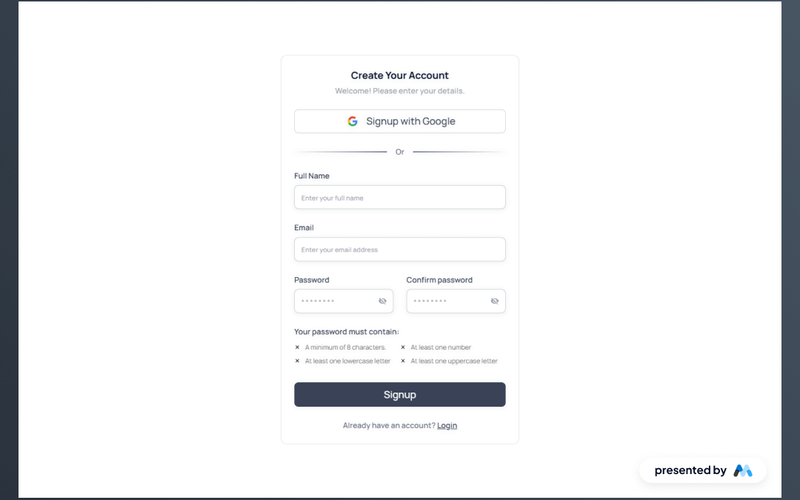
The Aerokit UI Signup03 Light Card is a user-friendly signup form component designed for web applications. It features a clean layout that allows users to create an account by entering their details, including full name, email, and password. The component also includes social media signup options, enhancing user engagement. Key Features Multi-step signup process with tabs for easy navigation between different sections.Form fields for full name, email, and password with validation requirements.Social media signup options, including a button for Google authentication.Responsive design that adjusts to various screen sizes. Design Elements Light card layout that provides a modern aesthetic.Use of clear typography for improved readability.Color scheme that emphasizes call-to-action buttons and form fields.Incorporation of icons for social media buttons to enhance visual appeal. Potential Use Cases Web applications requiring user registration, such as e-commerce sites.SaaS platforms that need a streamlined onboarding process.Mobile applications that require a web-based signup form.Event registration websites that need to collect user information. Conclusion: The Aerokit UI Signup03 Light Card is a practical component for developers looking to implement an efficient and visually appealing signup form in their web projects.

Aerokit UI Signup04 Dual Pane
View Component
Signup

Aerokit UI Signup04 Dual Pane

The Aerokit UI Signup04 Dual Pane component is designed for user registration forms, featuring a dual-pane layout that enhances user experience. It includes fields for full name, email, password, and a confirmation password, along with options for social media sign-up. Key Features Dual-pane layout for improved user interaction.Form fields for full name, email, password, and confirmation password.Social media sign-up option with Google integration.Responsive design with focus states for accessibility.Customizable styles for text and layout. Design Elements Clean and structured layout with clear input fields.Use of tabs for switching between sign-up options.Color scheme that emphasizes user input areas.Icons for social media sign-up to enhance visual appeal.Responsive design ensuring usability across devices. Potential Use Cases Web applications requiring user registration.E-commerce platforms needing customer sign-up forms.Social media platforms facilitating user account creation.SaaS products that require user onboarding.Event registration websites collecting user information. Conclusion: The Aerokit UI Signup04 Dual Pane component is a practical solution for developers looking to implement user registration forms, offering a user-friendly interface and essential features for various applications.

Airbnb Style Passwordless Sign Up
View Component
SignupPasswordless

Airbnb Style Passwordless Sign Up

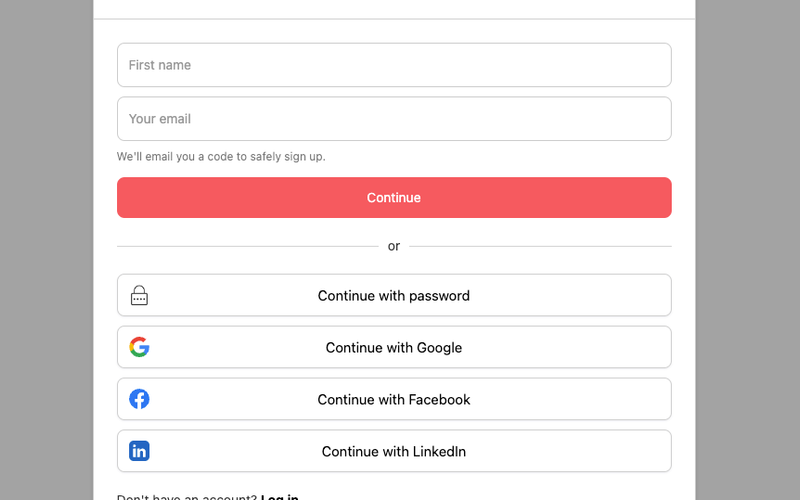
This component is a passwordless signup modal designed with an Airbnb-inspired aesthetic, featuring social authentication options for user convenience. Key Features Passwordless signup functionality Social authentication options (Google, Facebook, Linked In)Responsive design suitable for various devices User-friendly interface with clear instructions Customizable styles to match branding Design Elements Airbnb-inspired color scheme with a focus on simplicity Rounded corners and soft shadows for a modern look Clear typography for easy readability Iconography that enhances user interaction Potential Use Cases Startups looking to streamline user onboardingE-commerce platforms wanting to simplify account creation SaaS products aiming for a modern user experience Mobile applications requiring quick user registration Web applications focused on user engagement and retention Conclusion: The Airbnb Style Passwordless Sign Up component is a versatile and visually appealing solution for businesses seeking to enhance their user registration process while maintaining a modern aesthetic.

Bento Grid Sign Up Form
View Component
Signup

Bento Grid Sign Up Form

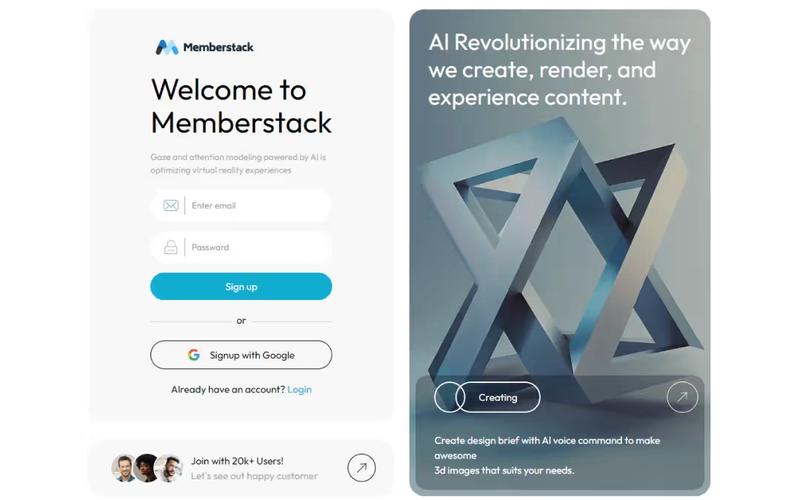
The Bento Grid Sign Up Form features a modern design that integrates a sleek signup form with a 3D image, providing a professional touch to your website. Key Features Responsive design suitable for various devices Integrated signup form with email and password fields Success and error messages for user feedback Option to sign up with Google Design Elements: Clean and modern layout Use of vibrant colors and rounded corners Flexbox and grid layout for responsive design Crisp typography for better readability Potential Use Cases: Startups looking to capture user signupsE-commerce websites wanting to build customer accounts SaaS platforms requiring user registration Event registration pages Membership sites needing user authentication Conclusion: The Bento Grid Sign Up Form is a versatile and visually appealing component that can enhance user engagement and streamline the signup process for various online platforms.

Blue Sign in & Sign Up
View Component
SignupLogin

Blue Sign in & Sign Up

The Blue Sign in & Sign Up component provides an elegant user interface for sign-up and sign-in forms, ensuring a seamless and professional user experience. Key Features Responsive design suitable for various devices Customizable fields for user input including name, email, and password Integrated success and error messages for form submissions Tabbed interface for switching between sign-in and sign-up formsCSS styles for improved legibility and focus states Design Elements Modern blue color scheme Clean and minimalistic layout Rounded input fields with subtle shadows Centered text alignment for headings and messages Use of flexbox for responsive design Potential Use Cases Web applications requiring user authenticationE-commerce sites needing user account creation Membership platforms for exclusive content access Service-based websites offering user accounts Event registration platforms Conclusion: The Blue Sign in & Sign Up component is versatile and visually appealing, making it an excellent choice for any website that requires user authentication functionalities.

BlueStream Sign-Up
View Component
Signup

BlueStream Sign-Up

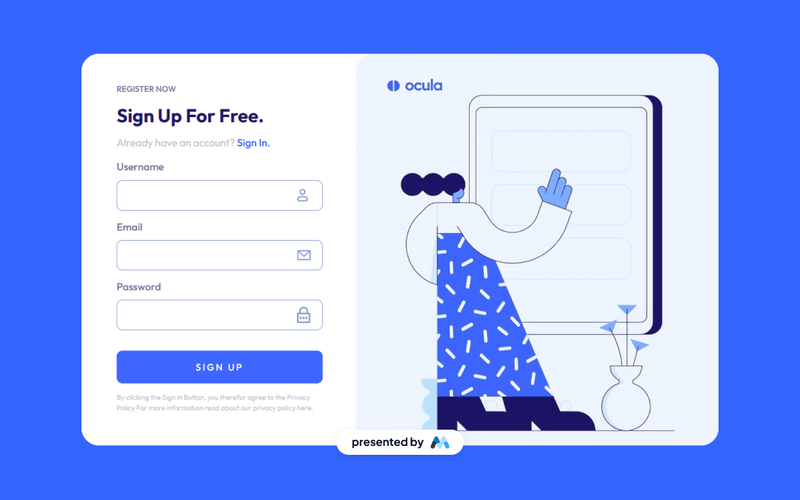
The BlueStream Sign-Up component is designed to facilitate user registration through a streamlined form interface. It includes fields for username, email, and password, along with a submission button and links for existing users to sign in. This component is a free resource for Webflow developers to use in their projects. Key Features User registration form with fields for username, email, and password.Submission button labeled 'SIGN UP' with a loading message.Success and error messages displayed upon form submission.Links for users to sign in if they already have an account.Responsive design that adjusts to various screen sizes. Design Elements Utilizes a clean layout with a focus on form usability.Incorporates a grid layout for organizing form elements.Includes visually distinct buttons and links for actions.Employs a consistent color scheme that enhances readability.Responsive images that adapt to different device sizes. Potential Use Cases Web applications requiring user registration and login functionality.E-commerce sites needing customer account creation.Online services offering subscription-based access.Educational platforms for student sign-ups.Community forums or social networks for user engagement. Conclusion: The BlueStream Sign-Up component is a practical solution for developers looking to implement user registration features efficiently, with a focus on usability and responsiveness.

Bold Modern Sign Up
View Component
Signup

Bold Modern Sign Up

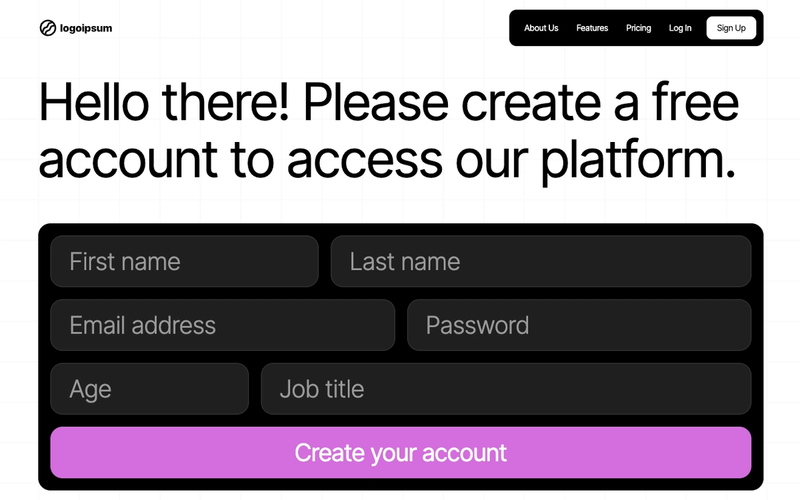
The Bold Modern Sign Up component is designed to facilitate user registration with an engaging and visually appealing interface. It features a vibrant design with a rainbow animation and a straightforward form layout for easy account creation. Key Features Responsive design suitable for various devices Includes fields for first name, last name, email, password, age, and job title Success and error messages for user feedback Customizable CSS animations for enhanced visual appeal Easy integration with Webflow CMS Design Elements Vibrant color scheme with rainbow animation Rounded corners and spacious padding for a modern look Large, readable typography for headings and input fields Flexbox layout for responsive form arrangement Potential Use Cases Startups looking to create a user-friendly sign-up process Online platforms offering free trials or memberships Event registration websites needing a simple user registration form Educational platforms requiring student sign-upsE-commerce sites wanting to build customer accounts Conclusion: The Bold Modern Sign Up component is a versatile and visually striking solution for any business aiming to enhance user engagement during the registration process.

Classy Sign Up Screen
View Component
Signup

Classy Sign Up Screen

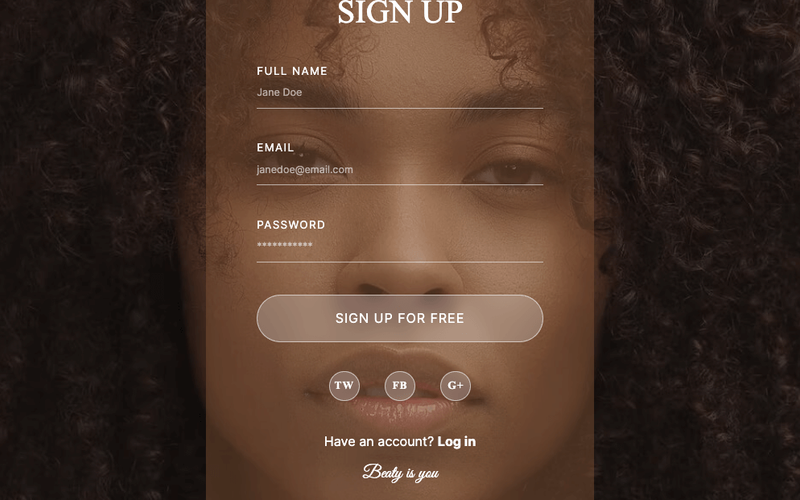
A stylish sign-up form designed for Webflow, featuring social authentication powered by Memberstack, allowing users to easily register using their social media accounts. Key Features Social authentication options (Twitter, Facebook, Google)Responsive design suitable for various devices Customizable form fields including full name, email, and password Success and error messages for user feedback Integration with Memberstack for user management Design Elements Elegant background image with a cover style Great Vibes font for headings Soft color palette with transparent elements Rounded button design with hover effects Flexbox layout for form fields and buttons Potential Use Cases Startups looking to create a user-friendly sign-up processE-commerce websites needing customer registration Blogs or content platforms requiring user accounts SaaS applications that require user onboarding Event registration sites that need attendee sign-ups Conclusion: The Classy Sign Up Screen is a versatile and visually appealing component that enhances user registration experiences, making it ideal for various online platforms.

Color Splash Sign Up
View Component
Signup

Color Splash Sign Up

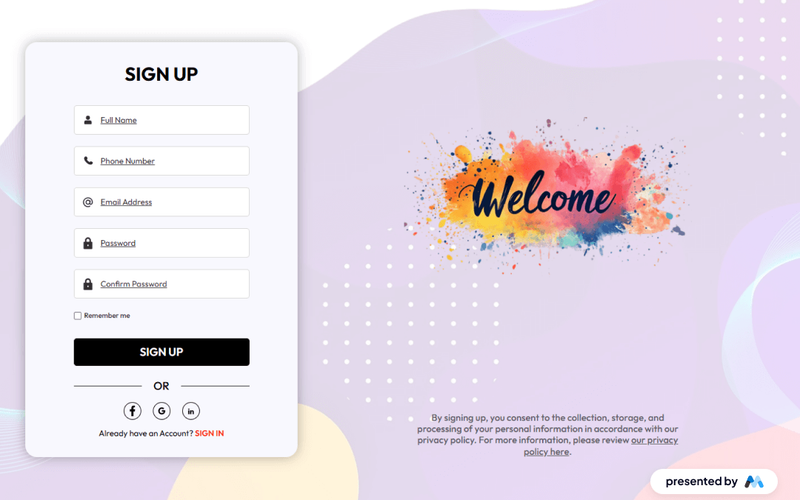
The Color Splash Sign Up component is designed to facilitate user registration through a visually engaging form. It includes fields for user information such as name, email, phone number, and password, along with social media login options. This component is a free resource for Webflow developers to use in their projects. Key Features Multi-field registration form including name, email, phone number, and password inputs.Social media login options for Facebook, Google, and Linked In.Success and error messages to provide feedback on form submission.Responsive design that adjusts to various screen sizes. Design Elements Bright color scheme that emphasizes user engagement.Clear typography for legibility and ease of use.Use of icons for social media login buttons to enhance visual appeal. Potential Use Cases Startups looking to build a user base quickly.E-commerce websites requiring user registration for purchases.Event platforms needing attendee sign-ups.Online services offering subscription models. Conclusion: The Color Splash Sign Up component is an effective tool for developers seeking to create engaging user registration experiences across various applications.

Complete Checkout Message
View Component
SignupPricing

Complete Checkout Message

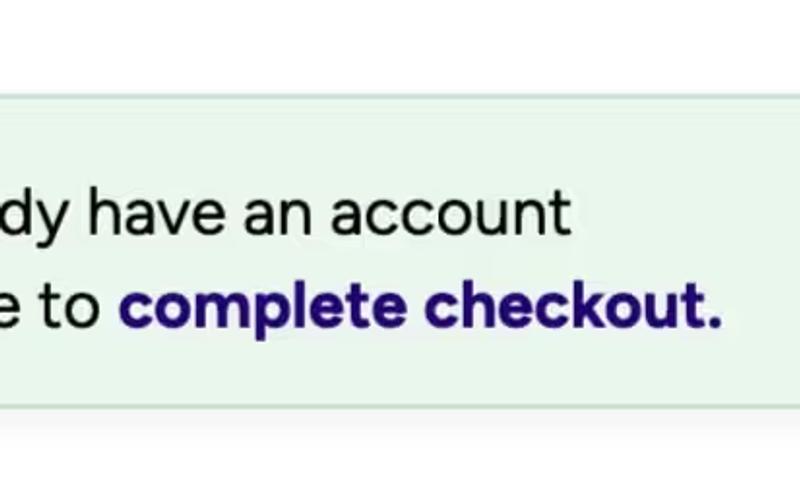
This component is designed to enhance Memberstack signup forms by addressing users who sign up but do not complete the checkout process. Key Features Integrates seamlessly with Memberstack signup forms Encourages users to complete their checkout Includes customizable messaging and icons Responsive design suitable for various devices Design Elements: Soft color palette with green tones Rounded corners and shadow effects for a modern look Clear typography for easy readability Includes icons for visual appeal Potential Use Cases: E-commerce websites looking to reduce cart abandonment Membership platforms aiming to retain new signups Online service providers wanting to encourage payment completion SaaS companies needing to streamline user onboarding Conclusion: The Complete Checkout Message component is a versatile tool for improving user engagement and conversion rates, making it an essential addition for businesses focused on online transactions.

Complex Sign Up Form
View Component
Signup

Complex Sign Up Form

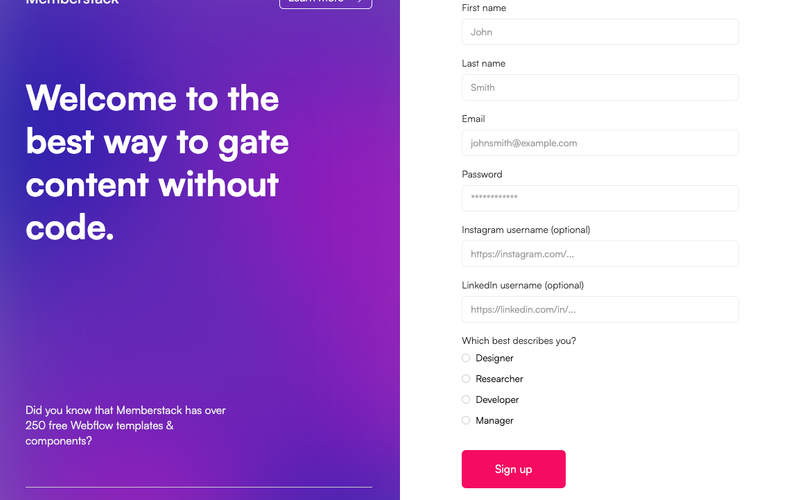
The Complex Sign Up Form is designed to facilitate user registration with a comprehensive set of fields, ensuring a smooth onboarding experience. It includes various input types and a visually appealing layout. Key Features Multi-field input for first name, last name, email, password, and optional social media usernames.Radio buttons for user role selection (Designer, Researcher, Developer, Manager).Success and error messages for user feedback.Customizable form actions and redirects.Responsive design suitable for various devices. Design Elements Modern and clean layout with a two-column grid structure.Use of vibrant colors for buttons and labels.Clear typography with distinct headings and labels.Visual feedback for form submission success or failure. Potential Use Cases Web applications requiring user registration.Membership sites looking to gather detailed user information.E-commerce platforms needing customer sign-up forms.Event registration pages that require attendee details. Conclusion: The Complex Sign Up Form is a versatile and user-friendly component that can enhance any website's registration process, making it ideal for businesses aiming to streamline user onboarding.

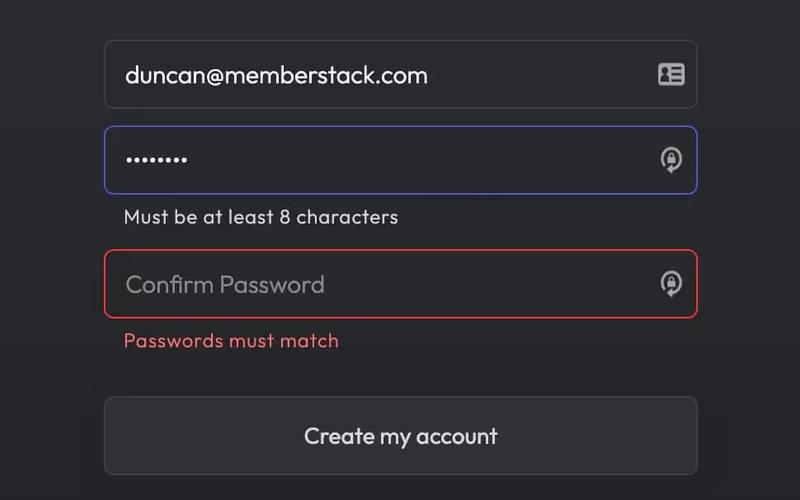
Confirm Password
View Component
TutorialSignup

Confirm Password

The Confirm Password component is designed to facilitate user account creation by ensuring that users enter their password correctly. It includes fields for email, password, and password confirmation, along with validation messages. Key Features Email and password input fields Real-time password validation Success and error messages upon form submission Responsive design suitable for various devices Customizable styles and classes Design Elements: Modern and clean layout Use of flexbox for alignment Color scheme featuring dark backgrounds with light text Rounded input fields and buttons Icon integration for visual appeal Potential Use Cases: User registration forms for websites and applicationsE-commerce platforms requiring account creation Membership sites needing secure user authentication Educational platforms for student sign-ups Any service that requires user account management Conclusion: The Confirm Password component is a versatile and user-friendly solution for any website or application that requires user registration, ensuring a smooth and secure onboarding process.
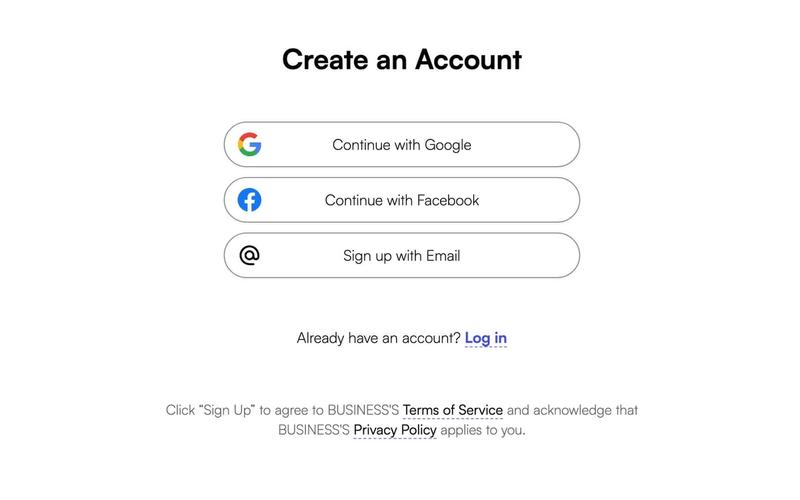
Create an Account
View Component
Signup

Create an Account

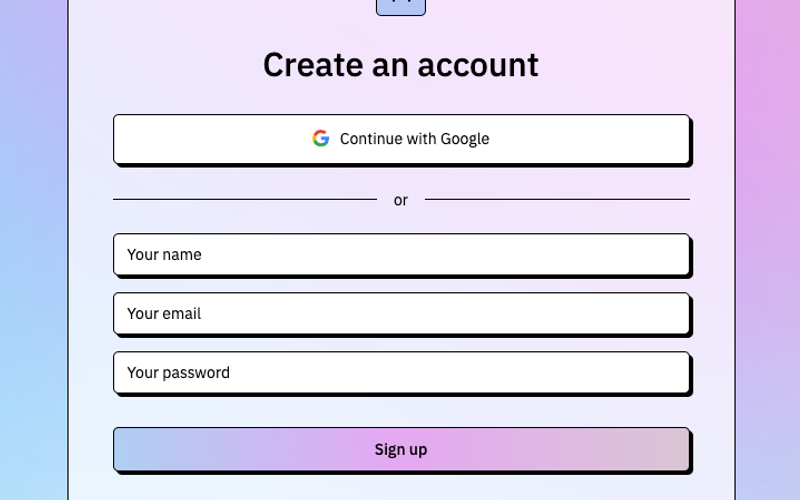
The 'Create an Account' component is designed to facilitate user registration through a simple and intuitive form, allowing users to sign up using their social profiles or email. Key Features User-friendly form layout Social media sign-up options (Google and Facebook)Validation for required fields Success and error messages for form submission Responsive design suitable for various devices Design Elements Modern and clean aesthetic Use of rounded corners and soft shadows Color scheme featuring white, blue, and red accents Clear typography with emphasis on headings and labels Potential Use Cases Web applications requiring user registrationE-commerce platforms looking to onboard new customers Social networks or community sites for user engagement SaaS products needing user account management Event registration sites for managing attendee sign-ups Conclusion: This component is versatile and can be easily integrated into various types of websites, making it an essential tool for enhancing user onboarding experiences.

Dark Login (Dev Theme)
View Component
Signup

Dark Login (Dev Theme)

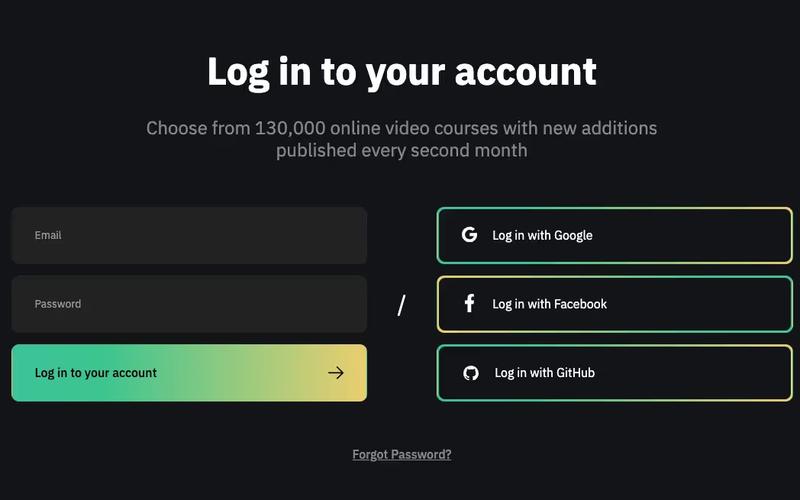
The Dark Login (Dev Theme) is a stylish and modern login form template designed for web applications. It features a dark aesthetic, making it suitable for contemporary web design. Key Features Responsive design for mobile and desktop Customizable form fields for email and password Social login options for Google, Facebook, and Git Hub Success and error messages for form submissions Includes navigation links for easy access to resources Design Elements: Dark color scheme with contrasting text Smooth animations for interactive elements Use of icons for a modern look Flexible layout with a focus on user experience Potential Use Cases: E-learning platforms requiring user authentication SaaS applications needing a secure login interface Membership sites with user accounts Online services offering subscriptions or premium content Mobile apps that require a web-based login Conclusion: The Dark Login (Dev Theme) is a versatile and visually appealing login solution that can enhance user engagement and streamline the authentication process for various web applications.

Dark Mode Sign Up Form
View Component
Signup

Dark Mode Sign Up Form

The Dark Mode Sign Up Form is a stylish and modern form designed for user registration, featuring a sleek dark theme that enhances user experience and engagement. Key Features Responsive design suitable for various devices Includes fields for name, phone number, email, and password Success and error messages for user feedback Customizable styles with CSS animations Easy integration with Webflow CMS Design Elements Dark color scheme with contrasting text for readability Rounded input fields and buttons for a modern look Animated gradient background for visual appeal Clear labels for each input field Potential Use Cases Web applications requiring user registrationE-commerce sites looking to enhance user sign-up experience Blogs or content platforms needing newsletter sign-ups Mobile apps that require user authentication Event registration pages for conferences or webinars Conclusion: The Dark Mode Sign Up Form is a versatile and visually appealing component that can enhance user engagement across various platforms, making it an excellent choice for modern web applications.

Dark Sign Up Step 1
View Component
SignupOnboarding

Dark Sign Up Step 1

This component serves as the first step in a multi-step sign-up process, designed to capture user email and password information in a visually appealing dark theme. Key Features Multi-step form functionality Email and password input fields Google sign-in option Responsive design Success and error messages for user feedback Design Elements: Dark background with light text Rounded corners for input fields and buttons Clear progress indication (1/3)Google integration for sign-in option Smooth transitions and animations Potential Use Cases: Web applications requiring user registrationE-commerce platforms needing account creation SaaS products with multi-step onboarding Membership sites for user access management Event registration systems Conclusion: The Dark Sign Up Step 1 component is a versatile and visually appealing solution for capturing user information, making it ideal for various online platforms looking to enhance their onboarding experience.

Development Sign Up Form
View Component
Signup

Development Sign Up Form

This component is a development-themed sign-up form that includes options for GitHub authentication. It is designed to streamline user registration with a modern aesthetic. Key Features Git Hub authentication integration User-friendly interface with clear prompts Responsive design suitable for various devices Includes success and error messages for form submissions Customizable fields for name, email, and password Design Elements: Modern and clean layout Background image for visual appeal Use of icons for authentication options Color scheme featuring dark backgrounds with light text Rounded corners and shadow effects for buttons Potential Use Cases: Tech startups looking to implement user sign-up features Web applications requiring user authentication Development agencies needing a quick sign-up solution Online platforms focused on developer communities Projects that require integration with Git Hub for user management Conclusion: The Development Sign Up Form is a versatile and visually appealing component that can enhance user registration experiences across various tech-focused applications.

Donation Sign Up
View Component
Signup

Donation Sign Up

The Donation Sign Up component facilitates user donations through a structured form, allowing for one-time or recurring payments via Memberstack and Stripe. Users can easily select their donation amount and register to contribute. Key Features Supports one-time and recurring payment options Integration with Memberstack for user management Stripe checkout for secure transactions Customizable donation amounts User-friendly registration process Design Elements Clean and modern layout Responsive design suitable for various devices Use of engaging images to enhance visual appeal Color scheme that promotes trust and action Potential Use Cases Non-profit organizations seeking to raise funds Charities looking for a streamlined donation process Crowdfunding campaigns requiring user registration Community projects needing ongoing financial support Religious institutions collecting tithes and donations Conclusion: The Donation Sign Up component is a versatile tool for organizations aiming to simplify the donation process, making it easy for users to contribute while ensuring a secure and efficient transaction experience.

Downloads Signup Form
View Component
Signup

Downloads Signup Form

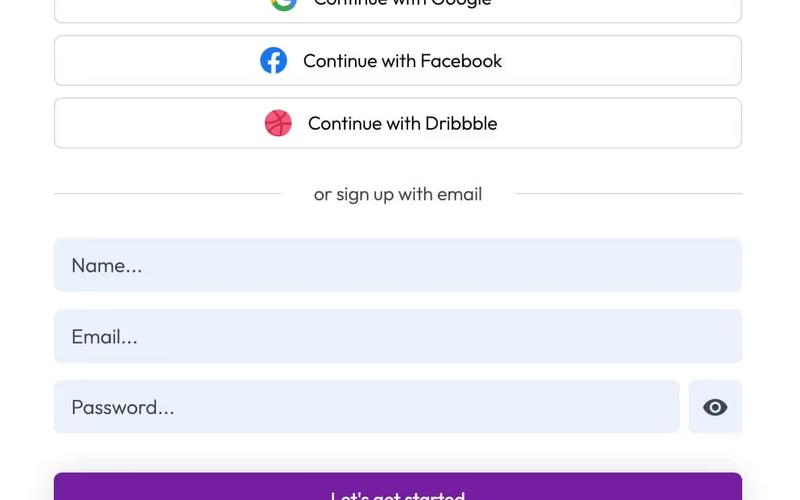
The Downloads Signup Form is designed to facilitate user registration through email or social media accounts, enhancing user engagement and data collection for businesses. Key Features Multi-platform signup options (Google, Facebook, Dribbble)User-friendly interface with clear prompts Responsive design for mobile and desktop Customizable success and error messages Includes terms of service and privacy policy links Design Elements: Modern and clean layout Colorful buttons for social media signups Clear typography for headings and labels Visual feedback for form submission success or failure Use of icons for social media platforms Potential Use Cases: E-commerce websites looking to build customer databases SaaS platforms requiring user account creation Event registration pages for workshops or webinars Online communities or forums seeking member signups Educational platforms offering course registrations Conclusion: The Downloads Signup Form is a versatile and visually appealing component that can significantly enhance user registration processes across various industries.

Dribbble Signup Form
View Component
Signup

Dribbble Signup Form

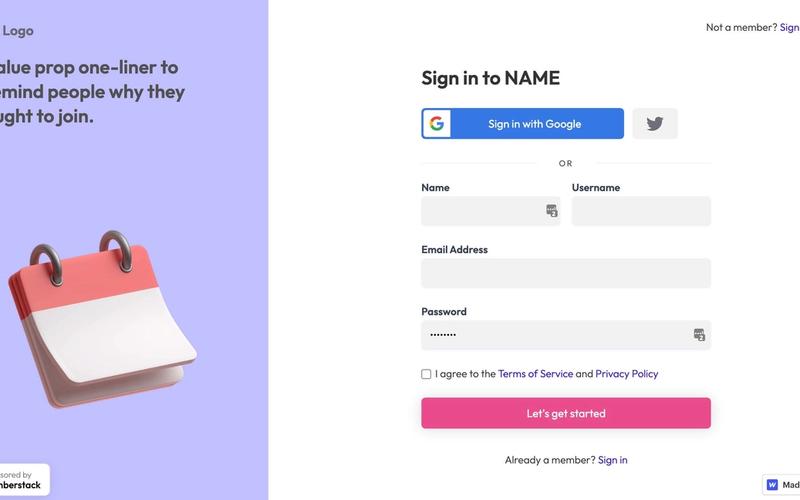
The Dribbble Signup Form is a visually appealing and user-friendly registration form inspired by the Dribbble platform, designed to facilitate user signups with a modern aesthetic. Key Features Responsive design suitable for various devices Includes social media login options (Google and Git Hub)Customizable fields for name, username, email, and password Error and success messages for user feedback Terms of Service and Privacy Policy links Design Elements Colorful section backgrounds with a modern layout Rounded input fields and buttons for a friendly appearance Use of icons for social media login options Clear typography with a focus on readability Potential Use Cases Web applications requiring user registration Creative portfolios or design platformsE-commerce sites looking to enhance user onboarding Community-driven websites needing member signups Blogs or content platforms aiming to build a subscriber base Conclusion: The Dribbble Signup Form is a versatile and stylish solution for any website looking to streamline user registration, making it an excellent choice for various industries.

Dynamic Card Signup
View Component
Signup

Dynamic Card Signup

The Dynamic Card Signup form features an intuitive card layout that facilitates user registration. Its modern design includes visually striking elements, clear calls to action, and the option for social media logins. Key Features Responsive design suitable for various screen sizes.Success and error messages for form submissions.Customizable links.Design Elements: Modern and clean layout.Dark color scheme and rounded corners for buttons.Logo integration for branding.Potential Use Cases: Online courses or educational platforms requiring user registration.Event registration pages for conferences or workshops.Fitness or wellness programs that require user sign-up.Conclusion: The Dynamic Card Signup component is a versatile and visually appealing solution for websites aiming to improve user interaction and streamline the registration process. ‍
ELearning Sign Up Form
View Component
Signup

ELearning Sign Up Form

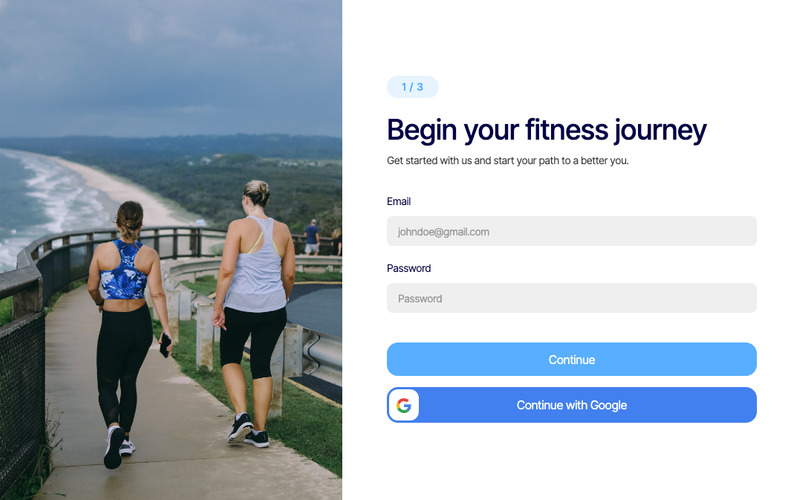
The ELearning Sign Up Form is a user-friendly component designed for educational platforms, enabling users to easily register or log in to their accounts. It features a clean layout with essential input fields for email and password. Key Features Responsive design suitable for various devices Includes fields for email and password input Options for social media login (Facebook, Google)Success and error messages for user feedback Customizable styles and layout Design Elements Modern and minimalistic layout Use of a background image to enhance visual appeal Rounded corners and shadow effects for input fields Color scheme featuring blues and whites for a professional look Potential Use Cases Online learning platforms Educational institutions offering courses Websites requiring user registration and loginE-learning startups looking to capture user data Membership sites for educational resources Conclusion: The ELearning Sign Up Form is a versatile and visually appealing component that can enhance user experience on educational websites, making it an excellent choice for businesses in the e-learning sector.

Elegant Course Signup
View Component
Signup

Elegant Course Signup

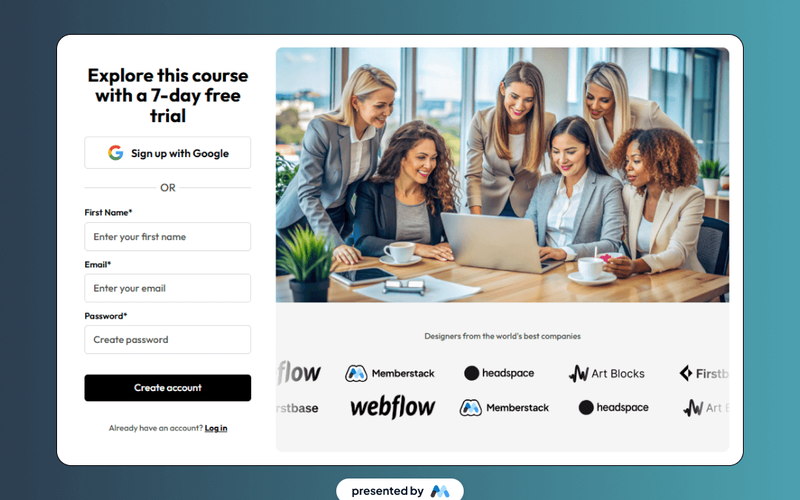
The Elegant Course Signup component is designed to facilitate user registration for online courses. It features a clean layout with a prominent call-to-action for a 7-day free trial, making it suitable for educational platforms. The component includes a form for user input, such as name, email, and password, along with options for signing up via Google. Key Features User-friendly signup form with fields for first name, email, and password.Option to sign up using Google for convenience.Success and error messages to inform users about their submission status.Responsive design that adapts to various screen sizes. Design Elements A clean and structured layout that emphasizes the signup process.Use of grid layout for organizing content effectively.Incorporation of images to enhance visual appeal and engagement. Potential Use Cases Online education platforms offering courses.Websites providing workshops or training sessions.Membership sites requiring user registration.E-learning applications looking to streamline user onboarding. Conclusion: The Elegant Course Signup component provides a straightforward and effective solution for capturing user registrations, making it a valuable asset for educational and membership-based websites.

Elevate Sign Flow
View Component
Signup

Elevate Sign Flow

Elevate Sign Flow is a Webflow component designed to facilitate user account creation through a streamlined sign-up form. It includes essential fields for user information such as name, email, and password, along with success and error messages to enhance user experience. Key Features User-friendly sign-up form with fields for name, email, and password.Success message displayed upon successful form submission.Error message shown if there is an issue with form submission.Responsive design that adapts to various screen sizes.Customizable styles for buttons and input fields. Design Elements Clean layout with a focus on user input fields.Color scheme featuring shades of blue and white for a professional appearance.Rounded corners on buttons and input fields for a softer look.Use of shadows to create depth in the design. Potential Use Cases Web applications requiring user registration.E-commerce platforms needing customer account creation.Membership sites offering exclusive content.Online services that require user authentication.Educational platforms for student sign-ups. Conclusion: Elevate Sign Flow is a practical component for developers looking to implement a sign-up form in their Webflow projects, offering essential features and a clean design.

Fashion Themed Sign Up
View Component
Signup

Fashion Themed Sign Up

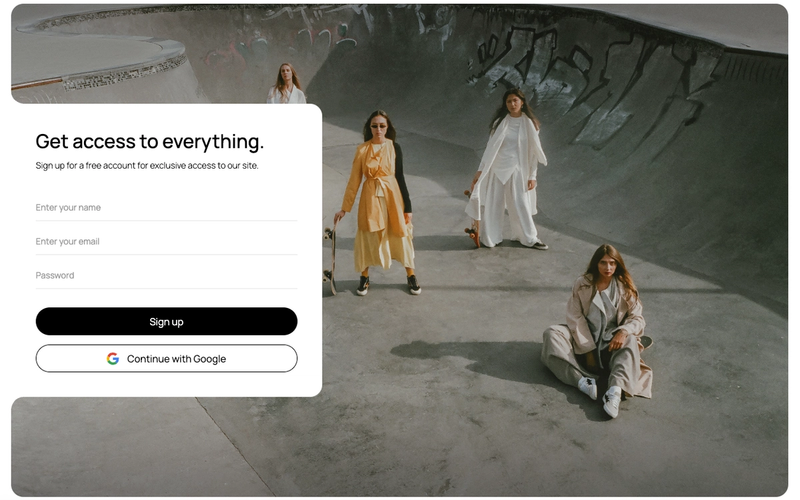
This component is designed for fashion-related websites, providing a stylish and user-friendly sign-up form for visitors. It includes essential fields for email and password registration, along with social media login options. Key Features Responsive design suitable for various devices Includes fields for email and password input Social login option with Google integration Success and error messages for user feedback Customizable styling to match brand aesthetics Design Elements Modern and clean layoutUse of vibrant colors and stylish fontsBackground images with a fashion themeRounded corners and smooth transitions Potential Use Cases Fashion e-commerce websites looking to enhance user registration Fashion blogs wanting to build a community through sign-ups Online fashion magazines offering exclusive content to subscribers Fashion event platforms requiring attendee registration Fashion influencers needing a stylish sign-up form for newsletters Conclusion: The Fashion Themed Sign Up component is a versatile and visually appealing solution for any fashion-related website, making user registration seamless and engaging.

Ferrari Log In Screen
View Component
Signup

Ferrari Log In Screen

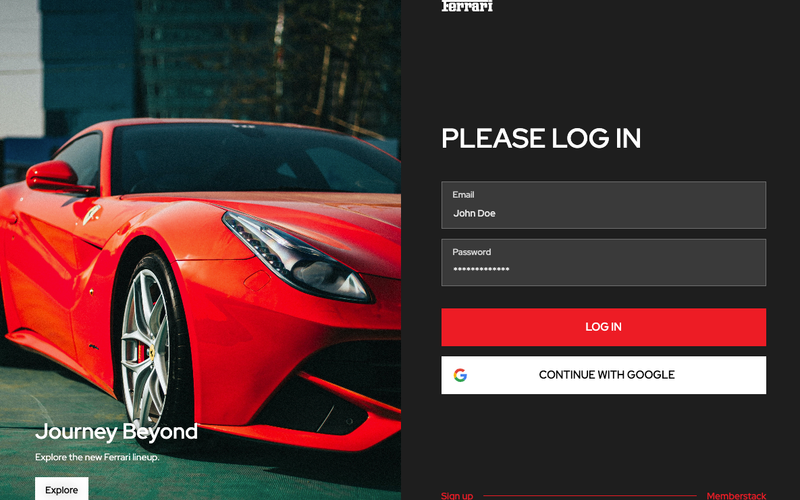
The Ferrari Log In Screen is a sleek and modern login interface designed for users to access their accounts seamlessly. It features a visually appealing layout that emphasizes the Ferrari brand identity. Key Features Responsive design for various devices User-friendly login form with email and password fields Option to log in using Google Success and error messages for form submissions Stylish visual elements that reflect the Ferrari brand Design Elements Bold typography with a focus on clarity High-contrast color scheme featuring red and white Use of Ferrari branding elements and imagery Smooth animations for user interactions Clean layout with ample spacing for a modern look Potential Use Cases Automotive websites requiring user authentication Luxury brand platforms for customer logins Event registration pages for exclusive Ferrari events Membership sites for car enthusiastsE-commerce sites selling Ferrari merchandise Conclusion: The Ferrari Log In Screen is a versatile and visually striking component that enhances user experience while maintaining brand integrity, making it an excellent choice for various applications.

Fitness Onboarding Sign Up
View Component
SignupOnboarding

Fitness Onboarding Sign Up

The Fitness Onboarding Sign Up component is designed to facilitate user registration for fitness programs, providing a streamlined and engaging experience for new users. It includes essential form fields for email and password, along with social login options. Key Features User-friendly sign-up form with email and password fields Social login option via Google Responsive design suitable for various devices Success and error messages for user feedback Customizable styling to match branding Design Elements Modern and clean layout with rounded corners Vibrant color scheme emphasizing fitness and health Use of images and icons to enhance visual appeal Flexbox and grid layout for responsive design Potential Use Cases Fitness studios and gyms looking to onboard new members Online fitness coaching platforms Health and wellness apps requiring user registration Corporate wellness programs offering fitness resources Community fitness challenges and events Conclusion: The Fitness Onboarding Sign Up component is a versatile and visually appealing solution for businesses in the fitness industry, effectively simplifying the user registration process while enhancing user engagement.

Fitness Signup
View Component
Signup

Fitness Signup

The Fitness Signup component is designed to facilitate user registration for fitness-related services, featuring a clean and user-friendly interface for inputting personal information. Key Features Multi-step signup process Responsive design suitable for various devices Includes fields for first name, last name, email, and password Success and error messages for user feedback Redirects to a dashboard upon successful signup Design Elements: Modern and minimalistic layout Centered form with rounded corners and shadow effects Clear typography with Avenir font for readability Potential Use Cases: Fitness studios looking to streamline their client registration process Online fitness coaching platforms Health and wellness apps requiring user signups Gyms wanting to enhance their member onboarding experience Event registrations for fitness challenges or marathons Conclusion: The Fitness Signup component offers a versatile and aesthetically pleasing solution for businesses in the fitness industry, making user registration simple and efficient.

Flat Signup with Slider
View Component
Signup

Flat Signup with Slider

The Flat Signup with Slider is a visually appealing component designed for user registration, featuring a slider that showcases images while users fill out their information. It combines functionality with an engaging design to enhance user experience. Key Features Responsive design suitable for various screen sizes Integrated form fields for user information including first name, email, and password Slider functionality with autoplay and customizable settings Success and error messages for form submissions Links to terms and privacy policy Design Elements: Clean and modern aesthetic with a white background Use of images in the slider to create visual interest Rounded corners for input fields Colorful buttons and links to enhance interactivity Potential Use Cases: SaaS applications looking to onboard new usersE-commerce platforms requiring user registration Educational websites offering course signups Event management sites for attendee registration Membership-based services needing user accounts Conclusion: The Flat Signup with Slider component is a versatile and visually engaging solution for any website needing a user registration feature, making it an excellent choice for various industries.

Food Themed Login Form
View Component
LoginSignup

Food Themed Login Form

This login form combines seamless functionality with enticing food imagery, creating an appealing online experience for users. Key Features Responsive design suitable for various devices Tempting food imagery to enhance user engagement User-friendly form fields for email and password entry Includes options for password recovery and sign-up Customizable styles to fit different branding needs Design Elements Vibrant food-themed imageryClean layout with ample white spaceModern typography for readabilityColor scheme incorporating warm tones and contrasts Potential Use Cases Restaurants and food delivery services looking to enhance user registration Food blogs or recipe websites wanting to create a community Catering services that require user accounts for bookings Food-related apps needing a stylish login interfaceE-commerce sites focused on food products Conclusion: The Food Themed Login Form is a versatile and visually appealing component that can significantly enhance user experience for food-related websites and applications.

Free Black And Blue Sign Up Page
View Component
Signup

Free Black And Blue Sign Up Page

This sign-up page template features a modern black and blue design, ideal for creating user accounts efficiently. It includes a user-friendly form for new account registration. Key Features Responsive design suitable for various devices Customizable form fields for user information Success and error messages for form submissions Includes eye icon toggle for password visibility Integrates with Webflow CMS for easy management Design Elements Black and blue color scheme Gradient background for a modern look Rounded corners on form fields Clear typography for readability Use of icons to enhance user experience Potential Use Cases Startups looking to create user accountsE-commerce websites requiring customer registration SaaS platforms needing user sign-up forms Event registration pages for conferences or webinars Membership sites that require user login Conclusion: The Free Black And Blue Sign Up Page is a versatile and visually appealing template that can enhance user registration experiences across various industries.

Free Dark Theme Sign In Page
View Component
Signup

Free Dark Theme Sign In Page

This component provides a stylish dark-themed sign-in page designed for modern web applications, featuring a user-friendly interface for login functionality. Key Features Responsive design suitable for various devices Includes social media login options (Facebook, Google, Linked In)Customizable form fields for email and password Success and error messages for form submissions Design Elements: Dark color scheme with contrasting text for readability Rounded buttons and input fields for a modern look Use of icons for social media links Potential Use Cases: Web applications requiring user authentication Startups looking for a quick sign-in solutionE-commerce platforms needing secure login pages Portfolio websites that require user accounts Mobile applications with web-based login interfaces Conclusion: The Free Dark Theme Sign In Page is a versatile and visually appealing solution for any web application needing a login interface, combining functionality with modern design aesthetics.

Free Glassmorphism Sign Up Page
View Component
Signup

Free Glassmorphism Sign Up Page

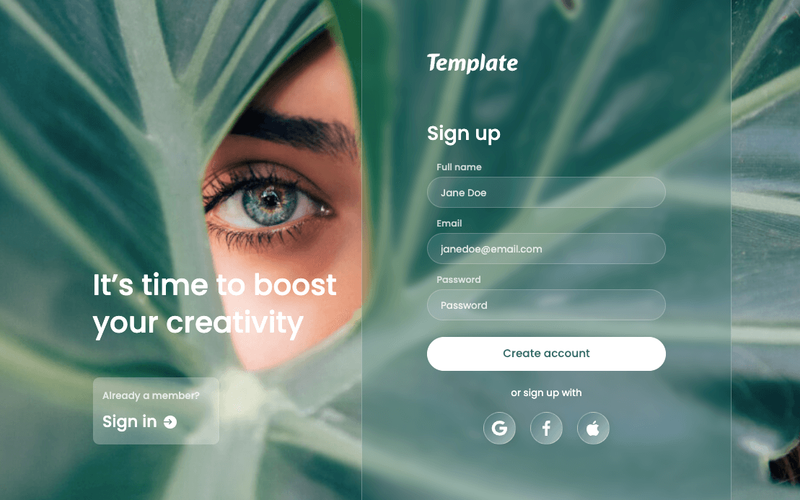
This component is a stylish sign-up page designed with a glassmorphism effect, providing a modern and visually appealing user interface for new user registration. Key Features Responsive design suitable for various devices Includes form fields for full name, email, and password Social media sign-up options (Google, Facebook, Apple)Success and error messages for form submissions Customizable styles and layout Design Elements Glassmorphism effect with a blurred background Soft color palette with a focus on transparency Rounded input fields and buttons for a modern look Flexbox layout for easy alignment and spacing Potential Use Cases Startups looking to create a user-friendly sign-up experience Web applications requiring user registration Creative agencies wanting to showcase modern design trendsE-commerce platforms needing a sleek sign-up interface Blogs or content sites aiming to build a subscriber base Conclusion: The Free Glassmorphism Sign Up Page is a versatile and visually striking component that enhances user experience while aligning with contemporary design aesthetics.

Free Sign Up Form + Google Sign On
View Component
Signup

Free Sign Up Form + Google Sign On

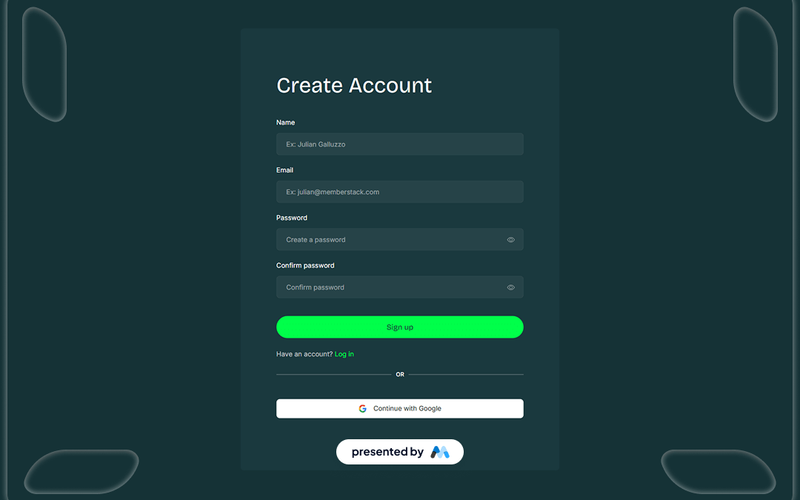
This component provides a user-friendly sign-up form that includes options for email registration and Google sign in, making it easy for users to create accounts quickly. Key Features Email and Google sign in options Responsive design suitable for various devices Customizable form fields Success and error messages for user feedback Stylish and modern UI elements Design Elements: Clean and minimalistic layout Soft color palette with a focus on teal and dark backgrounds Interactive elements with hover effects Use of icons for visual appeal Potential Use Cases: Startups looking to onboard users efficientlyE-commerce websites needing user accounts for purchases SaaS platforms requiring user registration Event registration sites wanting quick sign-ups Blogs and content platforms aiming to build a community Conclusion: The Free Sign Up Form + Google Sign On is a versatile and visually appealing component that enhances user experience by simplifying the registration process.
Glassmorphism Sign Up Component
View Component
Signup

Glassmorphism Sign Up Component

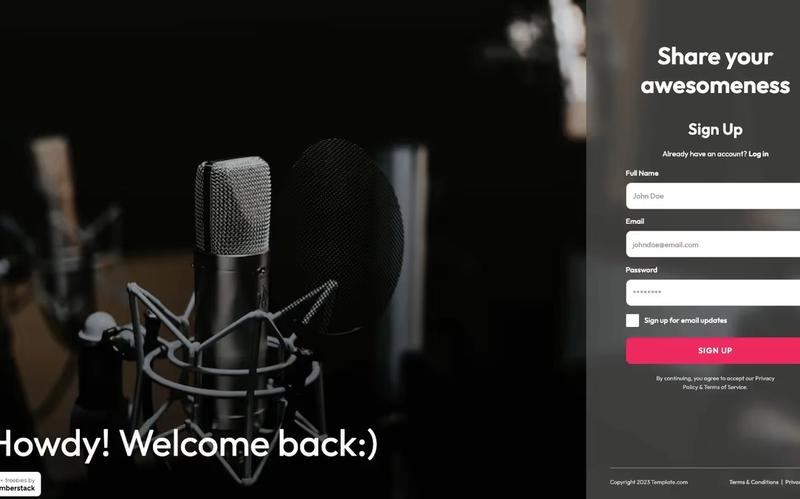
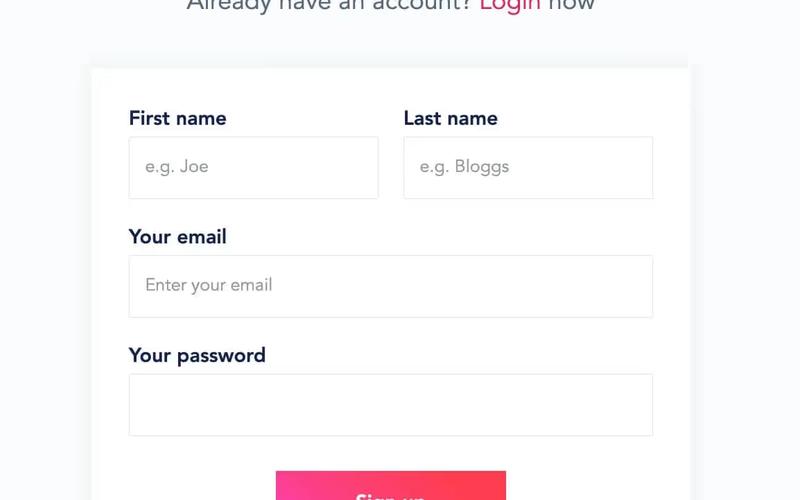
A fun music-themed glassmorphism Webflow + Memberstack sign up screen designed to engage users with a modern aesthetic. Key Features Responsive design suitable for various devices Integrated with Memberstack for user authentication Customizable fields for user information Includes success and error messages for form submissions Stylish glassmorphism effect for a contemporary look Design Elements: Glassmorphism style with a blurred backgroundRounded corners for input fields and buttonsFlexbox layout for responsive designPotential Use Cases: Music streaming services looking to enhance user sign-up experience Event registration platforms wanting a modern aesthetic Creative agencies needing a stylish sign-up form for clients Online courses or workshops requiring user registration Social media platforms focusing on user engagement Conclusion: The Glassmorphism Sign Up Component is a versatile and visually appealing solution for businesses aiming to create an engaging user registration experience.

Hidden Password Field
View Component
TutorialSignup

Hidden Password Field

The Hidden Password Field is a customizable form component designed to enhance user experience during sign-up processes by allowing users to reveal their password securely. It integrates seamlessly with email input fields and provides visual feedback based on user interactions. Key Features Responsive design suitable for various devices Includes email and password input fields with validation Success and error messages for user feedback Customizable styles and classes for branding Integration with Memberstack for user management Design Elements: Modern and clean layout Flexible color scheme with options for customization Utilizes smooth transitions for showing/hiding password Potential Use Cases: Web applications requiring user registrationE-commerce platforms needing secure user sign-up Membership sites that require user authentication Online services offering personalized accounts Educational platforms with user login features Conclusion: The Hidden Password Field is a versatile and user-friendly component ideal for enhancing sign-up forms, making it a valuable addition to any web application focused on user experience and security.

Insight Loop UI Kit Create
View Component
Signup

Insight Loop UI Kit Create

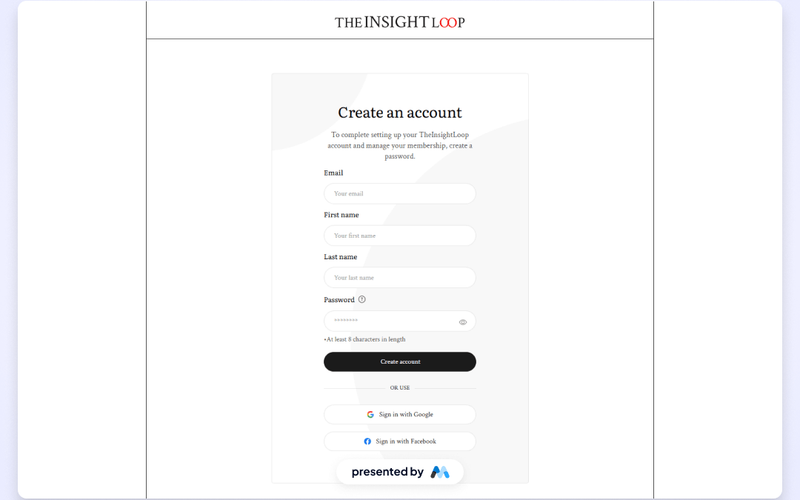
The Insight Loop UI Kit Create is a comprehensive component designed for building user interfaces in Webflow. It offers a structured layout for account creation, including form fields for email, first name, last name, and password, along with visual elements like buttons and images. This component serves as a free resource for Webflow developers to enhance their projects. Key Features User-friendly account creation form with fields for email, first name, last name, and password.Responsive design elements that adapt to various screen sizes.Customizable styles for text and buttons to match branding.Accessibility features such as focus states for keyboard navigation.Integrated tabs for additional content display. Design Elements Clean layout with a focus on usability and clarity.Use of modern typography and color schemes to enhance readability.Images and icons that complement the overall design aesthetic.CSS styles that ensure consistent spacing and alignment across elements. Potential Use Cases Startups looking to create a user registration portal.E-commerce sites needing a streamlined account creation process.SaaS platforms requiring user onboarding forms.Educational websites offering user accounts for students and teachers.Community platforms that need user profile management features. Conclusion: The Insight Loop UI Kit Create is a valuable asset for developers aiming to implement user-friendly account creation interfaces in their Webflow projects, providing both functionality and aesthetic appeal.

Insight Loop UI Kit Signup Multistep
View Component
Signup

Insight Loop UI Kit Signup Multistep

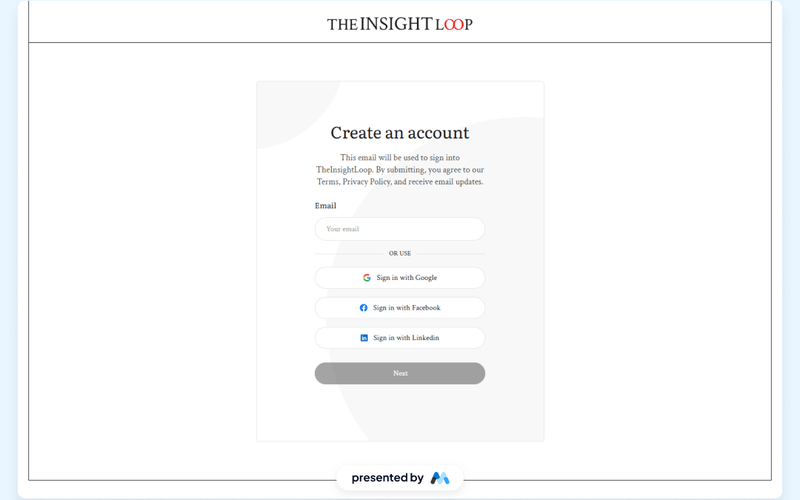
The Insight Loop UI Kit Signup Multistep component is designed to facilitate user registration through a multi-step form process. It includes various input fields for user information, such as email, first name, last name, and password, along with options for social media sign-ups. This component is a free resource for Webflow developers to use in their projects. Key Features Multi-step form layout allowing for a progressive user experience.Input fields for email, first name, last name, and password with validation.Social media sign-up options including Google, Facebook, and Linked In.Responsive design that adapts to various screen sizes.Customizable styles for form elements and buttons. Design Elements Clean and structured layout with clear labels for each input field.Use of icons for social media sign-up buttons to enhance visual recognition.Consistent color scheme that aligns with the branding of Insight Loop.Responsive design ensuring usability across devices, from desktops to mobile. Potential Use Cases Startups looking to create a user-friendly onboarding experience.E-commerce platforms requiring user registration for account creation.SaaS applications that need to gather user information during sign-up.Event registration websites that require multi-step forms for attendee information.Educational platforms that need to register students for courses. Conclusion: The Insight Loop UI Kit Signup Multistep component is a practical solution for developers seeking to implement a user-friendly registration process, making it suitable for various applications across different industries.
Invest UI Signup
View Component
Signup

Invest UI Signup

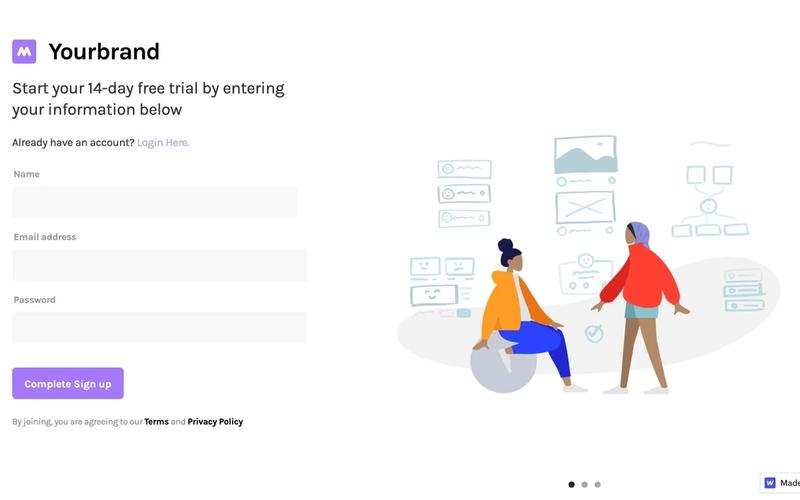
The Invest UI Signup component is designed to facilitate user registration through a structured form. It includes fields for name, email, password, and confirmation, along with a visually appealing layout that enhances user experience. This component is a free resource for Webflow developers to use in their projects. Key Features User-friendly form layout with clear labels for each input field.Includes validation for password strength and required fields.Responsive design that adapts to various screen sizes.Tabs for additional options or information, enhancing interactivity.Customizable styles for branding consistency. Design Elements Utilizes a clean and organized structure with ample spacing.Incorporates a color scheme that is visually appealing and easy on the eyes.Features icons next to tabs for better visual representation.Responsive images that load efficiently across devices. Potential Use Cases Startups looking to onboard users quickly and efficiently.E-commerce platforms requiring user registration for purchases.SaaS applications that need a streamlined signup process.Community websites aiming to build user engagement through signups.Educational platforms that require user accounts for course access. Conclusion: The Invest UI Signup component is a practical solution for any website needing a registration feature, combining functionality with an attractive design.

Masonry Grid Sign Up
View Component
Signup

Masonry Grid Sign Up

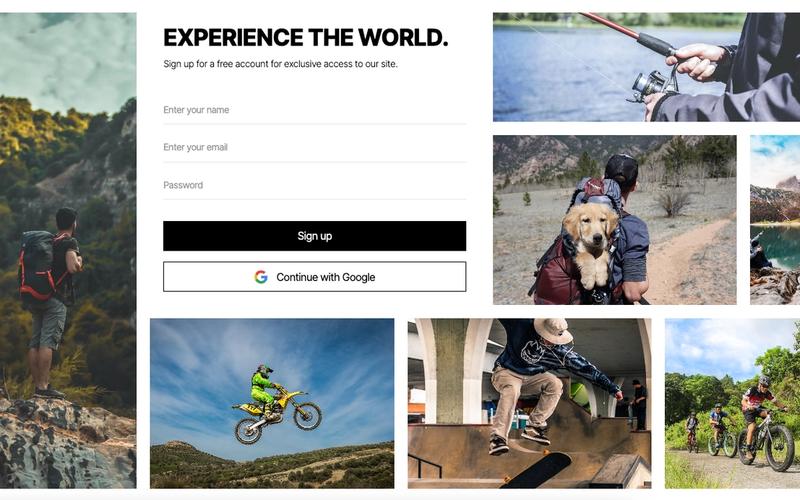
The Masonry Grid Sign Up component is designed to facilitate user registration through a visually appealing grid layout. It combines form elements with engaging imagery to enhance user experience. Key Features Responsive masonry grid layout Integrated sign-up form with fields for name, email, and password Social sign-up option with Google integration Success and error messages for user feedback Customizable styling and layout options Design Elements Modern and clean aesthetic Use of vibrant images to attract attention Flexible grid system for dynamic content arrangement Light and dark color contrasts for readability Potential Use Cases Web applications requiring user registrationE-commerce sites looking to build customer accounts Event registration platforms Membership-based services or communities Educational platforms offering course sign-ups Conclusion: The Masonry Grid Sign Up component is a versatile and visually appealing solution for any website needing a user-friendly registration process, making it suitable for various industries.

Membership Sign Up
View Component
Signup

Membership Sign Up

The Membership Sign Up component is designed to facilitate user registration through a streamlined form that includes social login options and standard input fields for personal information. Key Features Multi-step form with social login options (Google)Input fields for first name, email, and password Responsive design suitable for various devices Success and error messages for user feedback Customizable styling and layout Design Elements: Modern and clean layout Use of rounded corners Color scheme featuring soft backgrounds with contrasting text Social media icons for login options Potential Use Cases: Web applications requiring user registrationE-commerce sites needing customer accounts Membership-based services or platforms Online communities or forums Event registration systems Conclusion: The Membership Sign Up component is versatile and user-friendly, making it an excellent choice for any website looking to enhance user engagement through easy registration.

Membership Signup
View Component
Signup

Membership Signup

The Membership Signup component is designed to facilitate user registration through a customizable form, allowing users to create accounts easily. Key Features User-friendly form layout Includes input fields for first name, last name, email, and password Responsive design suitable for various devices Success and error messages for user feedback Design Elements: Modern and clean aestheticRounded corners for input fields and buttonsFlexbox layout for alignment and spacingPotential Use Cases: Online platforms requiring user registrationE-commerce websites looking to build customer accounts Membership-based services or communities Educational platforms for student sign-ups Event registration sites Conclusion: The Membership Signup component is versatile and visually appealing, making it an excellent choice for any website that requires user registration functionality.

Membership Splitscreen Signup
View Component
Signup

Membership Splitscreen Signup

The Membership Splitscreen Signup component is designed to facilitate user registration for membership sites through a visually engaging split-screen layout. It allows users to sign up using social profiles or traditional email and password methods. Key Features Split-screen design for enhanced user engagement Social login options (Google and Facebook)Customizable form fields for user information Responsive design suitable for various devices Success and error messages for user feedback Design Elements Colorful section backgrounds with a modern aesthetic Use of icons for social login buttons Clear typography with a focus on readability Interactive elements such as buttons and links Potential Use Cases Membership-based websites Online courses and educational platforms Subscription services Community forums and social networksE-commerce sites requiring user accounts Conclusion: The Membership Splitscreen Signup component is a versatile and visually appealing solution for any website looking to enhance user registration processes, making it ideal for businesses focused on building a community or membership base.

Modal Style Login & Signup
View Component
LoginSignup

Modal Style Login & Signup

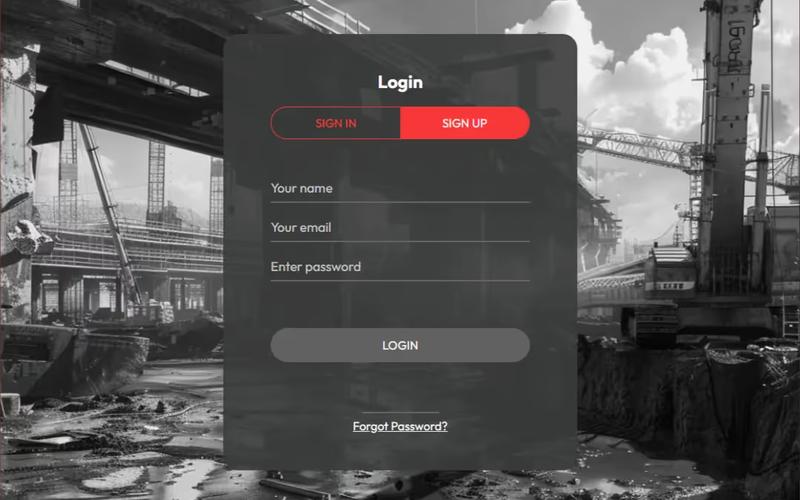
This template provides a sleek and modern modal interface for user login and signup, set against a striking black and white industrial backdrop, ensuring a professional and user-friendly experience. Key Features Responsive design suitable for all devices Includes both login and signup forms in a tabbed interface Customizable styles and colors User-friendly form validation messages Background image support Design Elements Bold black and white color scheme Industrial aesthetic with a broken mill backdrop Clean typography with focus on legibility Rounded corners and soft shadows for a modern look Potential Use Cases E-commerce websites needing user accounts SaaS platforms requiring user registration Membership sites for community access Event registration platforms Portfolio sites for creative professionals Conclusion: The Modal Style Login & Signup template is versatile and visually appealing, making it an excellent choice for any website looking to enhance user engagement through a streamlined authentication process.
Modern Entry UI
View Component
Signup

Modern Entry UI

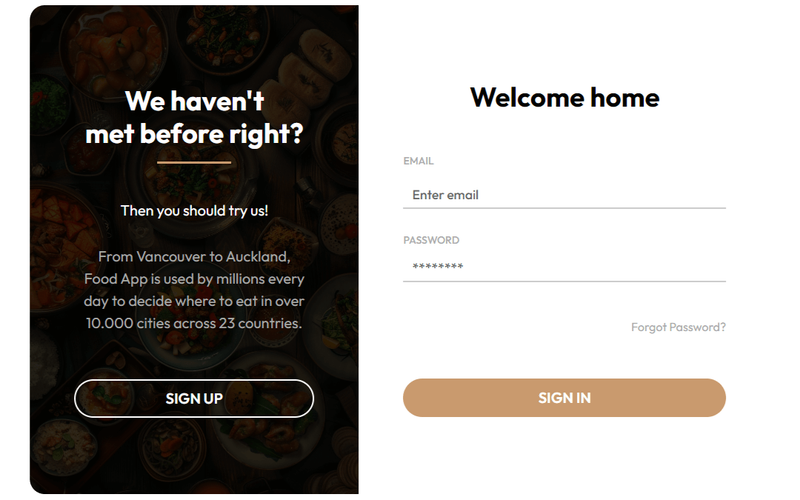
The Modern Entry UI component is designed to facilitate user authentication processes, such as sign-in and sign-up forms. It includes various input fields for user credentials and options for social media sign-ins, enhancing user experience during account creation and login. Key Features Includes a sign-in form with fields for full name and password.Offers social sign-in options, including Google authentication.Responsive design that adapts to different screen sizes.Error and success messages for form submissions.Customizable styles for input fields and buttons. Design Elements Utilizes a clean layout with ample white space for better readability.Incorporates modern typography for input fields and buttons.Features a color scheme that emphasizes call-to-action buttons.Includes icons for social media sign-in options to enhance visual appeal. Potential Use Cases Web applications requiring user authentication, such as e-commerce sites.Membership-based platforms that need user registration.Service providers offering personalized user accounts.Educational platforms for student and teacher logins.Event registration sites that require user sign-up. Conclusion: The Modern Entry UI component is a practical solution for developers looking to implement user authentication features in their Webflow projects, providing a user-friendly interface and essential functionalities.

Multi Step Onboarding Form
View Component
Signup

Multi Step Onboarding Form

The Multi Step Onboarding Form is designed to facilitate user onboarding through a series of interactive steps, utilizing custom JavaScript for smooth transitions between slides. Key Features Multi-step navigation for user-friendly onboarding Custom Java Script for slide transitions Responsive design suitable for various devices Includes form validation for required fields Success and error messages for user feedback Design Elements Clean and modern layout with a focus on usability Color scheme featuring a primary blue for buttons and accents Rounded corners and subtle shadows for a contemporary feel Clear typography with a prominent heading style Potential Use Cases SaaS applications looking to onboard new users effectivelyE-commerce platforms requiring customer information during signup Event registration forms that need to collect detailed attendee data Membership sites that require user details in a structured manner Educational platforms for student registration processes Conclusion: The Multi Step Onboarding Form is a versatile and user-friendly component that enhances the onboarding experience, making it ideal for various applications across different industries.

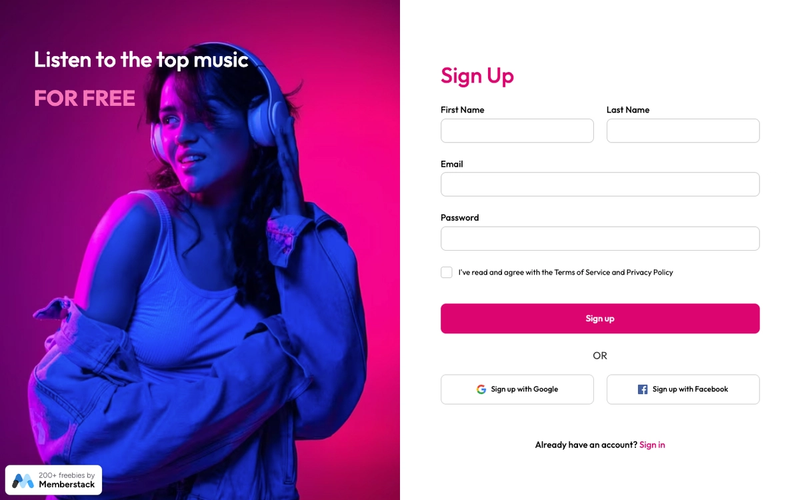
Music Themed Sign Up
View Component
Signup

Music Themed Sign Up

This component features a music-themed sign-up form designed for Webflow and Memberstack, complete with Google and Facebook authentication options. Key Features Themed design focused on music Integration with Google and Facebook for authentication Responsive layout suitable for various devices User-friendly form fields for easy data entry Success and error messages for form submissions Design Elements Vibrant color scheme with a focus on music-related imagery Flexible layout with sections for form fields and social sign-up options Customizable styles for buttons and input fields Use of icons for social media sign-up links Potential Use Cases Music streaming services looking to enhance user registration Event management platforms for music festivals Music education websites offering courses and sign-ups Social networks for musicians and music enthusiasts Music blogs or magazines wanting to build a subscriber base Conclusion: The Music Themed Sign Up component is a versatile and visually appealing solution for businesses in the music industry, facilitating user registration while providing a seamless experience.

New Account Form
View Component
Signup

New Account Form

The New Account Form is a user-friendly registration template designed to facilitate account creation with essential fields and social login options. Key Features Responsive design for mobile and desktop Includes fields for first name, last name, email, and password Social login options for Google and Facebook Validation messages for user input Customizable success and error messages Design Elements Modern layout with a clean aesthetic Use of social media logos for login options Clear typography with a focus on readability Color scheme that emphasizes user interaction Potential Use Cases Startups looking to onboard new users quicklyE-commerce platforms requiring user registration SaaS applications needing account creation Community websites aiming to build user engagement Event registration sites that require user information Conclusion: The New Account Form is a versatile and visually appealing component that can enhance user experience across various applications, making it an excellent choice for businesses aiming to streamline their registration process.
New Account Form Inspired by Medium
View Component
Signup

New Account Form Inspired by Medium

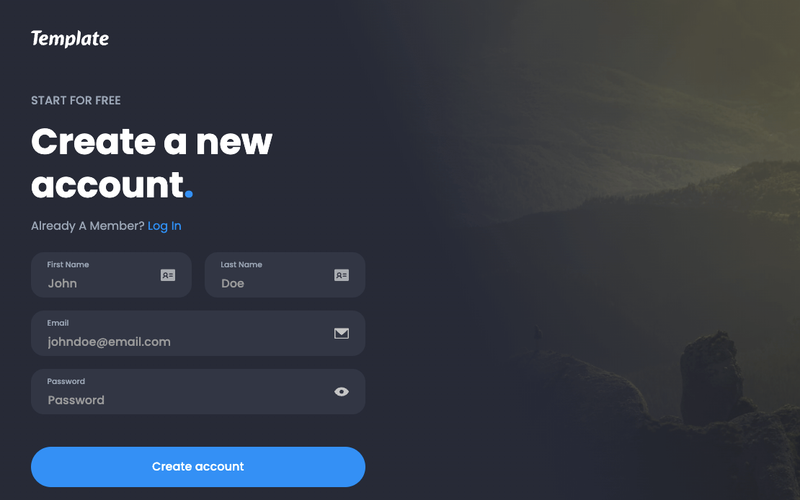
This component provides a user-friendly signup interface inspired by Medium, featuring options for social media logins and email registration, ensuring a seamless onboarding experience. Key Features Supports signup via Google, Facebook, or email Utilizes Member Script 71 for onboarding redirection Includes form validation and success/error messages Customizable UI elements Mobile-responsive design Design Elements Minimalistic layout with a focus on user experience Soft color palette with a professional aesthetic Clear typography for easy readability Social media icons integrated into the signup process Potential Use Cases Startups looking to implement user registration Blogs or content platforms requiring user accountsE-commerce sites needing customer signups SaaS applications for onboarding new users Community platforms for user engagement Conclusion: The New Account Form Inspired by Medium is a versatile and visually appealing component that enhances user onboarding, making it suitable for various applications across different industries.
Showing 160 of 116 componentstagged with Signup

No website yet? Check out our free & paid pre-built template websites!

View templates