18 Components

Unstyled Components

18 Webflow native unstyled components with 1-click copy & paste from a library of 807+. Built for Memberstack integration.

Unstyled Forgot Password - 3
View Component
Forgot PasswordUnstyled

Unstyled Forgot Password - 3

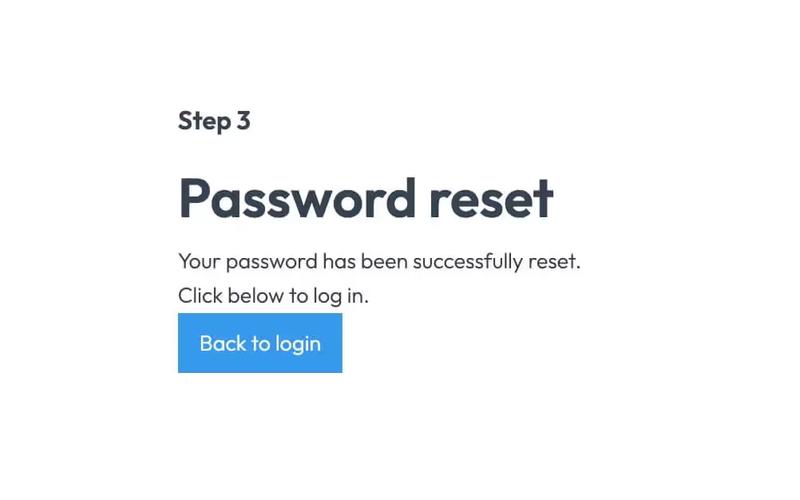
This component provides a simple, unstyled interface for informing users that their password has been reset. Key Features Includes a link back to the login pageDesign Elements: Minimalistic design with no predefined styles Uses standard HTML elements such as forms, headings, and labels Responsive layout suitable for various devices Potential Use Cases: Web applications requiring user authenticationE-commerce platforms needing secure password recovery Membership sites with user accounts Any service that requires user login and password management Conclusion: The Unstyled Forgot Password - 3 component is a versatile and functional solution for password recovery, ideal for developers looking for a straightforward implementation without design constraints.

Unstyled Update Password
View Component
Profile PasswordUnstyled

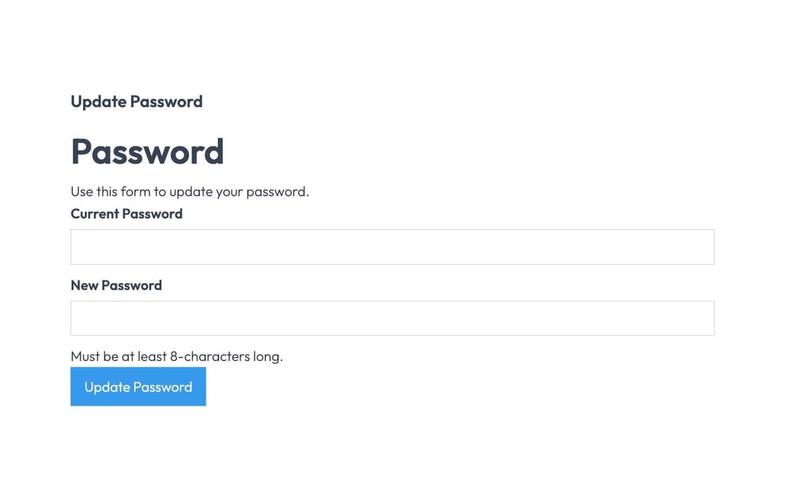
Unstyled Update Password

The Unstyled Update Password component is designed to facilitate password updates for users through a simple form interface. It includes fields for entering the current and new passwords, along with validation messages. Key Features Form includes fields for current and new passwords Validation message for password length requirements Success and error messages upon form submission Lightweight and unstyled for easy customization Design Elements Minimalistic design with no predefined stylesClear headings and labels for user guidanceResponsive layout suitable for various devices Potential Use Cases Web applications requiring user authentication Membership sites needing secure password updatesE-commerce platforms with user accounts Corporate intranets for employee access management Conclusion: The Unstyled Update Password component is a versatile and straightforward solution for implementing password update functionality, making it ideal for developers looking to customize their user experience.

Unstyled Forgot Password - 2
View Component
Forgot PasswordUnstyled

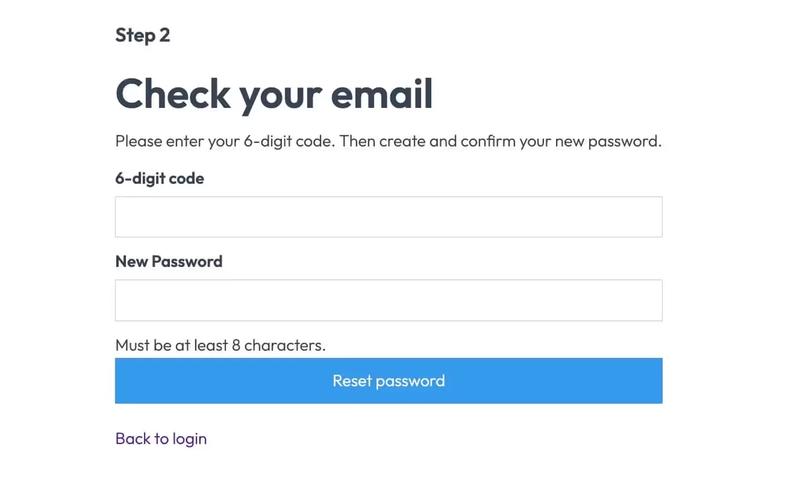
Unstyled Forgot Password - 2

This component serves as a password reset form, allowing users to enter a 6-digit code and create a new password. It is designed to be functional without any predefined styles. Key Features Form for entering a 6-digit code and new password Success and error messages for user feedback Redirects to a success page upon completion No styling included, allowing for full customization Design Elements Minimalist layout with basic input fieldsClear headings and instructional textResponsive design suitable for various devices Potential Use Cases Web applications requiring user authenticationE-commerce sites needing secure password recovery Membership platforms with user accounts SaaS products that require user login management Conclusion: The Unstyled Forgot Password - 2 component is a versatile and functional solution for password recovery, ideal for developers looking to implement a customizable form without predefined styles.

Unstyled Update Email
View Component
Profile EmailUnstyled

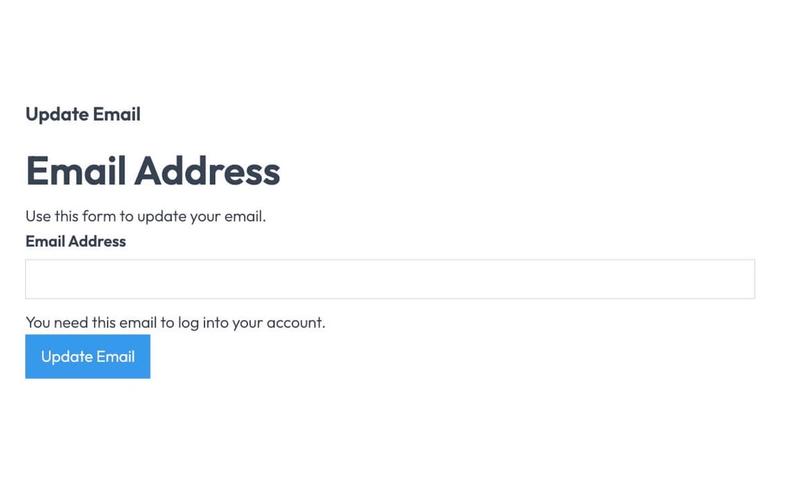
Unstyled Update Email

The Unstyled Update Email component is designed to facilitate users in updating their email addresses through a simple form interface. It includes essential fields and messages for user interaction. Key Features Form for email address updateSuccess and error messagesRequired email input fieldUser-friendly interface Design Elements Minimalistic design with no stylingClear headings and labelsResponsive layout suitable for various devices Potential Use Cases Web applications requiring user email updates Membership sites needing email verificationE-commerce platforms for customer account management Online services with user account functionalities Conclusion: The Unstyled Update Email component is a versatile tool for any web application that requires user email management, offering a straightforward and effective solution without unnecessary design elements.

Unstyled Forgot Password - 1
View Component
Forgot PasswordUnstyled

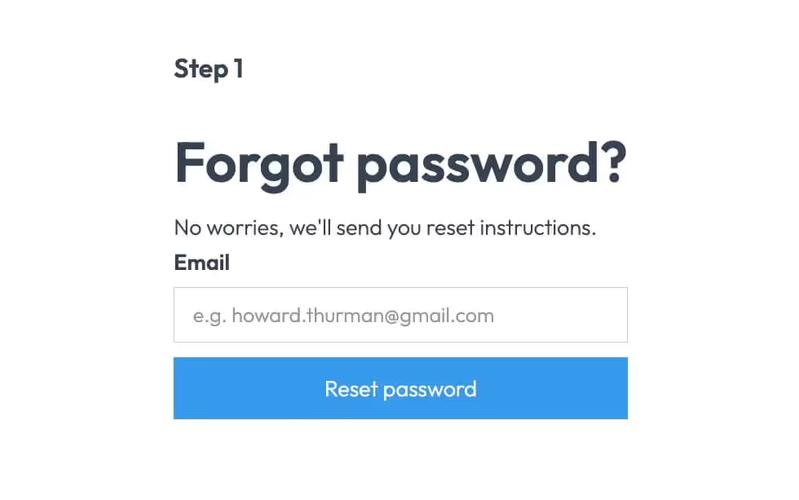
Unstyled Forgot Password - 1

This component provides a simple and functional forgot password form, allowing users to request password reset instructions via email. Key Features User-friendly email input field Submit button with a loading message Success and error messages for form submission feedback Redirects to a password reset page upon submission Design Elements Minimalist design with no predefined styles Clean layout suitable for integration into various web designs Responsive structure adaptable to different screen sizes Potential Use Cases E-commerce websites needing user account recovery options Membership sites requiring secure password management Blogs or content platforms with user accounts SaaS applications that require user authentication Conclusion: The Unstyled Forgot Password component is a versatile and essential tool for any web application that requires user password recovery, easily customizable to fit various design aesthetics.
Unstyled Login
View Component
LoginUnstyled

Unstyled Login

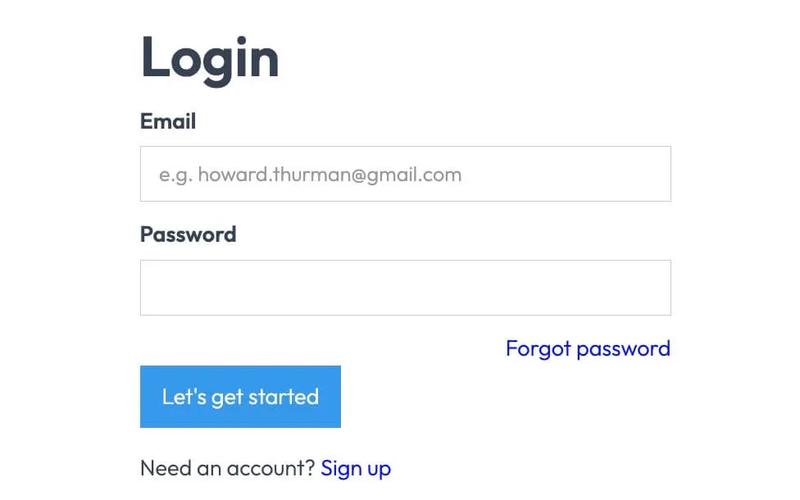
The Unstyled Login component is a simple and functional login form designed for easy integration into websites. It features essential fields for user authentication without any predefined styling. Key Features Includes fields for email and password input Supports form submission with success and error messages Customizable design to fit various branding needs Responsive layout suitable for different devices Integration with Memberstack for user management Design Elements: Minimalistic layout with no predefined stylesFlexbox structure for responsive designIncludes placeholder text and tooltipsPotential Use Cases: Startups needing a quick login solution Web applications requiring user authenticationE-commerce sites looking for a simple login interface Membership sites utilizing Memberstack for user management Landing pages that require user sign-in functionality Conclusion: The Unstyled Login component offers a versatile and straightforward solution for user authentication, making it ideal for developers looking to implement a login system without the constraints of a specific design.

Unstyled Profile Form
View Component
ProfileUnstyled

Unstyled Profile Form

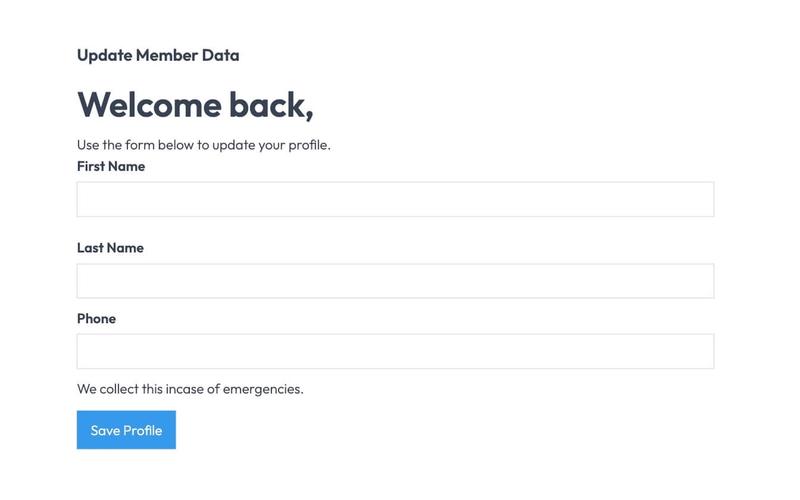
The Unstyled Profile Form is a simple and functional form designed for users to update their profile information. It includes fields for first name, last name, and phone number, along with success and error messages. Key Features Customizable fields for first name, last name, and phone number Success message upon successful submission Error message for submission failures Lightweight and easy to integrate into existing designs Design Elements Minimalist design with no predefined stylesFlexbox layout for form elementsResponsive design suitable for various screen sizes Potential Use Cases User profile management for web applications Membership sites requiring user information updatesE-commerce platforms for customer account management Community forums for user profile editing Conclusion: The Unstyled Profile Form offers a straightforward solution for user profile updates, making it versatile for various applications while allowing for easy customization to fit different design aesthetics.

Unstyled Signup
View Component
SignupUnstyled

Unstyled Signup

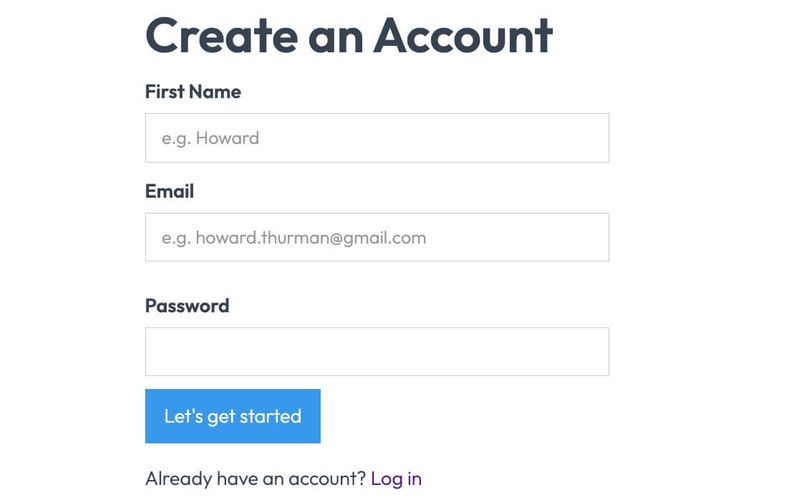
The Unstyled Signup component is a simple and functional signup form designed for easy integration into any website. It features essential fields for user registration without any predefined styling. Key Features Includes fields for First Name, Email, and Password Form submission button with customizable text Success and error messages for user feedback Lightweight and easy to customize Responsive design suitable for various devices Design Elements Minimalist layout with no predefined stylesFlexbox layout for form alignmentClear and straightforward user interface Potential Use Cases Startups looking for a quick signup solution Blogs or content sites needing user registrationE-commerce platforms requiring customer accounts Event registration pages SaaS applications needing user onboarding Conclusion: The Unstyled Signup component is a versatile and adaptable solution for any website needing a user registration form, allowing for complete customization to fit the brand's style.

Membership Checkbox
View Component
InputUnstyled+1

Membership Checkbox

The Membership Checkbox is a user interface component designed to facilitate user consent for membership agreements or terms. It includes a checkbox and associated labels for clarity. Key Features Includes a checkbox input for user consent Accompanied by inline labels for better user understanding Customizable attributes for integration with membership systems Lightweight and easy to implement in forms Design Elements Simple and clean designUses standard checkbox stylingResponsive layout suitable for various devices Potential Use Cases Membership-based websites requiring user agreementE-commerce platforms needing consent for terms and conditions Online communities that require user registration and consent Subscription services that need user acknowledgment Conclusion: The Membership Checkbox is a versatile and essential component for any web application that requires user consent, making it a valuable addition to forms across various industries.

Membership Checkbox Groups
View Component
InputUnstyled

Membership Checkbox Groups

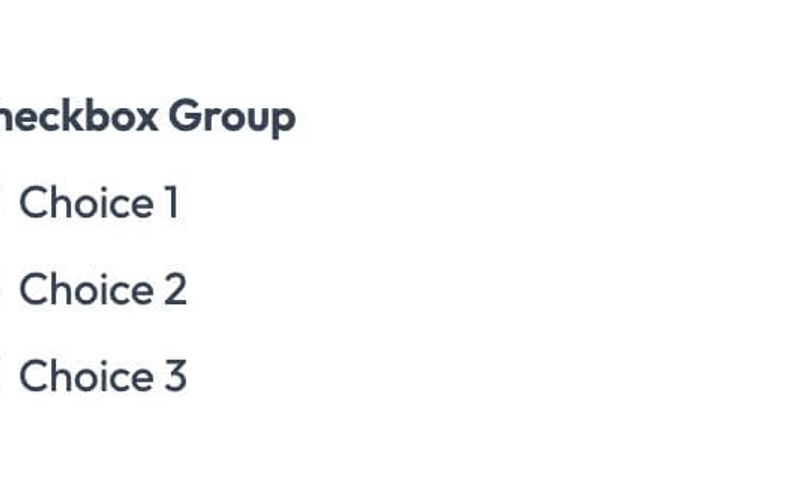
The Membership Checkbox Groups component allows users to create customizable checkbox options for membership forms, facilitating user selections in a structured manner. Key Features Multiple checkbox options for user selection Customizable labels for each checkbox Integration with Memberstack for user data management Responsive design suitable for various devices Design Elements Clean and minimalistic layoutSimple color scheme that can be customizedIntuitive form structure for ease of use Potential Use Cases Membership websites requiring user preferences Event registration forms with multiple options Surveys or feedback forms needing user choicesE-commerce sites for product selection criteria Non-profit organizations collecting member interests Conclusion: The Membership Checkbox Groups component is versatile and user-friendly, making it an excellent choice for any website that needs to gather user preferences efficiently.

Membership Input
View Component
InputUnstyled

Membership Input

The Membership Input component is designed to facilitate user input for membership-related forms, allowing for seamless data collection from users. Key Features Text input field for user data entry Customizable attributes including maxlength and placeholder Supports required and autofocus options Integrates with membership systems via data attributes Design Elements Simple and clean layoutResponsive design suitable for various devicesMinimalistic style with focus on functionality Potential Use Cases Membership registration forms for clubs or organizations User sign-up forms for online services Event registration forms requiring user information Subscription forms for newsletters or content access Conclusion: The Membership Input component is versatile and user-friendly, making it an excellent choice for any application that requires user data collection for memberships or subscriptions.

Membership Radio Button
View Component
UnstyledInput

Membership Radio Button

The Membership Radio Button component is designed to facilitate user selection through radio buttons, allowing for easy input of membership options. It features a clean and straightforward layout for user interaction. Key Features Includes multiple radio button options Customizable input attributes for integration with membership systems User-friendly interface for selecting membership types Supports required field validation Design Elements: Minimalist design with clear labelsResponsive layout suitable for various devicesSimple color scheme that can be customizedPotential Use Cases: Membership-based websites (gyms, clubs, etc.)Subscription services requiring user input for plans Event registration forms where attendees select optionsE-commerce sites offering membership tiers Conclusion: The Membership Radio Button component is versatile and user-friendly, making it an excellent choice for any website that requires membership selection or similar input options.

Membership Select
View Component
UnstyledInput

Membership Select

The Membership Select component is designed to facilitate user selection within a membership context, allowing users to choose from multiple options seamlessly. Key Features Dropdown selection with customizable options Includes a label for clear user guidance Integrates with membership systems via data attributes User-friendly interface for selecting membership choices Design Elements Simple and clean layoutResponsive design suitable for various devicesMinimalist aesthetic with a focus on usability Potential Use Cases Membership-based websites looking to streamline user selectionsE-commerce platforms offering subscription services Online communities requiring user tier selections Event registration forms that need attendee options Educational platforms with course selection features Conclusion: The Membership Select component is a versatile tool that enhances user experience by simplifying the selection process, making it ideal for various membership-related applications.

Membership Text Area
View Component
InputUnstyled

Membership Text Area

The Membership Text Area is a user-friendly component designed for collecting text input from users, ideal for membership forms or feedback submissions. Key Features Includes a label for clear user guidance.Supports a maximum character limit of 5000.Customizable placeholder text for user prompts.Integrates with membership systems via data attributes. Design Elements Simple and clean layout with a focus on usability.Responsive design suitable for various devices.Neutral color scheme that can blend with different website styles. Potential Use Cases Membership registration forms for clubs or organizations.Feedback collection for services or products.Comment sections for blogs or articles.Survey forms for user insights.Contact forms for customer inquiries. Conclusion: The Membership Text Area is a versatile and essential component for any website looking to enhance user interaction through text input, making it suitable for a wide range of applications.

Show/Hide Password Component
View Component
LoginSignup+1

Show/Hide Password Component

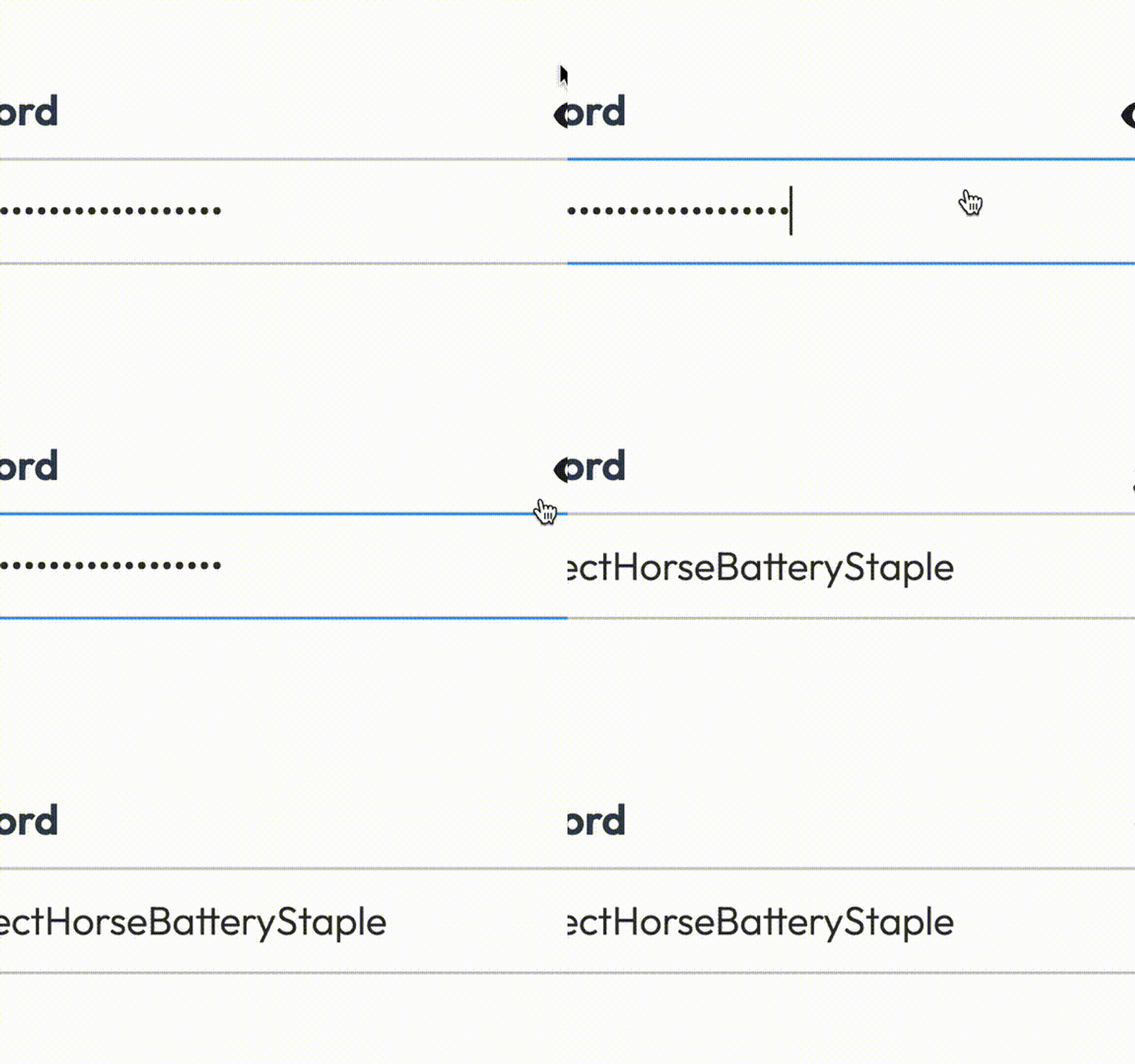
The Show/Hide Password Component allows users to toggle the visibility of their password input field, enhancing user experience and security during form submissions. Key Features Toggle button to show/hide passwordHTML and Java Script implementation for easy integration Responsive design suitable for various devices Customizable styles for branding User-friendly interface Design Elements: Clean and modern visual style Use of icons for show/hide functionality Positioned elements for intuitive interaction Color scheme adaptable to fit different themes Potential Use Cases: E-commerce websites requiring user account creation Online banking platforms for secure login Membership sites where user privacy is essential Any web application with user authentication features Conclusion: This component is a versatile and essential tool for any web application that requires secure password entry, improving both usability and security.

Unstyled Passwordless Login
View Component
UnstyledPasswordless+1

Unstyled Passwordless Login

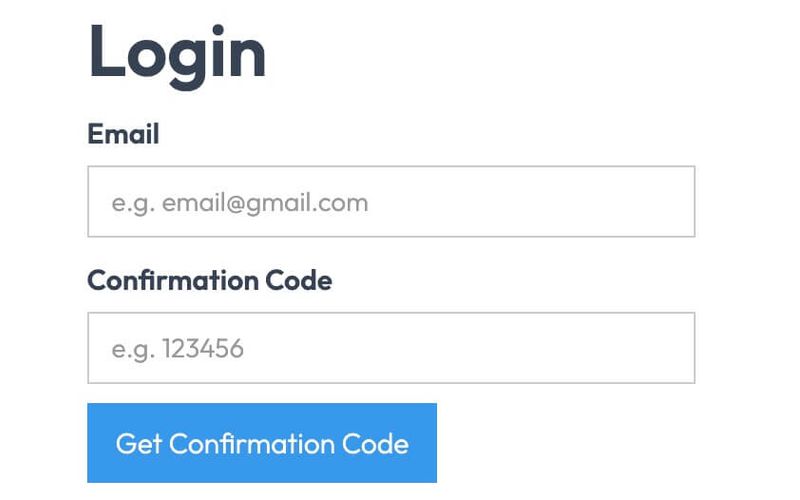
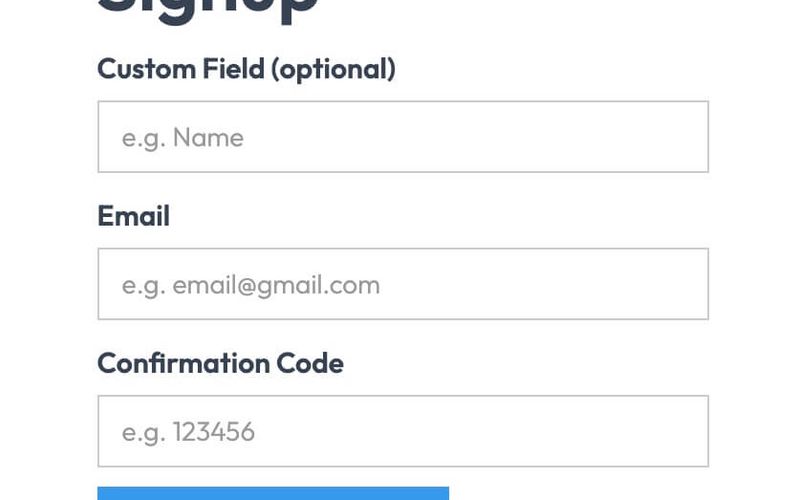
The Unstyled Passwordless Login component provides a simple and effective way for users to log in without a password, utilizing email verification instead. It features a clean, functional design that prioritizes usability. Key Features Passwordless login functionality Email input for user identification Confirmation code input for verification Success and error messages for user feedback Redirect link for account creation Design Elements Minimalistic design with no predefined stylesResponsive layout suitable for various devicesClear labeling for input fields Potential Use Cases Web applications looking to enhance user securityE-commerce platforms wanting to streamline the login process Membership sites that require user authentication SaaS products aiming for a frictionless user experience Startups needing a quick login solution without complex setups Conclusion: The Unstyled Passwordless Login component is a versatile tool for developers seeking to implement secure and user-friendly authentication methods without the need for extensive styling.

Unstyled Passwordless Signup
View Component
UnstyledPasswordless+1

Unstyled Passwordless Signup

The Unstyled Passwordless Signup component provides a simple and effective way for users to sign up without the need for a password, enhancing user experience and security. Key Features Passwordless signup process Customizable fields for user input Success and error messages for form submission Redirect options for post-signup navigation Lightweight and unstyled for easy integration Design Elements Minimalistic design with no predefined stylesFlexible layout suitable for various applicationsResponsive design for mobile and desktop compatibility Potential Use Cases Startups looking to simplify user onboarding Web applications focused on security and user experienceE-commerce platforms wanting to reduce cart abandonment Membership sites that require quick user registration Blogs or content sites aiming to build a subscriber base Conclusion: The Unstyled Passwordless Signup component is a versatile tool that can be easily integrated into various web applications, providing a seamless signup experience for users.

Unstyled Profile Image Upload
View Component
UnstyledProfile

Unstyled Profile Image Upload

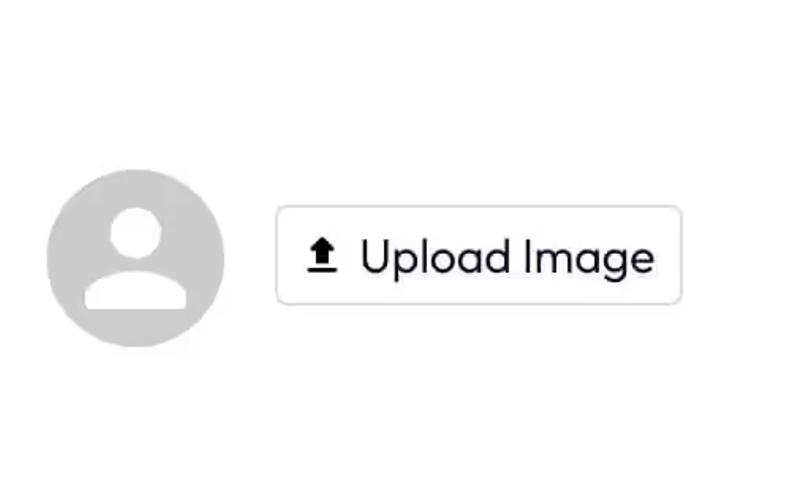
The Unstyled Profile Image Upload component allows users to upload their profile images seamlessly. It features a simple interface with an image preview and an upload button. Key Features Image upload functionalityPreview of uploaded imageResponsive designCustomizable stylesIncludes icons for upload actionDesign Elements: Flexbox layout for alignmentRounded image preview with a light backgroundSimple and clean design with minimalistic elementsPotential Use Cases: Social media platforms for user profile managementE-commerce websites for customer profiles Corporate intranets for employee profiles Blogging platforms for author profiles Online forums for user avatars Conclusion: The Unstyled Profile Image Upload component is versatile and can be easily integrated into various web applications, providing a user-friendly experience for profile image management.

Showing 1–18 of 18 componentstagged with Unstyled

No website yet? Check out our free & paid pre-built template websites!

View templates