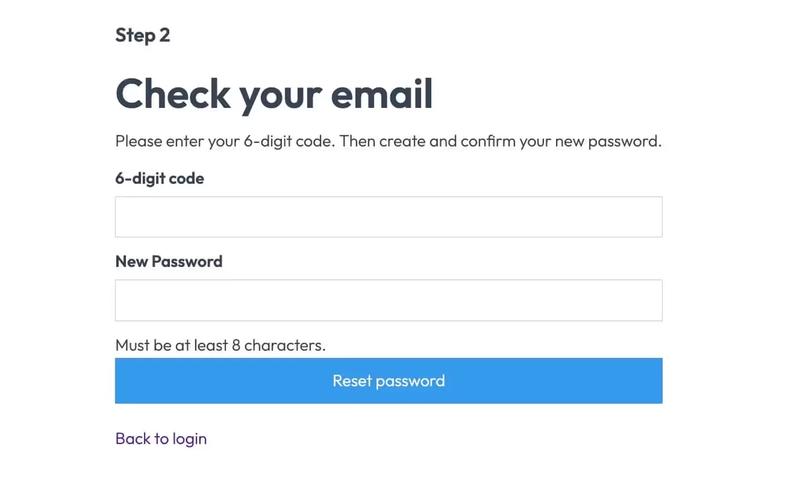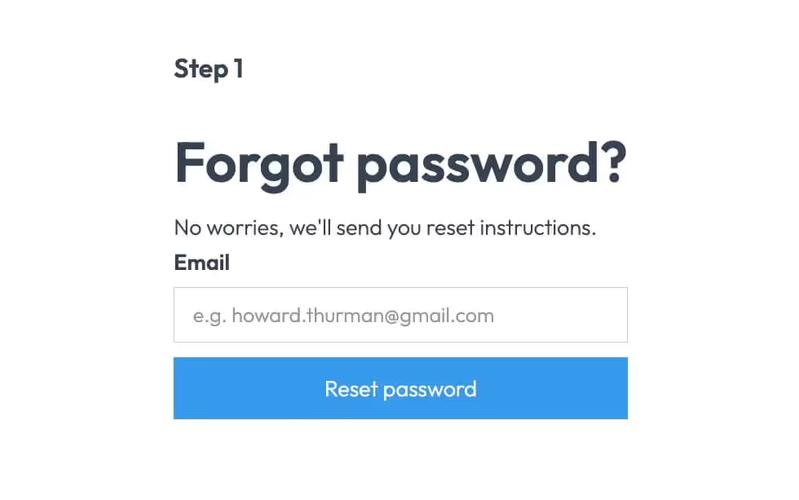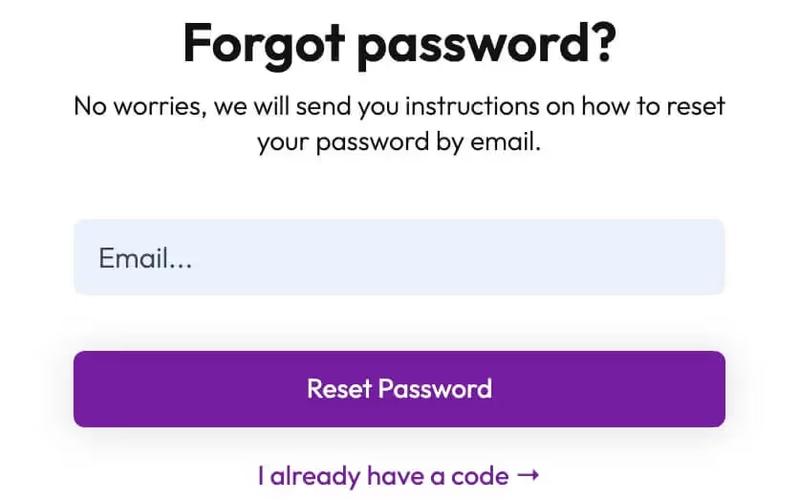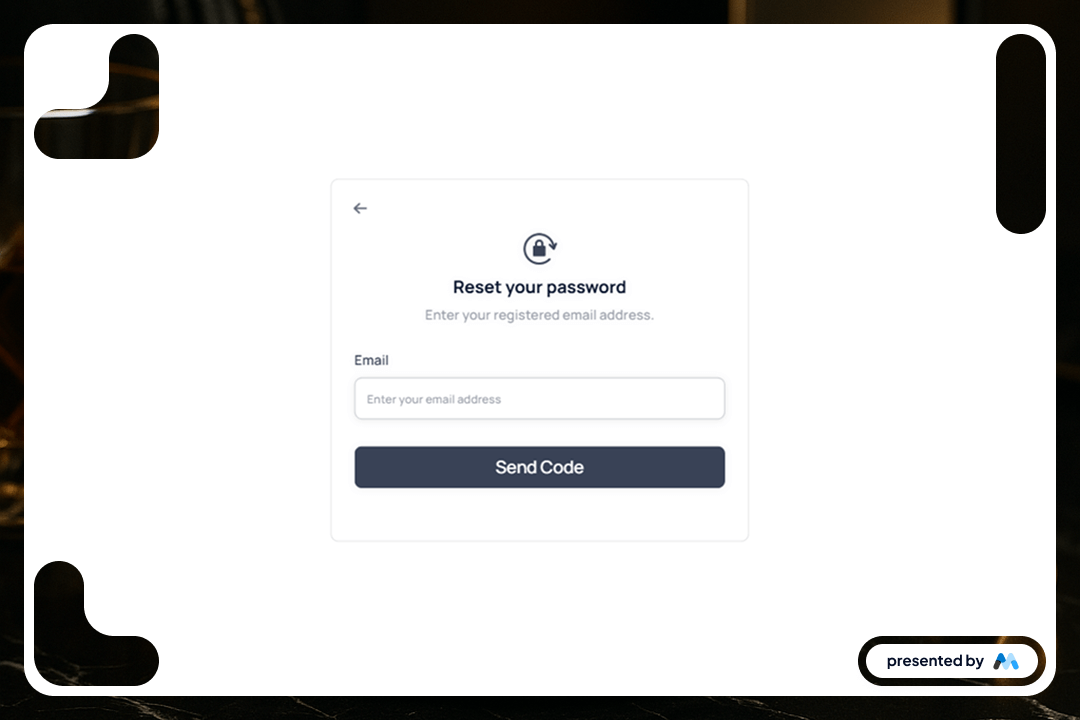
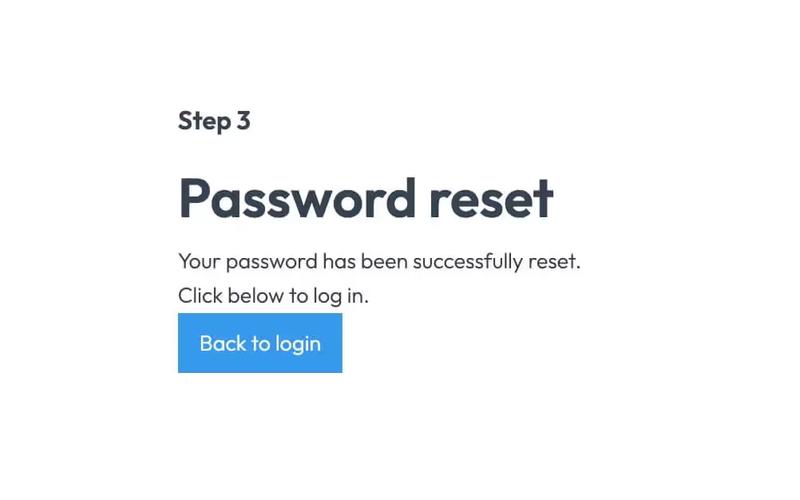
The Aerokit UI Reset Password01 Light Card is designed to facilitate user password reset processes in web applications. It includes a form for users to enter their registered email address, along with a submit button to send a password reset code. The component is visually structured to enhance user experience during the password recovery process.
Key Features
- Email input field with placeholder text 'Enter your email address.'Submit button labeled 'Send Code' that triggers the password reset process.Success message displayed upon successful submission: 'Thank you! Your submission has been received!'Error message displayed if submission fails: 'Oops! Something went wrong while submitting the form.'Responsive design with a clean layout suitable for various screen sizes.
Design Elements
- Light card design with a white background and subtle drop shadows for depth.Use of flexbox for layout, ensuring elements are centered and spaced appropriately.Typography styled for clarity, using a combination of font sizes and weights for hierarchy.Color scheme primarily featuring shades of blue and gray, enhancing readability.Iconography included for visual cues, such as a back arrow and a rotation lock.
Potential Use Cases
- Web applications requiring user authentication and password management.E-commerce platforms needing secure user account recovery options.SaaS products that require user onboarding and password reset functionalities.Membership sites where users need to manage their login credentials.Corporate intranets that require secure access for employees.
Conclusion: The Aerokit UI Reset Password01 Light Card is a practical component for developers looking to implement a user-friendly password reset feature in their applications, ensuring a smooth user experience.