Vibe Coding Hub
Templates, tutorials, and everything else you need to build membership sites with AI tools.
Setting Up Your Environment
Install the right tools and configure your AI coding assistant for Memberstack development.
Learning to Debug
Master debugging techniques so you can fix issues fast when vibe coding with AI.
Vibe Coding Your UI
Use AI tools to rapidly build and iterate on your membership site's interface.
Auth, Payments & Data
Add authentication, Stripe payments, and member data management to your app.
Building a Full App
Put it all together and build a complete membership app from start to finish.
In-depth articles, tutorials, and best practices for building with Webflow + Memberstack.
Browse all articles5 Free Webflow Cloneables Worth Your Attention Right Now
The Made in Webflow page is still producing great work. Here are five free cloneables, from scroll-driven transitions to full landing page templates, that you can grab and use in your projects today.
Huddle Kit Review: A Better Way to Manage Webflow Client Feedback
An article that walks you through using Huddle Kit, a tool for gathering website feedback from clients.
What is the Webflow Cloud?
Webflow Cloud is not just a faster hosting or a minor infrastructure update. It is a complete reimagining of what you can build in Webflow.
How Flow Ninja Became the Biggest Webflow Agency in the World
Read here how did Uros Mikic start Flow Ninja with nothing but determination and a love for building and turn it into a wildly successful company.
We asked 5 Webflow Experts how they hire developers. Here's what they look for.
We spoke with 5 Webflow experts, from solo freelancers to agency owners. Here’s what they told us, the stuff they look for, the stuff that makes them walk away, and how they land on the one.
Webflow Component Canvas: How to Stop Duplicating Components
Webflow's new Component Canvas lets you create one component with multiple variants instead of duplicating the same component over and over.
Build a Bento Grid in Webflow Using Claude Design and Flowboard
Webflow Conf 2026 Recap: New CMS Components, Breakpoint Canvas & the Future of the Builder
A walk through the most relevant updates from Webflow Conf 26 and how you would actually use them day to day.
Step-by-step video guides for building with AI tools + Memberstack.
Watch all videos
Build a SaaS with Cursor + Memberstack
Complete walkthrough building a membership SaaS using AI-assisted coding.
Lovable + Memberstack Integration
Add authentication and payments to your Lovable projects.
Bolt.new Membership Site Tutorial
Create a full membership site with Bolt.new and Memberstack.
v0 + Memberstack: Auth Components
Generate beautiful auth UI with v0 and connect to Memberstack.
Installing Memberstack in Webflow
Installing Memberstack in Webflow
Step-by-step guide to installing the Memberstack header script in your Webflow project.
Create a Signup Form in Webflow
Create a Signup Form in Webflow
Build a signup form in Webflow using Memberstack data attributes.
Default Redirects & Plan Redirects
Default Redirects & Plan Redirects
Configure where members go after signup, login, and logout — globally and per plan.
Getting Started with Plans & Prices
Getting Started with Plans & Prices
Learn how to configure free and paid plans for your membership site.
Understanding Member Data in Memberstack
Understanding Member Data in Memberstack
Understand Custom Fields, Metadata, and JSON for storing and using member data.
API reference, SDKs, and technical documentation for developers building with Memberstack.
Browse all docsMCP Server
Connect Memberstack to AI tools with the Model Context Protocol. Let AI agents manage members and plans.
DOM Package
Integrate Memberstack authentication using JavaScript. Perfect for HTML/CSS/JS sites and Webflow custom code.
Admin Package (REST)
Direct REST API access for complete control. Create custom integrations and automate member management.
Admin Package (Node.js)
Official Node.js SDK for server-side integration. Build secure backend services with type-safe methods.
Claude Skills
Pre-built skills for Claude Code to integrate Memberstack faster with AI-assisted development.
View on GitHubAuthentication Skill
Pre-built prompts for signup, login, logout, password reset, and session handling.
Payments Skill
Stripe integration patterns for paid plans, subscriptions, and checkout flows.
Content Gating Skill
Restrict pages, sections, and content based on member plans and permissions.
Member Data Skill
Custom fields, metadata, and member profile management patterns.
Webhooks Skill
Event-driven patterns for member lifecycle, payment events, and integrations.
Ready-to-launch membership templates so you can start your business in days, not months.
Browse all templates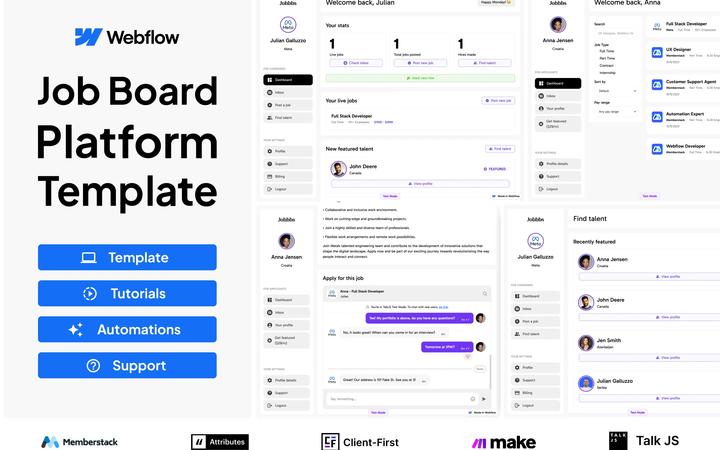
Premium Job Board
Ultimate Job Board Template | Fully Supported
 by Memberstack Team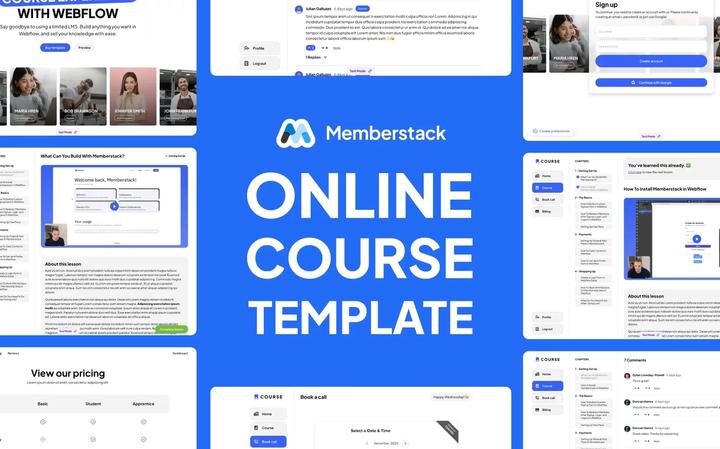
Premium Course Template
Premium Course Template | 100% Customizable
by Memberstack Team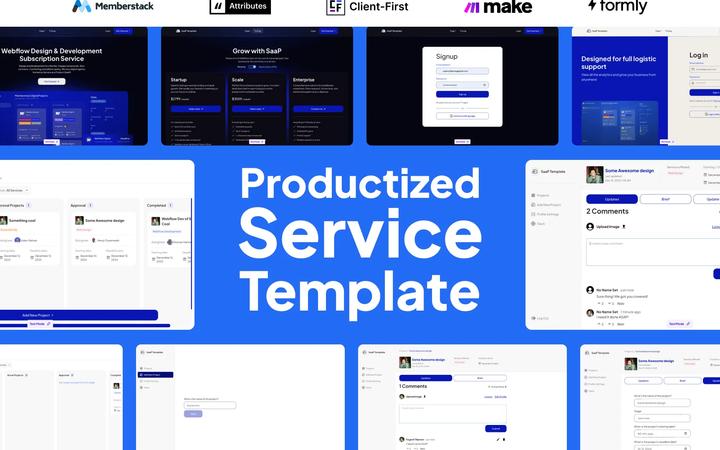
Productized Service Template
Productized Service Template | 2 Dashboards Included
by Memberstack Team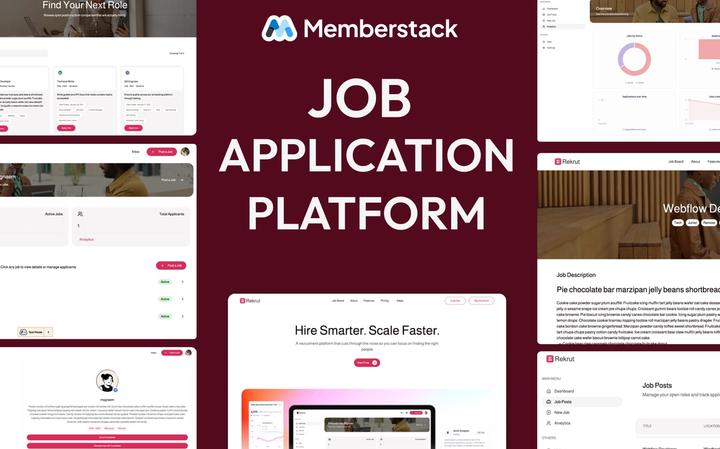
Job Application Platform Template
The recruitment platform template that lets you own your hiring process powered by Webflow + Memberstack.
by Memberstack Team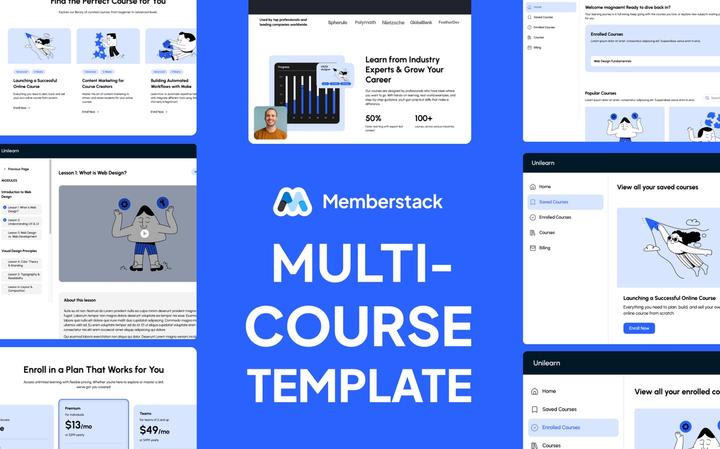
Multi Course Template
Multi-course Template - Unlimited lessons, courses and fully Customizable!
by Memberstack Team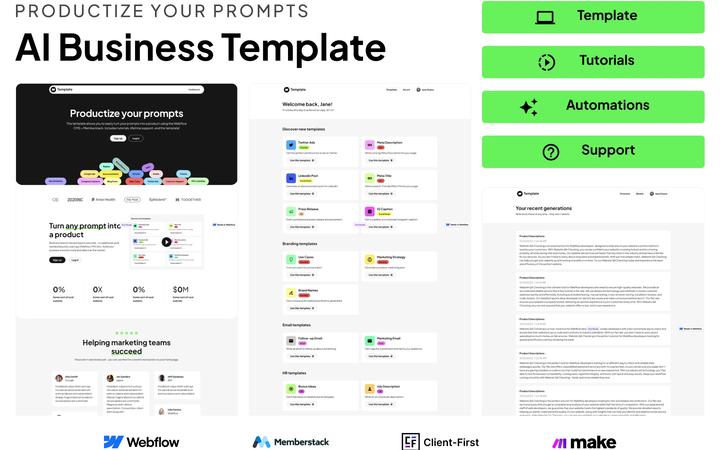
Premium AI Business Template
Premium AI Business Template
by Memberstack Team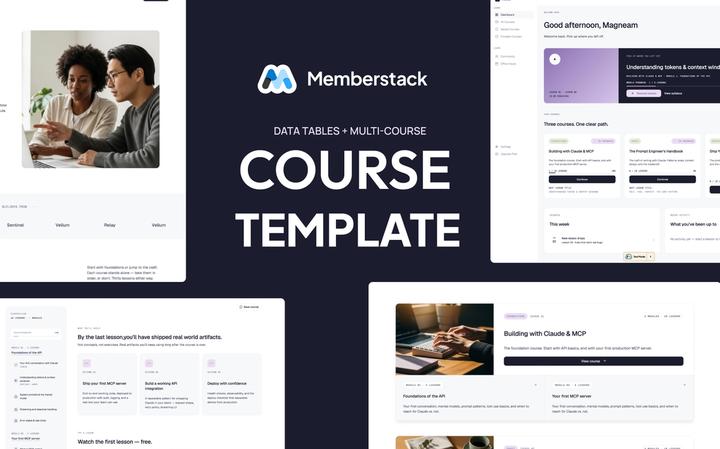
Course Template (data tables)
Sell unlimited courses on Webflow + Memberstack, with drip-locked lessons and a member dashboard that works out of the box.
by Memberstack Team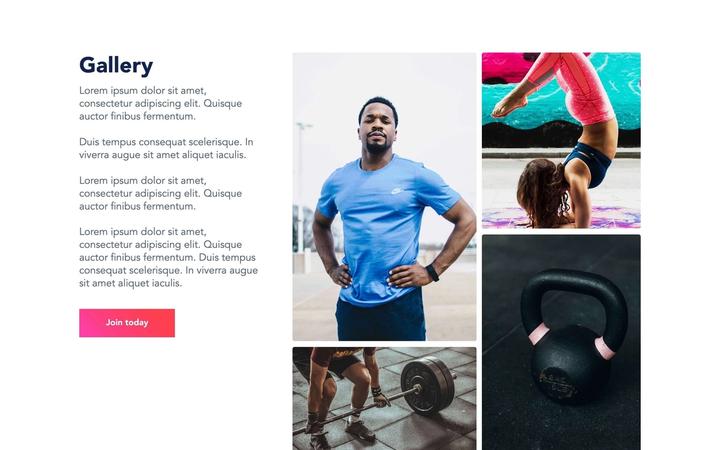
#4 - Fitness Template
Complete PT Dashboard
Vetted freelancers and agencies ready to build your membership site with Memberstack.
Browse all experts
Manuel Ogomigo

Raquel Lopez
AJ

BRIX Templates

Corey Moen

Che IT Group
Basic
For creators launching their first membership site.
Professional
For growing businesses that need more members and lower fees.
Business
For scaling teams that want near-zero transaction fees.
Established
For large-scale apps — zero transaction fees, dedicated support.
Join the Slack Community
Connect with builders using AI tools + Memberstack
Everything you need to build
Authentication, payments, and data management — all in one platform.
Have a different idea? We can probably help.
Talk to usDiscover
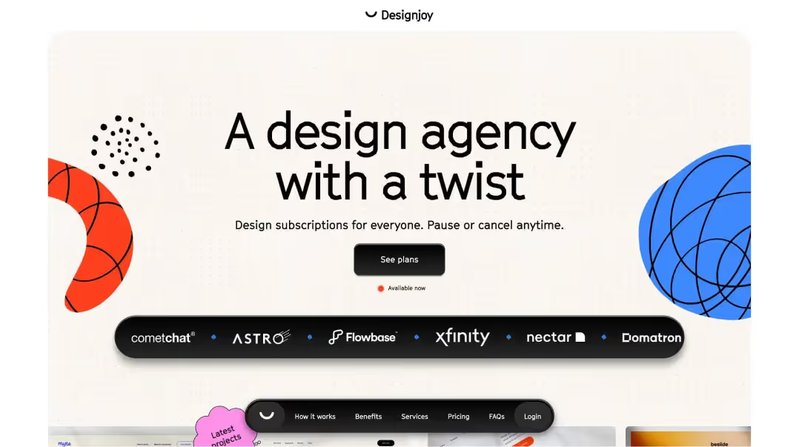
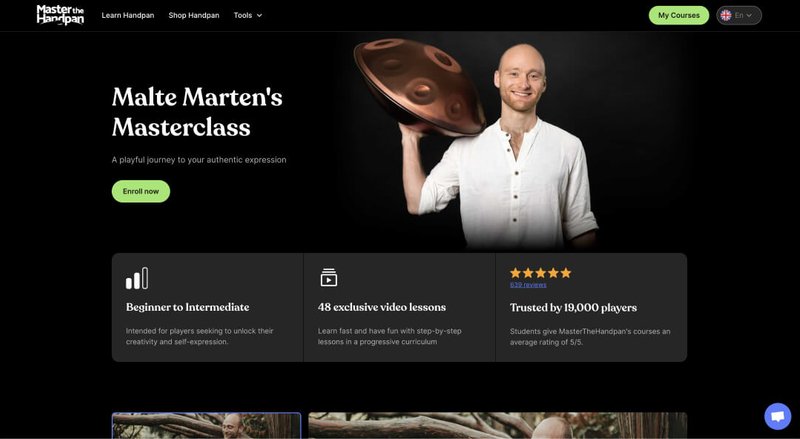
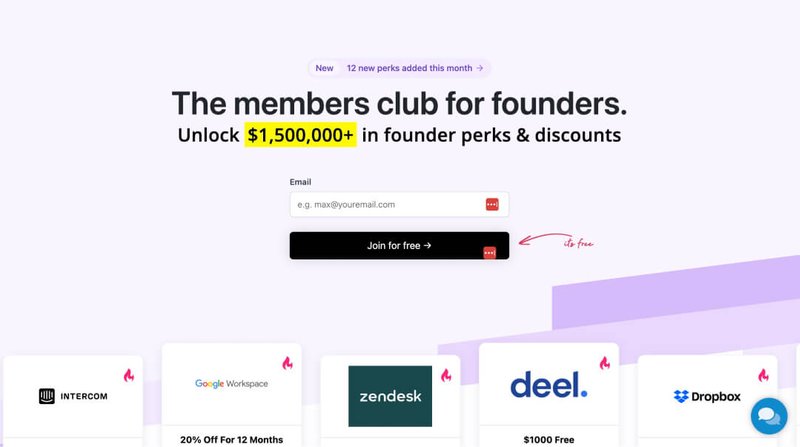
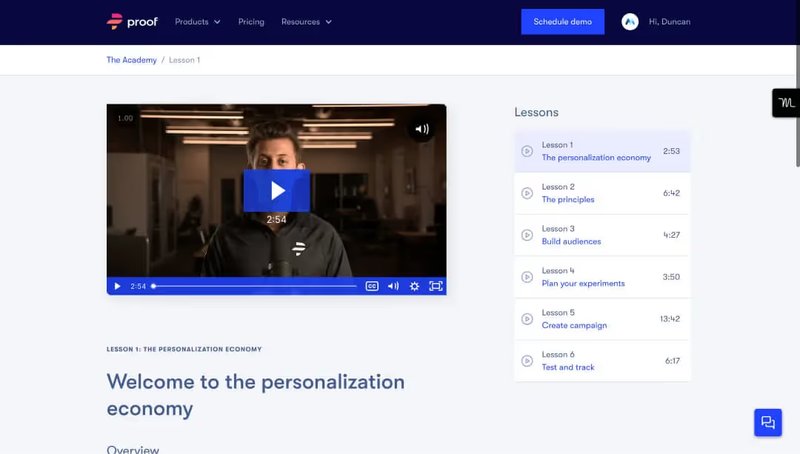
Explore sites built with AI tools + Memberstack.









Got questions? We've got answers
Everything you need to know about Memberstack. Can't find what you're looking for? Reach out to our team.
Memberstack works with any AI coding tool — including Claude Code, Cursor, Bolt, Replit, and more. Our MCP provides the deepest integration with Claude and Cursor, but our SDK and API work seamlessly with code generated by any AI assistant.
Yes. With our MCP (Model Context Protocol) integration, you can set up auth, payments, and databases just by describing what you need to Claude or Cursor — no coding knowledge required. The AI handles the configuration for you.
Not at all. Memberstack is designed to be easy for non-technical builders while still being flexible for developers, so you can build a full membership site with AI tools even if you don't write code yourself.
No. Unlike solutions that require you to set up OAuth apps in the Google Cloud Console, Memberstack's Google sign-in works immediately — just enable it in your dashboard or ask your AI assistant, and your users can sign in with Google right away.
Yes. Memberstack is SOC2 compliant and GDPR ready, and handles the security complexity — encryption, session management, and secure authentication — so you can ship with confidence.
Yes — Memberstack is completely free while you're building, with no credit card required. You can set up your entire authentication system, payment plans, and databases without entering any payment information, and only start paying when you're ready to go live with real users.