Design it in Webflow.
Power it with Memberstack.
Real auth, payments, and gated content — styled 100% in Webflow, pixel for pixel. Go on, restyle a live component. 👇
Members only
Log in to access this course
Ready-to-launch membership templates so you can start your business in days, not months.
Browse all templates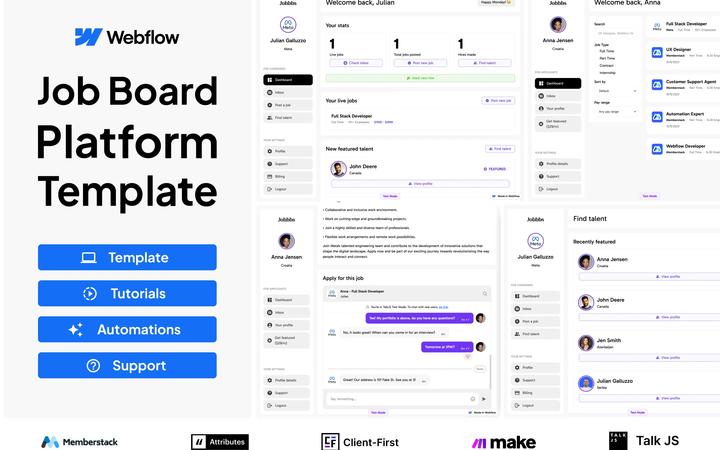
Premium Job Board
Ultimate Job Board Template | Fully Supported
 by Memberstack Team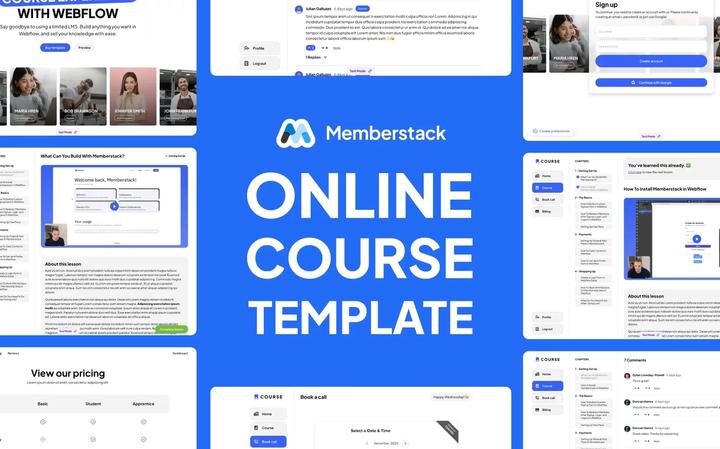
Premium Course Template
Premium Course Template | 100% Customizable
by Memberstack Team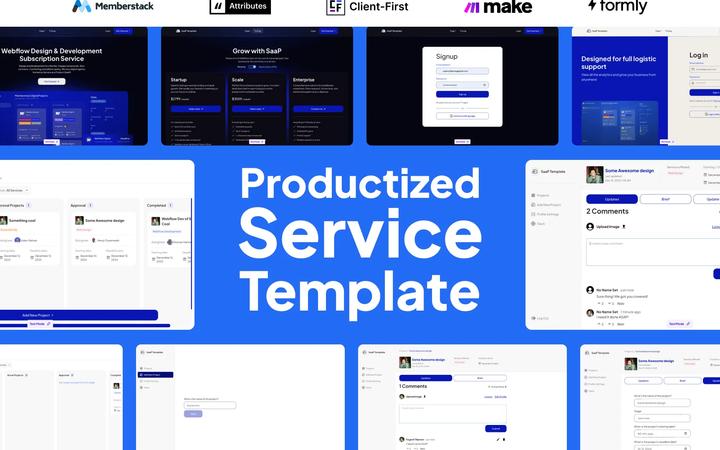
Productized Service Template
Productized Service Template | 2 Dashboards Included
by Memberstack Team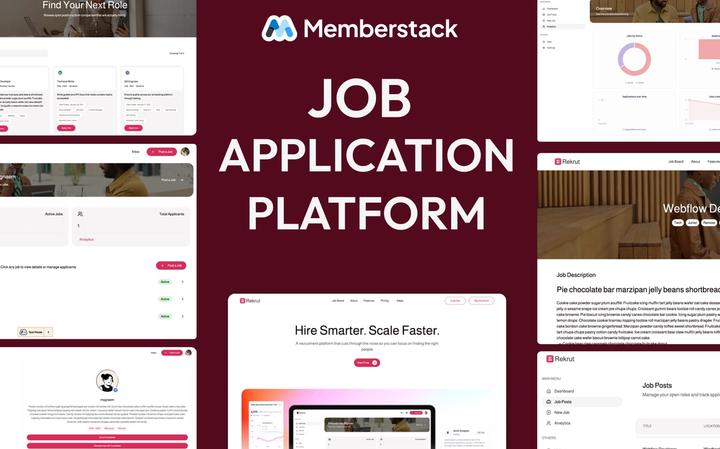
Job Application Platform Template
The recruitment platform template that lets you own your hiring process powered by Webflow + Memberstack.
by Memberstack Team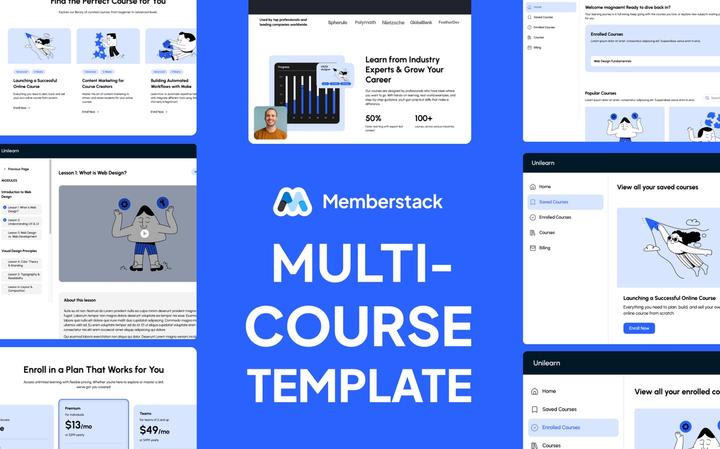
Multi Course Template
Multi-course Template - Unlimited lessons, courses and fully Customizable!
by Memberstack Team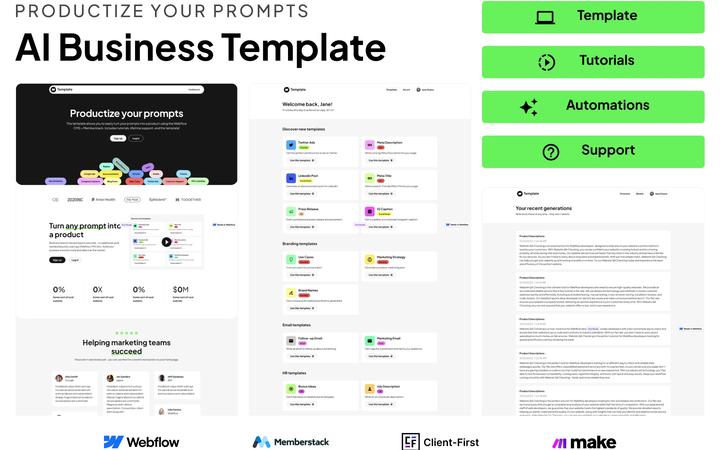
Premium AI Business Template
Premium AI Business Template
by Memberstack Team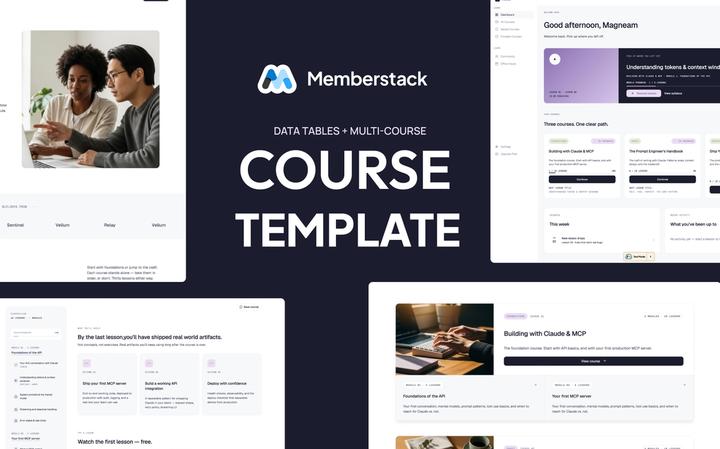
Course Template (data tables)
Sell unlimited courses on Webflow + Memberstack, with drip-locked lessons and a member dashboard that works out of the box.
by Memberstack Team
#4 - Fitness Template
Complete PT Dashboard
In-depth articles, tutorials, and best practices for building with Webflow + Memberstack.
Browse all articles5 Free Webflow Cloneables Worth Your Attention Right Now
The Made in Webflow page is still producing great work. Here are five free cloneables, from scroll-driven transitions to full landing page templates, that you can grab and use in your projects today.
Huddle Kit Review: A Better Way to Manage Webflow Client Feedback
An article that walks you through using Huddle Kit, a tool for gathering website feedback from clients.
What is the Webflow Cloud?
Webflow Cloud is not just a faster hosting or a minor infrastructure update. It is a complete reimagining of what you can build in Webflow.
How Flow Ninja Became the Biggest Webflow Agency in the World
Read here how did Uros Mikic start Flow Ninja with nothing but determination and a love for building and turn it into a wildly successful company.
We asked 5 Webflow Experts how they hire developers. Here's what they look for.
We spoke with 5 Webflow experts, from solo freelancers to agency owners. Here’s what they told us, the stuff they look for, the stuff that makes them walk away, and how they land on the one.
Webflow Component Canvas: How to Stop Duplicating Components
Webflow's new Component Canvas lets you create one component with multiple variants instead of duplicating the same component over and over.
Build a Bento Grid in Webflow Using Claude Design and Flowboard
Webflow Conf 2026 Recap: New CMS Components, Breakpoint Canvas & the Future of the Builder
A walk through the most relevant updates from Webflow Conf 26 and how you would actually use them day to day.
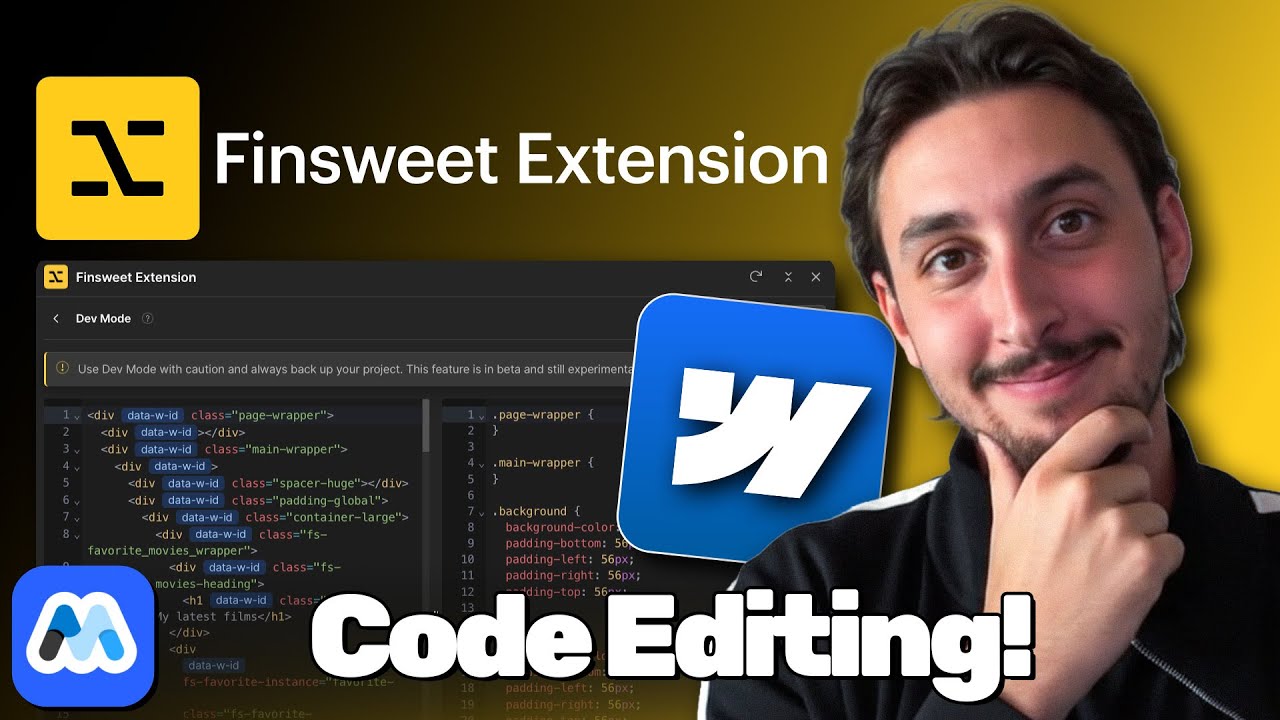
FINALLY you could edit Webflow Code (Finsweet Extension!)
Learn how Finsweet's extension lets you edit custom code directly in Webflow.

Building a Webflow Site with Perfect Client-First Using the Webflow MCP - WF Weekly 16
Build a full Webflow site using Client-First naming conventions with MCP.

How to Build an Animated Accordion in Webflow (IX3 Tutorial)
Step-by-step tutorial for creating smooth animated accordions with Webflow IX3.

WF Updates + 5 New (Beautiful!) Cloneables - WFWeekly #3
Webflow product updates and five new free cloneable projects to explore.

Use This To Build Custom CMS Filters In 5 Minutes (Webflow Code Components) - WF Weekly #21
Build custom CMS collection filters quickly using Webflow code components.

Relume vs Webflow AI: Which Site Builder is Better?
Head-to-head comparison of Relume and Webflow AI for site generation.
Copy-paste scripts that solve common problems and add powerful features to your site.
Browse all scripts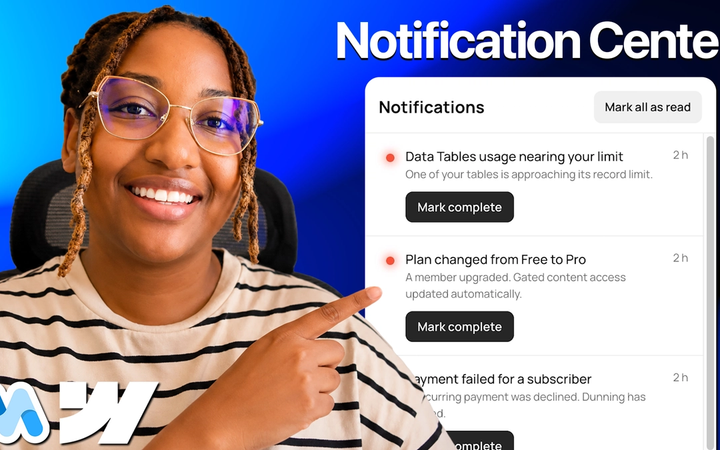
#257 - Data Tables Notification Center
Give members a bell with unread counts, a full notification list, and a detail view that opens without leaving the page.

#256 - Save & Restore Scroll Position
Put people back exactly where they stopped reading instead of dropping them at the top of the page again.

#255 - Hold to Confirm Buttons
Make people press and hold before anything irreversible happens, with a fill that shows exactly how long is left.

#254 - Double Click to Confirm Buttons
Stop accidental deletes and cancels, the first click asks “Sure?”, and only a second click within a few seconds runs the action.
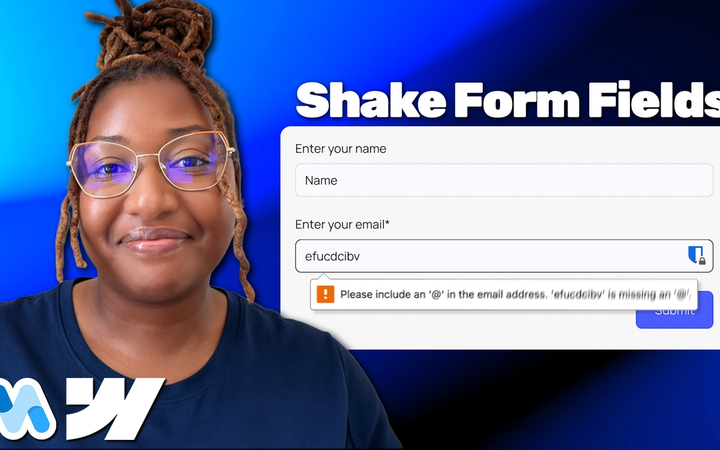
#253 - Shake Form Fields on Error
Give a failed form submission a quick shake, so people can see straight away which field needs their attention.

#252 - Smooth Anchor Scrolling
Make every jump link on your page glide to its section instead of snapping there.

#251 - Redirect After Plan Cancellation
Send members to a confirmation or goodbye page automatically once they cancel a plan.
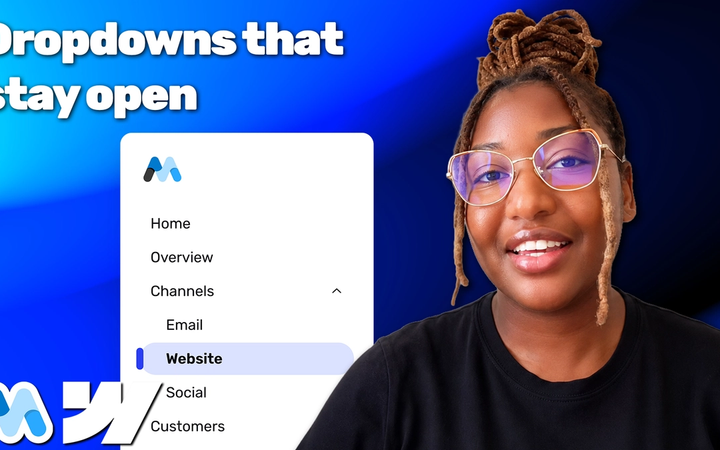
#250 - Keep Sidebar Dropdown Open on Current Page
Open sidebar dropdown or accordion automatically when a visitor lands on one of its child pages.
Build any project faster with our massive library of free Webflow components.
Browse all components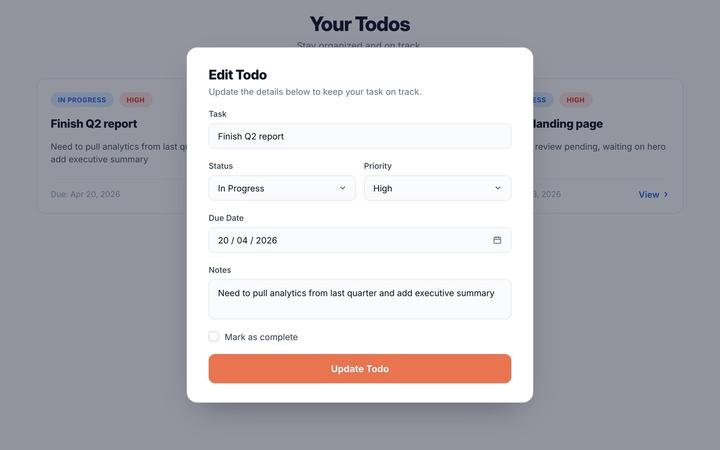
Edit Data Table Records
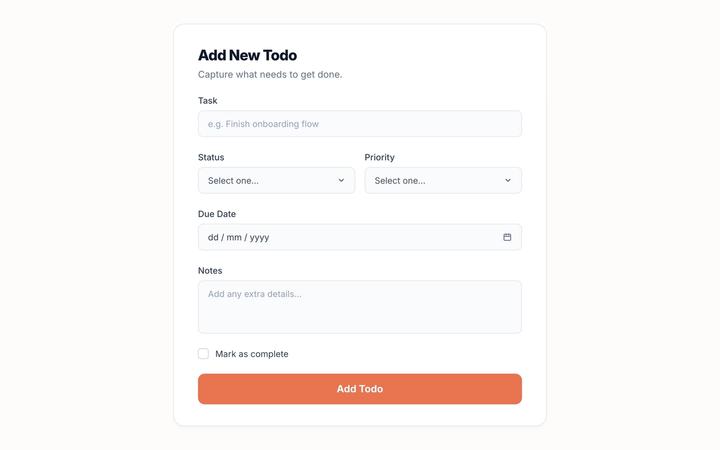
Create Data Table Record
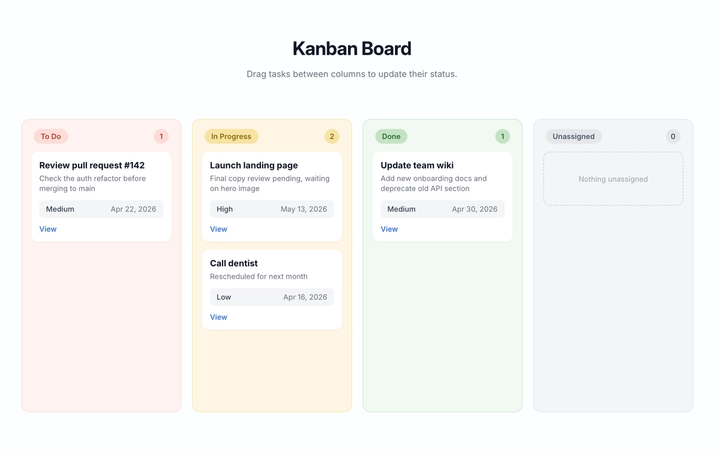
Kanban View (Data Tables)
Pagination (Data Tables)
Search Inputs (Data Tables)
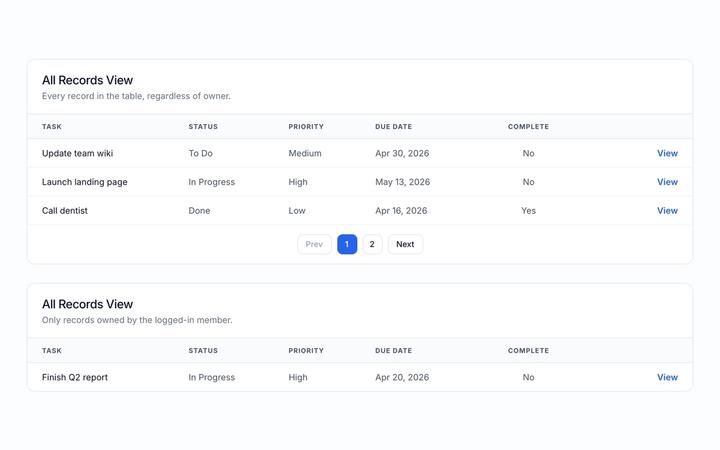
Table List View (Data Tables)
Complete reference for all Memberstack data attributes and how to use them in Webflow.
Browse all attributesdata-ms-plan:addHow to Create a Free Plan
Add a free plan before or after signup.
data-ms-price:addHow to Create a Paid Plan in Memberstack
Join or add a paid plan in addition to existing paid plans.
data-ms-price:updateHow to Create a Paid Plan in Memberstack
Join or switch between paid plans (recommended for most sites).
data-ms-bind:styleCSS | Apply Styling
This feature lets you add styling to an element on your published site.
data-ms-memberSingle Checkboxes
Record a member’s choice as true or false.
data-ms-memberCheckbox Groups
Store multiple choices in a comma separated list.
data-ms-valueCheckbox Groups
Set the value of a Checkbox inside of a group of checkboxes.
data-ms-price:removeHow to Create a Paid Plan in Memberstack
Remove any previously selected paid plans prior to signup.
Step-by-step guides, troubleshooting, and answers to get you building fast.
Browse all articlesInstalling Memberstack in Webflow
Installing Memberstack in Webflow
Step-by-step guide to installing the Memberstack header script in your Webflow project.
Create a Signup Form in Webflow
Create a Signup Form in Webflow
Build a signup form in Webflow using Memberstack data attributes.
Default Redirects & Plan Redirects
Default Redirects & Plan Redirects
Configure where members go after signup, login, and logout — globally and per plan.
Getting Started with Plans & Prices
Getting Started with Plans & Prices
Learn how to configure free and paid plans for your membership site.
Understanding Member Data in Memberstack
Understanding Member Data in Memberstack
Understand Custom Fields, Metadata, and JSON for storing and using member data.
API reference, SDKs, and technical documentation for developers building with Memberstack.
Browse all docsMCP Server
Connect Memberstack to AI tools with the Model Context Protocol. Let AI agents manage members and plans.
DOM Package
Integrate Memberstack authentication using JavaScript. Perfect for HTML/CSS/JS sites and Webflow custom code.
Admin Package (REST)
Direct REST API access for complete control. Create custom integrations and automate member management.
Admin Package (Node.js)
Official Node.js SDK for server-side integration. Build secure backend services with type-safe methods.
Vetted freelancers and agencies ready to build your membership site with Memberstack.
Browse all experts
Raquel Lopez
AJ

BRIX Templates

Corey Moen

Che IT Group

Manuel Ogomigo
Basic
For creators launching their first membership site.
Professional
For growing businesses that need more members and lower fees.
Business
For scaling teams that want near-zero transaction fees.
Established
For large-scale apps — zero transaction fees, dedicated support.
Join the Slack Community
Connect with 5,500+ Webflow builders using Memberstack
Everything you need to build
Authentication, payments, and data management — all in one platform.
Have a different idea? We can probably help.
Talk to usBuilt in Webflow, powered by Memberstack
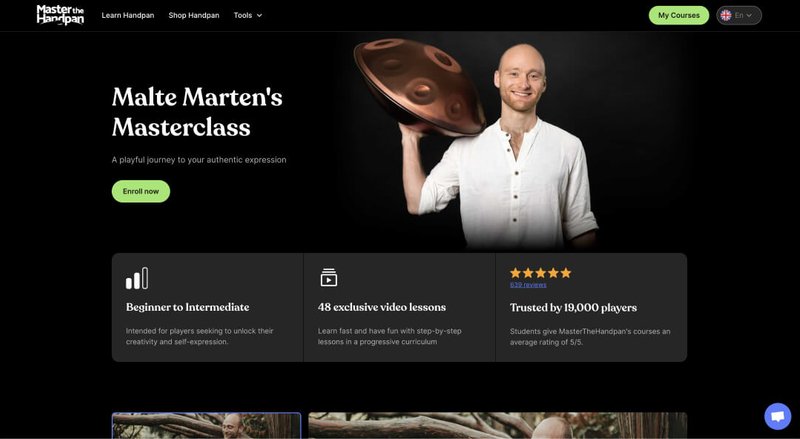
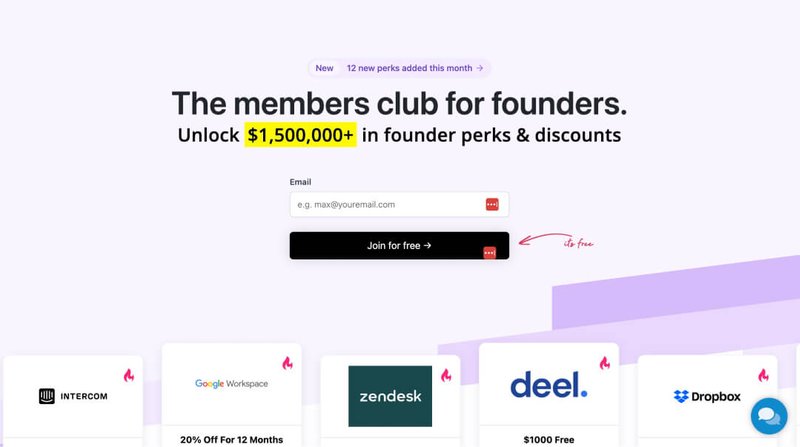
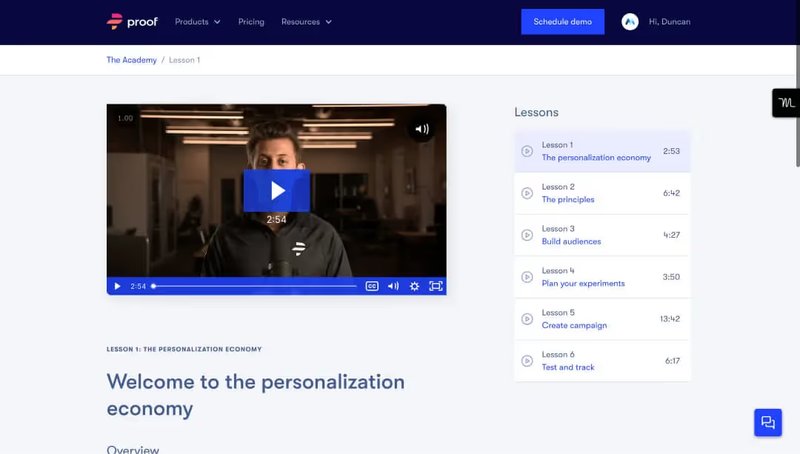
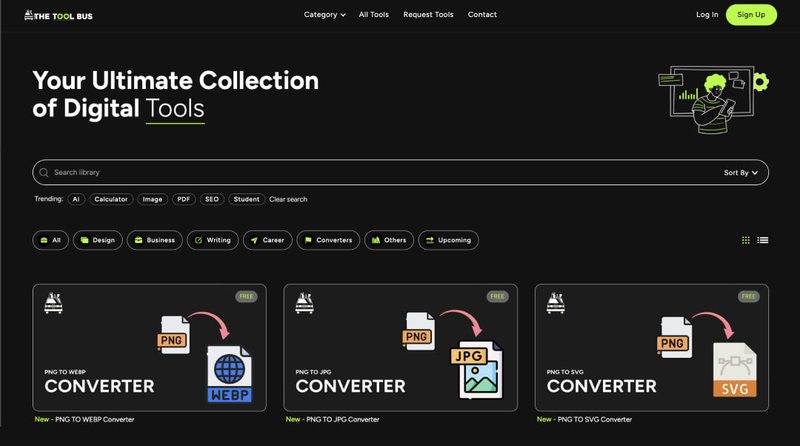
Real membership sites, courses, and communities — designed in Webflow and running on Memberstack.










Got questions? We've got answers
Everything you need to know about Memberstack. Can't find what you're looking for? Reach out to our team.
Yes — Memberstack is built for Webflow. You design your site in Webflow and power it with Memberstack: real authentication, Stripe payments, and gated content, styled 100% in Webflow, pixel for pixel. Top Webflow agencies like Relume, Finsweet, Flowbase, Refokus, Whiteboard, and Brandweld use Memberstack to build client projects with user auth, gated content, and Stripe payments.
Copy your personalized install script from the Install Code section of your Memberstack dashboard, then in the Webflow Designer open Site Settings → Custom Code and paste it into the Head Code section. The Webflow Package — the data attributes that connect Memberstack to your project — is included in that install script, so once it's added you can start adding Memberstack features to your elements.
Yes — 100%. Every part of your membership UI, from login and signup to member dashboards, profile screens, and forgotten-password flows, is built and styled in Webflow according to your own visual style. Memberstack uses data attributes to tap into your Webflow project, so you keep complete design control, pixel for pixel.
No. You add Memberstack features by selecting an element in Webflow and choosing the feature you need — Memberstack adds the appropriate data attributes for you. This means you can build everything from profile screens to forgotten-password flows visually, according to your own style, without writing code.
Real membership sites, online courses, and communities — designed in Webflow and running on Memberstack. Add authentication, Stripe payments, and gated content to the site you already have. It's free until you're ready to go live.
All of Memberstack's features are free to try (no credit card) on a test site for an unlimited amount of time — you only pay when your website is ready to accept real members. Paid plans start at $29/mo ($25/mo billed yearly) for the Basic plan with up to 1,000 members — see full pricing. And if you're building for the Webflow community, you can get the Basic plan free.
Add real memberships to your Webflow site.
Authentication, payments, and gated content — designed 100% in Webflow, powered by Memberstack. Free until you launch.