Gated content
You have members and plans. Now make the plans mean something. You’ll lock pages and CMS items to the right plans, show and hide parts of a page, nudge visitors to sign up, and finish by switching the site live.
By the end you’ll have
- Pages, folders and CMS items locked to the right plans
- Content that changes for each plan
- A site switched from test mode to live
 4:00
4:00
Gate your first page
Lock a page to logged-in members or a specific plan, and choose where everyone else goes.
- Gating
 0:58
0:58
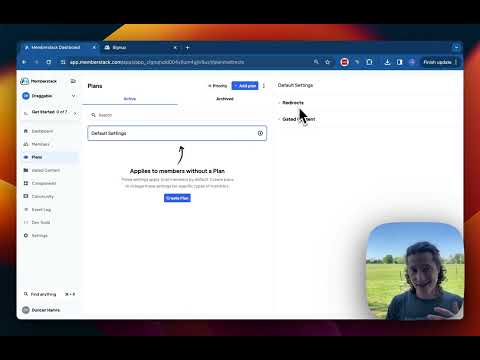
Defaults for members without a plan
Set where members without a plan go and what they can see, then override it per plan.
- Settings
- Redirects
 1:39
1:39
Show content to one plan
Show an element to members on a plan and remove it from the page for everyone else.
- Conditional visibility
- MemberScripts
 5:48
5:48
Metered paywall for articles
Give visitors a few free articles a month, then show a paywall that asks them to sign up or upgrade.
- Gating
- MemberScripts
 11:24
11:24
Every way to gate content
Gated content, restricted URLs, hosted content and visibility: when to use each.
- Gating
 1:46
1:46
Go live
The checklist for switching from test mode to live before real members arrive.
- Launch
Next journey · 5 lessons
Logins and security
Social login, passwordless and two-factor for your members.