Memberstack University · 48 free lessons
Learn Memberstack, one lesson at a time.
Short lessons that take you from a blank Webflow site to paying members. Pick a journey and watch it in order, or search for the one thing you need.
This is v1 of Memberstack University, built from the tutorials we’ve put so much work into over the years. We’d like to make a more organized series.








Journey 1: Getting started
Install Memberstack and get members signing up and logging in.
7 lessons
Open the journey- The whole build in 10 minutesA fast run through everything this course covers: signup, plans, payments and gated content on one Webflow site.9:24
- Install Memberstack on WebflowAdd the Memberstack script to your Webflow site.0:40
- Build a custom signup formTurn any Webflow form into a working signup form with Memberstack attributes.2:45
- Create a login formAdd a login form, custom or pre-built, plus a logout button.1:57
- Redirect members after signup, login and logoutSend members to the right page every time they sign up, log in or log out.1:42
- Navbars for members and visitorsGive public pages and member pages their own navbar, and keep both easy to manage.1:31
- Give members a profile pageOpen Memberstack’s profile modal from any button so members can manage their account.1:18
Journey 2: Plans and payments
Create free and paid plans, connect Stripe and get people checking out.
10 lessons
Open the journey- Create a free planCreate a free plan in the dashboard and add it to your site.1:51
- Where free plan buttons goAdd a free plan before, during or after signup, and the attribute for each.2:41
- Connect Stripe and create a paid planConnect your Stripe account, create a paid plan and put it on your site.3:27
- Where paid plan buttons goSend people to checkout before, during or after signup.3:41
- Sell one-time plansCharge once instead of on a subscription.1:11
- Cancel a subscription when someone buys lifetimeUse Plan Logic to cancel a monthly plan when a member buys lifetime access.3:10
- A pricing table members can pick fromLet people pick a plan with radio buttons and check out with one button.5:18
- Show members which plan they’re onSwap the button on a member’s current plan for a “Current plan” label.1:27
- Discounts and promo codesCreate discounts and checkout codes from the Memberstack dashboard.3:41
- Free access that expires (no card)Give a free plan for a set number of days, no card needed, and remove it when time’s up.4:14
Journey 3: Gated content
Decide who sees what, then launch.
6 lessons
Open the journey- Gate your first pageLock a page to logged-in members or a specific plan, and choose where everyone else goes.4:00
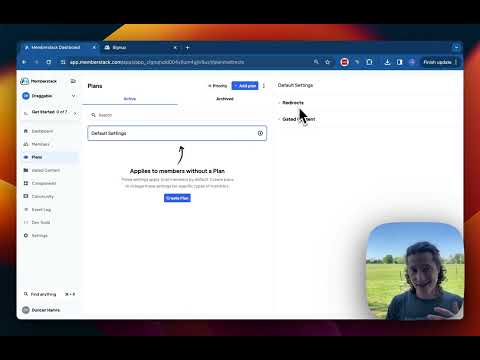
- Defaults for members without a planSet where members without a plan go and what they can see, then override it per plan.0:58
- Show content to one planShow an element to members on a plan and remove it from the page for everyone else.1:39
- Metered paywall for articlesGive visitors a few free articles a month, then show a paywall that asks them to sign up or upgrade.5:48
- Every way to gate contentGated content, restricted URLs, hosted content and visibility: when to use each.11:24
- Go liveThe checklist for switching from test mode to live before real members arrive.1:46
Journey 4: Logins and security
Social login, passwordless and two-factor for your members.
5 lessons
Open the journey- Add Google loginLet members sign up and log in with their Google account.4:10
- Add Facebook loginCreate the Facebook app and connect it to Memberstack.5:08
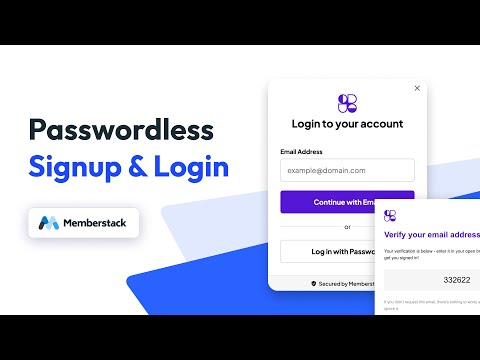
- Passwordless loginMembers sign up and log in with a one-time code instead of a password.3:58
- Two-factor authenticationLet members turn on 2FA with an authenticator app.10:07
- Slow down brute-force loginsThrottle repeated failed logins and add a security check.2:32
Journey 5: Member data
Use member data to change pages and let members save their own.
5 lessons
Open the journey- Show elements based on a custom fieldShow or hide an element depending on what’s in a member’s custom field.1:39
- Let members save their own dataSave items to each member’s JSON with attributes and show them back.5:07
- Save form submissions to Data TablesStore a single value, a group of fields or a growing list from any Webflow form.6:10
- Build a saved items listLet members save CMS items to a favorites list stored in Data Tables.4:27
- Build a searchable member directoryList members from a Data Table with live search and a profile page for each one.9:14
Journey 6: Keep and grow members
Onboard new members, reach the right ones and stop cancellations.
8 lessons
Open the journey- Welcome new members with a tourWalk new members around your site the first time they log in.3:33
- An onboarding checklistA checklist with a progress bar that ticks off as members finish setup.3:14
- Group members with SegmentsBuild saved groups from plan, activity and custom fields that stay up to date.3:33
- Email the right membersFilter your members, design a template and send a campaign from the dashboard.8:00
- Save members who try to cancelCatch the cancel click and offer a coupon before the member goes.8:41
- Let members pause insteadA pause button so members can stop billing for a while instead of cancelling.7:47
- Win back cancelled membersShow cancelled members a banner that brings them back to a plan.3:21
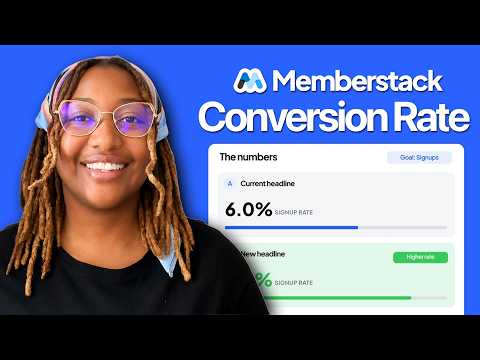
- A/B test your pagesSplit-test headlines, pricing and buttons to see what converts.4:15
Journey 7: Build with AI
Use AI tools that know Memberstack to build faster.
7 lessons
Open the journey- Set up plans and gating with ReyAsk Rey, the assistant in your dashboard, to create plans and gated content for you.2:03
- Teach Claude Code MemberstackGive Claude Code the Memberstack docs so it stops guessing at auth and payments.1:56
- Teach Cursor MemberstackThe same setup for Cursor.2:27
- Data Tables for AI-built appsUse Data Tables as the database for an app you build with Claude Code.7:02
- Build a SaaS app with Claude CodeA full build from an empty folder: a working app with Memberstack accounts and a members-only area.22:47
- The Memberstack MCPConnect the Memberstack MCP and build an app with login, a database and payments.13:08
- Build a Webflow membership site with AIUse the Webflow and Memberstack MCPs together to build signup, login and gated pages.9:20