Distinct File Uploader

Back

Component Description(Generated by AI)

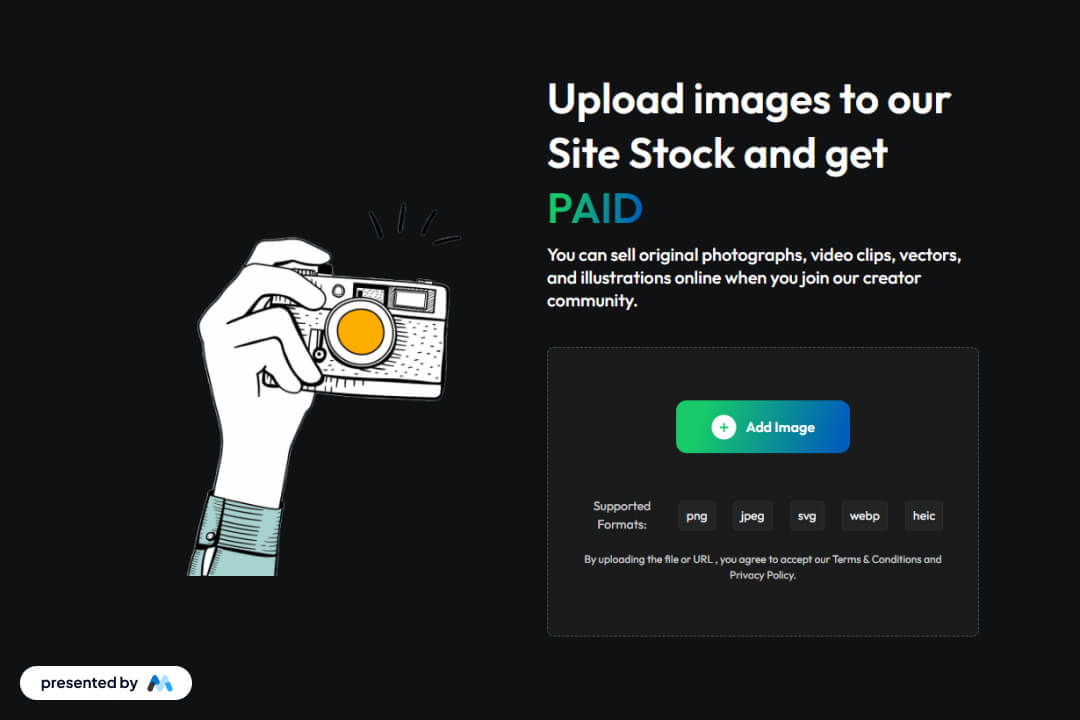
The Distinct File Uploader is a Webflow component designed to facilitate the uploading of various file types, particularly images, by users. It features a user-friendly interface that allows for easy file selection and submission, making it suitable for websites that require user-generated content.

Key Features

  • Supports multiple file formats including png, jpeg, svg, webp, and heic.Includes a form for user submissions with success and error messages.Responsive design that adapts to different screen sizes.Customizable styles for a unique look and feel.

Design Elements

  • Utilizes a clean layout with a focus on usability and accessibility.Incorporates a dashed border around the upload area to indicate interactivity.Employs a centered alignment for content, enhancing visual balance.Features a modern color scheme with contrasting text for readability.

Potential Use Cases

  • Photography websites where users can upload and sell their images.Creative portfolios that allow artists to share their work.E-commerce platforms that accept user-generated content.Community-driven sites that encourage user submissions.

Conclusion: The Distinct File Uploader is a practical component for any Webflow project that requires file uploads, offering flexibility and ease of use for both developers and end-users.

Related Components

More components you might find useful

Autocomplete Address Form
View Component
Input

Autocomplete Address Form

The Autocomplete Address Form is a user-friendly form component designed to streamline the process of entering address details by providing autocomplete suggestions. It enhances user experience by reducing input errors and speeding up form completion. Key Features Includes fields for Address, ZIP Code, City, Region, and Country.Provides success and error messages upon form submission.Responsive design suitable for various devices.Customizable input fields with placeholder options.Live preview available for testing. Design Elements Clean and modern layout with a flexible form structure.Utilizes a light color scheme with subtle borders and shadows.Labels are clearly defined with a margin for better readability.Input fields are styled with rounded corners and focus effects. Potential Use Cases E-commerce websites requiring shipping address collection.Real estate platforms for property inquiries.Event registration forms needing attendee address details.Subscription services that require user address verification.Contact forms for businesses that need location information. Conclusion: The Autocomplete Address Form is a versatile and efficient solution for any website needing address input, enhancing user experience while ensuring accurate data collection.
Increase & Decrease Select Value
View Component
Input

Increase & Decrease Select Value

This component allows users to easily increase or decrease a selected value from a dropdown menu using intuitive buttons. It enhances user experience by providing a visual and interactive way to select options. Key Features Interactive buttons to increase or decrease selection Responsive design suitable for various devices Includes success and error messages for form submissions Design Elements: Flexbox layout for alignment and spacing Rounded borders with a solid color scheme Custom styles for select dropdown and buttons Minimalistic design with clear visual cues Potential Use Cases: E-commerce websites for quantity selection Survey forms requiring numerical input Booking systems for selecting dates or times Educational platforms for quiz or test responses Conclusion: The Increase & Decrease Select Value component is a versatile tool that enhances user interaction on forms, making it ideal for various applications across different industries.

File Upload Portal
View Component
Input

File Upload Portal

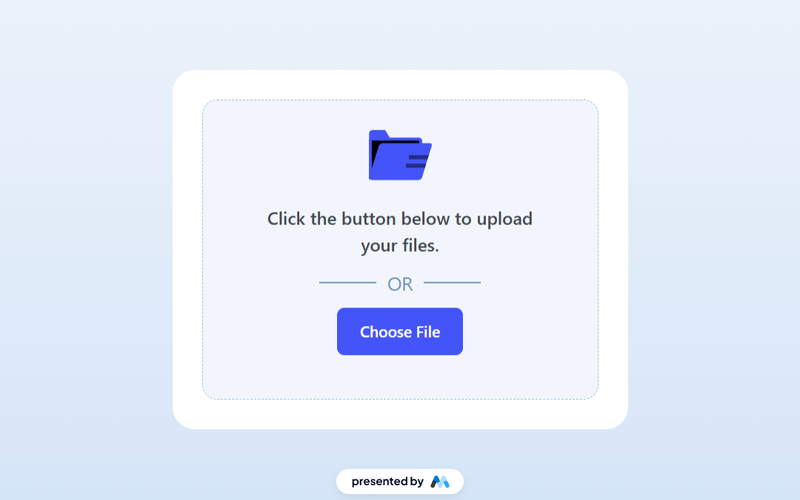
The File Upload Portal is a Webflow component designed to facilitate file uploads from users. It features a user-friendly interface that allows users to easily select and upload files, with visual feedback upon successful submission. The component includes a button for browsing files and displays messages for both successful and failed submissions. Key Features File upload functionality with a dedicated button for browsing files.Success and error messages to inform users about the status of their submission.Responsive design that adapts to different screen sizes.Customizable styles for buttons and messages. Design Elements Light color scheme with a gradient background for the upload section.Rounded corners on containers for a softer visual appearance.Centered layout that enhances user focus on the upload process. Potential Use Cases Web applications requiring user file submissions, such as job applications.E-commerce platforms that allow customers to upload product images.Educational websites where students can submit assignments.Event registration sites that need document uploads from attendees. Conclusion: The File Upload Portal is a practical component for any website needing file upload capabilities, providing essential features and a clean design that enhances user experience.

hCaptcha Dark
View Component
SignupInput

hCaptcha Dark

The hCaptcha Dark component integrates with hCaptcha to provide secure and spam-free forms for your website, enhancing user experience and security. Key Features Easy integration with h Captcha for form security Dark mode design for modern aesthetics Responsive layout suitable for various devices Customizable appearance to match website branding Design Elements Dark color scheme for a sleek lookMinimalist design with a focus on functionalityPositioned elements for optimal user interaction Potential Use Cases E-commerce websites needing secure checkout forms Blogs and content sites wanting to prevent spam comments Corporate websites requiring secure contact forms Event registration pages to filter out bots Any website looking to enhance form security and user trust Conclusion: The hCaptcha Dark component is a versatile solution for enhancing form security while maintaining a stylish, modern design, making it suitable for a wide range of applications.