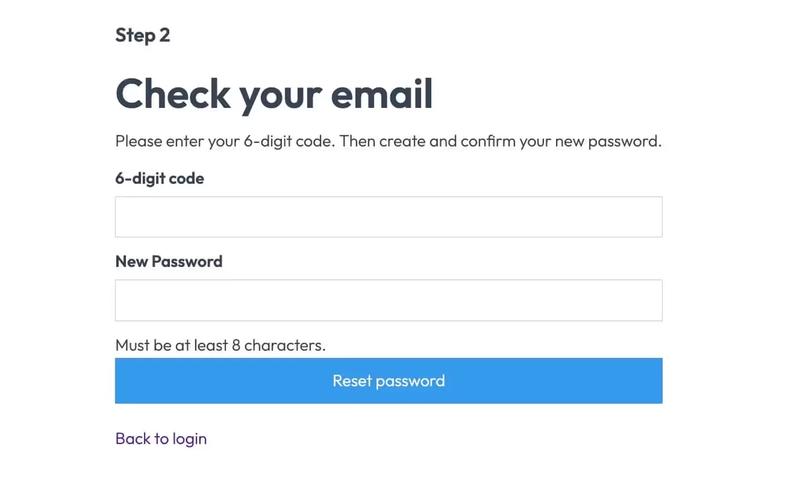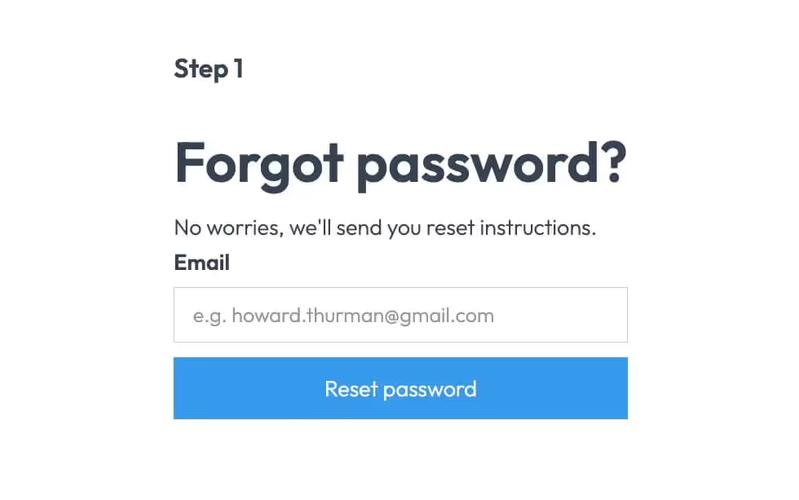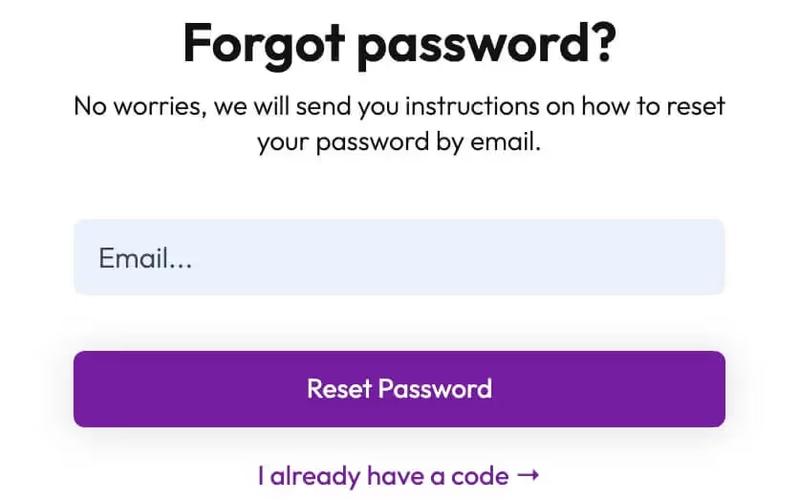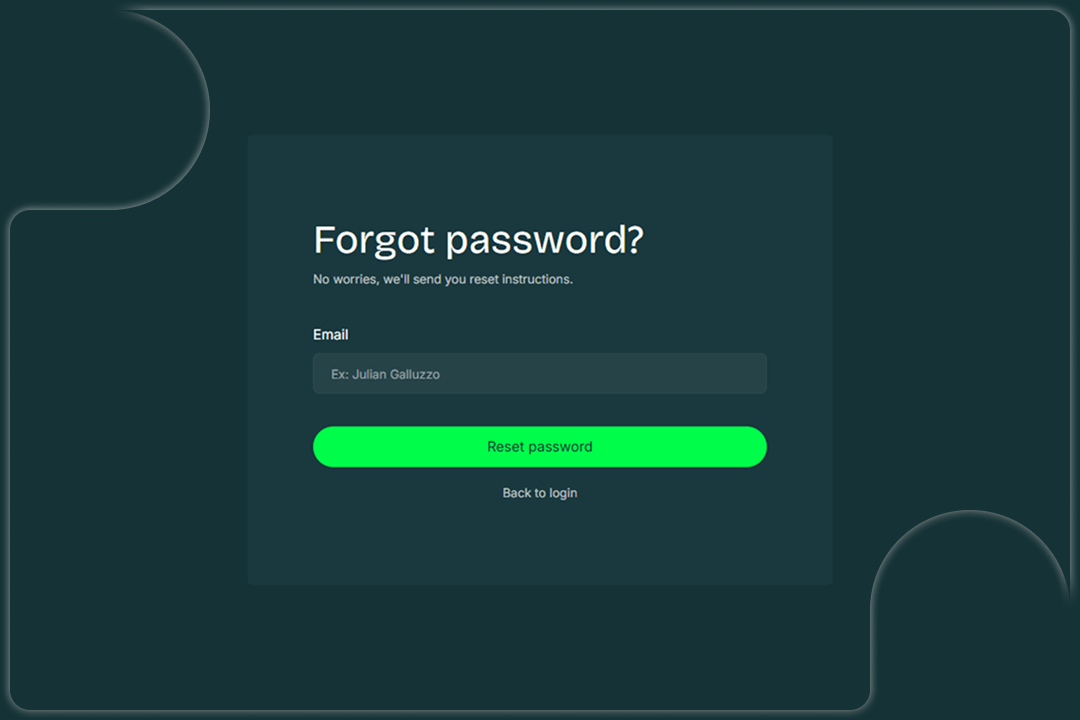
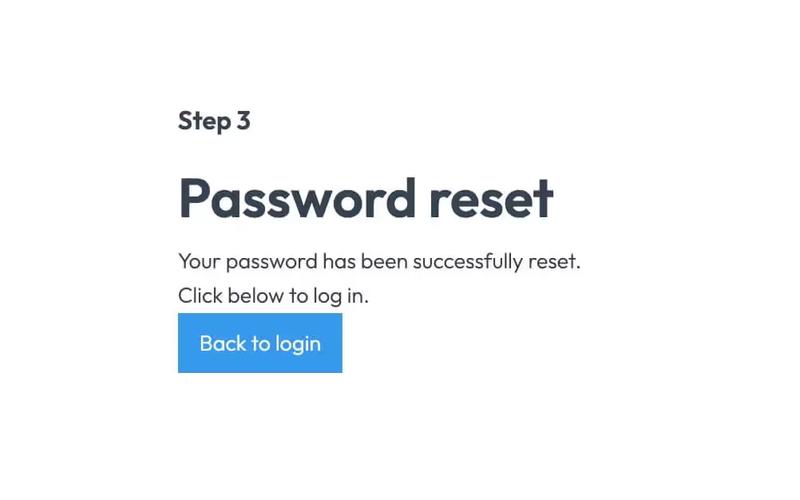
The Invest Forgot Password component is designed to facilitate user password recovery by providing a simple and effective interface for users to request password reset instructions. It includes a form for email input and user feedback messages upon submission.
Key Features
- Email input field for users to enter their email address.Submit button labeled 'Reset password' to initiate the password recovery process.Success message displayed upon successful submission: 'Thank you! Your submission has been received!'Error message displayed if submission fails: 'Oops! Something went wrong while submitting the form.'Link to return to the login page.
Design Elements
- The component features a dark background (#153236) with white text for high contrast.Rounded corners on input fields and buttons for a softer visual appeal.Centered layout with flexbox for alignment and spacing.Typography is set to use the 'Inter' font family for a clean and readable appearance.Responsive design elements that adjust based on screen size.
Potential Use Cases
- Web applications requiring user authentication and password recovery.E-commerce platforms that need secure user account management.Online services offering subscription-based access where password recovery is essential.Educational platforms with user accounts for students and staff.Financial services websites that prioritize user security and account access.
Conclusion: The Invest Forgot Password component is a practical solution for any website needing a straightforward password recovery feature, ensuring users can easily regain access to their accounts.