Onboarding Form

Back

Component Description(Generated by AI)

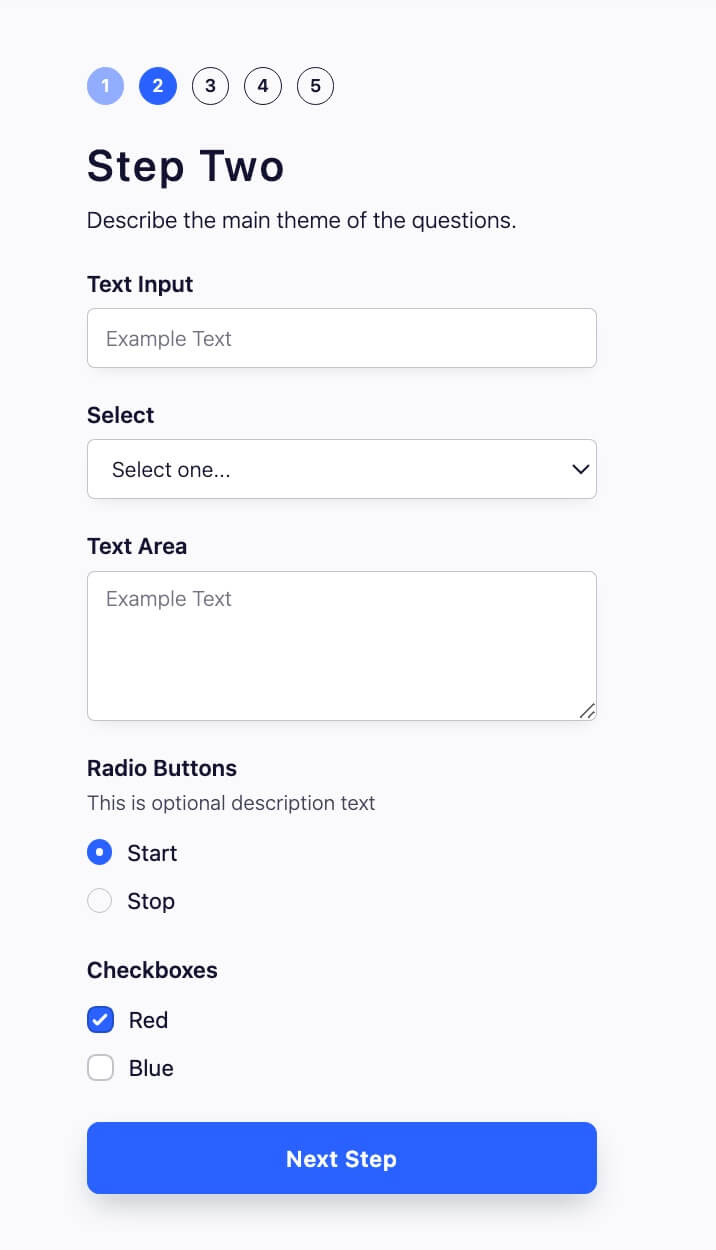
The Onboarding Form is a multi-step form designed to streamline the user onboarding process, allowing users to provide necessary information in a structured manner.

Key Features

  • Multi-step functionality for user-friendly navigation
  • Customizable fields including text inputs, selects, text areas, radio buttons, and checkboxes
  • Success and error messages for user feedback
  • Redirect option after submission
  • Responsive design suitable for various devices

Design Elements

  • Clean and modern layout
  • Use of vibrant colors for buttons and highlights
  • Consistent spacing and alignment for a polished look
  • Interactive elements with hover effects

Potential Use Cases

  • SaaS companies onboarding new usersE-commerce platforms collecting customer preferences
  • Educational institutions gathering student information
  • Event registration forms for attendees
  • Membership sites for user sign-ups

Conclusion: The Onboarding Form is a versatile and visually appealing component that enhances user experience during the onboarding process, making it suitable for various applications across different industries.

Related Components

More components you might find useful

Card Wizard Onboarding Flow
View Component
Onboarding

Card Wizard Onboarding Flow

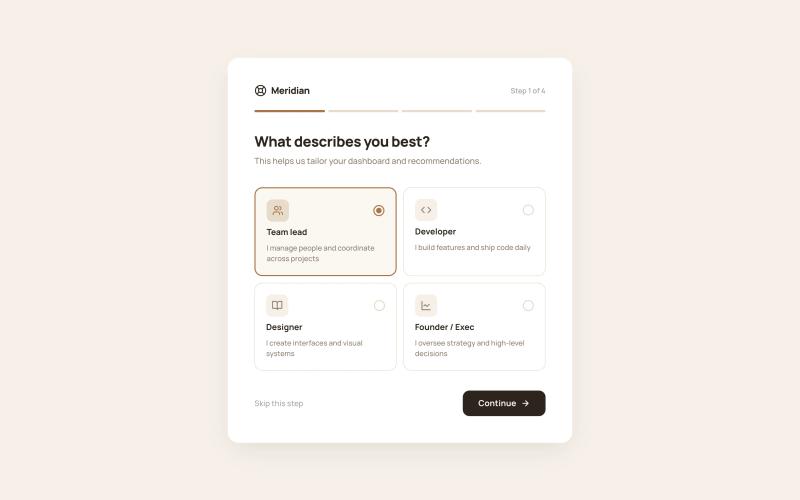
The Styled Onboarding – Card Wizard Flow component is a 4-step onboarding wizard presented as a centered card on a tinted background. A horizontal progress bar fills across all four steps, providing clear advancement feedback. Each step collects different types of input — role selection, interest tagging, referral source tracking, and a completion screen with next-action cards. All selections are designed to map directly to Memberstack custom fields via standard Webflow form elements. Key Features Step 1: Role selection via 2×2 icon card grid (Team lead, Developer, Designer, Founder/Exec), each with icon tile, title, description, and radio indicator. Step 2: Interest selection via multi-select tag chips (11 topics) with check icon on selected state and "3 selected · Choose at least 2" counter. Step 3: Referral source via icon-led radio list (Google search, Social media, Friend/colleague, Blog/article, Other) with single-select behavior. Step 4: Success completion screen with checkmark icon, congratulatory heading, two next-action cards (Go to dashboard, Browse templates), and full-width accent CTA. Horizontal 4-segment progress bar fills with accent color as steps advance. Potential Use Cases SaaS products collecting user role and interest data for personalized dashboards. Membership platforms tracking referral sources for attribution. Online communities gathering topic preferences for content recommendations. Any Webflow + Memberstack site needing a lightweight, card-based onboarding wizard.
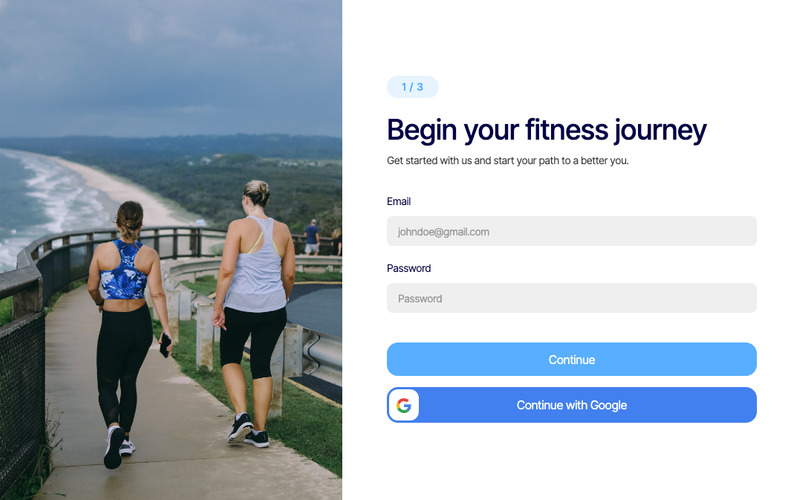
Fitness Onboarding (Enter Info)
View Component
Onboarding

Fitness Onboarding (Enter Info)

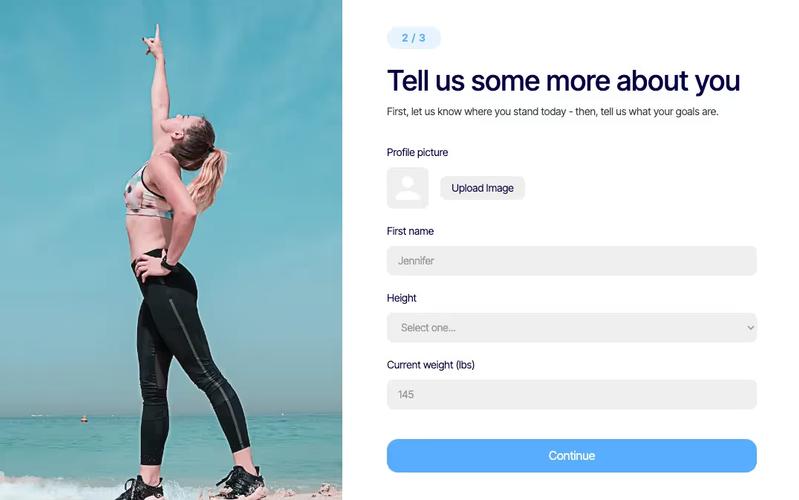
The Fitness Onboarding component is designed to streamline the process of gathering user information for fitness-related applications. It features a user-friendly form that collects essential data such as personal details, height, and weight. Key Features User-friendly form layout Collects personal information including name, height, and weight Image upload option for profile pictures Responsive design suitable for various devices Success and error messages for form submission feedback Design Elements: Modern and clean layoutFlexible grid structure for responsivenessUse of rounded corners and soft colorsPotential Use Cases: Fitness apps looking to onboard new users Health and wellness websites needing user data collection Personal trainers wanting to gather client information Gyms and fitness centers for membership registration Nutrition and diet planning services Conclusion: The Fitness Onboarding component is a versatile tool that enhances user engagement by simplifying the data collection process, making it ideal for various fitness-related applications.

Fitness Onboarding Sign Up
View Component
SignupOnboarding

Fitness Onboarding Sign Up

The Fitness Onboarding Sign Up component is designed to facilitate user registration for fitness programs, providing a streamlined and engaging experience for new users. It includes essential form fields for email and password, along with social login options. Key Features User-friendly sign-up form with email and password fields Social login option via Google Responsive design suitable for various devices Success and error messages for user feedback Customizable styling to match branding Design Elements Modern and clean layout with rounded corners Vibrant color scheme emphasizing fitness and health Use of images and icons to enhance visual appeal Flexbox and grid layout for responsive design Potential Use Cases Fitness studios and gyms looking to onboard new members Online fitness coaching platforms Health and wellness apps requiring user registration Corporate wellness programs offering fitness resources Community fitness challenges and events Conclusion: The Fitness Onboarding Sign Up component is a versatile and visually appealing solution for businesses in the fitness industry, effectively simplifying the user registration process while enhancing user engagement.

Custom Checkbox Group
View Component
Onboarding

Custom Checkbox Group

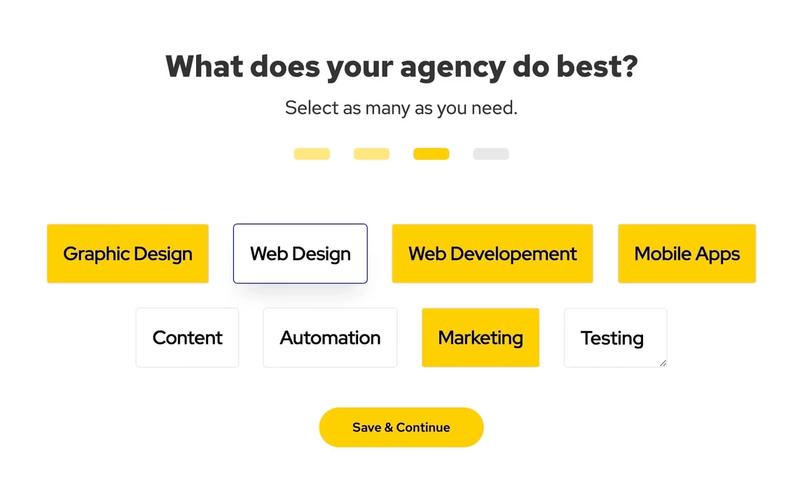
The Custom Checkbox Group is an interactive form component designed to allow users to select multiple options easily. It features a clean layout and customizable checkboxes, making it suitable for various applications. Key Features Multiple options for user selection Customizable labels for each selection Responsive design suitable for various devices Submit button with a success and error message display Design Elements: Modern and clean visual style Flexible layout with option rows and progress indicators Colorful selection backgrounds with hover effects Clear typography with distinct headings Potential Use Cases: Surveys and feedback forms for businesses Skill selection for job applications Preference settings in user profiles Event registration forms requiring multiple selections Market research questionnaires Conclusion: The Custom Checkbox Group is a versatile and user-friendly component that enhances user interaction in forms, making it an excellent choice for various applications across different industries.