Pricing Spotlight Comparison Table

Back

Component Description(Generated by AI)

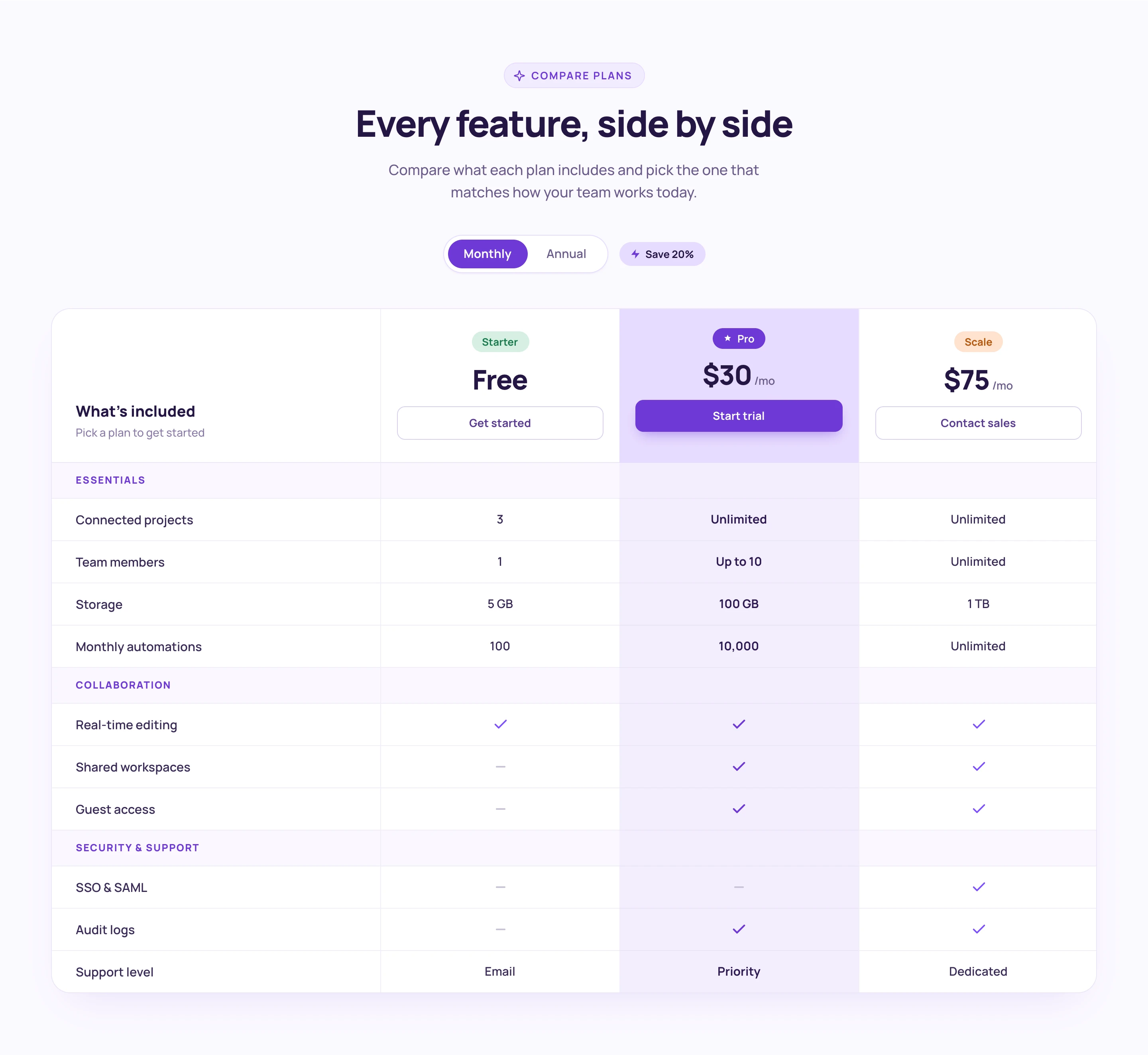
The Styled Pricing Comparison Table component is a full feature comparison matrix with three plan columns (Starter Free, Pro $24/mo, Scale $60/mo), each topped with a distinctly colored pill badge. The Pro column runs a tinted purple background through the entire column for clear visual emphasis.

Features are organized into labeled groups (Essentials, Collaboration, Security & Support) with purple category labels. The table uses a mix of text values ("5 GB", "100 GB", "Unlimited") and checkmark/dash indicators, with column-specific CTA buttons at the top. Both Monthly and Annual billing states are designed as separate artboards.

Potential Use Cases

  • SaaS platforms needing a detailed feature-by-feature comparison across tiers.
  • Membership sites where users need to understand exactly what each plan includes before upgrading.
  • Product pages with complex feature sets spanning multiple categories.
  • Any Webflow + Memberstack site needing a production-ready comparison table with grouped categories.

Related Components

More components you might find useful

Interactive Pricing Tabs
View Component
Pricing

Interactive Pricing Tabs

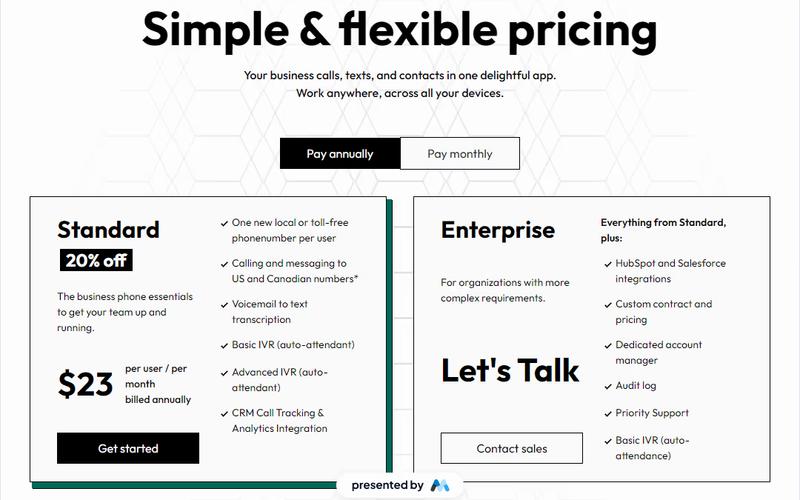
This component features a clean and user-friendly interface designed to showcase pricing plans for tech products, including standard and enterprise options with detailed descriptions and upgrade prompts. Key Features Interactive tabs for easy navigation between pricing plans Detailed descriptions for each pricing tier Upgrade prompts to encourage users to consider higher tiers Responsive design suitable for various devices Visual elements including icons for clarity Design Elements Minimalist layout with a focus on usability Color scheme that enhances readability and engagement Use of icons to visually represent features Consistent typography for a professional appearance Potential Use Cases Tech startups looking to present their subscription models SaaS companies needing to display multiple pricing tiersE-commerce platforms offering different service levels Consulting firms that want to outline service packages Educational platforms with tiered membership options Conclusion: The Interactive Pricing Tabs component is a versatile tool that effectively communicates pricing options while enhancing user experience, making it ideal for various tech-related businesses.
Plan Selection Modal
View Component
AllPricing

Plan Selection Modal

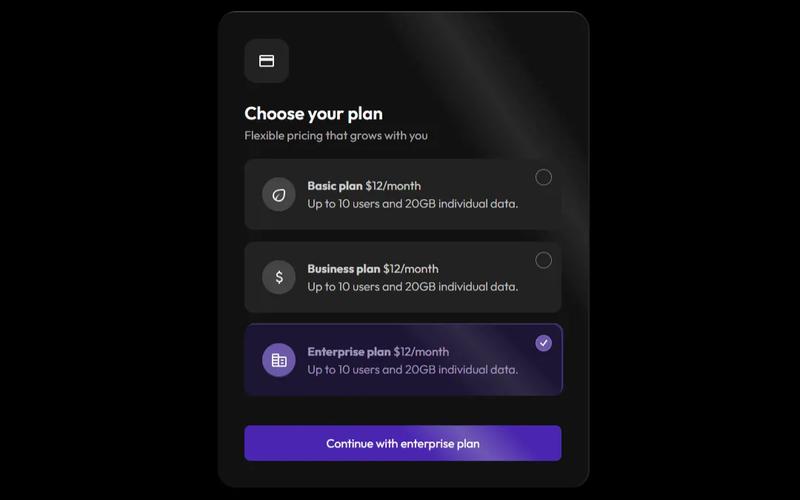
The Plan Selection Modal provides a sleek and user-friendly interface for selecting subscription plans, featuring a modern dark theme that enhances both aesthetics and functionality. Key Features Dark theme design for improved aesthetics Responsive modal for easy plan selection Includes flexible pricing options Supports multiple user plans with clear descriptions Interactive tabs for easy navigation between plans Design Elements Sleek dark color palette Rounded corners and shadow effects for depth Clear typography with varying weights for emphasis Icons accompanying plan descriptions for visual appeal Potential Use Cases SaaS companies looking to showcase subscription optionsE-commerce platforms offering membership plans Online services requiring tiered pricing structures Event registration sites with different ticket types Educational platforms with various course access levels Conclusion: The Plan Selection Modal is a versatile component that enhances user experience by simplifying the decision-making process for potential customers, making it an excellent addition to any website focused on subscriptions or memberships.

Pricing Tier Trio
View Component
Pricing

Pricing Tier Trio

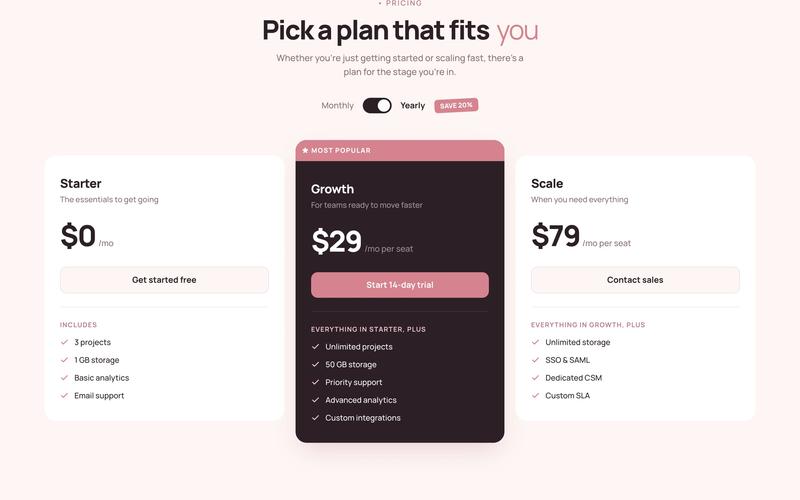
The styled pricing cards component is a 3-tier pricing section built on a warm rose palette with an ivory background. It features a monthly/annual billing toggle with a slightly rotated "SAVE 20%" badge, and an elevated dark highlighted middle card with a rose accent top bar. Feature lists build narratively across tiers using progressive language (Includes → Everything in Starter, plus → Everything in Growth, plus) rather than repeating the same features with checkmarks. Potential Use Cases SaaS and membership platforms with tiered pricing plans. Webflow template pricing pages needing a warm, editorial aesthetic. Course or community platforms with free, paid, and premium tiers. Any Memberstack-powered site needing a styled pricing section that goes beyond the default 3-column grid.

Donation Links
View Component
Pricing

Donation Links

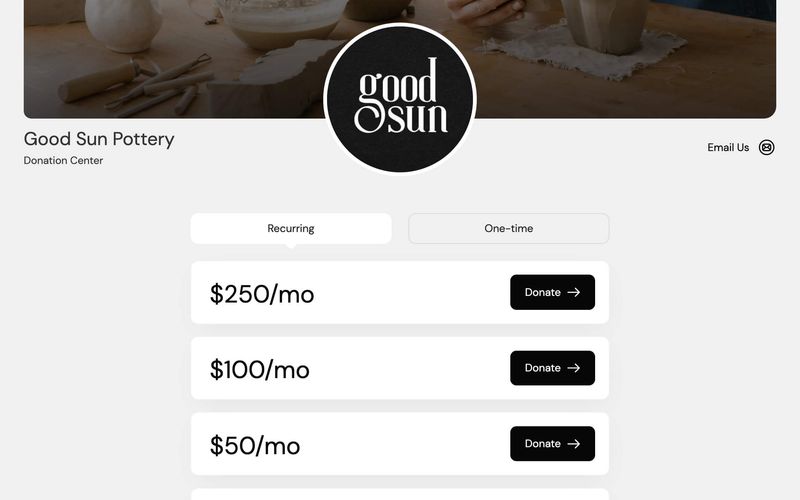
The Donation Links component allows users to easily contribute to a cause through a structured donation table integrated with Memberstack and Stripe checkout, offering both one-time and recurring payment options. Key Features Supports one-time and recurring donations Customizable donation amounts Integrated with Memberstack and Stripe for secure payments User-friendly interface for easy navigation Design Elements Modern and clean layout Responsive design for various devices Use of images and icons to enhance visual appeal Color scheme that promotes trust and engagement Potential Use Cases Non-profit organizations seeking to raise funds Charities looking to streamline donation processes Community projects needing financial support Crowdfunding campaigns for creative projects Religious institutions collecting tithes and offerings Conclusion: The Donation Links component is a versatile and essential tool for any organization looking to facilitate donations, making it easy for users to contribute while providing a seamless experience.