Product Email Form

Back
Product Email Form

Component Description(Generated by AI)

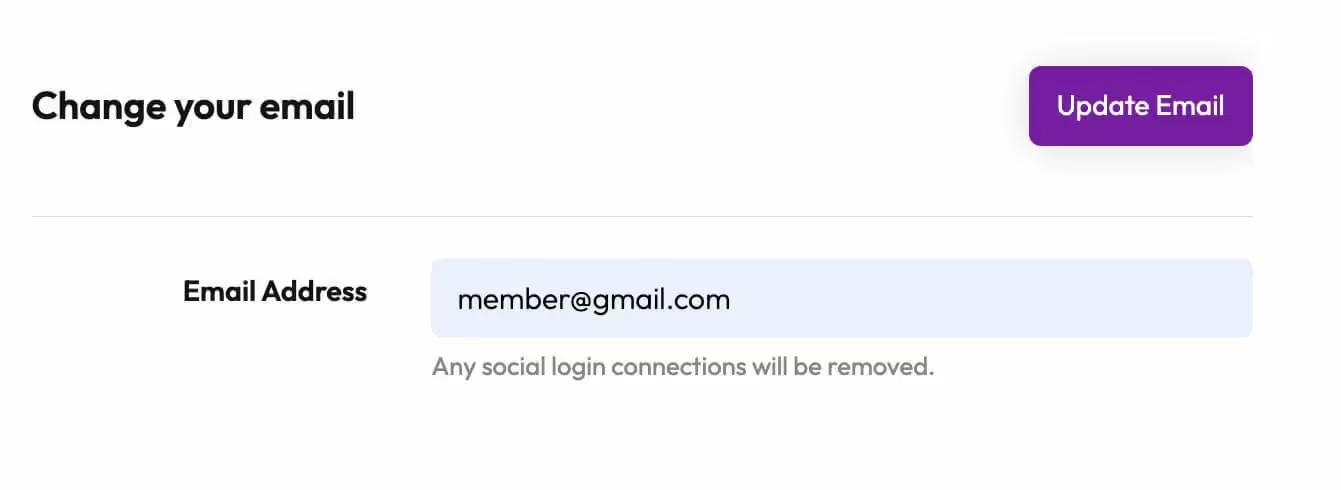
The Product Email Form is designed to facilitate email updates for users, allowing them to change their email address easily. It includes user-friendly input fields and clear messaging for submission success or failure.

Key Features

  • Email input field with validation
  • Success and error messages displayed after form submission
  • Responsive design suitable for various devices
  • Design Elements:
  • Clean and modern layout
  • Use of flexible containers for responsiveness
  • Colorful button with hover effects
  • Clear typography for labels and messages
  • Potential Use Cases:
  • E-commerce websites for user account management
  • Membership platforms requiring email updates
  • Newsletters and subscription services
  • Any business needing to collect or update user emails
  • Conclusion: The Product Email Form is a versatile and essential component for any website that requires user email management, combining functionality with an appealing design.

Related Components

More components you might find useful

Unstyled Update Email
View Component
Profile EmailUnstyled

Unstyled Update Email

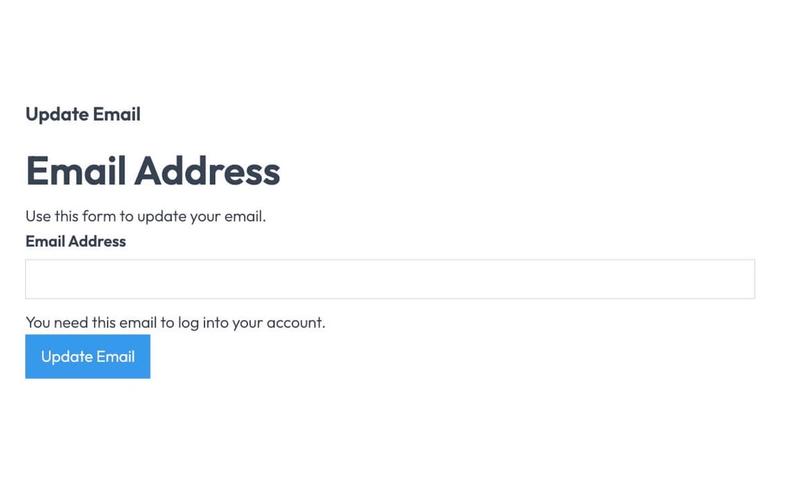
The Unstyled Update Email component is designed to facilitate users in updating their email addresses through a simple form interface. It includes essential fields and messages for user interaction. Key Features Form for email address updateSuccess and error messagesRequired email input fieldUser-friendly interface Design Elements Minimalistic design with no stylingClear headings and labelsResponsive layout suitable for various devices Potential Use Cases Web applications requiring user email updates Membership sites needing email verificationE-commerce platforms for customer account management Online services with user account functionalities Conclusion: The Unstyled Update Email component is a versatile tool for any web application that requires user email management, offering a straightforward and effective solution without unnecessary design elements.
Downloads Profile Form
View Component
ProfileDashboard+2

Downloads Profile Form

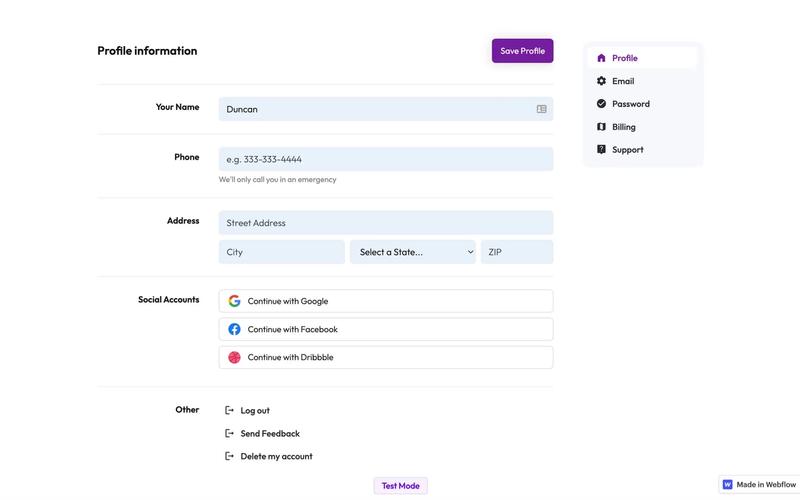
The Downloads Profile Form is a versatile component designed for user profile management, allowing users to update their personal information, including name, email, password, and billing details. Key Features Multi-tab interface for easy navigation.Form validation with success and error messages for user feedback.Social media login options for Google, Facebook, and Dribbble.Responsive design suitable for various devices.Customizable fields for user input.Design Elements: Clean and modern layout with a focus on usability.Color scheme featuring white backgrounds with contrasting text for readability.Icons integrated with form fields for enhanced visual appeal.Sticky navigation for easy access to different sections.Potential Use Cases: Web applications requiring user profile management.E-commerce platforms needing customer account management.Membership sites for managing user subscriptions and billing.Social networks for user account settings.Any service that requires user data collection and management.Conclusion: The Downloads Profile Form is a highly functional and visually appealing component that can be easily integrated into various web applications, making it an excellent choice for businesses looking to enhance user experience.

Edit Profile (Seamless)
View Component
Profile EmailProfile Password+1

Edit Profile (Seamless)

The Edit Profile (Seamless) component provides a user-friendly interface for users to update their profile information, including personal details and social connections, in a streamlined manner. Key Features Customizable profile fields including name, email, phone number, and title.Social media integration with options to connect or disconnect accounts (Google, Facebook, Linked In).Responsive design suitable for various devices.Includes success and error messages for form submissions.Image upload functionality for profile pictures.Design Elements: Modern and clean layout with rounded corners and soft color palette.Use of icons for social media connections.Flexible grid layout for input fields and buttons.Potential Use Cases: Personal websites for freelancers or consultants.User profile management for online platforms.Social networking sites requiring user profile customization.E-commerce websites with user accounts needing profile updates.Conclusion: The Edit Profile (Seamless) component is versatile and visually appealing, making it an excellent choice for any platform that requires user profile management.

Profile Inputs
View Component
ProfileProfile Email

Profile Inputs

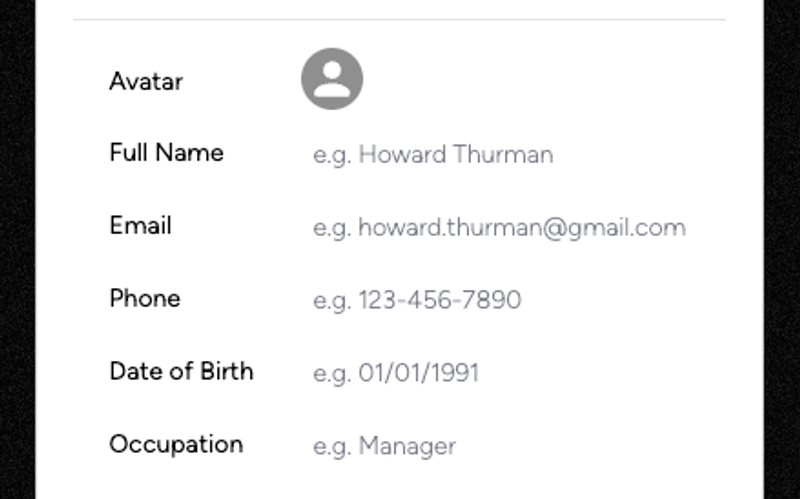
The Profile Inputs component is designed to facilitate user profile creation and updates through a clean and intuitive form interface. It includes essential fields for user information such as name, email, phone, date of birth, and occupation. Key Features User-friendly form layout Includes fields for full name, email, phone, date of birth, and occupation Profile image upload functionality Success and error messages for form submissions Responsive design suitable for various devices Design Elements Modern and clean aesthetic with a white background Rounded corners and subtle shadows for input fields Consistent use of flexbox for layout alignment Colorful buttons with hover effects Potential Use Cases Web applications requiring user registration or profile updates Online services that need to collect user information Membership sites where users manage their profilesE-commerce platforms for customer account management Social media platforms for user profile creation Conclusion: The Profile Inputs component is versatile and easy to implement, making it an excellent choice for any web project that requires user profile management.