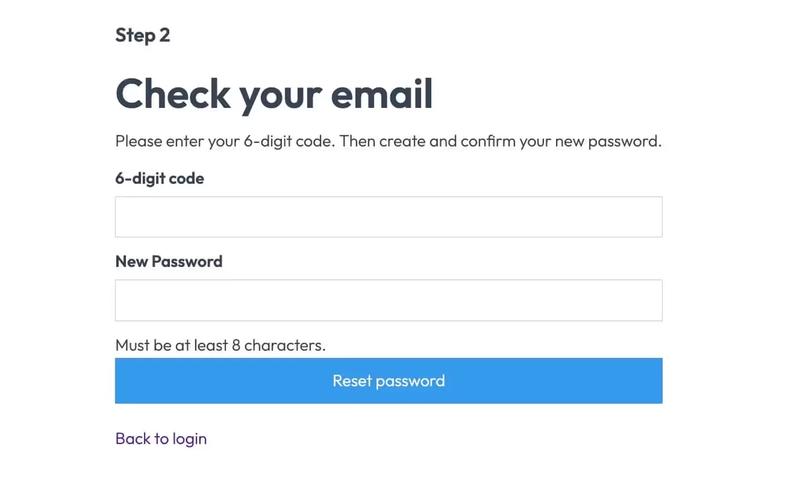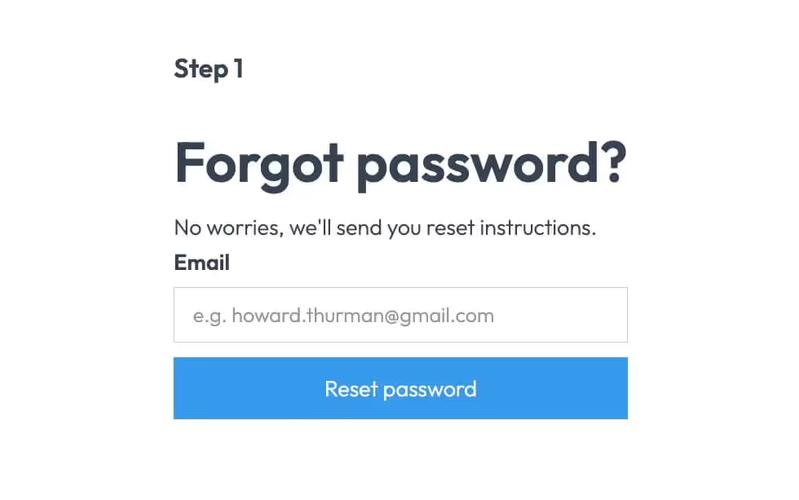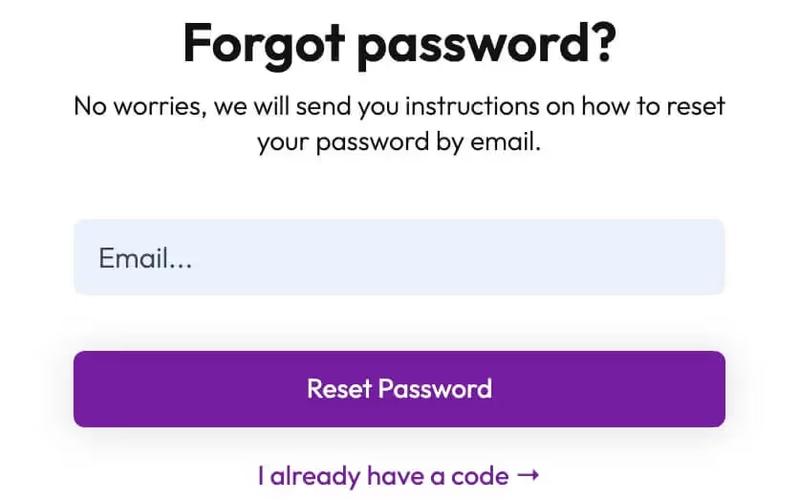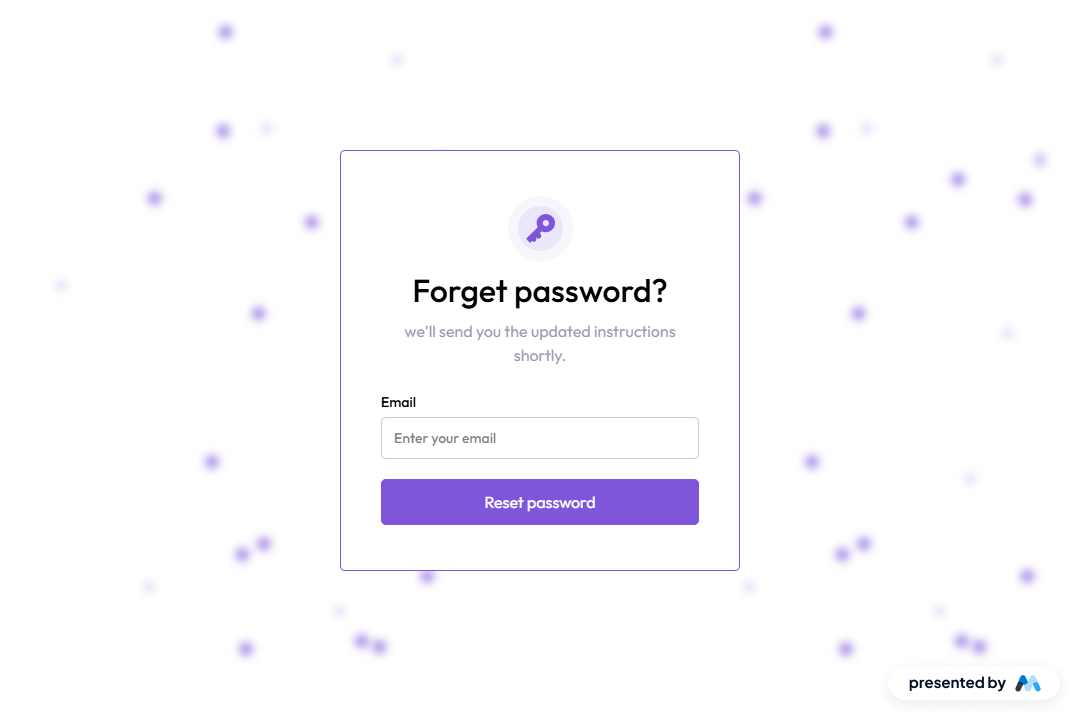
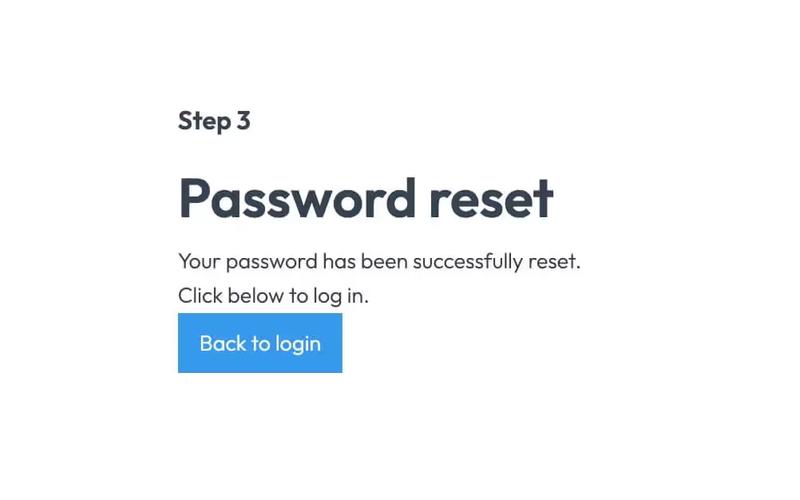
ResetFlow UI is a user interface component designed for password reset functionality. It includes a form for users to enter their email address and receive instructions for resetting their password. The component features a clean layout with animations to enhance user experience.
Key Features
- Email input field with placeholder text 'Enter your email' and validation for required input.Submit button labeled 'Reset password' with a loading message 'Please wait...' during submission.Success message displayed upon successful submission: 'Thank you! Your submission has been received!'Error message displayed if submission fails: 'Oops! Something went wrong while submitting the form.'Animations integrated for visual appeal during user interactions.
Design Elements
- The layout is structured with a centered form, utilizing flexbox for alignment.Color scheme includes shades of purple and white, with a focus on accessibility through high contrast.Use of rounded corners and shadows for input fields and buttons to create a soft visual effect.Responsive design elements that adapt to various screen sizes, ensuring usability across devices.
Potential Use Cases
- Web applications requiring user authentication and password recovery features.E-commerce platforms needing secure user account management.SaaS products that require user registration and password reset functionalities.Blogs or content management systems that allow user accounts and password recovery.
Conclusion: ResetFlow UI is a practical component for developers looking to implement password reset functionalities efficiently, combining usability with appealing design.