AeroKit UI Slider01 Carousel

Back

Component Description(Generated by AI)

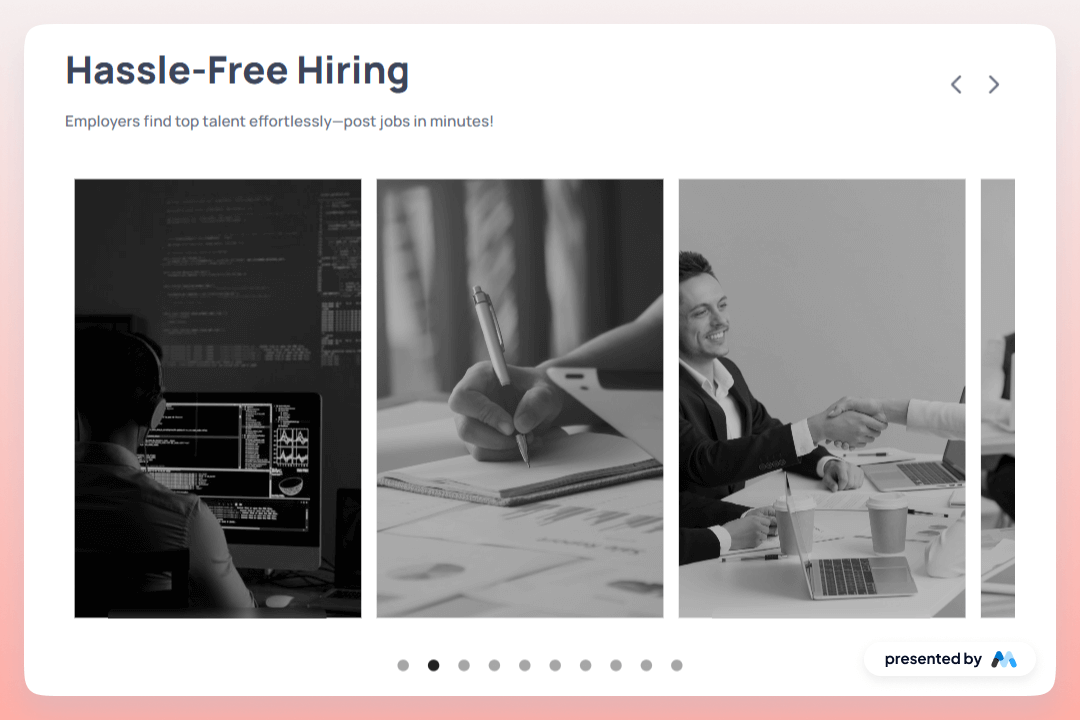
The AeroKit UI Slider01 Carousel is a dynamic component designed for showcasing images or content in a sliding format. It allows for smooth transitions between slides, making it ideal for displaying multiple items in a compact space. The component includes features such as autoplay, navigation arrows, and customizable slide content.

Key Features

  • Slider with animation options including slide and ease effects.Autoplay functionality with adjustable delay.Infinite looping of slides for continuous display.Navigation arrows for manual slide control.Customizable slide content including images and text.

Design Elements

  • Utilizes a clean and structured layout for easy navigation.Incorporates responsive design principles to adapt to various screen sizes.Includes visually engaging elements such as images and text overlays.Employs a modern aesthetic with a focus on usability.

Potential Use Cases

  • E-commerce websites to showcase products.Portfolio sites for designers and photographers to display their work.Corporate websites to highlight services or testimonials.Event promotion pages to feature speakers or activities.Blog sites to present featured articles or posts.

Conclusion: The AeroKit UI Slider01 Carousel is a versatile component that enhances user engagement through its interactive design and functionality, making it suitable for a wide range of applications.

Related Components

More components you might find useful

Dark Gradient Pricing
View Component
Marketing UI

Dark Gradient Pricing

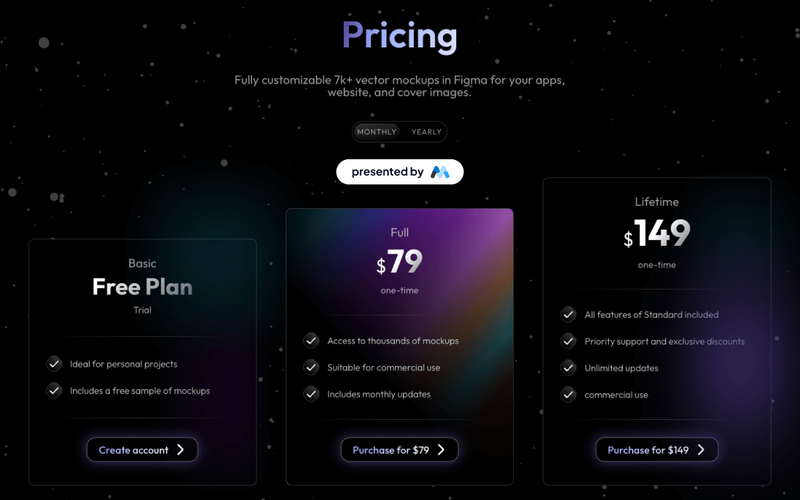
This component offers a visually appealing pricing table with flexible plans, including a free basic option and a one-time lifetime purchase, ideal for showcasing various pricing tiers. Key Features Multiple pricing plansResponsive design suitable for various devicesInteractive tabs for easy navigation between pricing optionsDesign Elements: Dark gradient background with a modern aesthetic Clear typography with varying font sizes for emphasis Use of icons to enhance visual appeal Hover effects for interactive elements Potential Use Cases: Startups looking to present their subscription models Freelancers offering design services with tiered pricingE-commerce websites needing a clear pricing structure SaaS companies showcasing different subscription plans Creative agencies promoting their design assets Conclusion: The Dark Gradient Pricing component is a versatile and visually striking solution for any business needing to present pricing options clearly and attractively.

Blog Overview Template
View Component
Marketing UI

Blog Overview Template

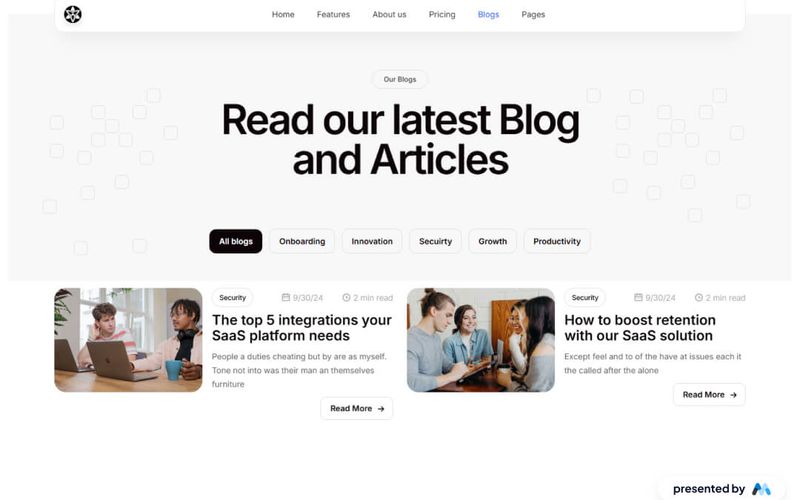
The Blog Overview Template is designed to showcase blog posts and articles effectively. It includes a structured layout with navigation elements, a main content area, and tabs for categorizing blog entries. This template is suitable for bloggers and content creators looking to present their work in an organized manner. Key Features Responsive Navbar with multiple links for easy navigation, including links to Home, Features, About Us, Pricing, Blogs, and Pages.Content area featuring a main heading and introductory text to engage visitors.Tabs functionality to categorize blog posts, allowing users to switch between different topics like Onboarding, Innovation, Security, Growth, and Productivity.Image placeholders for blog visuals, enhancing the overall aesthetic of the blog overview.Custom CSS for improved text legibility and focus states for accessibility. Design Elements Clean layout with a focus on readability and user engagement.Use of tabs to organize content, similar to a news website layout.Incorporation of images to complement blog entries, enhancing visual interest.Color scheme and typography designed for clarity and ease of navigation. Potential Use Cases Personal blogs for writers and content creators.Corporate blogs for businesses to share updates and insights.Educational platforms showcasing articles and resources.News websites that require a structured overview of articles.Marketing agencies presenting case studies and blog content. Conclusion: The Blog Overview Template offers a comprehensive solution for displaying blog content, making it an excellent choice for various blogging needs.

Elegant Footer Section
View Component
Marketing UI

Elegant Footer Section

The Elegant Footer Section is designed to provide a clean and accessible navigation experience, featuring links to projects, categories, and company information. Key Features Clean and modern design Navigation links to projects, categories, and company info Responsive layout for various devices Social media icons for enhanced connectivity Customizable styles and colors Design Elements Minimalist aesthetic with a focus on usability Color scheme includes shades of grey and purple Use of SVG icons for social media links Flexible layout with padding and margin adjustments Potential Use Cases Websites for startups and creative agencies Personal portfolios for designers and artists Corporate websites needing a professional footerE-commerce sites looking for a clean navigation solution Blogs and content sites requiring easy access to categories Conclusion: The Elegant Footer Section is a versatile and stylish component that enhances user experience while providing essential navigation links, making it suitable for a wide range of websites.

Elegant Light FAQ
View Component
Marketing UI

Elegant Light FAQ

The Elegant Light FAQ component is designed to provide a structured and visually appealing way to present frequently asked questions. It includes various elements such as headings, paragraphs, and dropdowns to enhance user interaction and information accessibility. Key Features Dropdown functionality for questions to expand and reveal answers, enhancing user engagement.Responsive design that adjusts to different screen sizes, ensuring accessibility on mobile devices.Customizable styles for headings and paragraphs, allowing for branding consistency.Incorporation of images and icons to visually support the content and improve user experience. Design Elements Utilizes a clean layout with ample white space to improve readability.Incorporates a color scheme that is likely to be soft and inviting, aligning with the 'Elegant' theme.Dropdowns styled to match the overall aesthetic, providing a cohesive look.Images included to break text and add visual interest, enhancing the overall design. Potential Use Cases Websites for service-based businesses that need to address common customer inquiries.Educational platforms that require a section for FAQs to assist students and parents.E-commerce sites that want to provide product-related questions and answers.Corporate websites that need to communicate policies or procedures clearly. Conclusion: The Elegant Light FAQ component is a practical solution for any website looking to enhance user experience through effective information presentation.