Dark Toast Messages

Back
Dark Toast Messages

Component Description(Generated by AI)

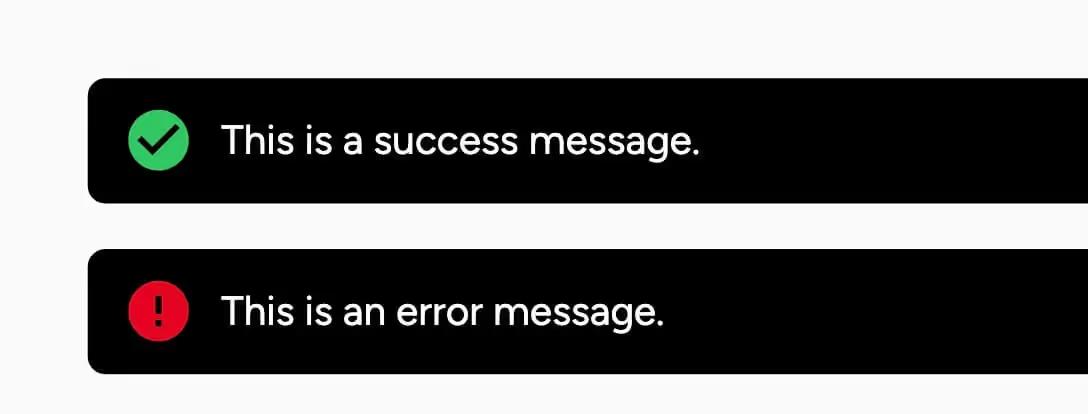
Dark Toast Messages is a notification component designed to display success and error messages in a visually appealing manner. It features a clean, dark design that enhances readability and user engagement.

Key Features

  • Displays success and error messages
  • Customizable close button for user interaction
  • Responsive design suitable for various screen sizes
  • Fixed position for visibility across the page
  • Includes icons for visual representation of message types
  • Design Elements:
  • Dark background with white text for high contrast
  • Rounded corners for a modern look
  • Flexbox layout for easy alignment of content and icons
  • Icons for success and error messages
  • Potential Use Cases:
  • Web applications needing user feedback on actionsE-commerce sites for transaction notifications
  • Content management systems for alerting users
  • SaaS platforms for system status updates
  • Blogs or news sites for alerting readers to important updates
  • Conclusion: Dark Toast Messages is a versatile and visually appealing component that effectively communicates important information to users, making it an excellent addition to any web project.

Video Tutorial

How to Use

Be sure to watch this 60-second video tutorial if this is your first time using custom Error and Success messages.

Component Info

Published:
July 13, 2025

Related Components

More components you might find useful

Error and Success Boxes
View Component
Error / Success

Error and Success Boxes

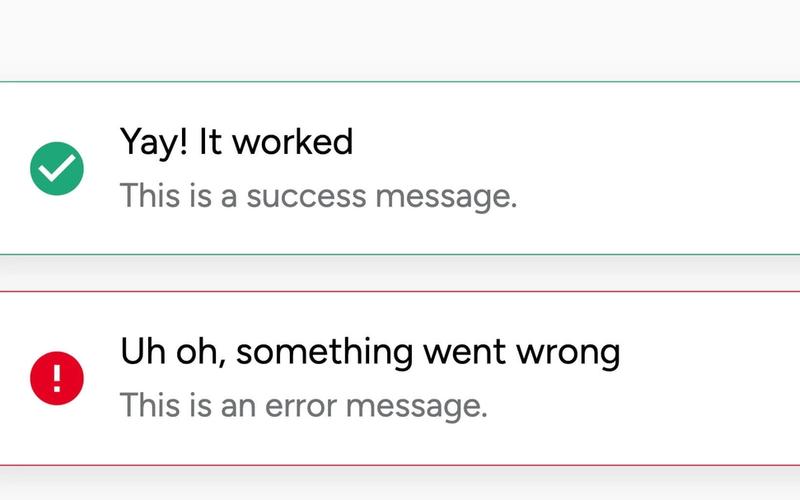
The Error and Success Boxes component provides a visually appealing way to display feedback messages to users, indicating success or error states in a web application. Key Features Customizable success and error messages Includes icons for visual representation Responsive design suitable for various screen sizes Fixed position for consistent visibility Easy to integrate with forms and user interactions Design Elements Clean and modern aesthetic Color-coded borders for success (green) and error (red) messages Rounded corners and shadow effects for depth Flexbox layout for easy alignment of content Potential Use Cases Web applications requiring user feedback on form submissionsE-commerce sites to confirm order success or notify of errors Content management systems for alerting users of status changes Customer support portals for displaying ticket status updates Conclusion: The Error and Success Boxes component is versatile and user-friendly, making it an essential tool for enhancing user experience through clear feedback mechanisms.
Confirmation Error Status Card
View Component
Error / Success

Confirmation Error Status Card

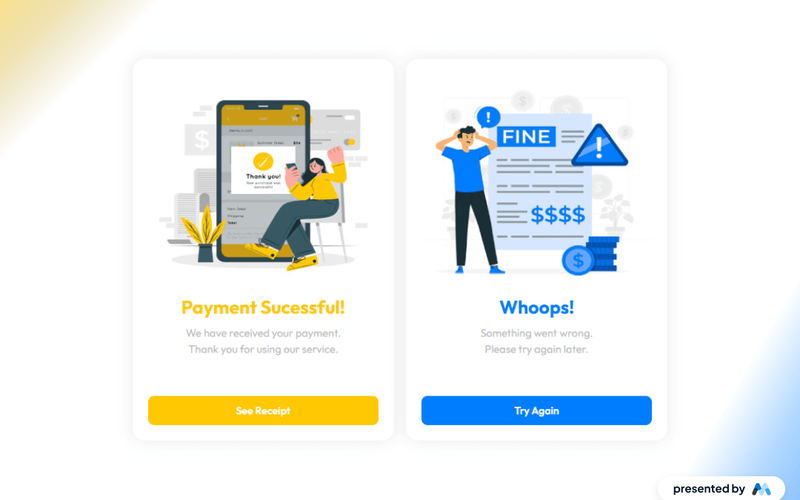
The Confirmation Error Status Card is a Webflow component designed to provide feedback to users regarding the status of their payment transactions. It features two distinct states: a successful payment confirmation and an error notification, allowing users to understand the outcome of their actions clearly. Key Features Two states: Successful payment confirmation with a message and a link to view the receipt.Error notification with a message prompting the user to try again.Responsive design that adjusts to various screen sizes.Includes visually distinct elements such as images and buttons to enhance user interaction. Design Elements Utilizes a grid layout for organizing content effectively, enhancing readability.Incorporates a color scheme that differentiates between success (green) and error (red) states.Features rounded corners and shadow effects for a modern card appearance.Text elements are styled for clarity and emphasis, using varying font sizes. Potential Use Cases E-commerce websites to confirm payment transactions.Subscription services to notify users of payment status.Online booking platforms to inform users about their transaction outcomes.Financial applications to display transaction confirmations or errors. Conclusion: The Confirmation Error Status Card is a practical component for any application that requires user feedback on payment transactions, making it a valuable addition to various web projects.

Rounded Error & Success
View Component
Error / Success

Rounded Error & Success

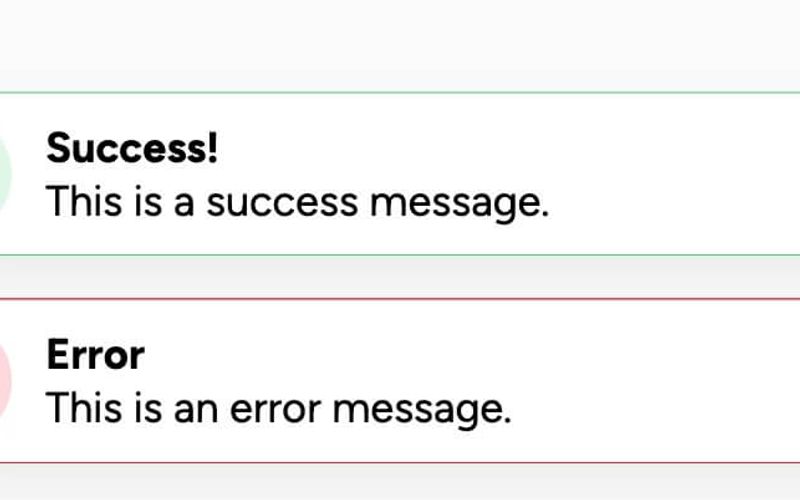
The Rounded Error & Success component is designed to display success and error messages in a visually appealing manner, featuring rounded edges and distinct icons for each message type. Key Features Displays success and error messagesRounded design for a modern lookIncludes customizable iconsEasy to integrate with existing Webflow projects Design Elements Rounded corners for a softer appearance Color-coded messages: green for success and red for error Shadow effects for depth Responsive design suitable for various screen sizes Potential Use Cases Web applications needing user feedbackE-commerce sites for order confirmations or errors Forms that require validation messages Dashboard notifications for system alerts Conclusion: The Rounded Error & Success component is a versatile tool for enhancing user experience by providing clear and visually distinct feedback messages, making it suitable for a wide range of applications.

Toast Notifications
View Component
Error / Success

Toast Notifications

Toast Notifications provide customizable success and error messages that can be integrated with Memberstack 2.0, allowing users to override default messages for a more personalized experience. Key Features Customizable success and error messages Integration with Memberstack 2.0Override default notifications Responsive design suitable for various screen sizes Design Elements Fixed position notifications Color-coded borders for success (green) and error (red) messages Rounded corners and shadow effects for a modern look Icons accompanying messages for visual clarity Potential Use Cases E-commerce websites for transaction confirmations Membership platforms for user actions feedback SaaS applications for alerting users about system statuses Event registration sites for success/error notifications Portfolio websites to showcase project submission results Conclusion: Toast Notifications are a versatile and visually appealing solution for providing immediate feedback to users, enhancing the overall user experience on any web platform.