Mobile First Paywall

Back

Component Description(Generated by AI)

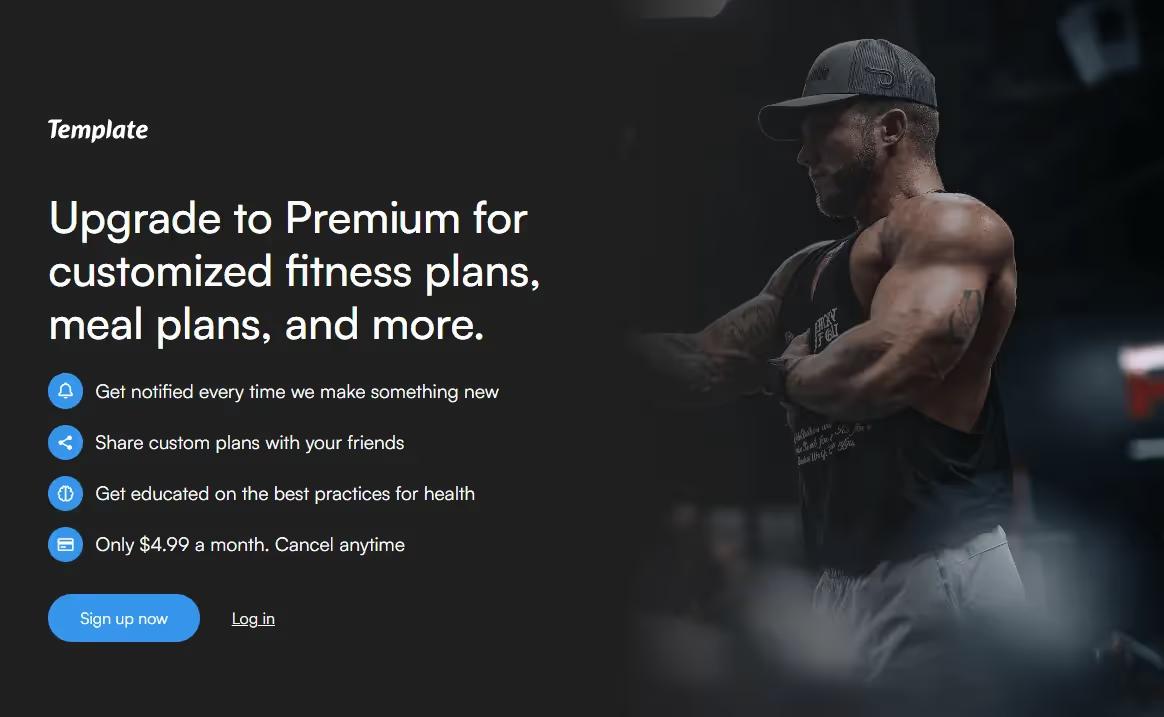
The Mobile First Paywall is a stylish content gating template designed for mobile devices, featuring a playful jiggling lock preloader. It allows users to unlock premium content seamlessly across all devices.

Key Features

  • Mobile-centric designPlayful jiggling lock preloaderCustomizable for various content typesDesign Elements:
  • Dark background with gradient effectsFlexible grid layoutResponsive design for all screen sizesEngaging call-to-action buttonsPotential Use Cases:
  • Online publications looking to monetize content
  • Fitness and wellness apps offering premium plans
  • Educational platforms providing exclusive courses
  • Blogs or websites with gated content for subscribersE-commerce sites offering exclusive deals
  • Conclusion: The Mobile First Paywall template is a versatile solution for businesses aiming to monetize their content while providing a user-friendly experience on mobile devices.

Related Components

More components you might find useful

Block Access
View Component
PaywallGated Content

Block Access

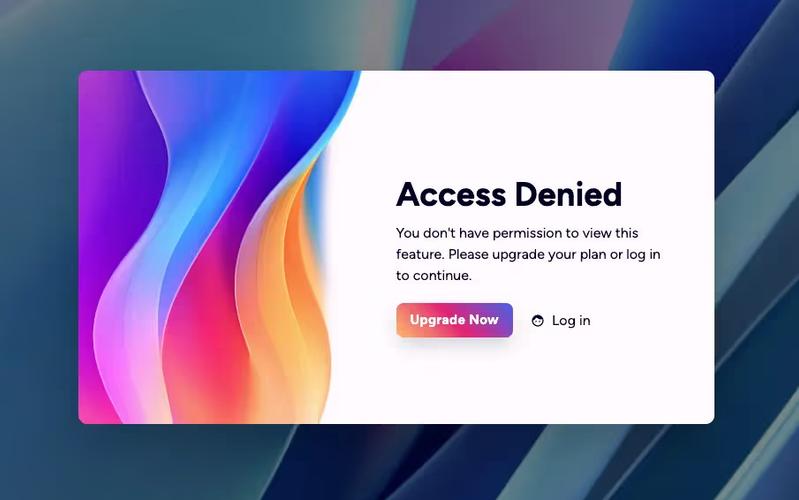
The Block Access component is designed to inform users that they do not have permission to access certain features, encouraging them to upgrade their plan or log in. It provides a clear and visually appealing message for restricted access. Key Features Responsive design suitable for various screen sizes Customizable text and links for user actions Includes visual elements such as icons and images Background image support for enhanced aesthetics User-friendly layout with clear call-to-action buttons Design Elements: Flexbox layout for centering content Soft color palette with a light background and dark text Use of icons for visual appeal Rounded button styles for a modern look Consistent typography with a focus on readability Potential Use Cases: Web applications requiring user authentication Membership sites with tiered access levelsE-commerce platforms with restricted product features SaaS products needing user upgrade prompts Educational platforms with course access limitations Conclusion: The Block Access component is a versatile solution for managing user access, effectively combining functionality with an appealing design to enhance user experience.
Access Denied Page
View Component
PaywallGated Content

Access Denied Page

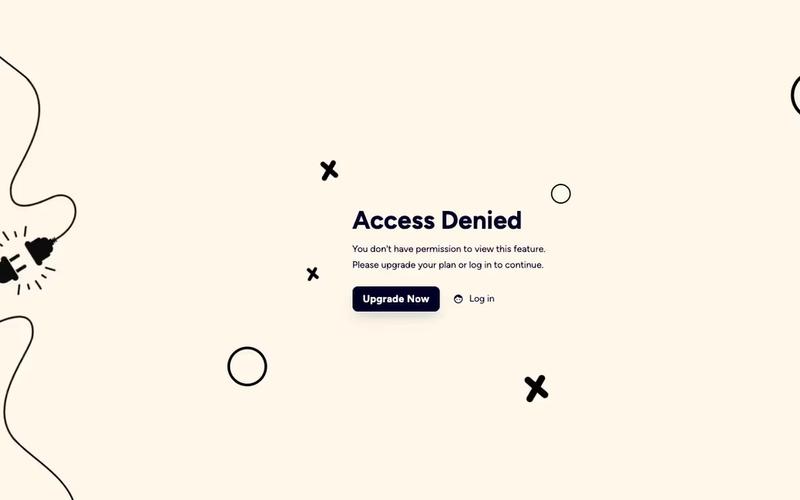
The Access Denied Page is designed to inform users that they do not have permission to view certain content, encouraging them to upgrade their plan or log in to access restricted areas. Key Features Responsive design suitable for various devices Clear messaging for users about access restrictions Call-to-action buttons for upgrading or logging in Customizable layout and styles Design Elements Clean and modern layout with a white background Use of contrasting colors for text and buttons Incorporation of icons for visual appeal Flexible grid layout for content organization Potential Use Cases Membership websites requiring tiered accessE-commerce platforms with exclusive content Educational sites with course restrictions Corporate intranets for employee access control Conclusion: The Access Denied Page is a versatile component that enhances user experience by clearly communicating access limitations while providing pathways for users to gain access, making it ideal for various online platforms.

Small Upgrade Modal
View Component
ModalPaywall+1

Small Upgrade Modal

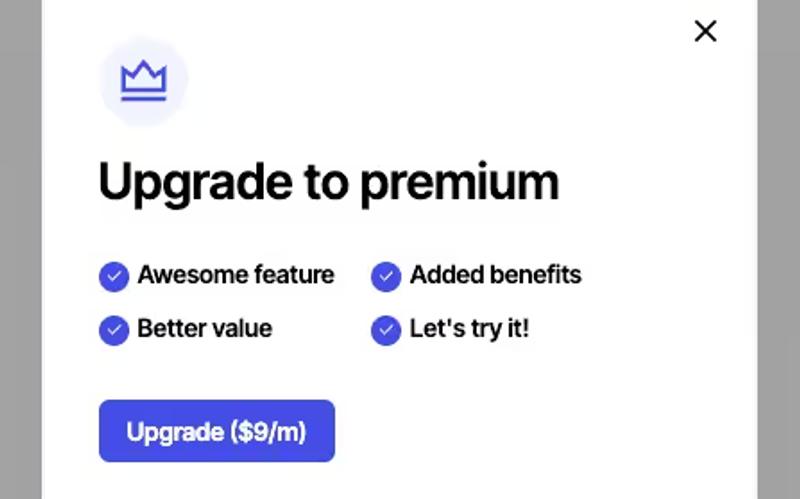
The Small Upgrade Modal is a user-friendly component designed to prompt users to upgrade to a premium version of a service or product. It features a clean layout with interactive elements to enhance user engagement. Key Features Responsive design suitable for various screen sizes Includes an upgrade button with a clear pricing indication Grid layout for displaying features and benefits Easy integration with existing Webflow projects Design Elements: Lightbox modal style with a semi-transparent background Rounded corners and shadow effects for a modern look Color scheme featuring shades of blue and white for a clean aesthetic Flexbox layout for alignment and spacing of elements Potential Use Cases: SaaS companies looking to promote premium subscriptionsE-commerce websites offering upgraded product features Online services wanting to encourage users to upgrade their plans Mobile applications needing a simple upgrade prompt Membership sites aiming to convert free users to paid members Conclusion: The Small Upgrade Modal is a versatile and visually appealing component that effectively encourages users to consider upgrading, making it a valuable addition to any Webflow project.

Gated Content Page
View Component
PaywallGated Content

Gated Content Page

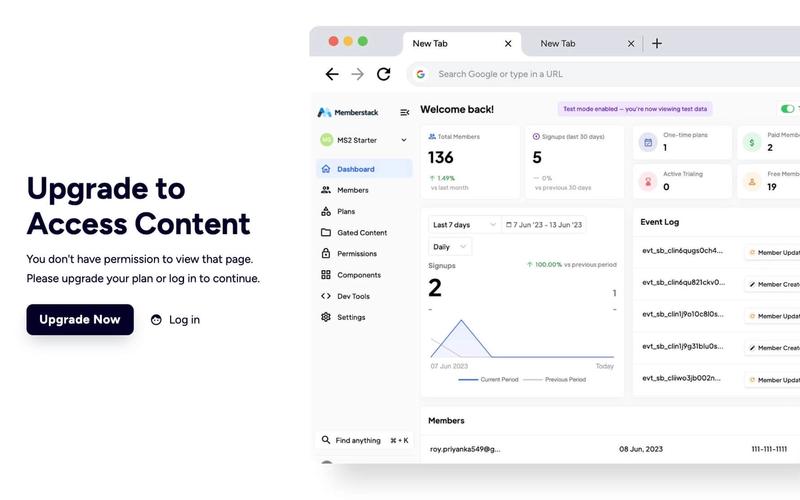
The Gated Content Page is designed to restrict access to certain content, prompting users to either log in or upgrade their plan. It effectively communicates access limitations with a clear message and actionable links. Key Features User-friendly interface for restricted content access Clear messaging indicating access denial Links for upgrading plans or logging in Responsive design suitable for various devices Customizable visual elements Design Elements: Modern layout with a gradient background Bold typography for headings and messages Flexbox layout for button alignment Use of icons for visual appeal Color scheme featuring dark and light contrasts Potential Use Cases: Membership-based websites requiring user authenticationE-commerce platforms offering premium content Educational sites with gated course materials Blogs or news sites with subscription models Software services needing user account management Conclusion: The Gated Content Page is a versatile solution for any website looking to manage user access effectively, combining functionality with an appealing design.