Subscription Plan Retention modal

Back

Component Description(Generated by AI)

This component requires Memberscript #222. Add the following attributes to your Webflow elements before use:

  • Trigger & Modal:
    - `data-ms-retain="cancel-trigger"` — on the cancel button (set to `display: none` in Webflow; the script reveals it for eligible members)
    - `data-ms-retain="modal"` — on the modal wrapper element
  • Modal States (script shows one at a time):
    - `data-ms-retain="offer"` — the offer/discount pitch container
    - `data-ms-retain="loading"` — the loading/spinner container
    - `data-ms-retain="success"` — the confirmation container
    - `data-ms-retain="error"` — the error message container
  • Buttons:
    - `data-ms-retain="accept"` — accept/keep plan button
    - `data-ms-retain="decline"` — decline/cancel anyway button
    - `data-ms-retain="close"` — close button (supports multiple)
    - `data-ms-retain="retry"` — retry button inside the error state
  • Config Attributes (on the modal wrapper element):
    - `ms-retain-webhook` — your Make.com webhook URL
    - `ms-retain-coupon` — your Stripe coupon ID
    - `ms-retain-plan` — *(optional)* target a specific Memberstack plan ID
    - `ms-retain-field` — *(optional)* JSON key for tracking, defaults to `retention_offered`
    - `ms-retain-max-offers` — *(optional)* lifetime max offers, defaults to `1`
    - `ms-retain-cooldown` — *(optional)* days before re-offering after decline, defaults to `30`
    - `ms-retain-return-url` — *(optional)* return URL after Stripe portal, defaults to current page
    - `ms-retain-display` — *(optional)* CSS display value for the modal, defaults to `flex`

Key Features


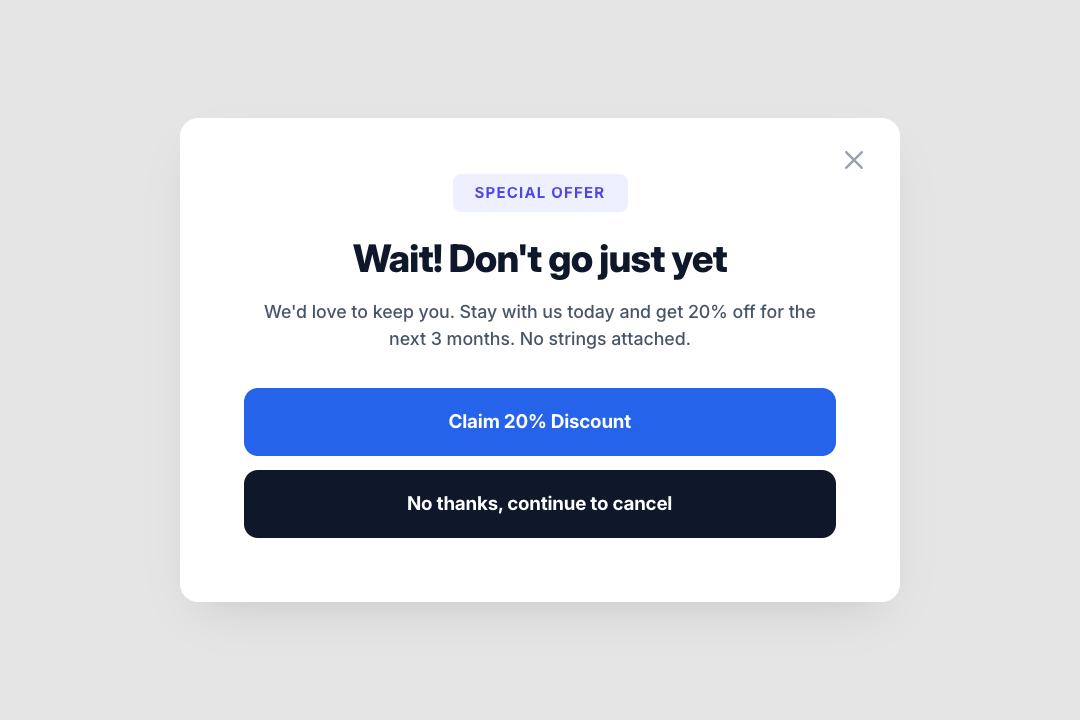
- Intercepts cancel clicks and shows a retention offer before the Stripe Customer Portal
- Only activates for members with an active subscription (type `SUBSCRIPTION`)
- Hides the cancel button entirely for members without the target plan
- Reveals the cancel button for members who do have the plan
- Targets a specific plan via `ms-retain-plan` or defaults to the first active subscription
- Fires a Make.com webhook to apply a Stripe coupon to the existing subscription
- Tracks offer history in Memberstack member JSON to prevent repeat offers
- Once accepted, the offer never shows again, cancel clicks go straight to Stripe portal
- Configurable max offers and cooldown period between declined offers
- Four modal states managed by the script: offer, loading, success, error
- Closes on backdrop click, Escape key, or close button
- Falls back to Stripe Customer Portal on decline or when ineligible

Potential Use Cases


- SaaS sites offering a discount to members about to cancel their monthly plan
- Membership communities with a "stay and save" offer before churn
- Course platforms retaining annual subscribers with a temporary price reduction
- Any Stripe-powered subscription site that wants to reduce voluntary cancellations
Related Components

More components you might find useful

Referral Link Box
View Component
Modal

Referral Link Box

The Referral Link Box is a Webflow component designed to encourage users to invite friends by sharing a unique referral link, offering bonuses for successful referrals. Key Features Includes a prominent heading and descriptive text.Interactive elements that copy referral link upon clicking.Customizable styles for branding consistency.Responsive design suitable for various devices.Live preview available at https://invite-friends-link.webflow.io/Design Elements: Modern and clean layout with rounded corners.Color scheme featuring soft blues and whites.Dashed borders for visual separation.Includes icons for enhanced visual appeal.Potential Use Cases: E-commerce websites looking to boost customer referrals.SaaS platforms wanting to incentivize user sign-ups.Affiliate marketing programs to track and reward referrals.Online communities aiming to grow their user base.Mobile apps promoting user sharing features.Conclusion: The Referral Link Box is a versatile and visually appealing component that effectively promotes user engagement through referrals, making it an excellent addition for businesses focused on growth.

Subscription Plan Retention modal
View Component
ModalCancel Plan

Subscription Plan Retention modal

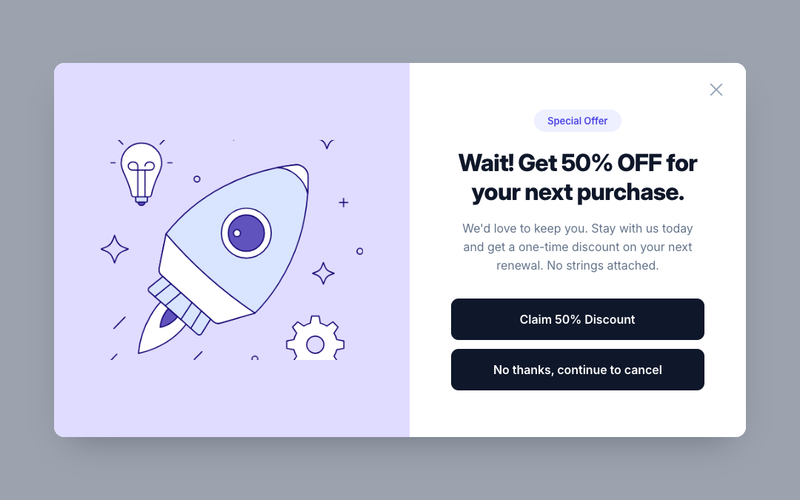
This component requires Memberscript #222. Add the following attributes to your Webflow elements before use: Trigger & Modal: - `data-ms-retain="cancel-trigger"` — on the cancel button (set to `display: none` in Webflow; the script reveals it for eligible members) - `data-ms-retain="modal"` — on the modal wrapper element Modal States (script shows one at a time): - `data-ms-retain="offer"` — the offer/discount pitch container - `data-ms-retain="loading"` — the loading/spinner container - `data-ms-retain="success"` — the confirmation container - `data-ms-retain="error"` — the error message container Buttons: - `data-ms-retain="accept"` — accept/keep plan button - `data-ms-retain="decline"` — decline/cancel anyway button - `data-ms-retain="close"` — close button (supports multiple) - `data-ms-retain="retry"` — retry button inside the error state Config Attributes (on the modal wrapper element): - `ms-retain-webhook` — your Make.com webhook URL - `ms-retain-coupon` — your Stripe coupon ID - `ms-retain-plan` — *(optional)* target a specific Memberstack plan ID - `ms-retain-field` — *(optional)* JSON key for tracking, defaults to `retention_offered` - `ms-retain-max-offers` — *(optional)* lifetime max offers, defaults to `1` - `ms-retain-cooldown` — *(optional)* days before re-offering after decline, defaults to `30` - `ms-retain-return-url` — *(optional)* return URL after Stripe portal, defaults to current page - `ms-retain-display` — *(optional)* CSS display value for the modal, defaults to `flex` Key Features - Intercepts cancel clicks and shows a retention offer before the Stripe Customer Portal - Only activates for members with an active subscription (type `SUBSCRIPTION`) - Hides the cancel button entirely for members without the target plan - Reveals the cancel button for members who do have the plan - Targets a specific plan via `ms-retain-plan` or defaults to the first active subscription - Fires a Make.com webhook to apply a Stripe coupon to the existing subscription - Tracks offer history in Memberstack member JSON to prevent repeat offers - Once accepted, the offer never shows again, cancel clicks go straight to Stripe portal - Configurable max offers and cooldown period between declined offers - Four modal states managed by the script: offer, loading, success, error - Closes on backdrop click, Escape key, or close button - Falls back to Stripe Customer Portal on decline or when ineligible Potential Use Cases - SaaS sites offering a discount to members about to cancel their monthly plan - Membership communities with a "stay and save" offer before churn - Course platforms retaining annual subscribers with a temporary price reduction - Any Stripe-powered subscription site that wants to reduce voluntary cancellations
Exit Intent Popup
View Component
Modal

Exit Intent Popup

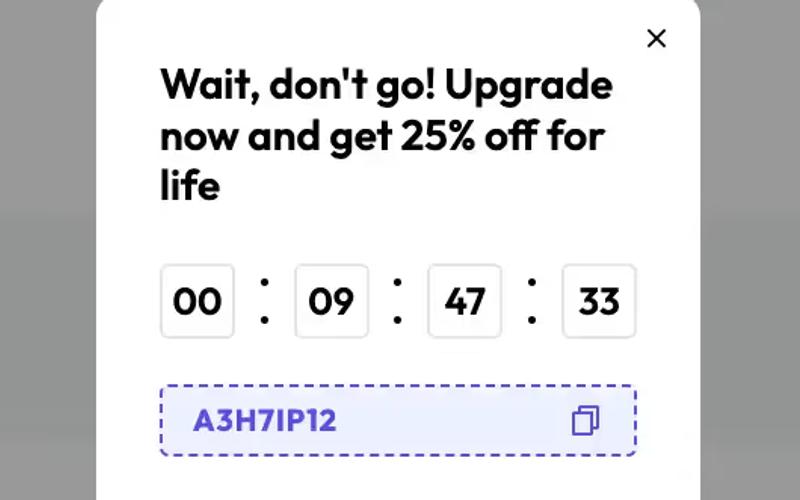
The Exit Intent Popup is designed to engage visitors who are about to leave a website, offering them a discount to encourage them to stay. It features a visually appealing layout with countdown timers and promotional messages. Key Features Engages users with exit intent detection Includes a countdown timer for urgency Customizable design elements Responsive and mobile-friendly Design Elements: Modern and clean layoutColor scheme includes shades of blue and whiteDashed borders for a distinctive lookPotential Use Cases: E-commerce websites looking to reduce cart abandonment SaaS platforms aiming to retain potential subscribers Blogs or content sites wanting to increase newsletter sign-ups Any business that offers discounts or promotions Conclusion: The Exit Intent Popup is a versatile tool for enhancing user engagement and conversion rates, making it an essential component for various online businesses.

Profile Modal with Profile Image
View Component
Modal

Profile Modal with Profile Image

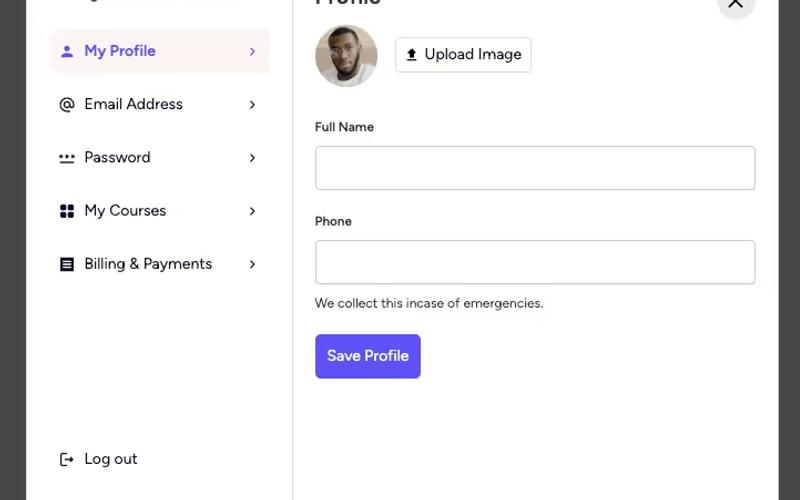
This component provides a user-friendly modal for displaying and editing profile information, including a profile image and various user details. Key Features Customizable profile image upload Tabs for easy navigation between profile, email, and password settings Responsive design suitable for various devices Form integration for updating user information Success and error messages for user feedback Design Elements: Modern and clean layout Soft color palette with white backgrounds and subtle borders Rounded corners for buttons and profile image Use of icons for visual appeal Potential Use Cases: Personal websites for freelancers or creativesE-commerce platforms with user accounts Online education platforms for student profiles Social media applications for user management Membership sites requiring user profile management Conclusion: The Profile Modal with Profile Image is a versatile and visually appealing component that enhances user experience by simplifying profile management.