Webflow Commenting for Travel Sites
Take a one-way trip to more engaged users with our commenting feature for travel sites, allowing your users to share tips, tricks, and experiences from their travels.
Trusted by thousands of creators and businesses








Why add commenting?
Transform passive visitors into an engaged community with powerful commenting features.
Shared Travel Experiences and Tips
Comment sections allow travelers to share their personal experiences, tips, and advice about destinations, allowing other users to make more informed decisions
Building a Community of Travel Enthusiasts
Commenting helps in creating a community where users can connect over shared interests in travel, destinations, and cultures, fostering a sense of belonging and mutual support
Valuable Feedback for Travel Service Providers
Comments can offer direct feedback to travel agencies, tour operators, and local businesses about their services, helping them understand customer needs and preferences better
Interactive Itinerary Planning
Through comments, users can help each other plan itineraries, suggesting must-visit spots and offering practical travel advice, making the planning process more interactive and informed
Simple to implement, powerful to use
Add fully customizable commenting to a Webflow project. No coding is required; it's maintenance-free and comes with built-in moderation features, permission, user accounts, edit, delete, and reply functionality. Notifications, real-time commenting, and public profiles are in the roadmap.
We recommend starting with one of our cloneables. Click here for the full list of cloneable components.
Getting Started
We recommend starting with one of our cloneables - we've already released one for blog comments, one for live stream comments, and one for video comments. Click here for the full list of cloneable components.
Commenting will be a paid add-on - however, any paid Memberstack apps with at least one comment before January 1, 2024, will have raised limits on the free plan and heavily discounted pricing - for life!
Structure/Overview
There are something like 60 unique attributes in the commenting UI, so be very careful when updating the HTML structure. Frequent testing will be key to avoiding frustrating debugging sessions.
Each commenting section is called a "Channel" and has an attribute of data-ms-channel="". If the Channel ID is empty, then Memberstack will look to the page slug to decide where to save the comments, and when to load them. Inside of a channel are your posts and threads.
Public Custom Fields
Ensure that custom fields used in your commenting UI are marked as 'public'. This allows you to build your own usernames displayed with comments using the data attributes:
Note: If the field value is empty, the default text in your commenting UI will appear instead.
data-ms-post-creator="Your_Field_id"
data-ms-thread-creator="Your_Field_id"
Ordering Posts & Threads
Utilize the two available attributes to adjust the order as needed.
data-ms-channel-sort="newest" // default is oldest
data-ms-thread-sort="newest" // default is oldest
Pagination
Use the following attributes to set the maximum number of posts or threads to load at a time.
data-ms-post-load="100" // default 50 & max 100
data-ms-thread-load="100" // default 20 & max 100
Multiple Sections Per Page
If you want to display multiple commenting sections on a single page you'll need to manually set the Channel ID using the data-ms-channel="Your_Channel_ID" attribute.
Waiting for Moderation
If you enable moderation settings in the dashboard, or flag a comment as spam/hidden, we will display a message to the commenter. Place the following attributes on a div containing your "Wait for Moderation" prompt. Note there are 2 attributes. 1 for posts and 1 for threads.
data-ms-post="hidden"
data-ms-thread="hidden"
Constraints
Max character count for a post or thread is 5,000 characters.
Formatting is unavailable at this time.
Creating Moderators
In Memberstack's dashboard, admins can grant 'moderator' roles to members. Moderators have the authority to edit or delete any post, ensuring a clean and positive community environment.
Additional advantages
Provides New Topics Your Audience Is Interested In
Discussions in the comment sections often include topics your audience would like to know more about. Use these topics to create new content to connect with your audience.
Keeps Your Content Fresh
The comment section streamlines minor content additions and clarification based on user feedback. This helps keep your content fresh without the burden of republishing.
Boosted Credibility and Trust
A busy comment section tells users your content is worth engaging with and provides social proof boosting trust in your brand.
Improved SEO Performance
Your users’ feedback can be a source of additional context for search engines like Google. By discussing your content in their own words, users help search engines understand what your content is about.
Explore Related Features
Discover more ways to enhance your membership site.
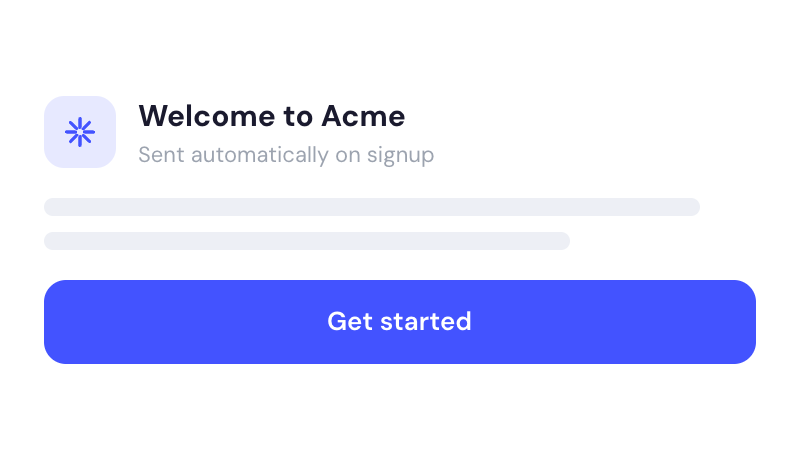
Welcome Emails
Automate the process of reaching out to new members and establish a connection with them immediately - at no additional cost.
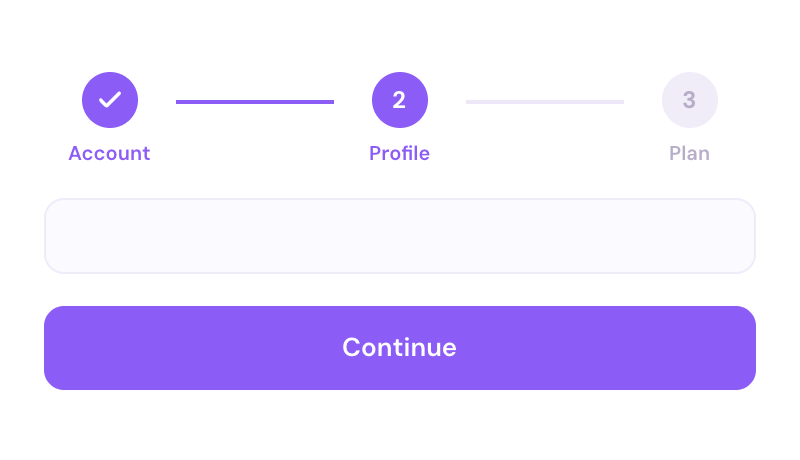
Multi-step Onboarding
Create high converting signup flows that look and feel exactly the way you want.

Gate Content
Control who can see pages by account status, payment status & plan level.
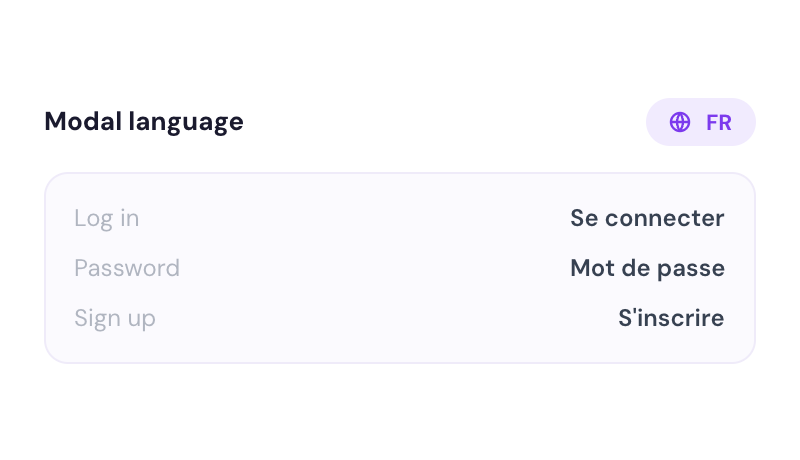
Translation
Create your own UI and set the text to be in any language you like. Translate hosted pages, error messages, and success messages too.
Explore More Use Cases
Discover other ways to use Memberstack Commenting.
Commenting for the Webflow CMS
Supercharge your Webflow CMS with comments that let people interact with your Collection content.
Webflow Commenting for Blogs
Empower your blog with commenting to transform passive readers into an engaged community, driving dynamic interactions, enriching content, and fostering lasting reader loyalty.
Webflow Commenting for Book Sites (Reviews)
Encourage your readers to tell you how they really feel with our commenting feature – Allow for discussion and community-building around the books featured on your Webflow site.
Ready to add commenting?
Start for free and add powerful commenting to your site in minutes. Only $2/month after launch.
Join thousands already using Memberstack Commenting