9 Components

Public Profiles Components

9 Webflow native public profiles components with 1-click copy & paste from a library of 807+. Built for Memberstack integration.

Blue Theme Public Profile
View Component
AllPublic Profiles

Blue Theme Public Profile

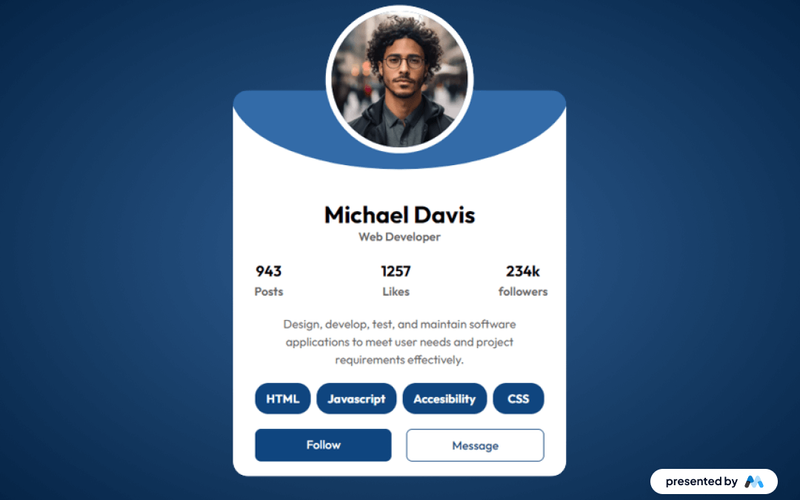
The Blue Theme Public Profile component features a page with a clean, modern design; features user details, posts, likes, followers, and options to follow or message. Key Features Blue-themed design for modern aestheticsResponsive layout suitable for various devicesCustomizable fields for user informationDesign Elements: Sleek, modern typography Rounded corners and soft shadows for depth Vibrant accent colors for buttons and links High-quality images with a focus on user profiles Potential Use Cases: Personal branding websites for freelancers Professional networking platforms Social media profiles for influencers Corporate team member profiles Conclusion: The Blue Theme Profile component is versatile and visually appealing, making it an excellent choice for anyone looking to create a modern online presence. ‍

Candidate's Profile & Result
View Component
ProfilePublic Profiles

Candidate's Profile & Result

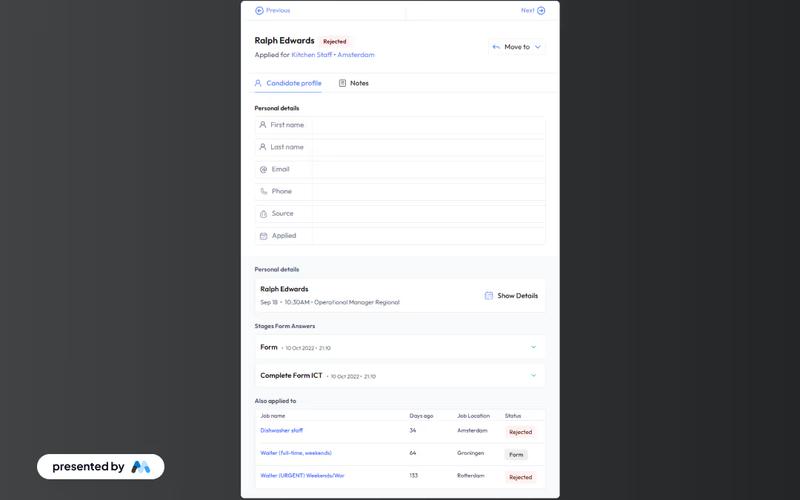
This component serves as a candidate profile page featuring a professional UI that displays personal details, application status, and feedback on form submissions for job applicants. Key Features Displays personal details of candidates Shows application status Provides feedback on form submissions Responsive design suitable for various devices Includes navigation buttons for user interaction Design Elements Clean and modern UIUse of SVG icons for navigationColor scheme includes light and dark contrastsFlexible layout with grid and flexbox styles Potential Use Cases Recruitment agencies managing multiple candidates Job portals providing application tracking Companies looking to streamline their hiring process Educational institutions offering career services Conclusion: The Candidate's Profile & Result component is a versatile tool that enhances the user experience for job applicants, making it an essential asset for recruitment and HR platforms.

Create Profile
View Component
AllPublic Profiles

Create Profile

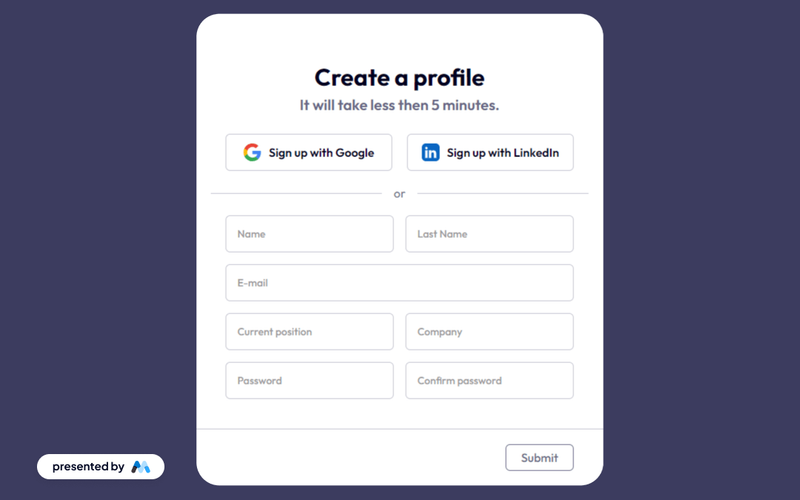
The Create Profile component allows users to easily set up their profiles using Google or LinkedIn credentials, enhancing the sign-up process with seamless integration. Key Features Supports sign-up via Google and LinkedInQuick and easy integration processUser-friendly interfaceResponsive design suitable for various devices Design Elements Modern and clean layout Use of social media icons for authentication Centered text alignment for better readability Color scheme featuring light and dark contrasts Potential Use Cases Startups looking to simplify user registration Social networking platforms Professional networking sitesE-commerce websites requiring user profiles Job portals for quick user onboarding Conclusion: The Create Profile component is a versatile tool that streamlines user registration, making it ideal for various online platforms aiming to enhance user experience.

Dark Profile Card
View Component
Public Profiles

Dark Profile Card

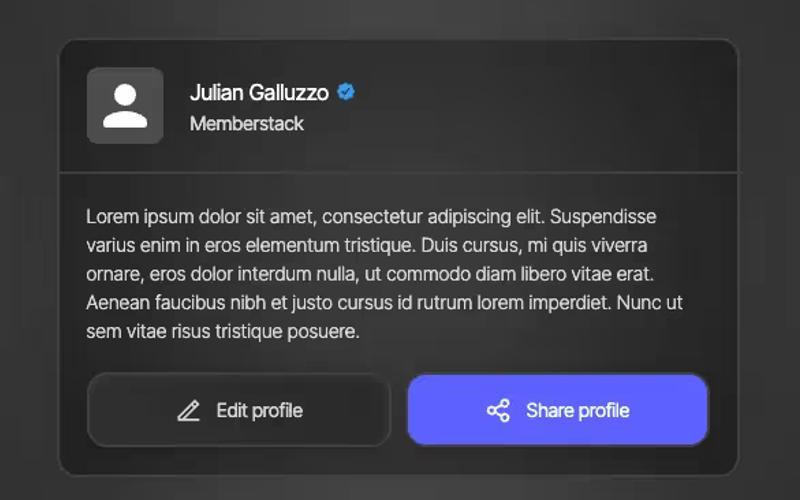
The Dark Profile Card is a visually striking component designed to showcase user profiles with a modern aesthetic. It features a dark theme complemented by vibrant elements, making it suitable for various applications. Key Features Responsive design with a maximum width of 500px Includes space for profile images, names, and bios Interactive buttons for editing and sharing profiles Stylish dark color scheme with a backdrop filter effect Icons for verified badges and other elements Design Elements: Dark color palette with high contrast for text and icons Rounded corners and shadow effects for a modern look Flexbox layout for easy alignment of elements Hover effects on buttons for enhanced interactivity Potential Use Cases: Social media platforms for user profiles Professional networking sites like Linked In Online portfolios for creatives and freelancers Membership sites requiring user profiles Community forums or discussion boards Conclusion: The Dark Profile Card is a versatile and stylish component that enhances user engagement through its modern design and interactive features, making it an excellent choice for various web applications.

Profile Dropdown
View Component
Public ProfilesProfile+1

Profile Dropdown

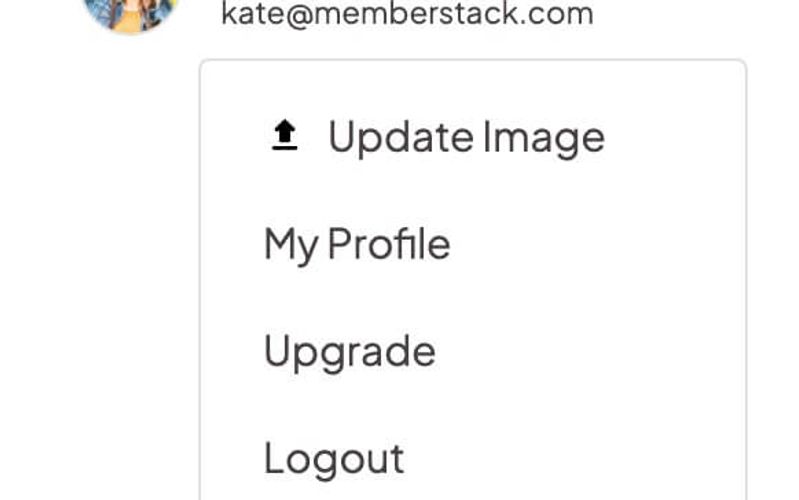
The Profile Dropdown is a navbar-ready component designed to provide users with quick access to their profile options in a sleek and organized manner. Key Features Dropdown menu for user profile options Includes profile image, name, and email display Links for updating profile, billing, and logout Responsive design suitable for various screen sizes Design Elements Minimalistic and modern visual styleSoft color palette with a white backgroundCircular profile image with a borderHover effects for dropdown links Potential Use Cases Web applications with user accountsE-commerce platforms for customer account management Social media websites for user profile access Content management systems for user settings Conclusion: The Profile Dropdown is a versatile and user-friendly component that enhances navigation and user experience, making it ideal for any web application requiring user account management.

Profile Settings
View Component
Public ProfilesProfile

Profile Settings

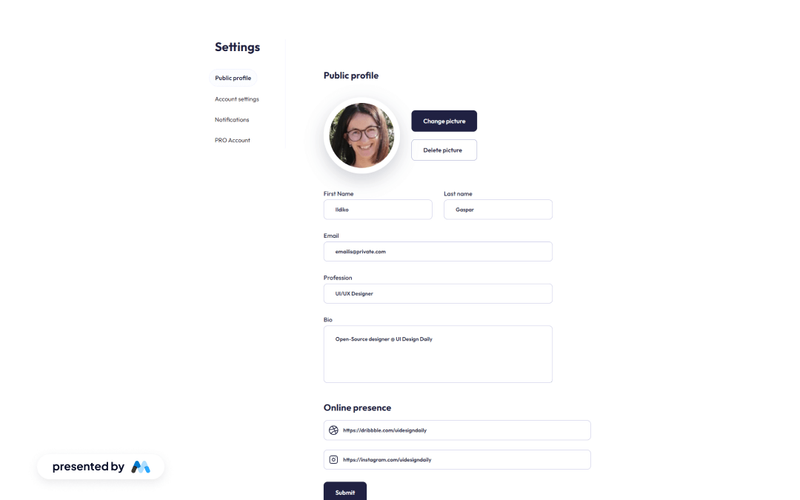
The Profile Settings component offers a clean and intuitive user interface for managing public profile details, including personal information, profession, bio, and online presence, with effective form submission feedback. Key Features User-friendly interface for profile management Fields for personal details, profession, and bio Online presence links integration Form submission feedback for user actions Responsive design suitable for various devices Design Elements Minimalistic layout with a focus on usability Soft color palette with a professional look Rounded input fields and buttons for a modern aesthetic Clear typography for easy readability Potential Use Cases Personal websites for freelancers and professionals Social media profiles for influencers Online portfolios for designers and artists User account settings for web applications Community platforms requiring user profiles Conclusion: The Profile Settings component is versatile and adaptable, making it an excellent choice for anyone looking to create a professional and user-friendly profile management interface.

Public Profile
View Component
AllPublic Profiles

Public Profile

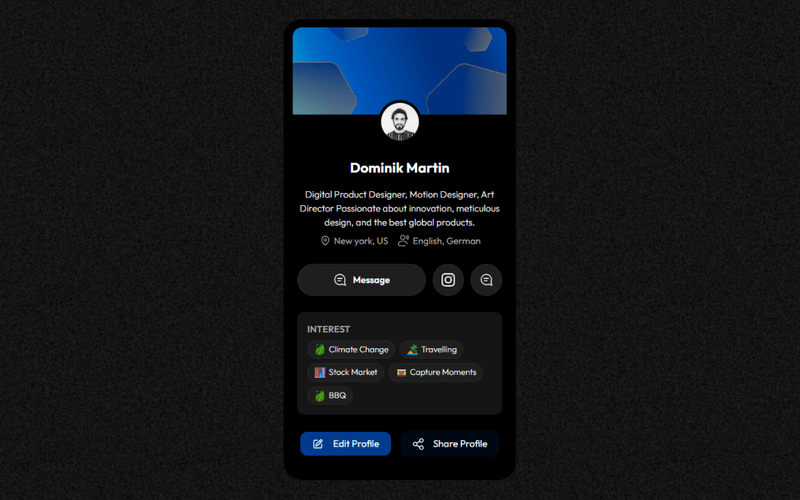
The Public Profile component features a sleek dark-themed design aimed at providing an elegant and immersive user experience. Key Features Dark-themed design for modern aesthetics Responsive layout suitable for various devices Includes profile editing capabilities Social media integration for enhanced connectivity Customizable fields for user information Design Elements Sleek, modern typography Rounded corners and soft shadows for depth Vibrant accent colors for buttons and links High-quality images with a focus on user profiles Potential Use Cases Personal branding websites for freelancers Professional networking platforms Social media profiles for influencers Online portfolios for creatives Corporate team member profiles Conclusion: The Public Profile component is versatile and visually appealing, making it an excellent choice for anyone looking to create a modern online presence.
Social Media Profile Page
View Component
Public Profiles

Social Media Profile Page

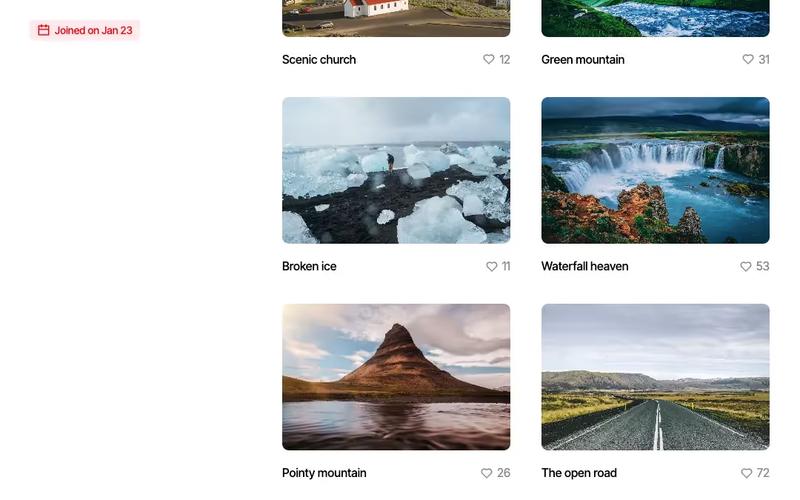
The Social Media Profile Page template is designed to create user profiles for social media platforms, featuring customizable sections for user information, posts, and interactions. Key Features Responsive design for mobile and desktop Customizable user profile sections Integration with Memberstack for user management Pre-built components for posts and interactions Design Elements: Modern layout with a clean aesthetic Vibrant color scheme with blue accents Use of images and icons for visual appeal Flexible grid system for content arrangement Potential Use Cases: Social media platforms looking to create user profiles Community forums or discussion boards Portfolio websites for creatives Networking sites for professionals Event platforms with user interaction features Conclusion: This template offers a versatile solution for building social media profiles, making it ideal for developers and designers looking to create engaging user experiences.

Stunning Edit Profile
View Component
Public ProfilesProfile

Stunning Edit Profile

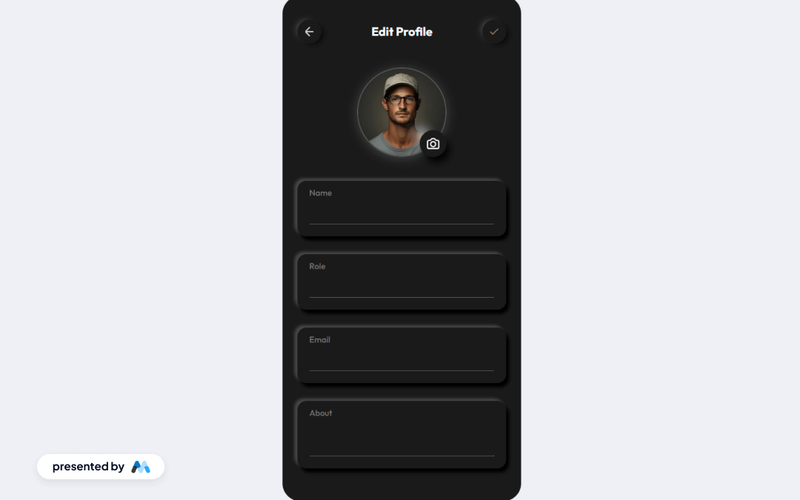
A minimalist profile editing page designed for ease of use, featuring fields for name, role, email, and an about section, complete with form submission feedback. Key Features Clean and minimalist design Form fields for name, role, email, and about section User-friendly form submission feedback Responsive layout for various devices Customizable styles and classes Design Elements Soft color palette with light gray backgrounds Rounded corners and shadow effects for depth Flexible layout with centered alignment Crisp typography for readability Potential Use Cases Personal websites for freelancers or consultants User profile pages for social media platforms Employee profile sections for corporate websites Community forums or membership sites Online portfolios for creative professionals Conclusion: The Stunning Edit Profile component is a versatile and visually appealing solution for any website needing a user-friendly profile editing interface.

Showing 19 of 9 componentstagged with Public Profiles

No website yet? Check out our free & paid pre-built template websites!

View templates