Unstyled Signup

Back

Component Description(Generated by AI)

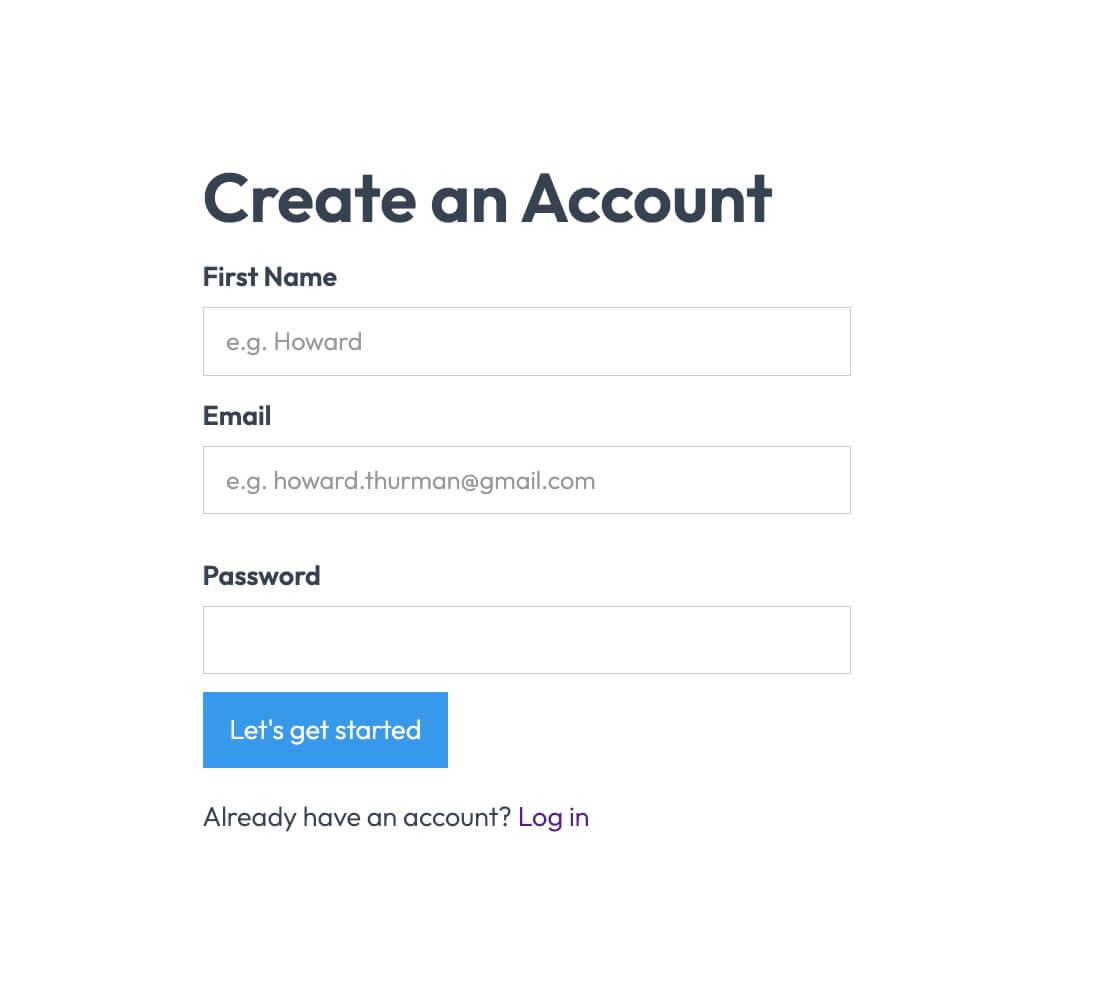
The Unstyled Signup component is a simple and functional signup form designed for easy integration into any website. It features essential fields for user registration without any predefined styling.

Key Features

  • Includes fields for First Name, Email, and Password
  • Form submission button with customizable text
  • Success and error messages for user feedback
  • Lightweight and easy to customize
  • Responsive design suitable for various devices

Design Elements

  • Minimalist layout with no predefined stylesFlexbox layout for form alignmentClear and straightforward user interface

Potential Use Cases

  • Startups looking for a quick signup solution
  • Blogs or content sites needing user registrationE-commerce platforms requiring customer accounts
  • Event registration pages
  • SaaS applications needing user onboarding

Conclusion: The Unstyled Signup component is a versatile and adaptable solution for any website needing a user registration form, allowing for complete customization to fit the brand's style.

Related Components

More components you might find useful

Unstyled Update Password
View Component
Profile PasswordUnstyled

Unstyled Update Password

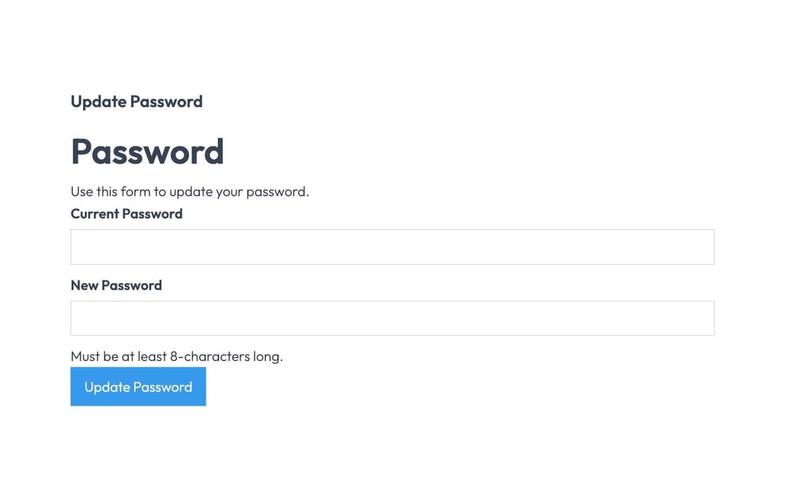
The Unstyled Update Password component is designed to facilitate password updates for users through a simple form interface. It includes fields for entering the current and new passwords, along with validation messages. Key Features Form includes fields for current and new passwords Validation message for password length requirements Success and error messages upon form submission Lightweight and unstyled for easy customization Design Elements Minimalistic design with no predefined stylesClear headings and labels for user guidanceResponsive layout suitable for various devices Potential Use Cases Web applications requiring user authentication Membership sites needing secure password updatesE-commerce platforms with user accounts Corporate intranets for employee access management Conclusion: The Unstyled Update Password component is a versatile and straightforward solution for implementing password update functionality, making it ideal for developers looking to customize their user experience.
Unstyled Forgot Password - 3
View Component
Forgot PasswordUnstyled

Unstyled Forgot Password - 3

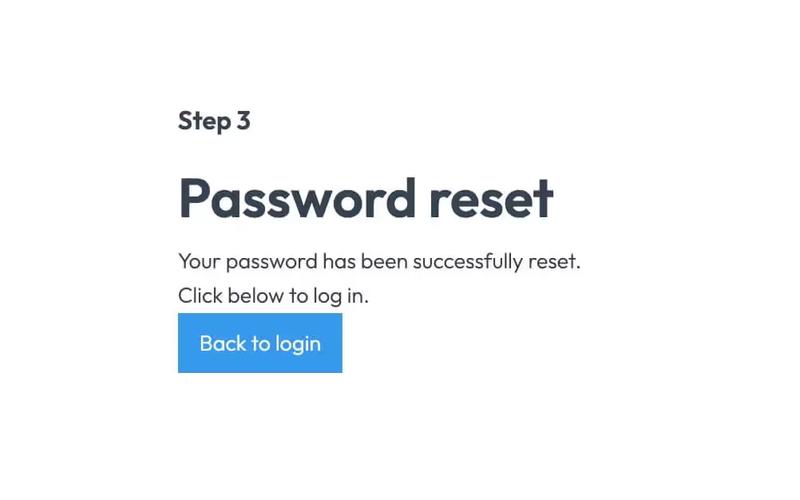
This component provides a simple, unstyled interface for informing users that their password has been reset. Key Features Includes a link back to the login pageDesign Elements: Minimalistic design with no predefined styles Uses standard HTML elements such as forms, headings, and labels Responsive layout suitable for various devices Potential Use Cases: Web applications requiring user authenticationE-commerce platforms needing secure password recovery Membership sites with user accounts Any service that requires user login and password management Conclusion: The Unstyled Forgot Password - 3 component is a versatile and functional solution for password recovery, ideal for developers looking for a straightforward implementation without design constraints.

Unstyled Update Email
View Component
Profile EmailUnstyled

Unstyled Update Email

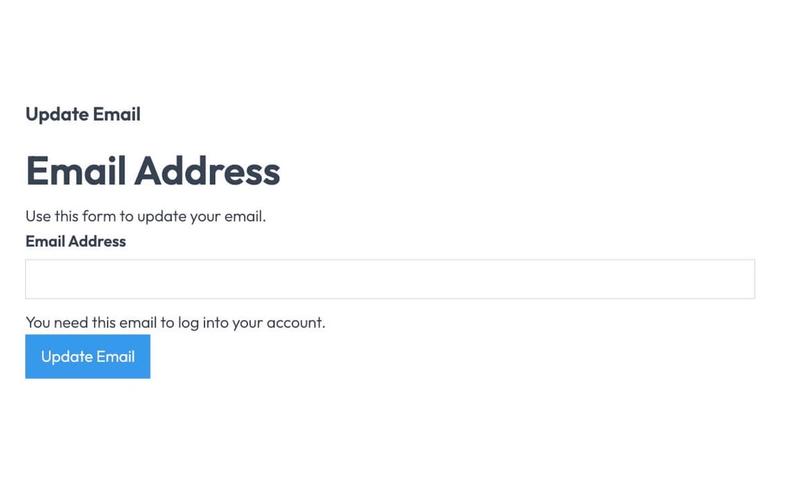
The Unstyled Update Email component is designed to facilitate users in updating their email addresses through a simple form interface. It includes essential fields and messages for user interaction. Key Features Form for email address updateSuccess and error messagesRequired email input fieldUser-friendly interface Design Elements Minimalistic design with no stylingClear headings and labelsResponsive layout suitable for various devices Potential Use Cases Web applications requiring user email updates Membership sites needing email verificationE-commerce platforms for customer account management Online services with user account functionalities Conclusion: The Unstyled Update Email component is a versatile tool for any web application that requires user email management, offering a straightforward and effective solution without unnecessary design elements.

Unstyled Forgot Password - 2
View Component
Forgot PasswordUnstyled

Unstyled Forgot Password - 2

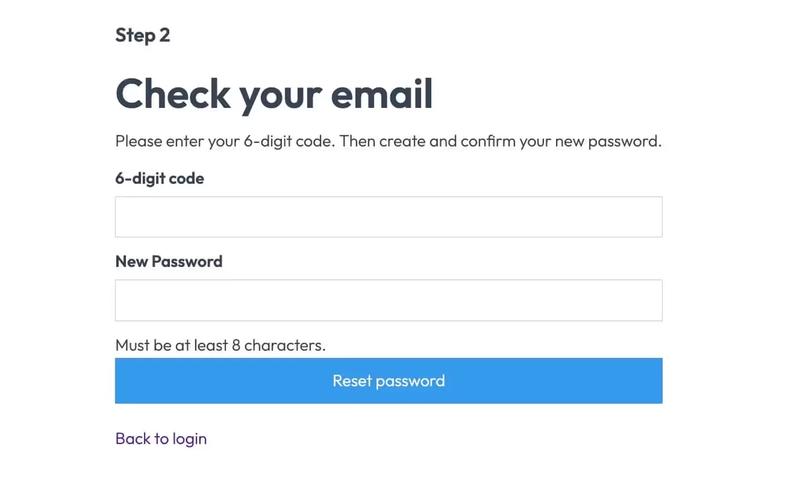
This component serves as a password reset form, allowing users to enter a 6-digit code and create a new password. It is designed to be functional without any predefined styles. Key Features Form for entering a 6-digit code and new password Success and error messages for user feedback Redirects to a success page upon completion No styling included, allowing for full customization Design Elements Minimalist layout with basic input fieldsClear headings and instructional textResponsive design suitable for various devices Potential Use Cases Web applications requiring user authenticationE-commerce sites needing secure password recovery Membership platforms with user accounts SaaS products that require user login management Conclusion: The Unstyled Forgot Password - 2 component is a versatile and functional solution for password recovery, ideal for developers looking to implement a customizable form without predefined styles.