Dashboard Top Nav

Back
Dashboard Top Nav

Component Description(Generated by AI)

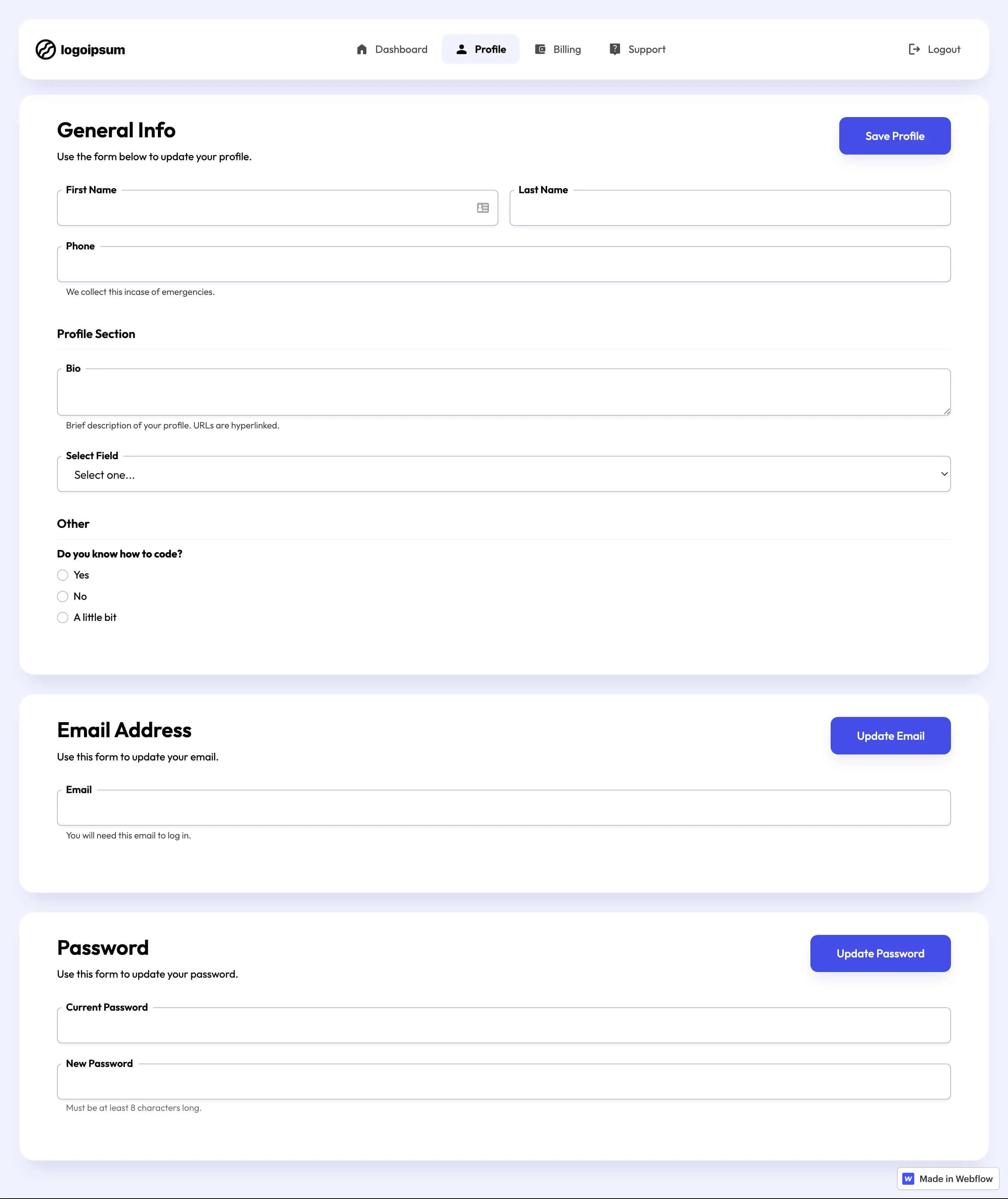
The Dashboard Top Nav is a versatile navigation component designed for web applications, providing a clean and functional interface for user interaction. It features a responsive layout with links to various sections of the dashboard.

Key Features

  • Fixed positioning for easy access
  • Responsive design that adapts to different screen sizes
  • Includes icons for visual appeal
  • Supports multiple navigation links
  • Customizable styles and classes

Design Elements

  • Modern and minimalistic style
  • Color scheme primarily in shades of blue and white
  • Rounded corners and subtle shadows for depth
  • Flexbox layout for alignment and spacing

Potential Use Cases

  • Web applications requiring user dashboards
  • Admin panels for content management systemsE-commerce platforms with user accounts
  • Project management tools with multiple sections
  • Any web application needing a structured navigation system

Conclusion: The Dashboard Top Nav is a highly functional and aesthetically pleasing component that enhances user experience by providing easy navigation across various sections of a web application.

Related Components

More components you might find useful

Unstyled Profile Form
View Component
ProfileUnstyled

Unstyled Profile Form

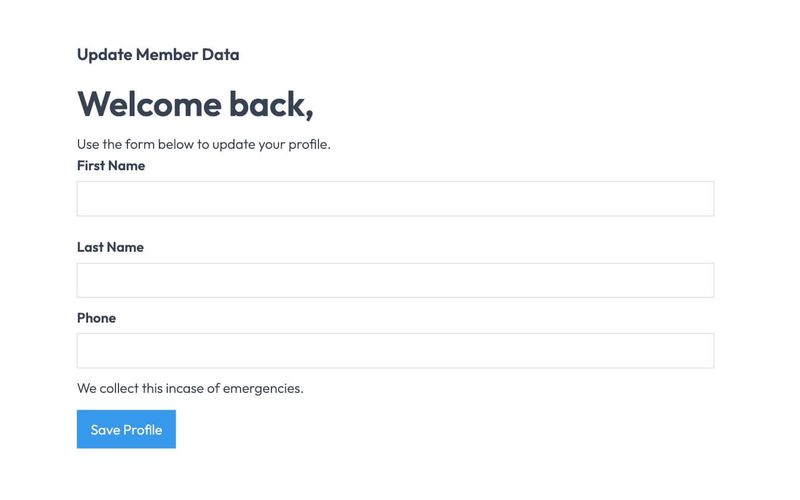
The Unstyled Profile Form is a simple and functional form designed for users to update their profile information. It includes fields for first name, last name, and phone number, along with success and error messages. Key Features Customizable fields for first name, last name, and phone number Success message upon successful submission Error message for submission failures Lightweight and easy to integrate into existing designs Design Elements Minimalist design with no predefined stylesFlexbox layout for form elementsResponsive design suitable for various screen sizes Potential Use Cases User profile management for web applications Membership sites requiring user information updatesE-commerce platforms for customer account management Community forums for user profile editing Conclusion: The Unstyled Profile Form offers a straightforward solution for user profile updates, making it versatile for various applications while allowing for easy customization to fit different design aesthetics.
Conversation Dashboard
View Component
Dashboard

Conversation Dashboard

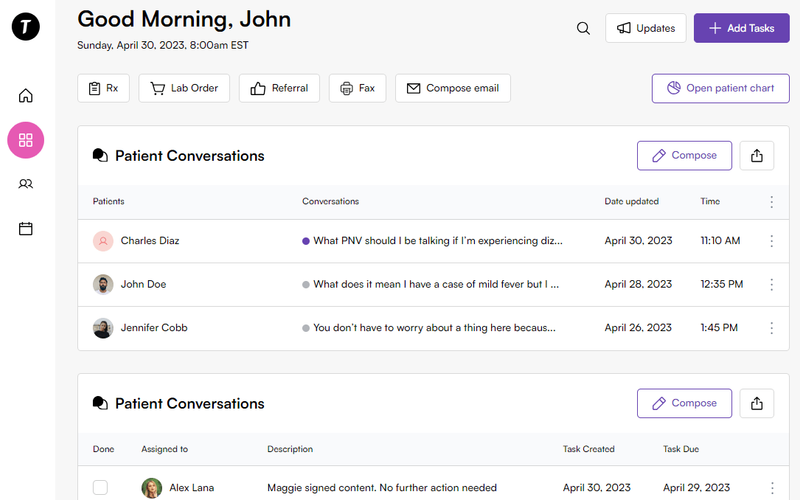
The Conversation Dashboard is a template designed for effective conversation management, featuring an intuitive inbox UI that enhances user communication and experience. Key Features Conversation management interface User-friendly inbox layout Responsive design for various devices Customizable elements for branding Includes interactive components for enhanced functionality Design Elements Modern and clean visual styleColor scheme featuring soft tonesUse of icons and images for better navigationFlexbox layout for responsive design Potential Use Cases Healthcare applications for patient communication Customer support platforms Team collaboration tools Social media management dashboardsE-commerce customer service interfaces Conclusion: The Conversation Dashboard template is versatile and can be tailored to various industries, making it an excellent choice for businesses looking to improve their communication interfaces.

Doc Management Dashboard
View Component
Dashboard

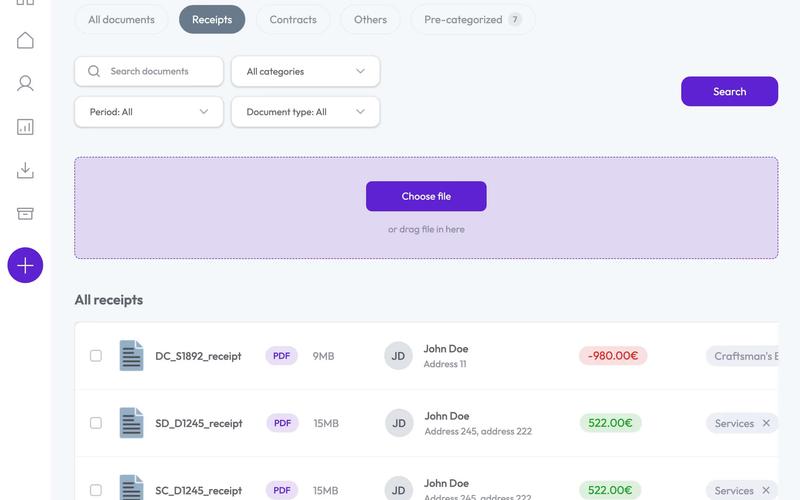
Doc Management Dashboard

The Doc Management Dashboard is a customizable user interface designed for managing documents efficiently. While it is not functional out of the box, it can be adapted for various use cases using tools like Make, Zapier, or Webflow Logic. Key Features Customizable UI for document management Integration capabilities with Make, Zapier, or Webflow Logic Responsive design suitable for various devices Includes form elements for user interaction Visual elements for easy navigation and file management Design Elements: Modern and clean layout Color scheme featuring shades of purple and white Use of icons for visual appeal Flexible grid layout for displaying documents Hover effects for interactive elements Potential Use Cases: Small to medium-sized businesses needing document organization Freelancers managing client files and contracts Educational institutions for managing student records Legal firms for document tracking and management Any organization requiring a streamlined document workflow Conclusion: The Doc Management Dashboard offers a versatile and visually appealing solution for document management, making it a valuable asset for various industries looking to enhance their document handling processes.

Downloads Profile Form
View Component
ProfileDashboard+2

Downloads Profile Form

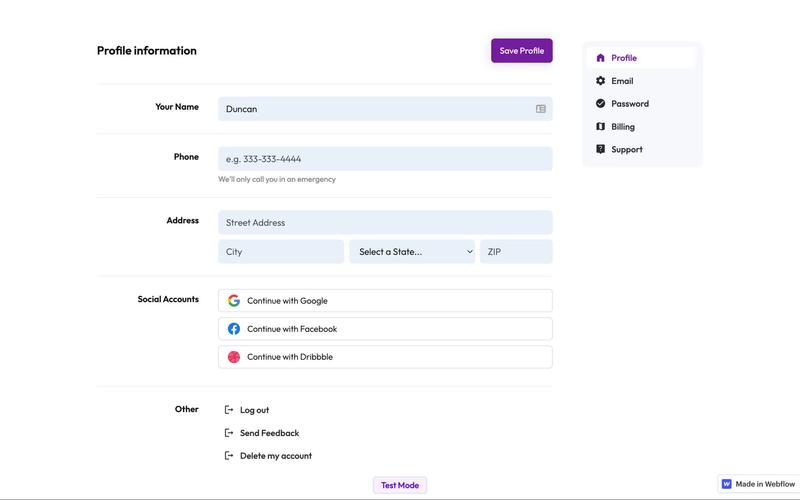
The Downloads Profile Form is a versatile component designed for user profile management, allowing users to update their personal information, including name, email, password, and billing details. Key Features Multi-tab interface for easy navigation.Form validation with success and error messages for user feedback.Social media login options for Google, Facebook, and Dribbble.Responsive design suitable for various devices.Customizable fields for user input.Design Elements: Clean and modern layout with a focus on usability.Color scheme featuring white backgrounds with contrasting text for readability.Icons integrated with form fields for enhanced visual appeal.Sticky navigation for easy access to different sections.Potential Use Cases: Web applications requiring user profile management.E-commerce platforms needing customer account management.Membership sites for managing user subscriptions and billing.Social networks for user account settings.Any service that requires user data collection and management.Conclusion: The Downloads Profile Form is a highly functional and visually appealing component that can be easily integrated into various web applications, making it an excellent choice for businesses looking to enhance user experience.