Simple Signup Modal

Back

Component Description(Generated by AI)

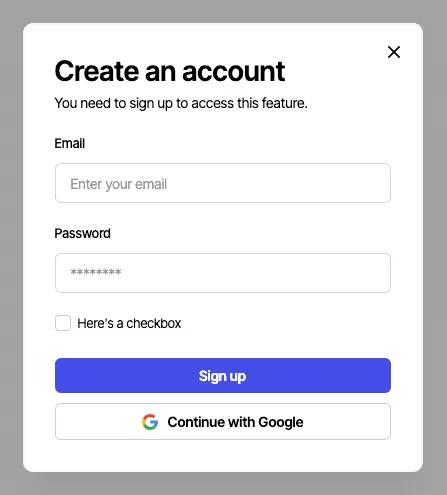
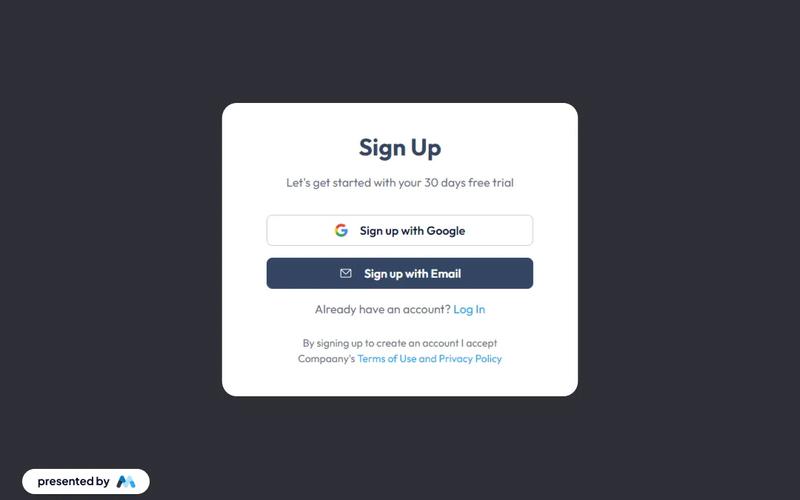
The Simple Signup Modal is a user-friendly component designed to facilitate user registration through a clean and interactive interface. It includes essential fields for email and password, along with options for social sign-in.

Key Features

  • Responsive design suitable for various devices
  • Includes fields for email and password input
  • Social sign-in option with Google
  • Success and error messages for user feedback
  • Customizable styles and animations
  • Design Elements:
  • Modern and minimalistic layout
  • Soft color palette with a focus on usability
  • Clear typography for headings and labels
  • Interactive elements with hover effects
  • Potential Use Cases:
  • Web applications requiring user registrationE-commerce sites needing customer accounts
  • Membership platforms for exclusive content access
  • Event registration pages
  • SaaS products looking to onboard users easily
  • Conclusion: The Simple Signup Modal is a versatile and visually appealing component that enhances user experience during the registration process, making it an excellent choice for various online platforms.

Features

google-login

Component Info

Published:
July 13, 2025

Related Components

More components you might find useful

Unstyled Signup
View Component
SignupUnstyled

Unstyled Signup

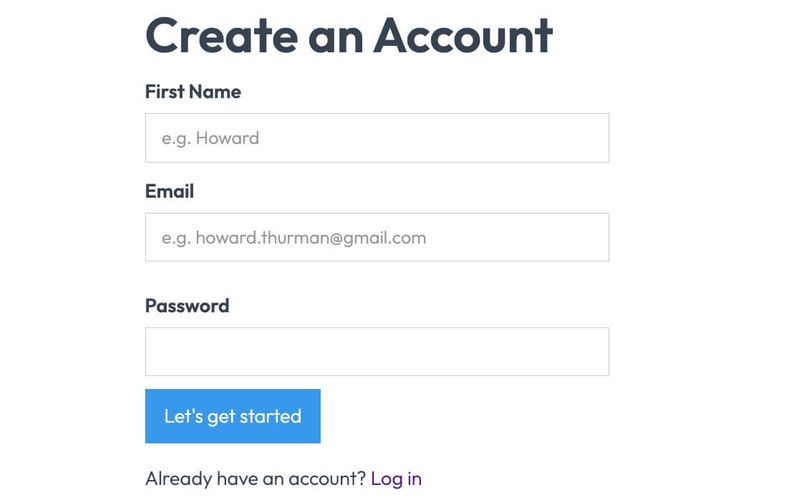
The Unstyled Signup component is a simple and functional signup form designed for easy integration into any website. It features essential fields for user registration without any predefined styling. Key Features Includes fields for First Name, Email, and Password Form submission button with customizable text Success and error messages for user feedback Lightweight and easy to customize Responsive design suitable for various devices Design Elements Minimalist layout with no predefined stylesFlexbox layout for form alignmentClear and straightforward user interface Potential Use Cases Startups looking for a quick signup solution Blogs or content sites needing user registrationE-commerce platforms requiring customer accounts Event registration pages SaaS applications needing user onboarding Conclusion: The Unstyled Signup component is a versatile and adaptable solution for any website needing a user registration form, allowing for complete customization to fit the brand's style.
Individual Signup
View Component
Signup

Individual Signup

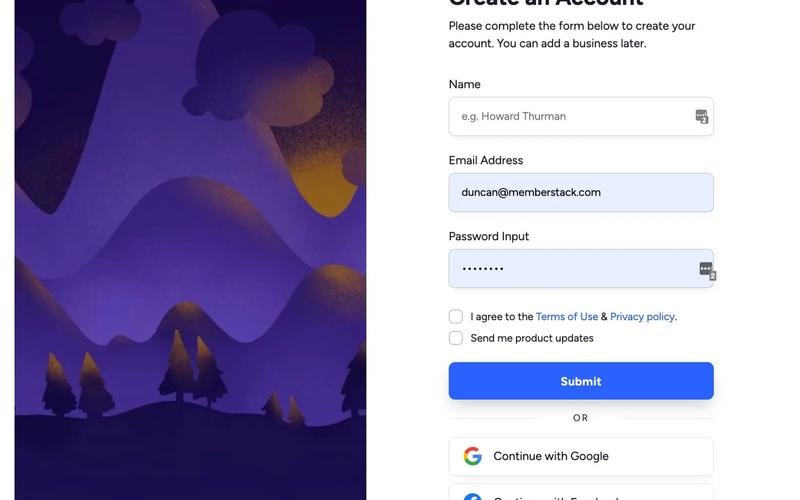
The Individual Signup component is designed to facilitate user registration through a clean and user-friendly interface, incorporating both traditional and social login options. Key Features User-friendly form layout with clear labels Includes fields for name, email, and password Social login options for Google and Facebook Responsive design suitable for various devices Success and error messages for user feedback Design Elements Modern and minimalistic design Color scheme featuring shades of blue and white Rounded input fields and buttons for a softer appearance Use of icons for social login options Potential Use Cases Startups looking to onboard new users quicklyE-commerce platforms requiring user registration SaaS applications needing a streamlined signup process Event management sites for attendee registration Educational platforms for student enrollment Conclusion: The Individual Signup component is a versatile and visually appealing solution for any website needing a registration feature, enhancing user experience and engagement.

Sign up with Email modal
View Component
LoginAll+1

Sign up with Email modal

This component provides a user-friendly modal for seamless account creation and login through email, enhancing the authentication process with intuitive forms. Key Features Intuitive email fields for easy sign-up and login Responsive design suitable for various devices Includes options for social sign-up via Google Success and error messages for user feedback Customizable styles and layout Design Elements Minimalistic layout with a clean aesthetic Soft color palette featuring light grey and dark grey tones Centered alignment for a balanced appearance Use of icons for visual appeal and clarity Potential Use Cases Startups looking to streamline user registrationE-commerce platforms needing quick account creation SaaS applications requiring user authentication Blogs or content platforms wanting to build a subscriber base Event management sites for attendee sign-ups Conclusion: The Sign up with Email modal is a versatile and visually appealing component that simplifies user registration and enhances the overall user experience.

Referral Link Box
View Component
Modal

Referral Link Box

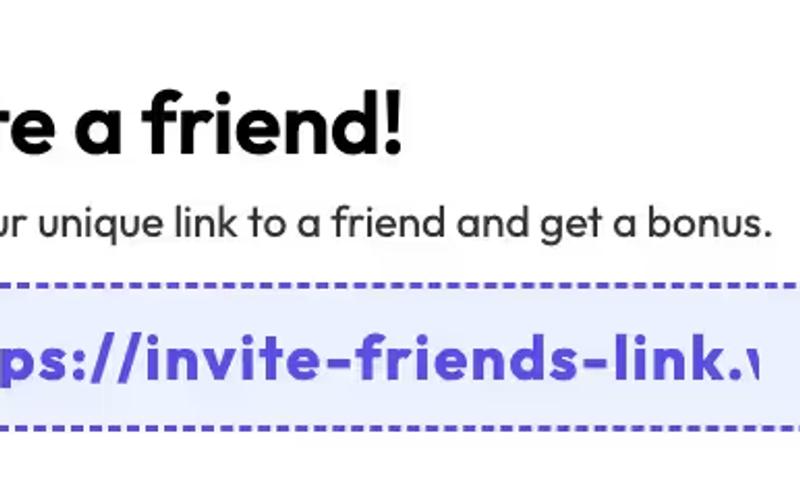
The Referral Link Box is a Webflow component designed to encourage users to invite friends by sharing a unique referral link, offering bonuses for successful referrals. Key Features Includes a prominent heading and descriptive text.Interactive elements that copy referral link upon clicking.Customizable styles for branding consistency.Responsive design suitable for various devices.Live preview available at https://invite-friends-link.webflow.io/Design Elements: Modern and clean layout with rounded corners.Color scheme featuring soft blues and whites.Dashed borders for visual separation.Includes icons for enhanced visual appeal.Potential Use Cases: E-commerce websites looking to boost customer referrals.SaaS platforms wanting to incentivize user sign-ups.Affiliate marketing programs to track and reward referrals.Online communities aiming to grow their user base.Mobile apps promoting user sharing features.Conclusion: The Referral Link Box is a versatile and visually appealing component that effectively promotes user engagement through referrals, making it an excellent addition for businesses focused on growth.