Yellow Profile Form

Back

Component Description(Generated by AI)

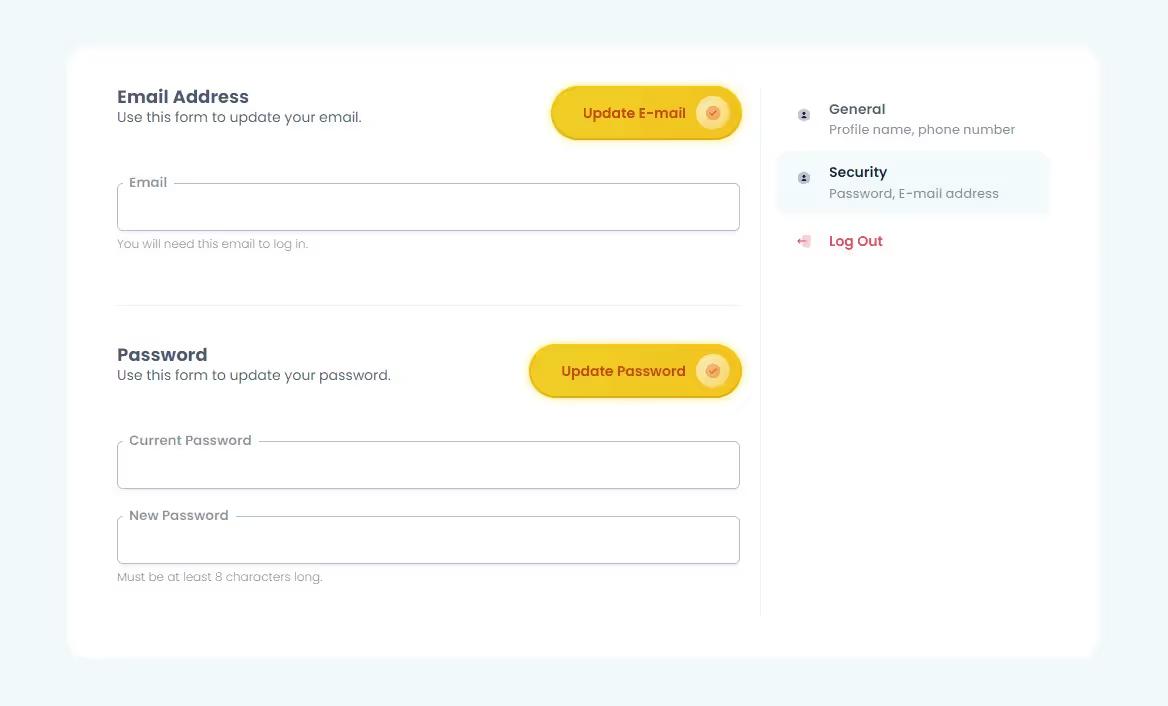
The Yellow Profile Form is a fully functional user profile component designed for Webflow, allowing easy customization and integration with Memberstack. It is free to clone and adapt for various user profile needs.

Key Features

  • 100% built-in Webflow functionalityIntegration with Memberstack for user profilesCustomizable designDesign Elements:
  • Yellow gradient accents
  • Rounded corners for a modern look
  • Responsive layout with flexbox and grid
  • Clear typography with varied font sizes
  • Potential Use Cases:
  • User profile management for membership sites
  • Account settings for e-commerce platforms
  • Personalized dashboards for web applications
  • Community or social network user profiles
  • Subscription-based service account management
  • Conclusion: The Yellow Profile Form is a versatile and visually appealing component that simplifies user profile management, making it an excellent choice for various online platforms.

Related Components

More components you might find useful

Unstyled Update Password
View Component
Profile PasswordUnstyled

Unstyled Update Password

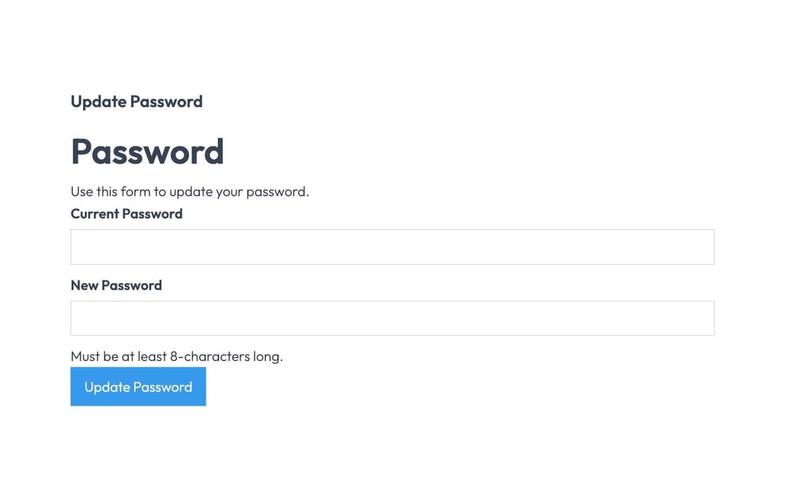
The Unstyled Update Password component is designed to facilitate password updates for users through a simple form interface. It includes fields for entering the current and new passwords, along with validation messages. Key Features Form includes fields for current and new passwords Validation message for password length requirements Success and error messages upon form submission Lightweight and unstyled for easy customization Design Elements Minimalistic design with no predefined stylesClear headings and labels for user guidanceResponsive layout suitable for various devices Potential Use Cases Web applications requiring user authentication Membership sites needing secure password updatesE-commerce platforms with user accounts Corporate intranets for employee access management Conclusion: The Unstyled Update Password component is a versatile and straightforward solution for implementing password update functionality, making it ideal for developers looking to customize their user experience.
Unstyled Update Email
View Component
Profile EmailUnstyled

Unstyled Update Email

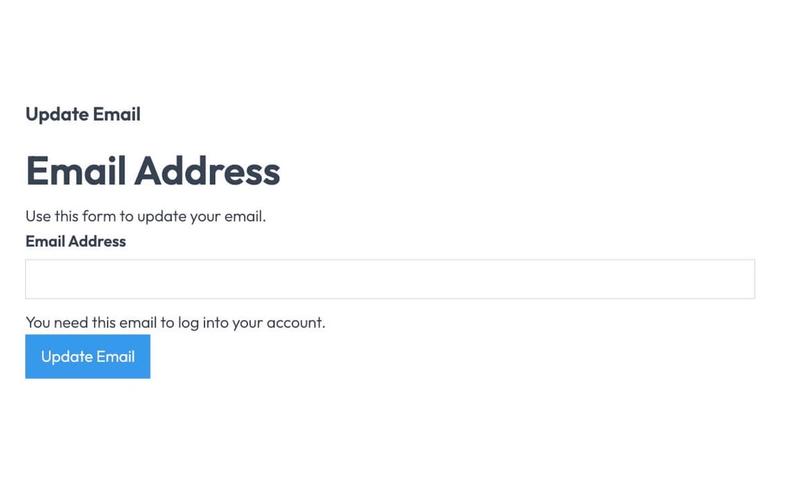
The Unstyled Update Email component is designed to facilitate users in updating their email addresses through a simple form interface. It includes essential fields and messages for user interaction. Key Features Form for email address updateSuccess and error messagesRequired email input fieldUser-friendly interface Design Elements Minimalistic design with no stylingClear headings and labelsResponsive layout suitable for various devices Potential Use Cases Web applications requiring user email updates Membership sites needing email verificationE-commerce platforms for customer account management Online services with user account functionalities Conclusion: The Unstyled Update Email component is a versatile tool for any web application that requires user email management, offering a straightforward and effective solution without unnecessary design elements.

Unstyled Profile Form
View Component
ProfileUnstyled

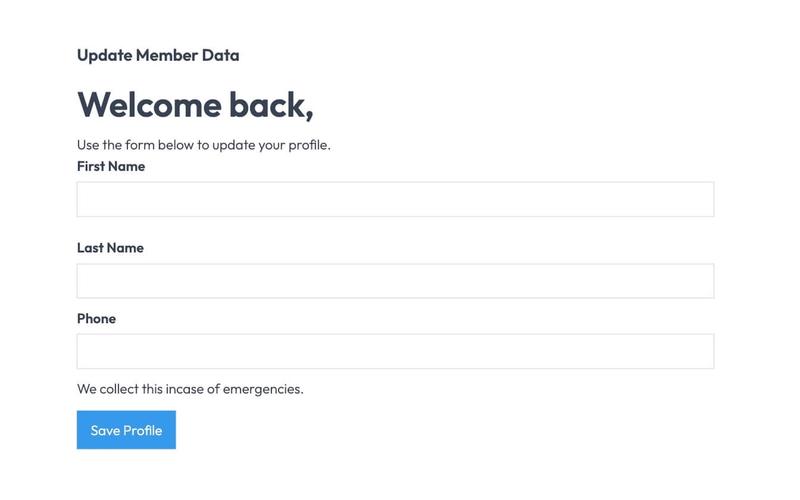
Unstyled Profile Form

The Unstyled Profile Form is a simple and functional form designed for users to update their profile information. It includes fields for first name, last name, and phone number, along with success and error messages. Key Features Customizable fields for first name, last name, and phone number Success message upon successful submission Error message for submission failures Lightweight and easy to integrate into existing designs Design Elements Minimalist design with no predefined stylesFlexbox layout for form elementsResponsive design suitable for various screen sizes Potential Use Cases User profile management for web applications Membership sites requiring user information updatesE-commerce platforms for customer account management Community forums for user profile editing Conclusion: The Unstyled Profile Form offers a straightforward solution for user profile updates, making it versatile for various applications while allowing for easy customization to fit different design aesthetics.

Downloads Profile Form
View Component
ProfileDashboard+2

Downloads Profile Form

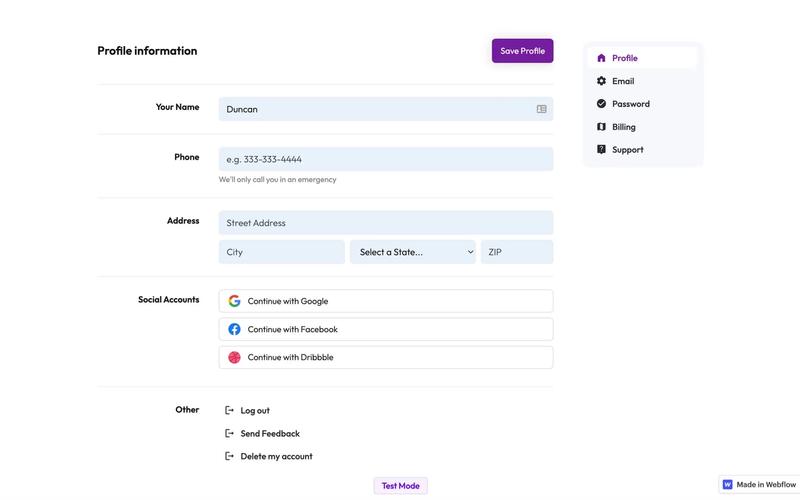
The Downloads Profile Form is a versatile component designed for user profile management, allowing users to update their personal information, including name, email, password, and billing details. Key Features Multi-tab interface for easy navigation.Form validation with success and error messages for user feedback.Social media login options for Google, Facebook, and Dribbble.Responsive design suitable for various devices.Customizable fields for user input.Design Elements: Clean and modern layout with a focus on usability.Color scheme featuring white backgrounds with contrasting text for readability.Icons integrated with form fields for enhanced visual appeal.Sticky navigation for easy access to different sections.Potential Use Cases: Web applications requiring user profile management.E-commerce platforms needing customer account management.Membership sites for managing user subscriptions and billing.Social networks for user account settings.Any service that requires user data collection and management.Conclusion: The Downloads Profile Form is a highly functional and visually appealing component that can be easily integrated into various web applications, making it an excellent choice for businesses looking to enhance user experience.